
Solutions · 5 of 5
“Empty on Tuesdays?”
Fill yourdead hours.
You know exactly when your bar goes quiet. Now you can do something about it in under a minute.
Fill your dead hours
Soundfamiliar?
“It's 2 PM, the bar is empty, and posting a story feels like shouting into the void.”
“Your happy hour exists, but only the regulars know about it.”
“Event days are packed, and the days in between aren't.”
Before and after
Whatchanges.
The usual way
A story that's gone in 24 hours
With HappyKava
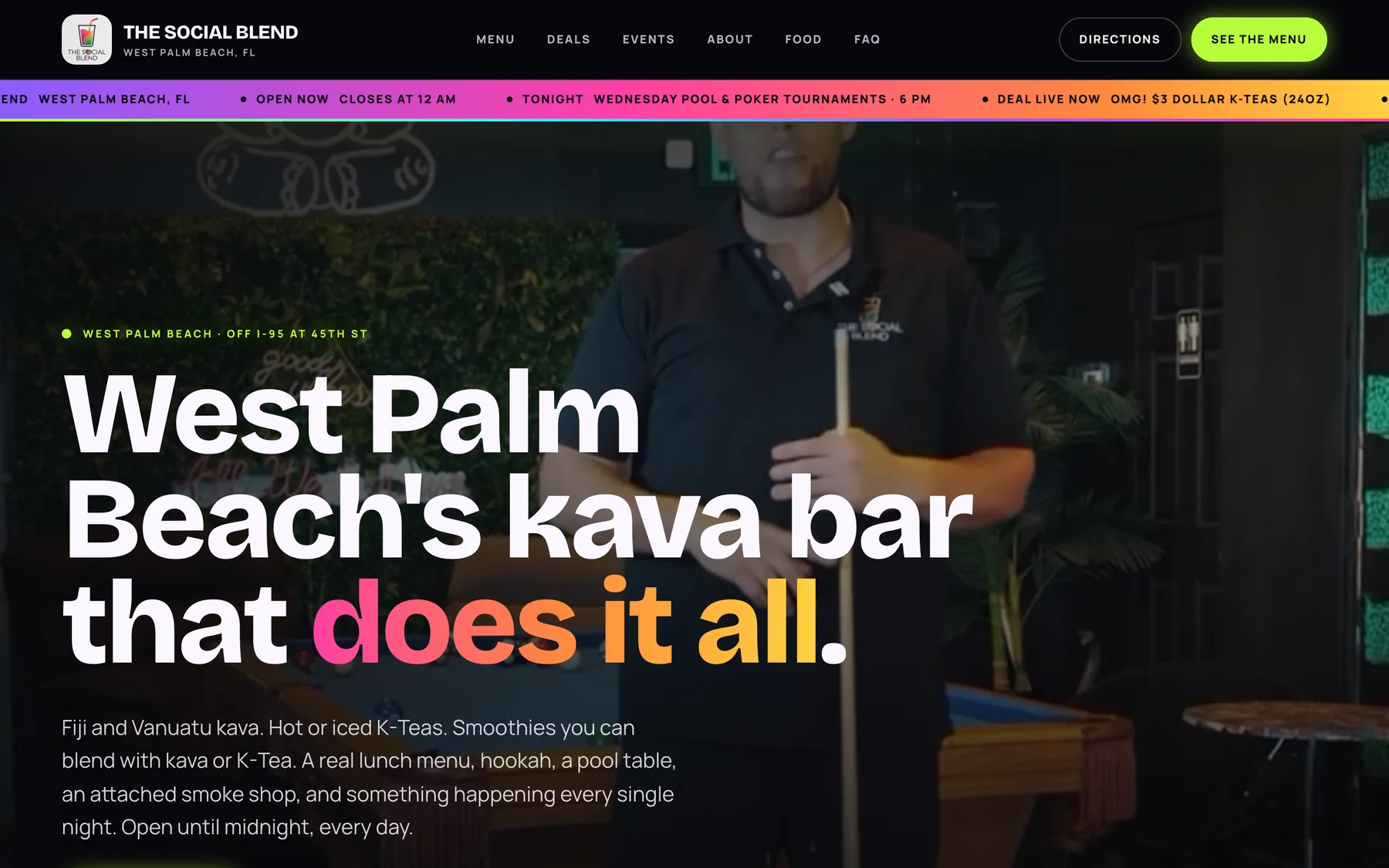
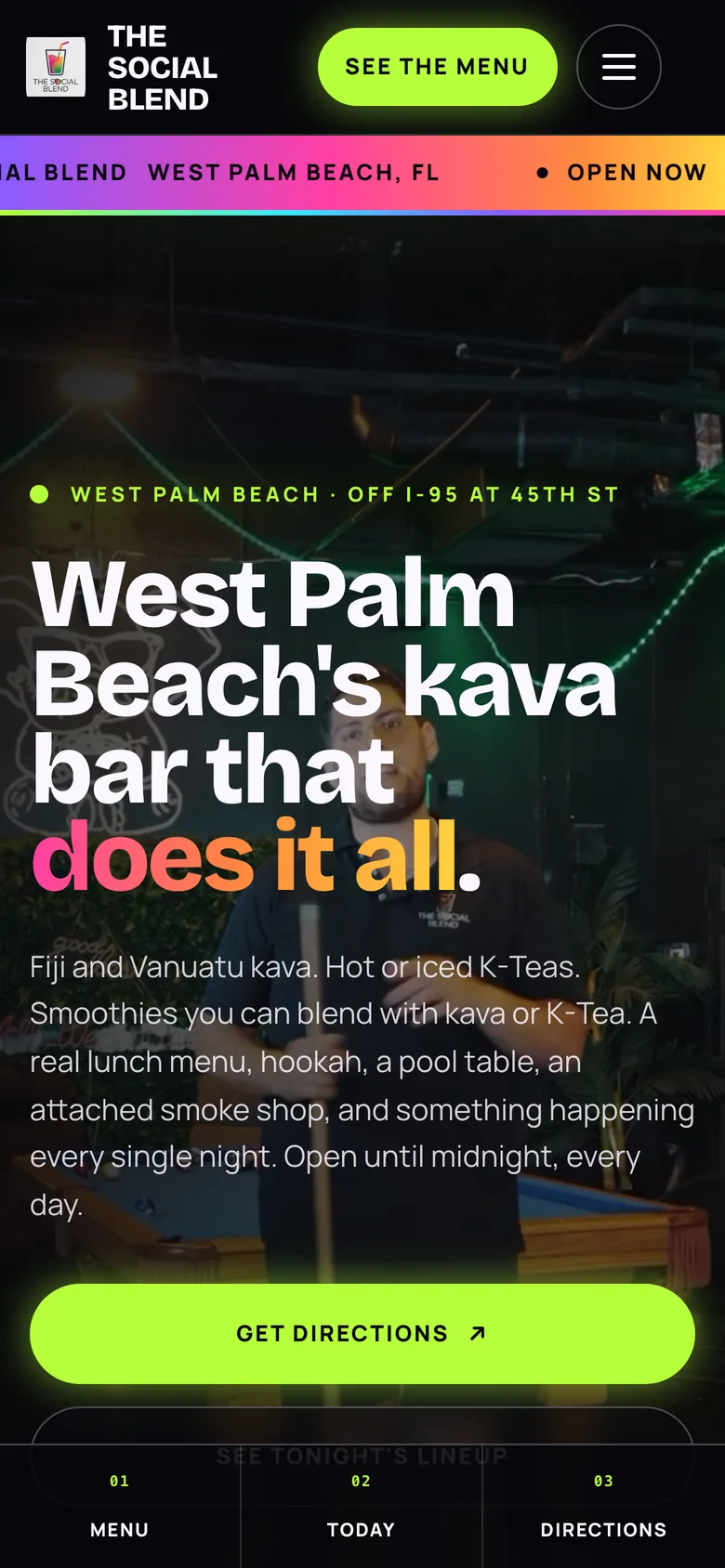
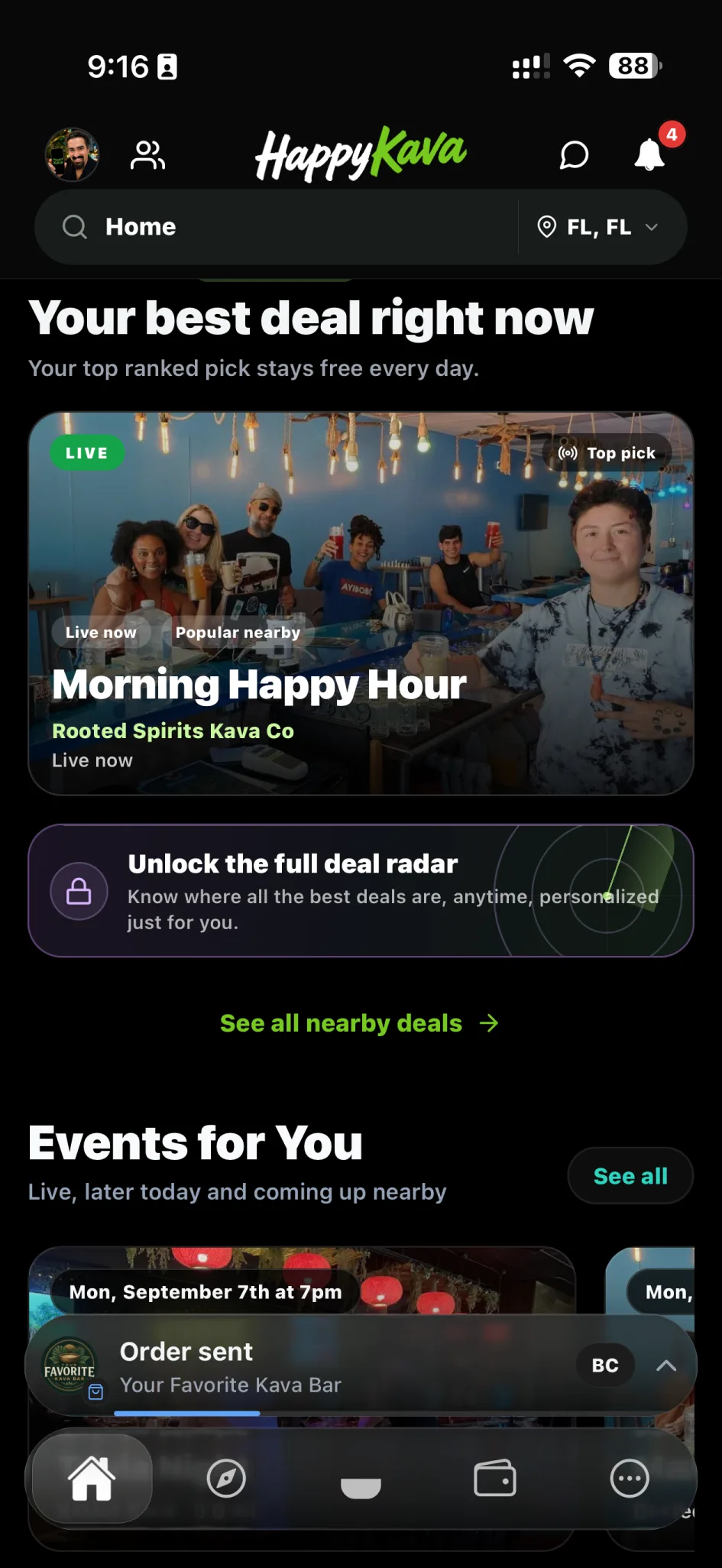
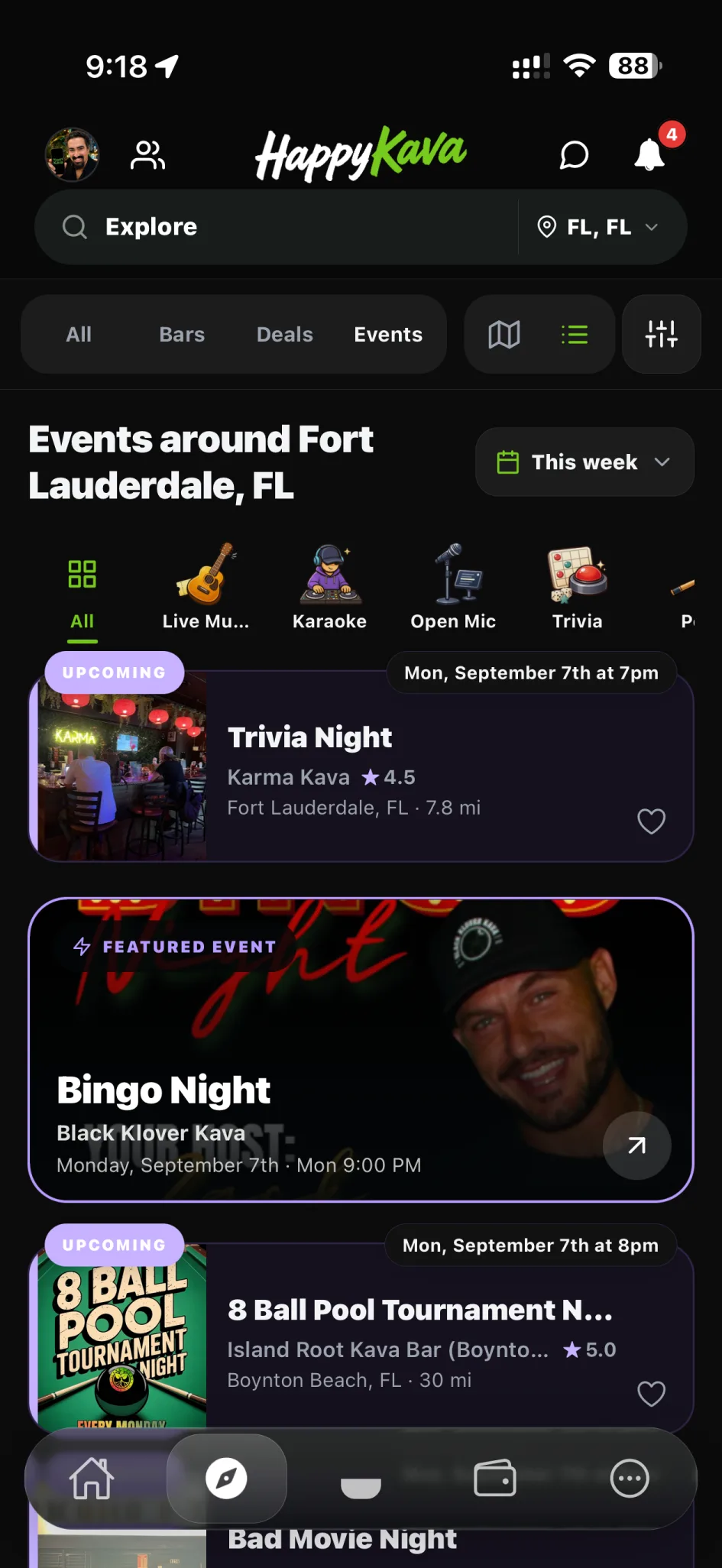
A deal or event that shows on your page, in the app and in Happening Now
The usual way
"Is the happy hour still on?"
With HappyKava
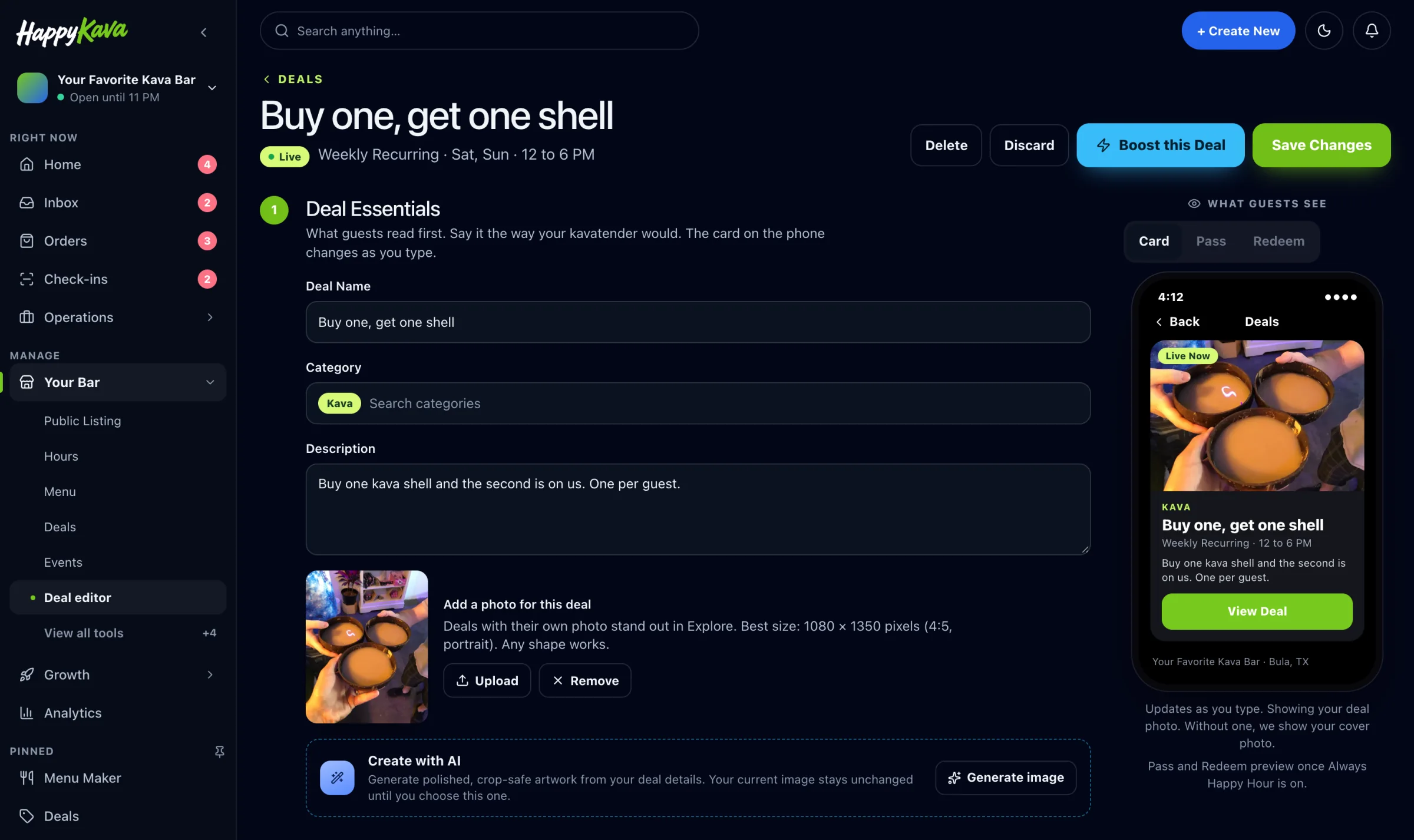
Deals with clear days, times and limits that staff can check
The usual way
Hoping people remember trivia night
With HappyKava
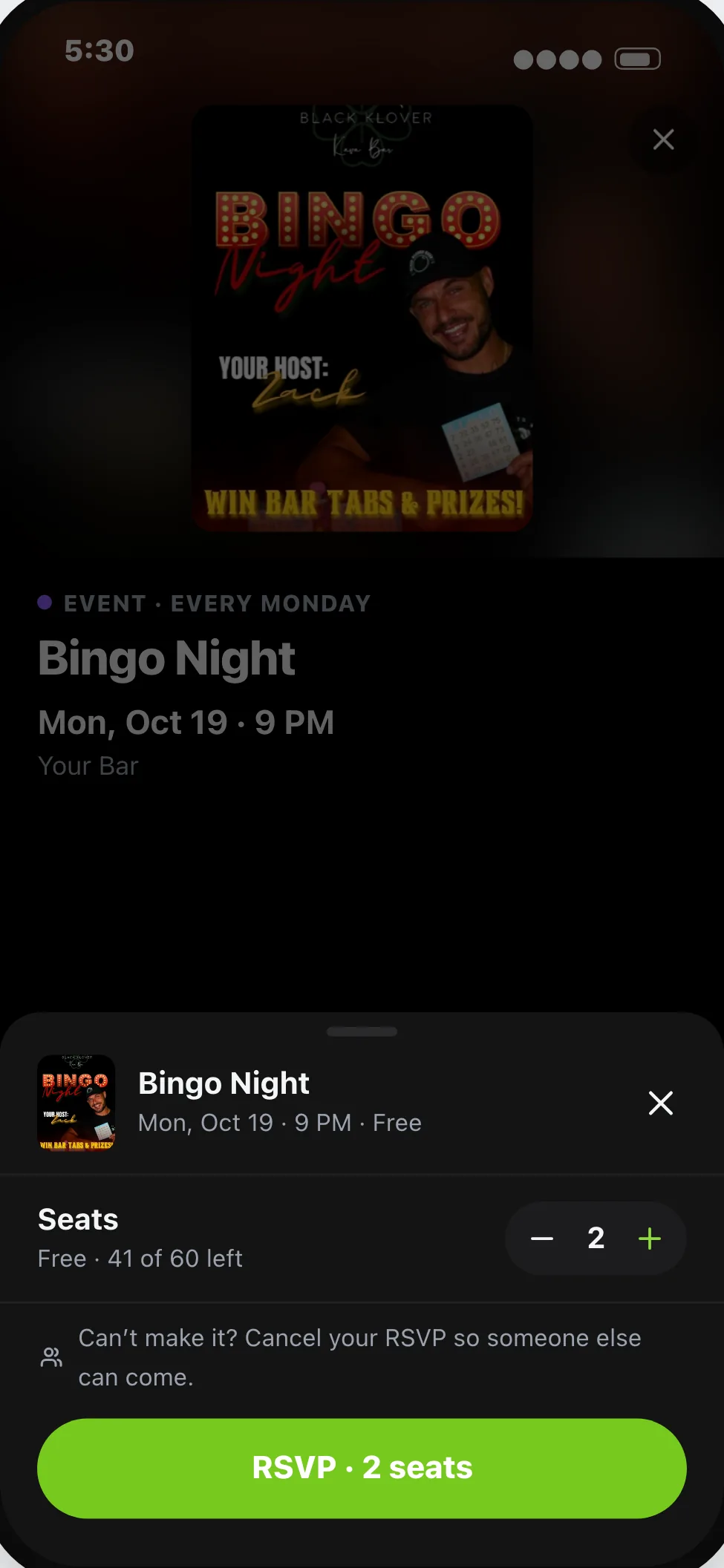
Recurring events guests can find and follow
Three steps
How itworks.
Pick the quiet window and what you'll offer.
Set the limits: how many, which days, for how long.
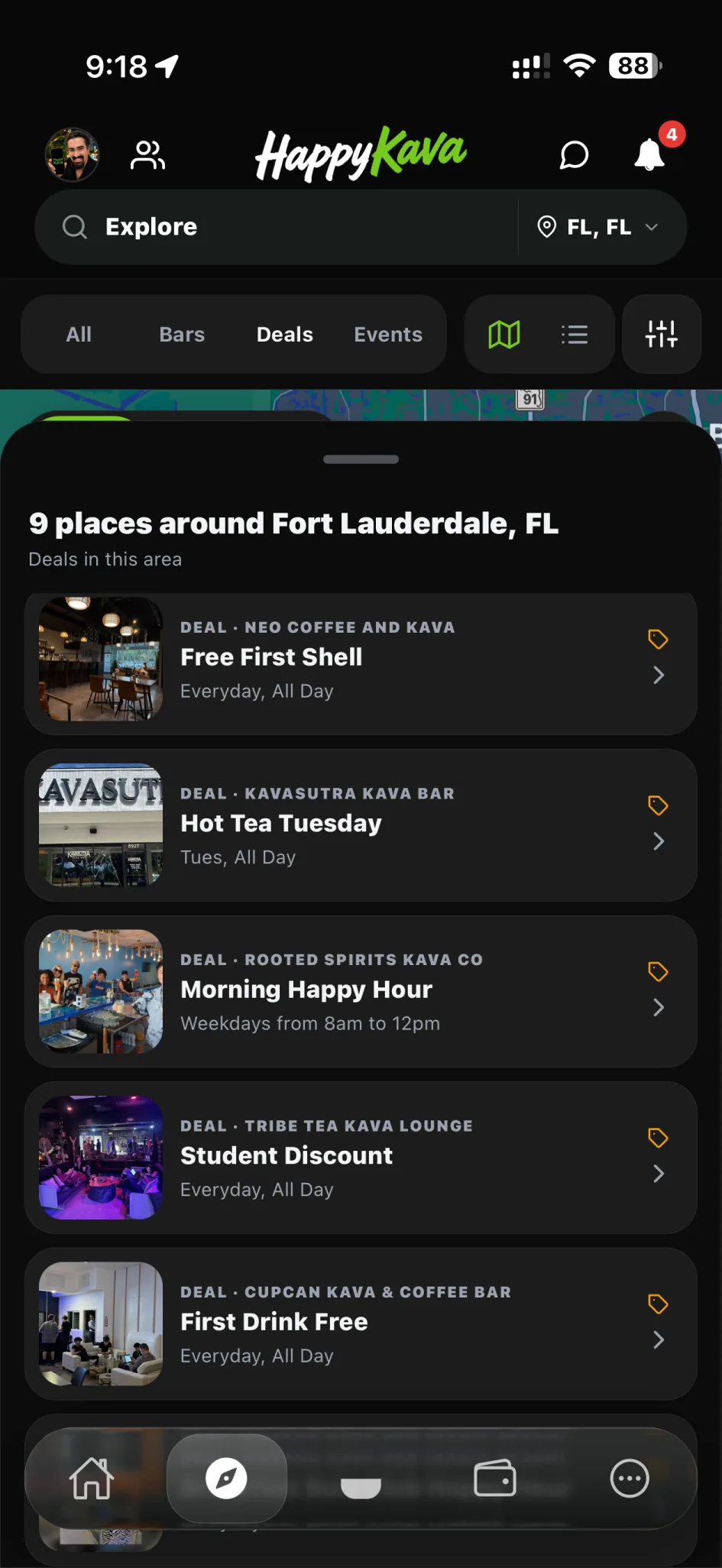
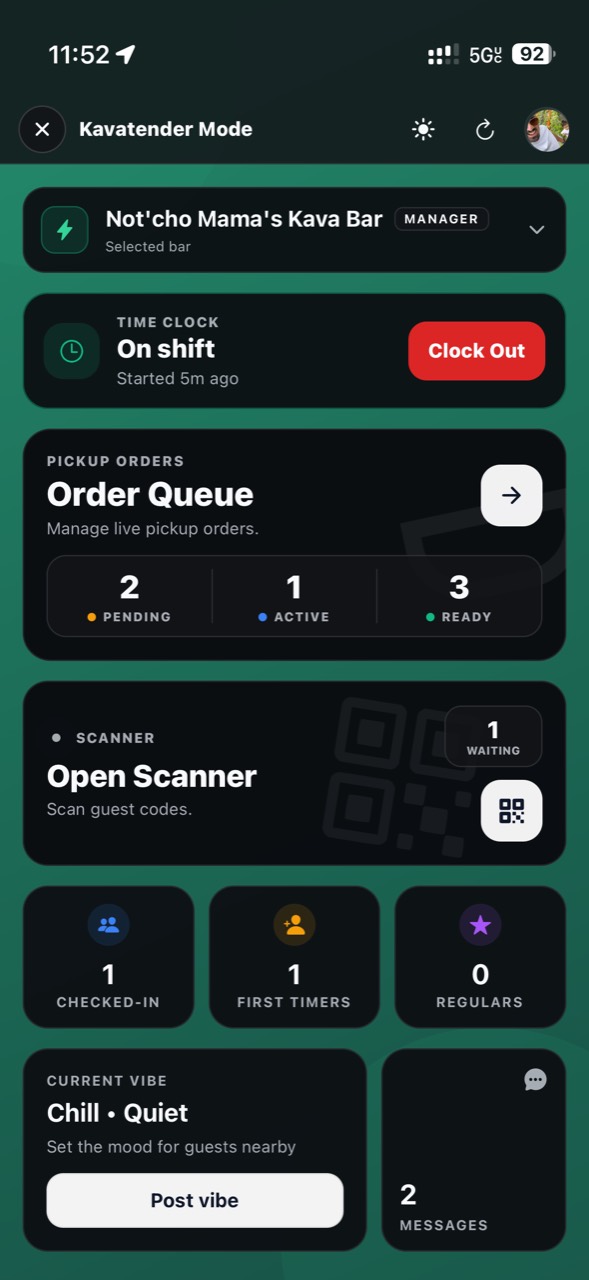
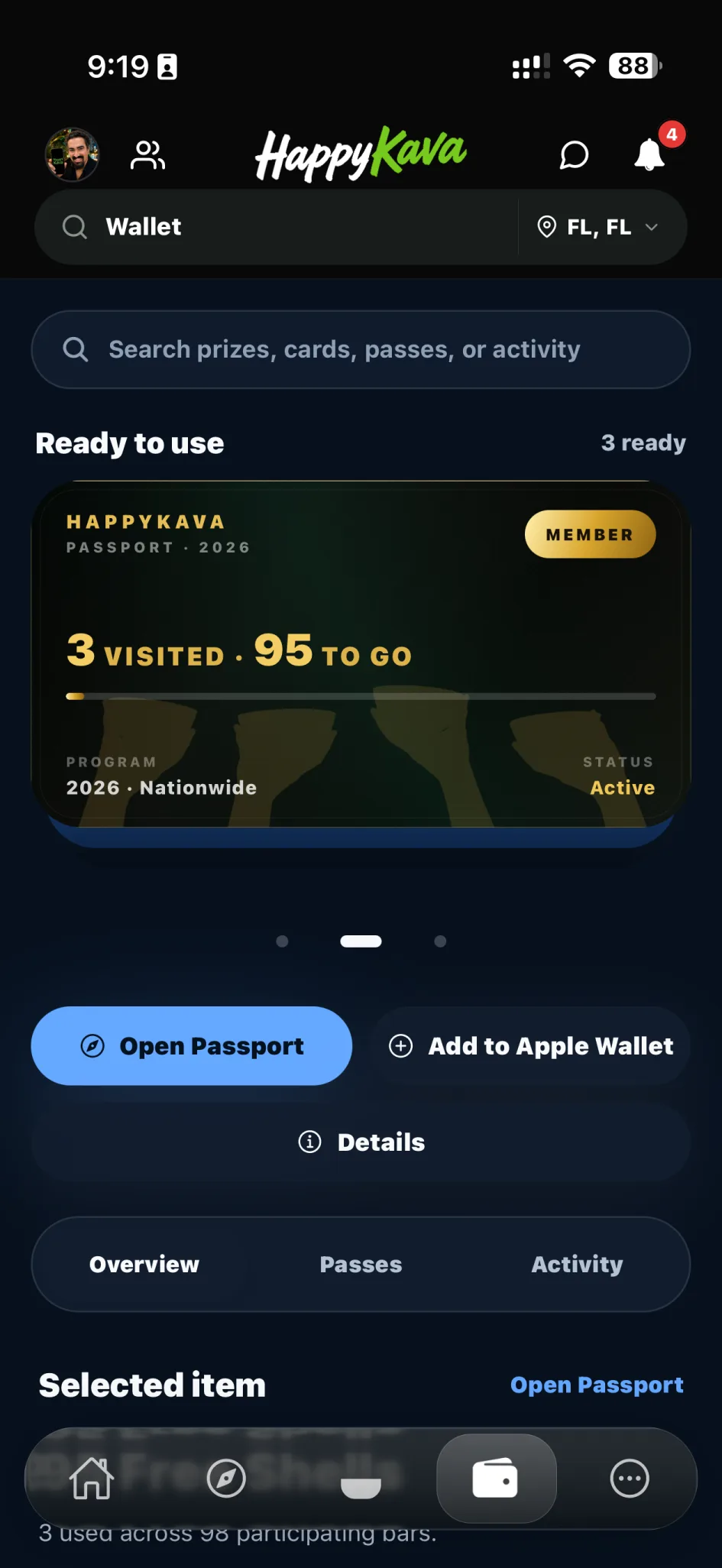
Publish it. Guests see it, and your team scans it at the counter.
Pricing
What itcosts.
Claiming your bar is free.
Free covers events and one deal at a time. Plus ($20/mo) adds unlimited deals, First Cup and 2 guest alerts a week. Pro ($99/mo) adds Pop-Up Deals, Always Happy Hour, First Seats and daily alerts. MAX adds alerts three times a day and a week at the top of HappyKava every month.
See pricing →Questions
Do guests have to download the app?
Deals and events show on your HappyKava page on the web too. Alerts and passes work in the app.
Can I stop a deal early?
Yes. Disable it from your dashboard any time.
Will my staff know what's valid?
Yes. They scan the guest's pass and see whether it's good right now.