


Solutions for kava bars
Your community lives in someone else's group text.
The best part of a kava bar is the people. Give them a place to talk with you, and with each other, that your team can look after.
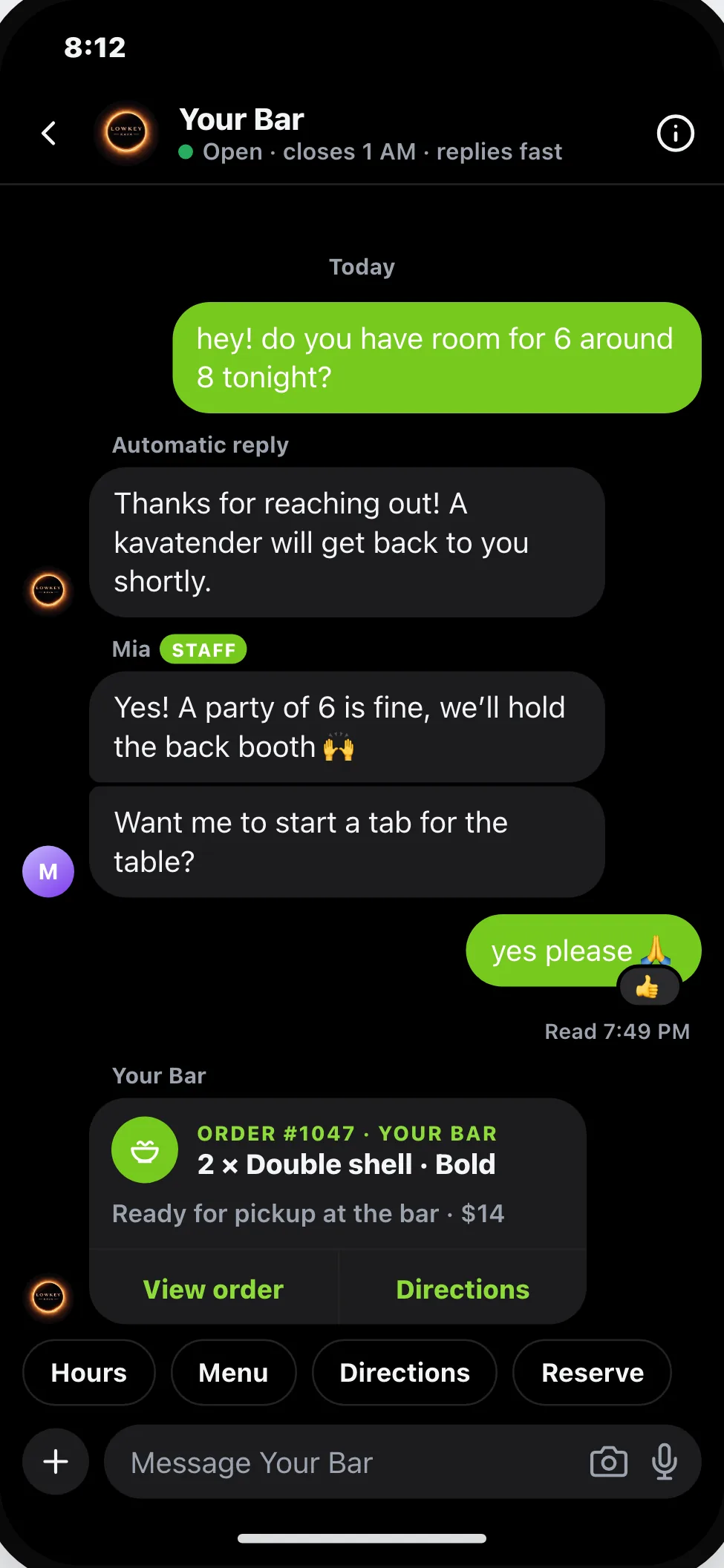
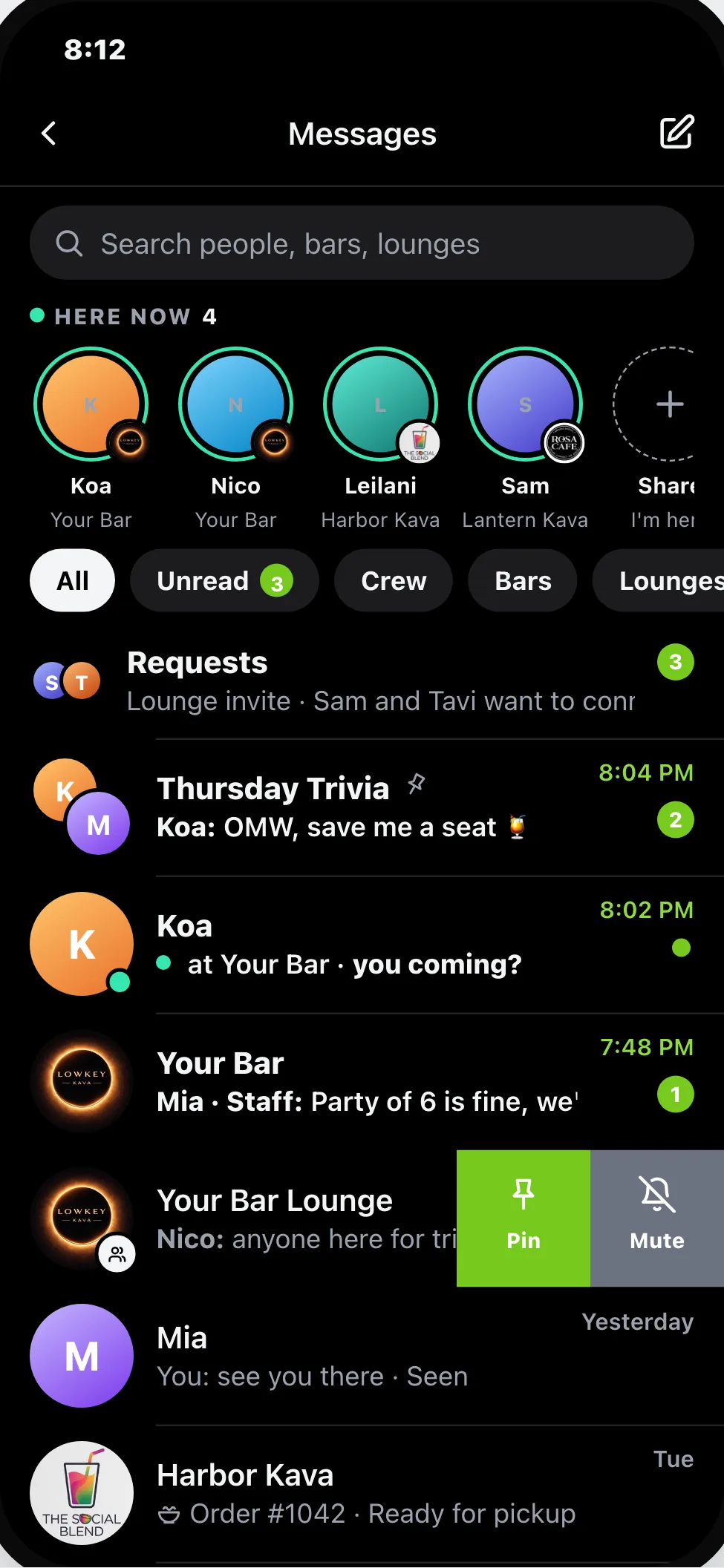
Keep the community talking
Sound familiar?
Guests DM a kavatender's personal account to ask about tonight.
The bar's group chat is run by a regular, and you're not in it.
Your update got buried under fifty other posts.
Before and after
What changes
Questions in a dozen personal inboxes
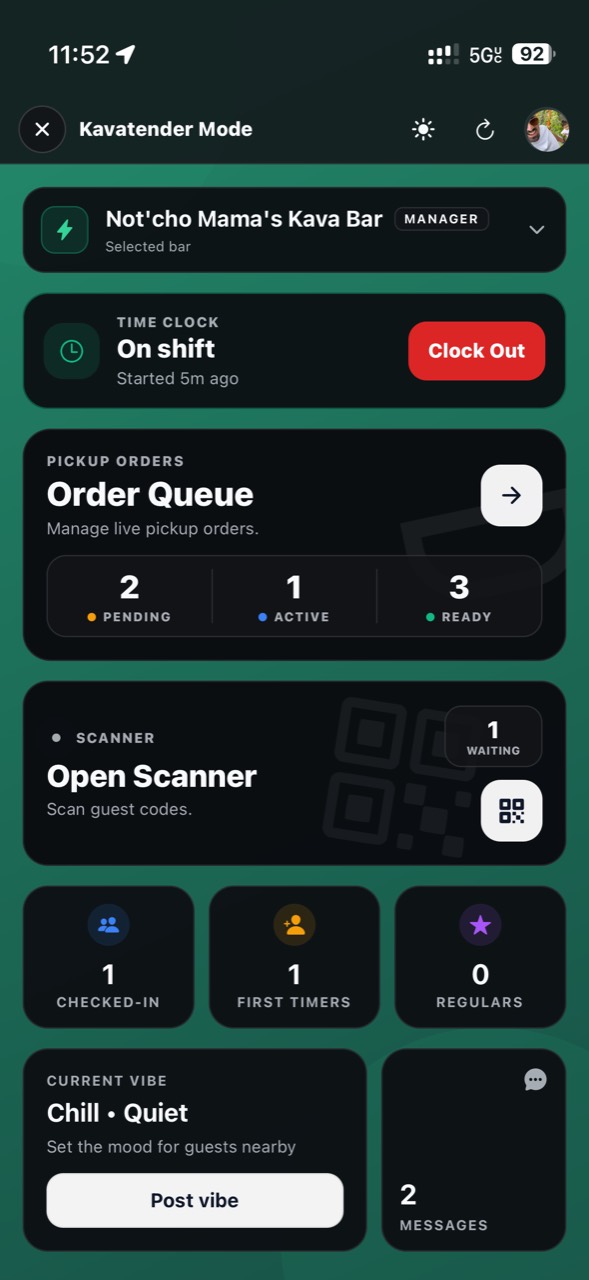
One inbox for the bar, shared with your team
A group text nobody can moderate
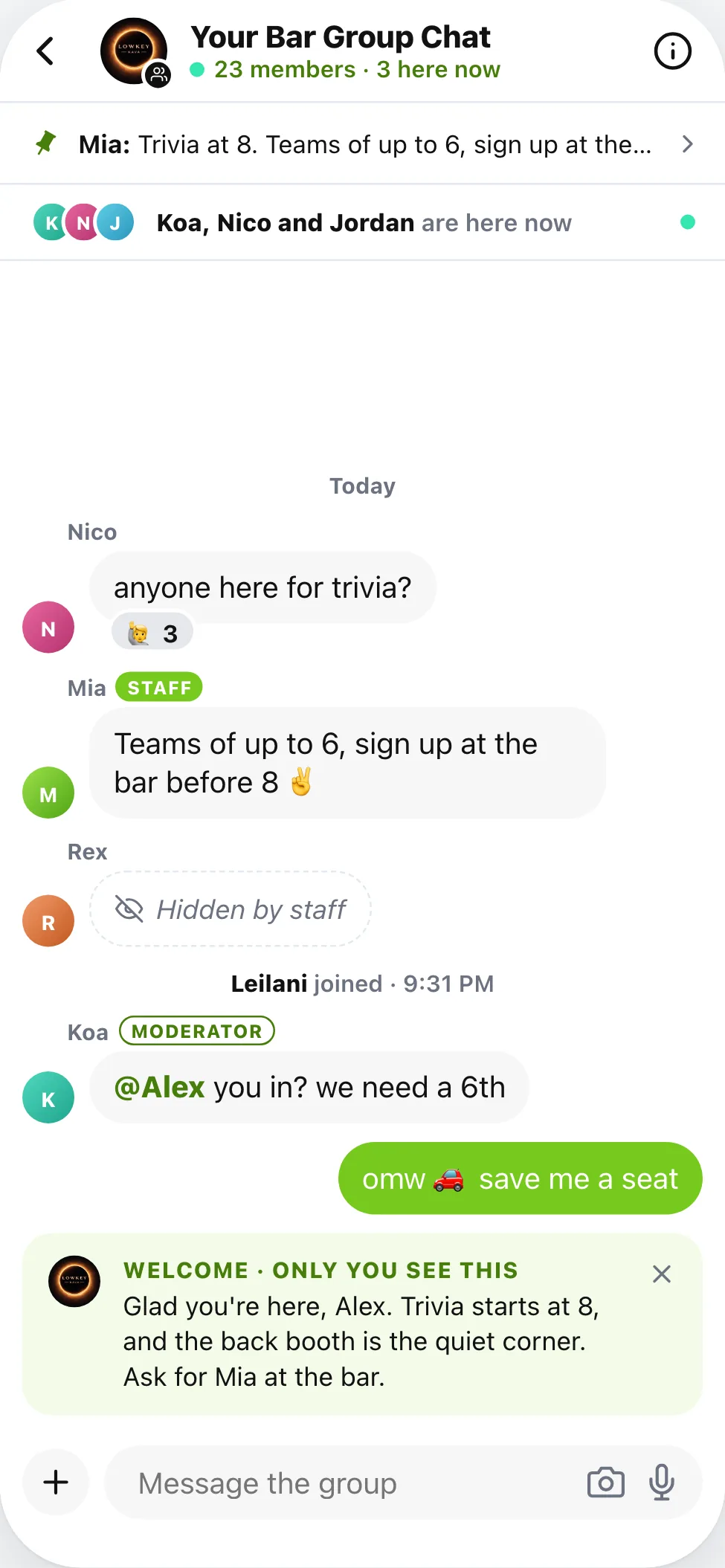
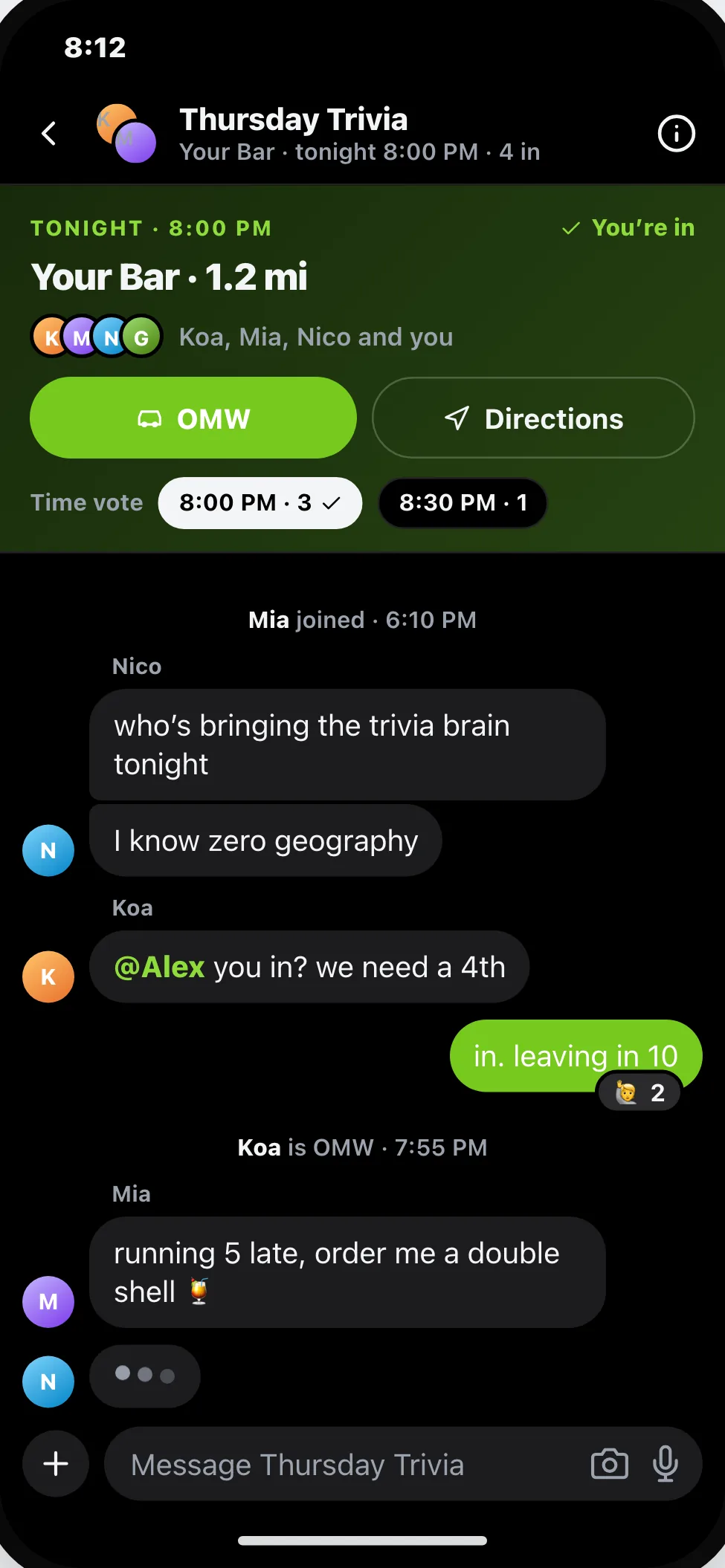
A group chat for your bar with house rules and moderation, coming soon
Plans made somewhere else
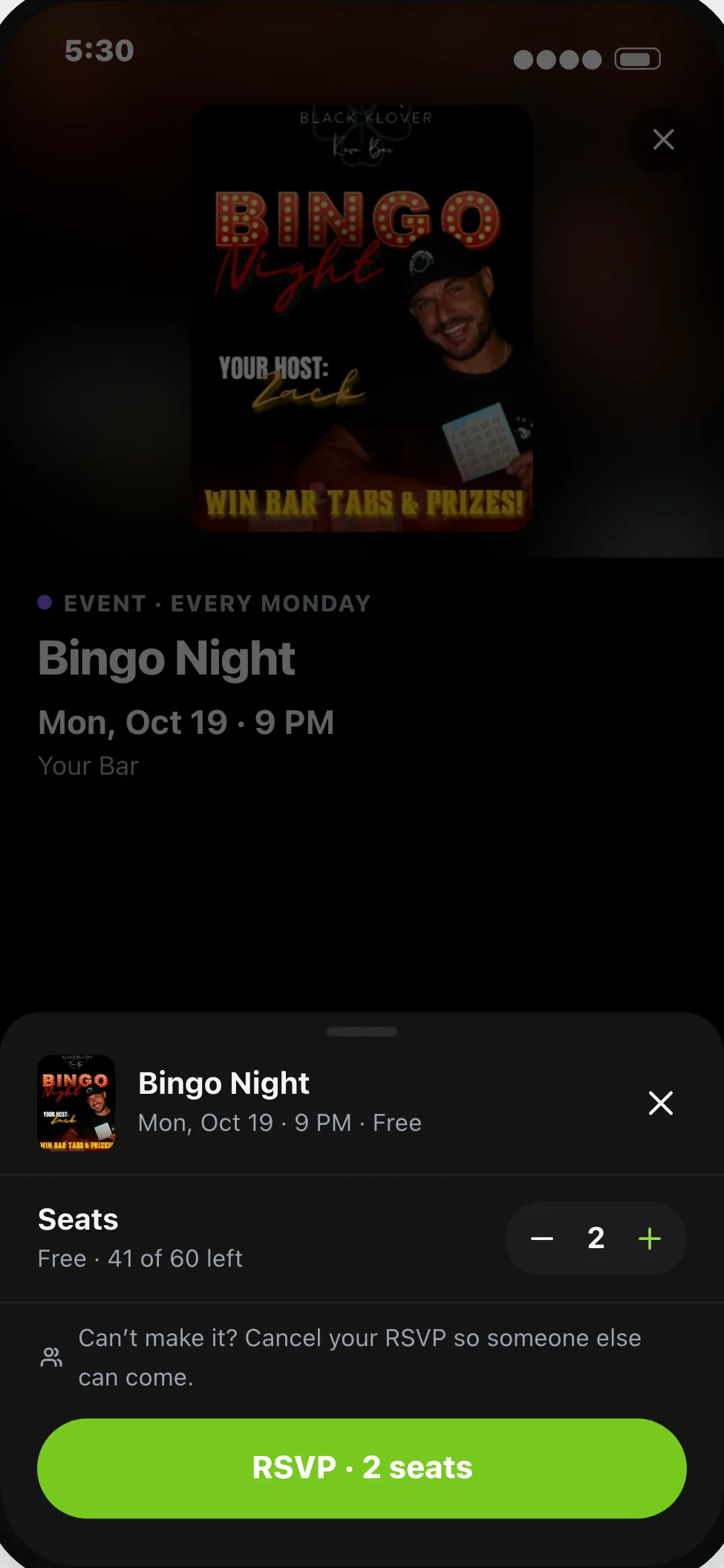
Crews plan the night in Messages and meet at your bar
Three steps
How it works
In HappyKava
The tools
Pricing
What it costs
Claiming your bar is free
Guest messages and the Community Wall work on every plan, Free included. Group chats are built and coming soon.
Questions
Do guests message a person or the bar?
The bar. Your team answers as the bar, and each person sees what their role allows.
When are group chats coming?
They're built and being tested. There's no date yet.
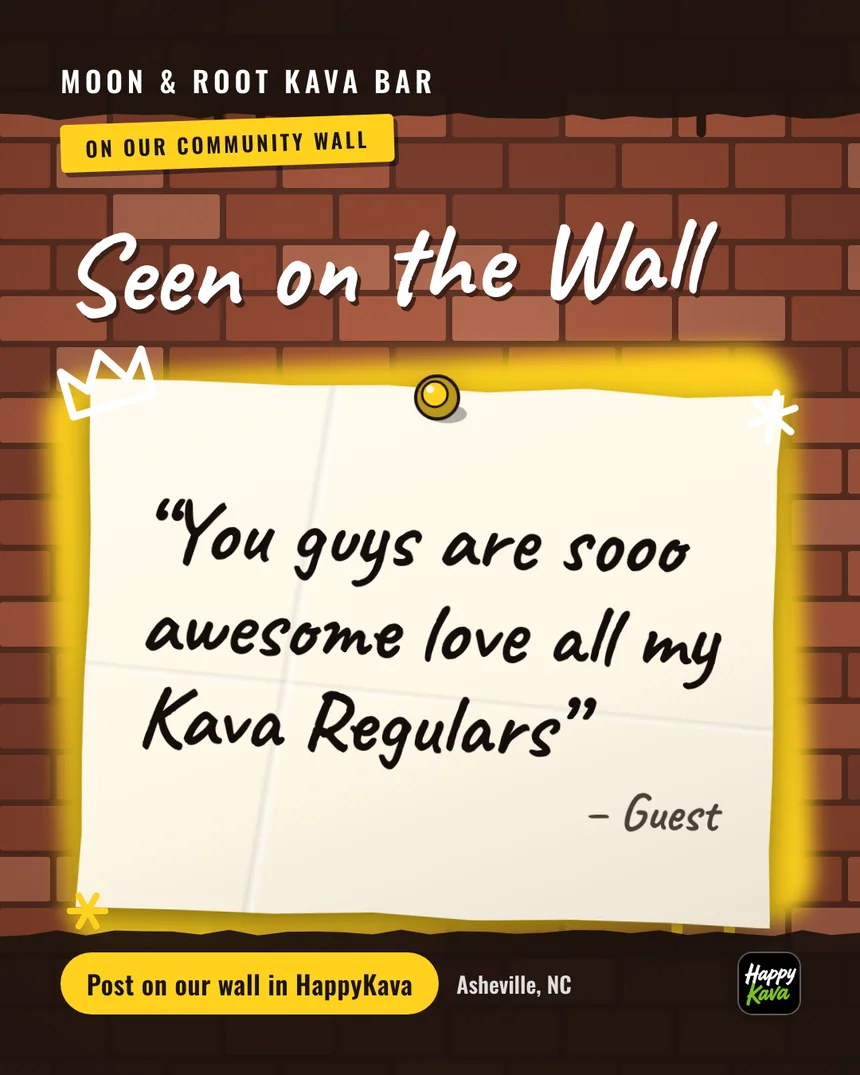
Can I moderate the Community Wall?
Yes. Pin updates and moderate posts from your bar.