


One queue for the workLive
Kava Bar Orders Dashboard
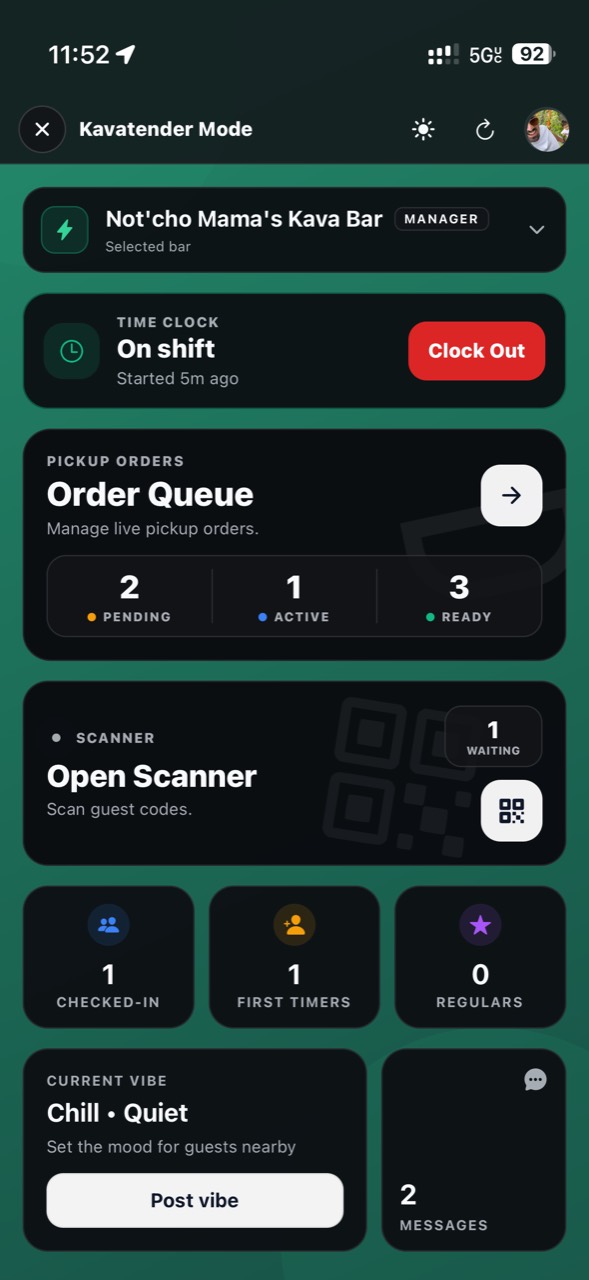
Keep supported orders, status, responsibility, and messages in one place so your team can focus on getting the handoff right.
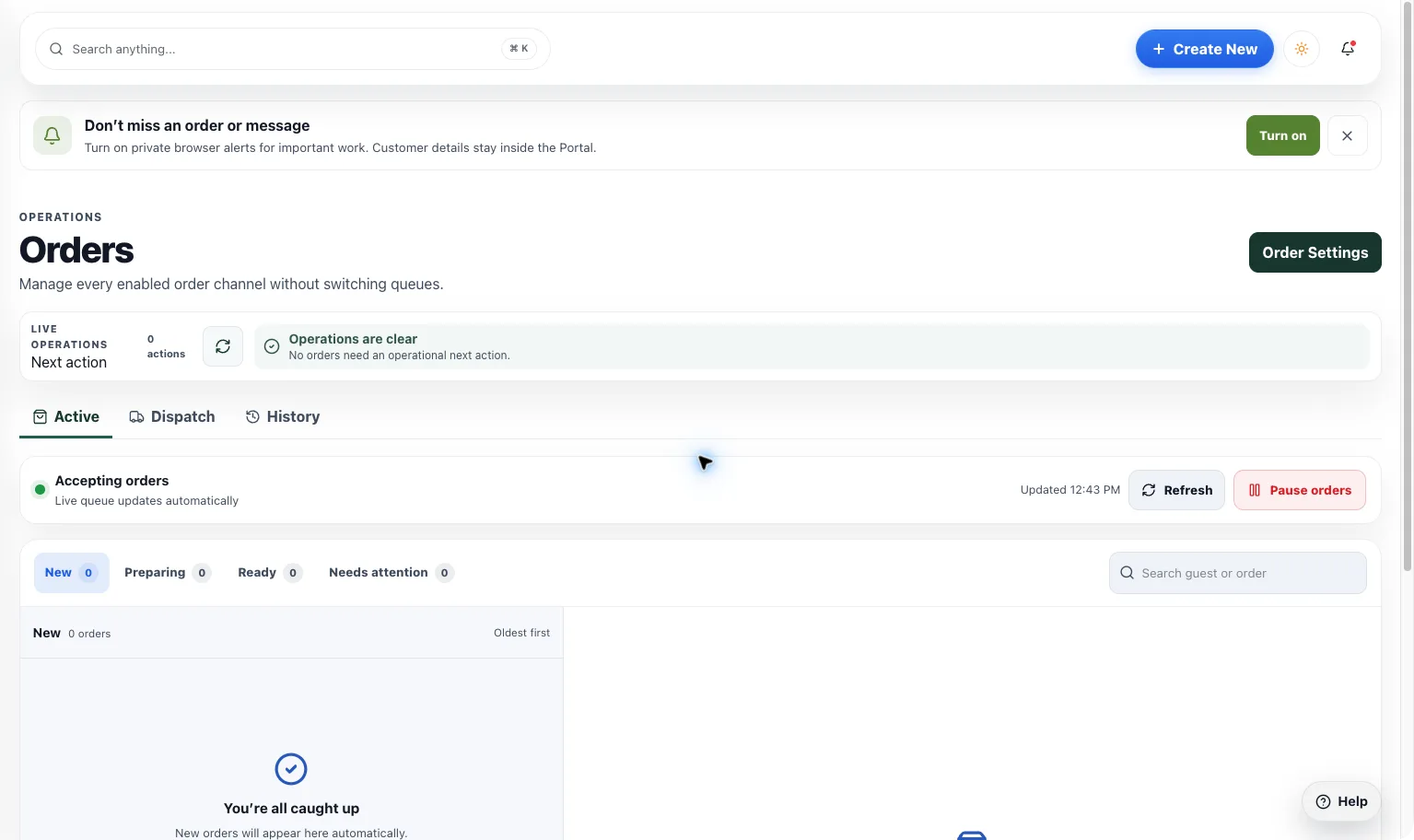
One queue for the work
What you get
Step by step
How it works
- 1Open the right locationSee the order workflows your bar has enabled.
- 2Work the next actionReview status, guest context, and team responsibility.
- 3Close the loopComplete the order or follow the available recovery path.
Why it matters
One place to look. One next step to take.
A queue is useful when it helps staff act, not just watch. Keep status and responsibility easy to read at a glance.
700+
Kava bars on HappyKava
27,000+
People using HappyKava
Plans
Which plan includes what
Available to authorized bar teams. Pickup and delivery queues appear for services enabled at the location; delivery remains a limited pilot. Claiming your bar is free, and paid plans start at $20 a month per bar.
- Free$0/moGet on the map.
- Plus$20/moTurn first-timers into regulars.
- Pro$99/moFill the room, take orders, get your own website.
- MAX$250/moBe the bar the whole city is playing.
Questions
Is Kava Bar Orders Dashboard available now?
Live. Available to authorized bar teams. Pickup and delivery queues appear for services enabled at the location; delivery remains a limited pilot.
Are pickup and delivery both automatically active?
No. The queue depends on the services your bar is approved and configured to use.
Are the example orders on this page real?
No. They are local preview examples and don’t send anything to a bar.
Related features
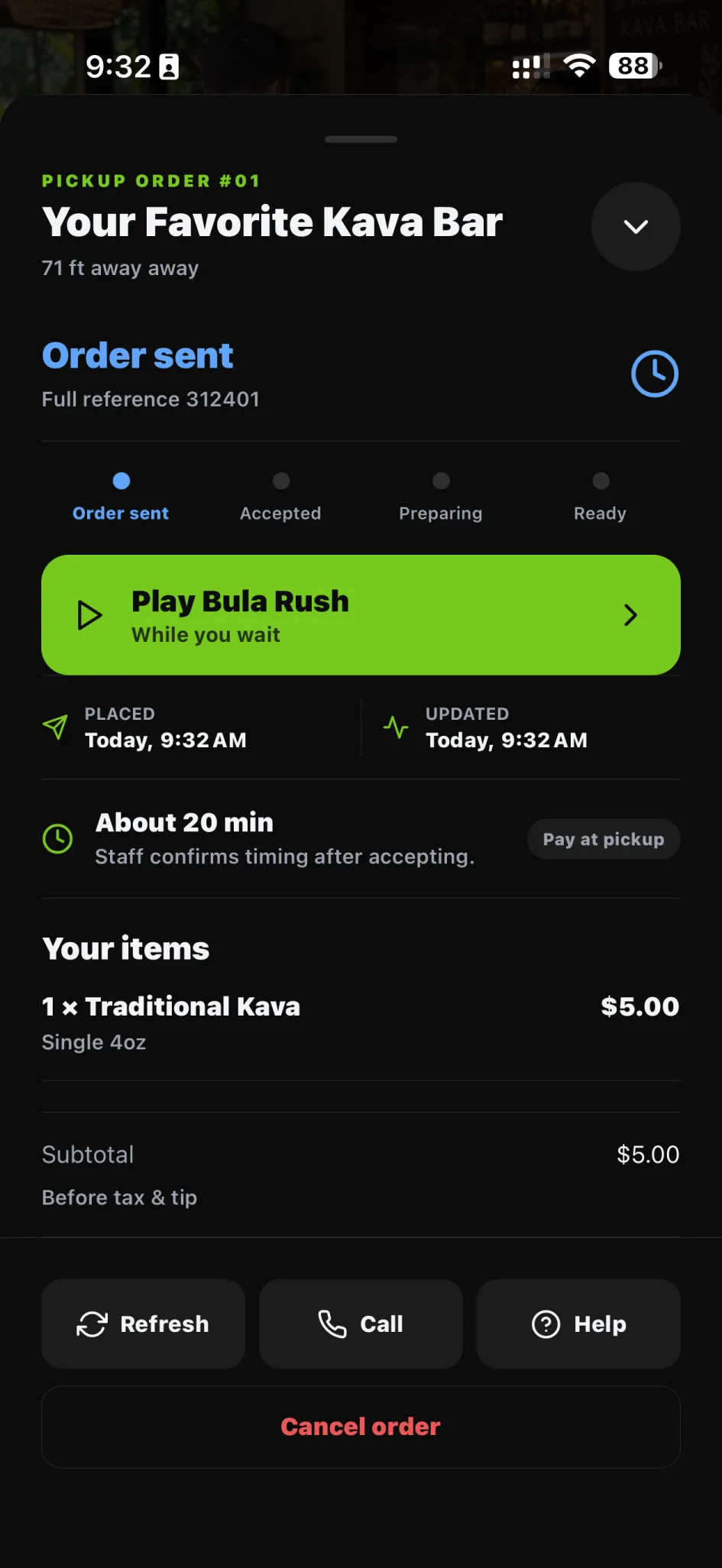
LiveSell more
Pickup Orders
Let guests order eligible menu items before arriving. Give your team a clear pickup queue, with the controls to keep service moving.
LiveSell more
Online Ordering
Connect your listing to the ordering options your location actually supports, from eligible pickup to approved provider handoffs.
LiveOrder & return
Kava Bar Pickup Orders
Order from an eligible bar menu before you arrive. Follow the status and keep the handoff easy when it’s time to pick up.