
Solutions
“The line's long and someone's showing a screenshot.”
Fastershifts.
A busy shift should be about pouring shells and talking to people, not settling arguments over last month's deal.
Faster shifts
Soundfamiliar?
“A guest shows a deal that ended weeks ago.”
“New staff don't know which offers are real.”
“The register line grows while orders pile up.”
Before and after
Whatchanges.
The usual way
Guessing whether a deal is valid
With HappyKava
Staff scan it and see right away
The usual way
One login shared by the whole team
With HappyKava
Each person gets their own access, with the right permissions
The usual way
Orders shouted across the bar
With HappyKava
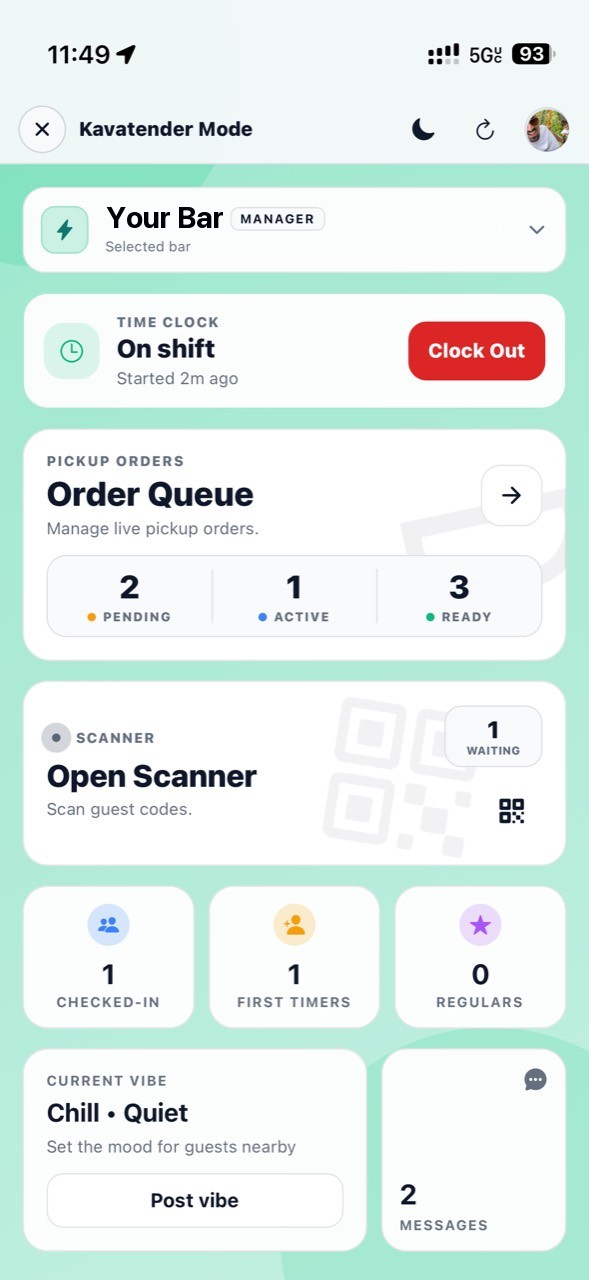
A pickup queue the team can see
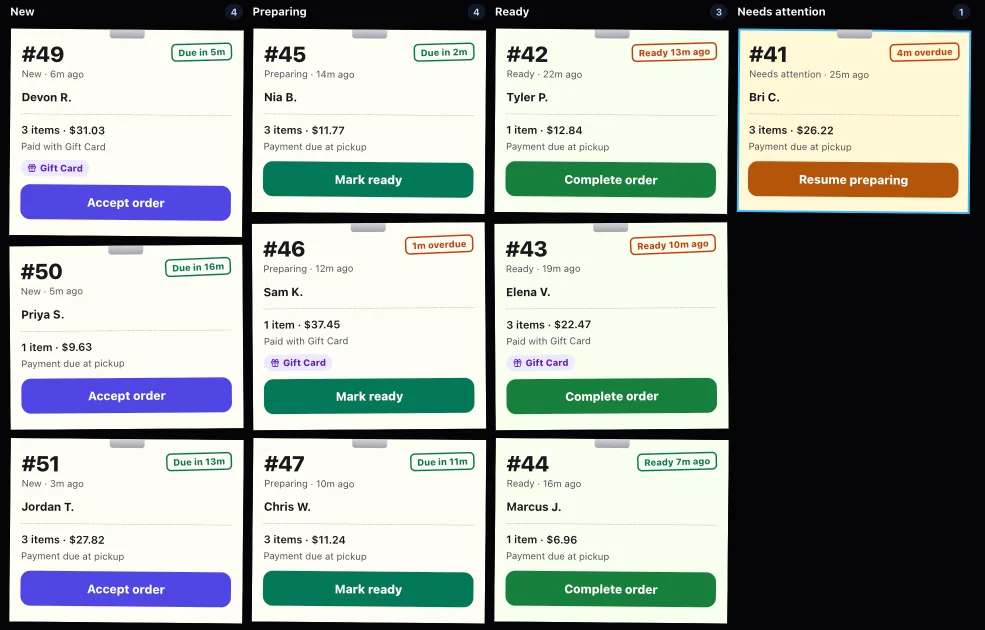
Three steps
How itworks.
Invite your team. Owners, managers and kavatenders each get the right access.
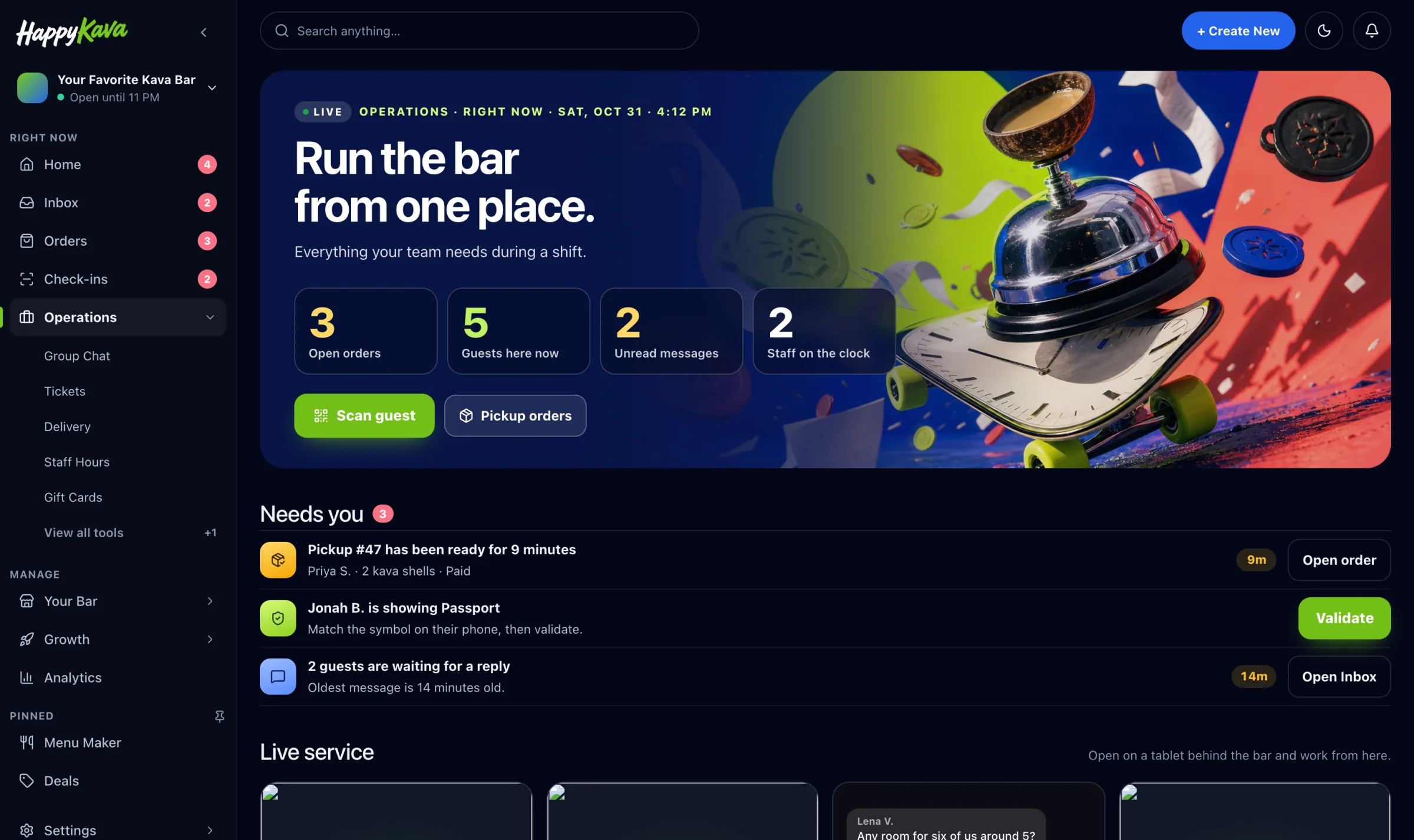
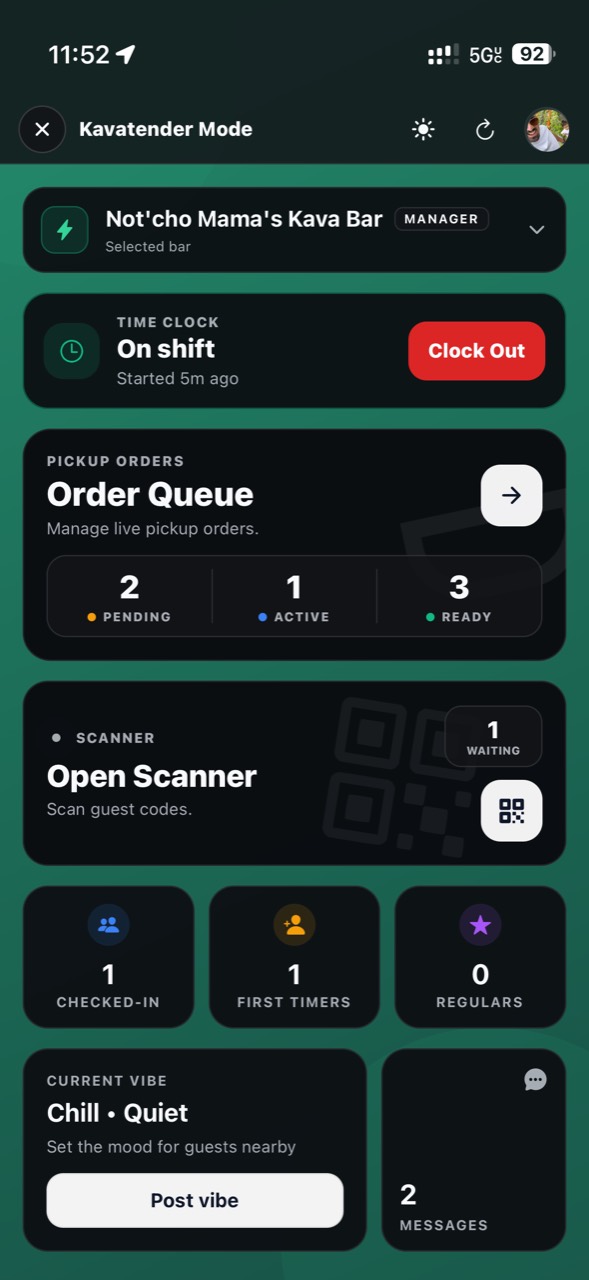
Kavatenders open Kavatender Mode on their own phones.
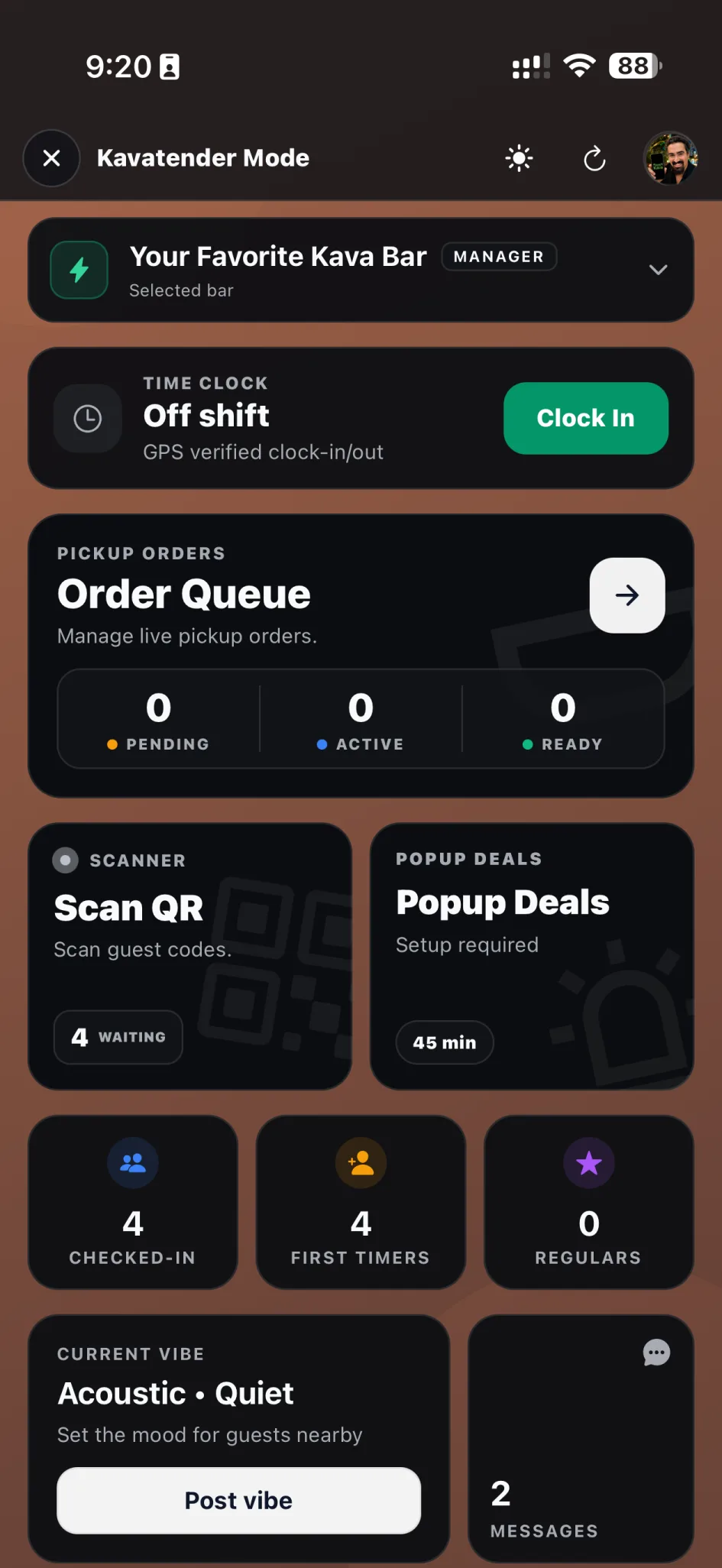
Scan passes, see check-ins, and handle pickup orders from one screen.
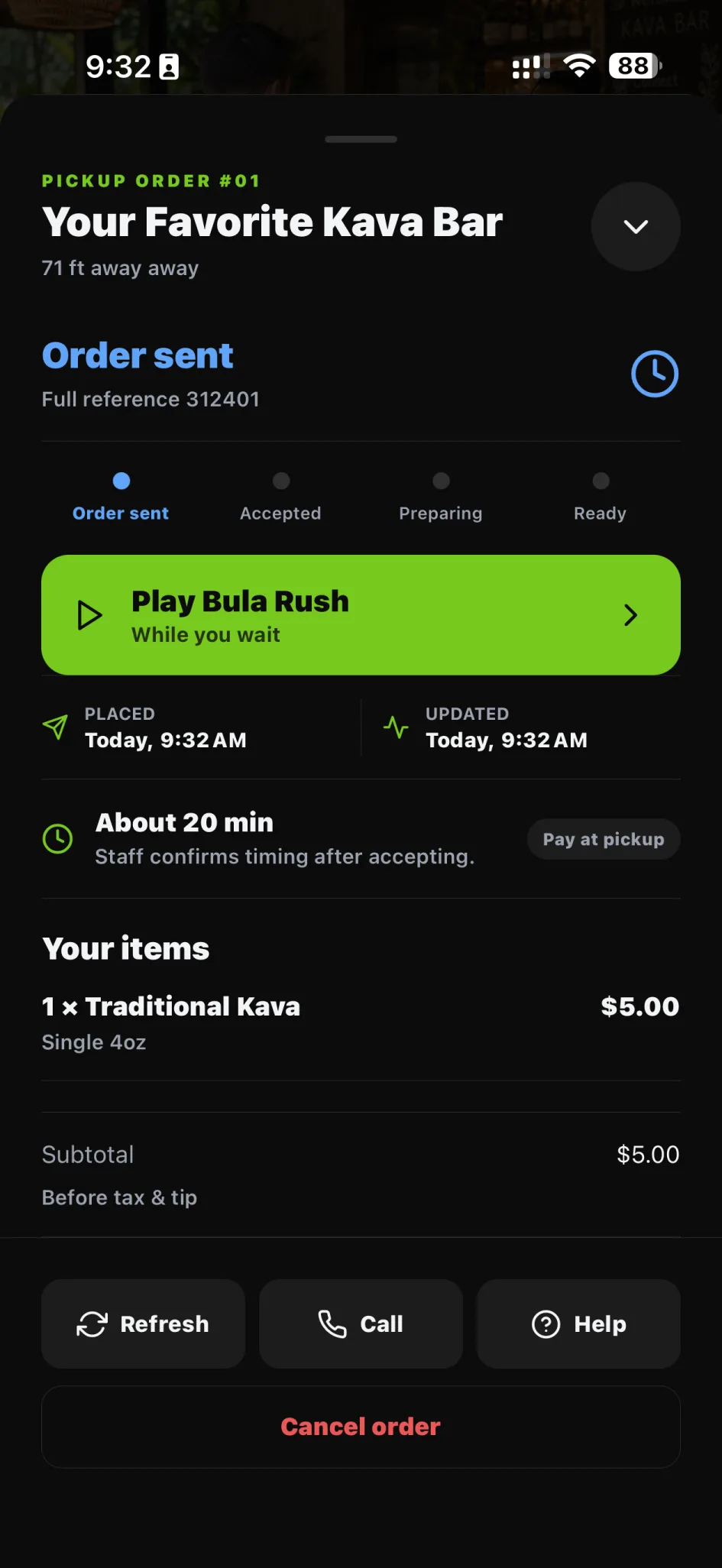
Pricing
What itcosts.
Claiming your bar is free.
Plus ($20/mo) includes 5 staff logins. Pro ($99/mo) adds pre-orders, pickup orders (after setup and activation) and 25 staff logins. MAX includes unlimited staff.
See pricing →Questions
Do we need new hardware?
No. Staff use their own phones.
Can kavatenders see guests' personal details?
No. The scanner checks the pass without showing personal information.
What if we have more than one location?
Switch between locations in one workspace. Multi-location management →