


Help for kava bar owners
Talk to a person, or set it up yourself.
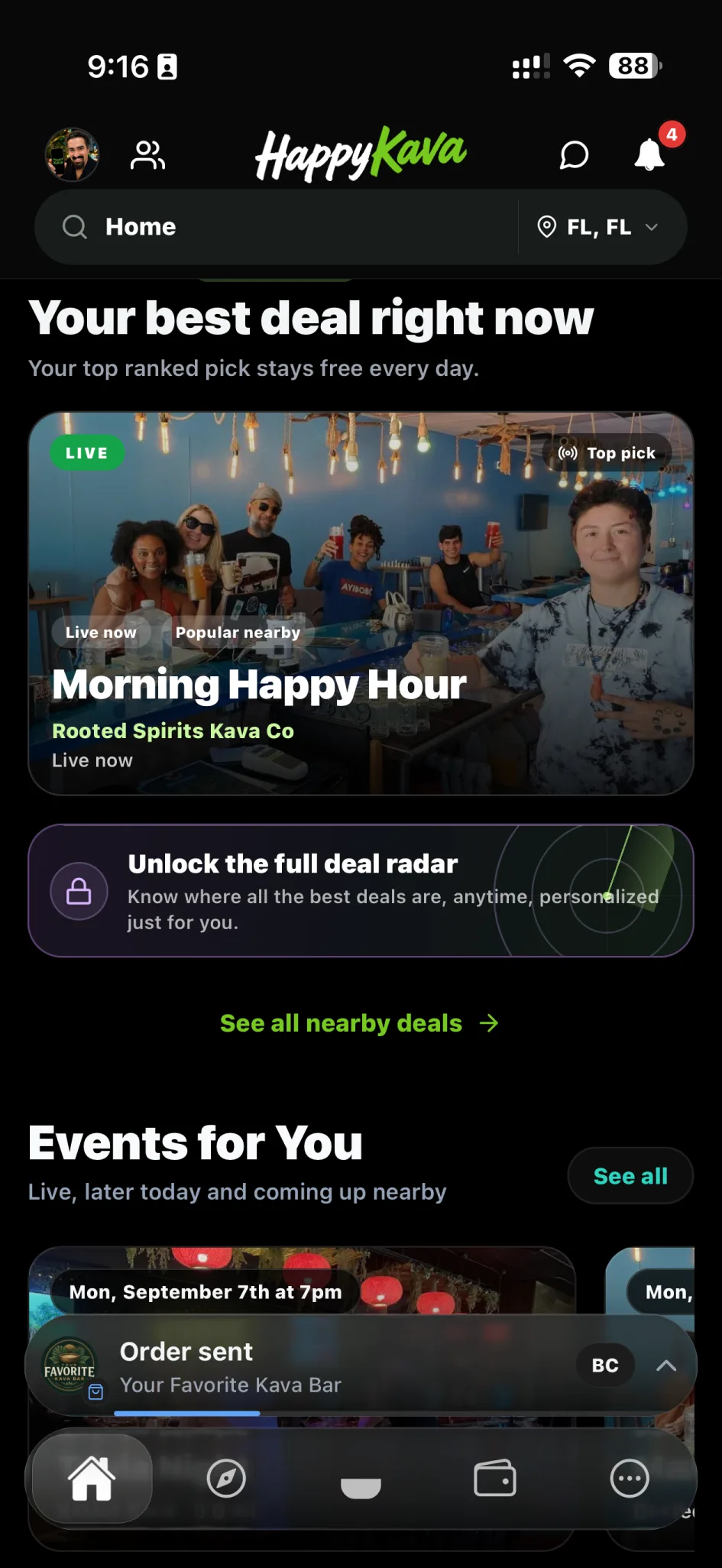
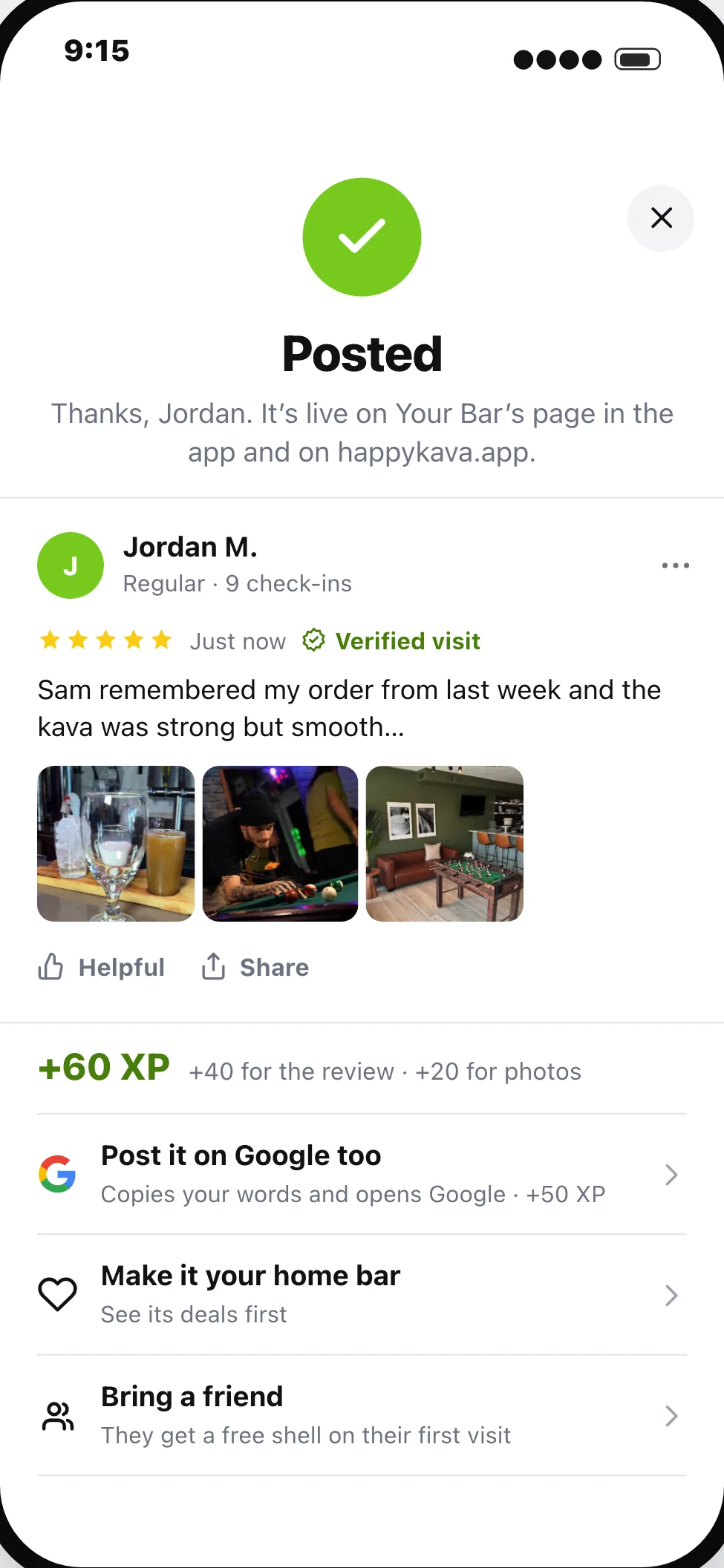
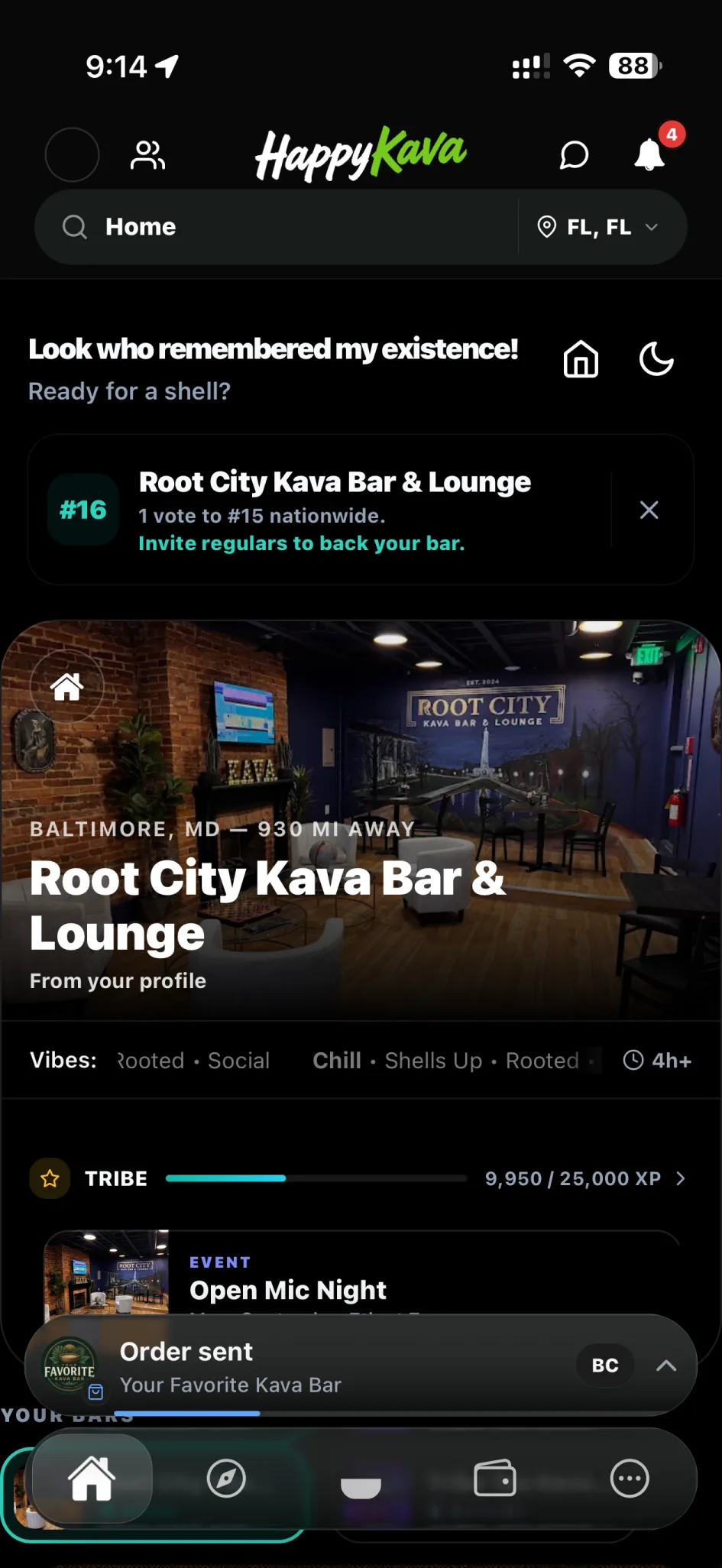
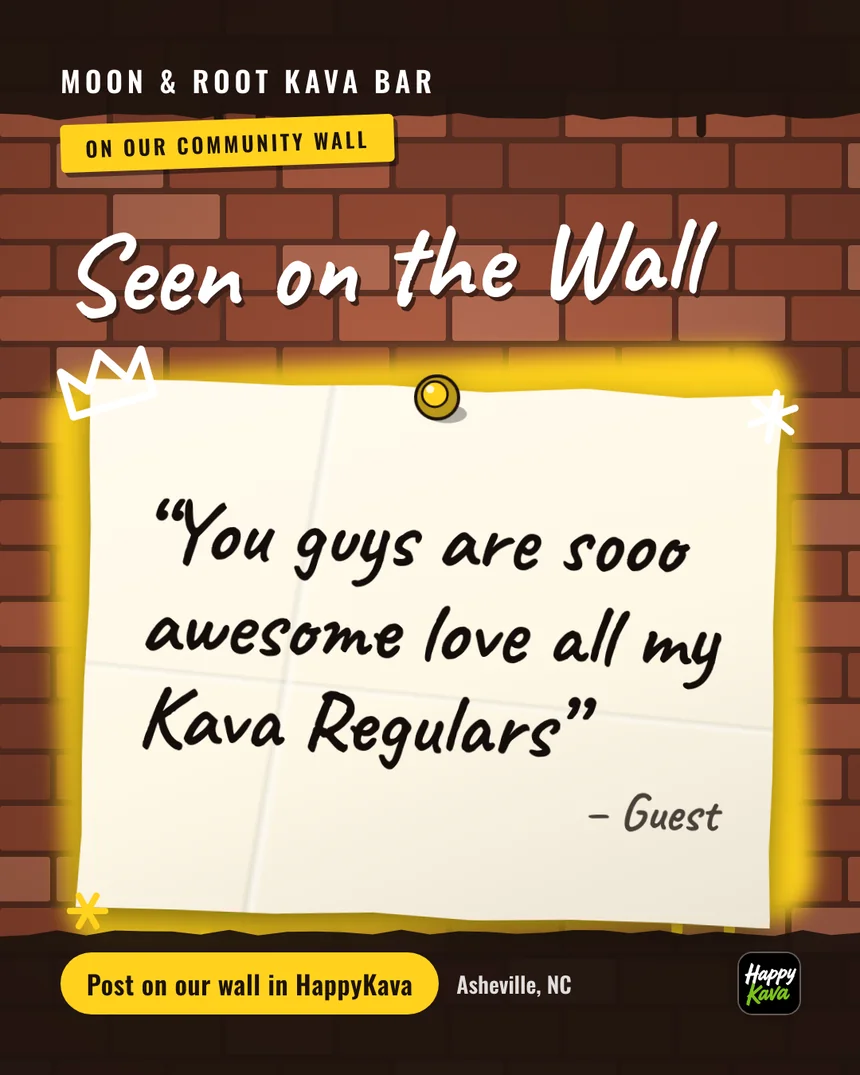
Most of setup is checking what's already on your listing. If you'd rather have a hand, we'll walk you through it.
A real person
Talk to us
Four steps
How setup works
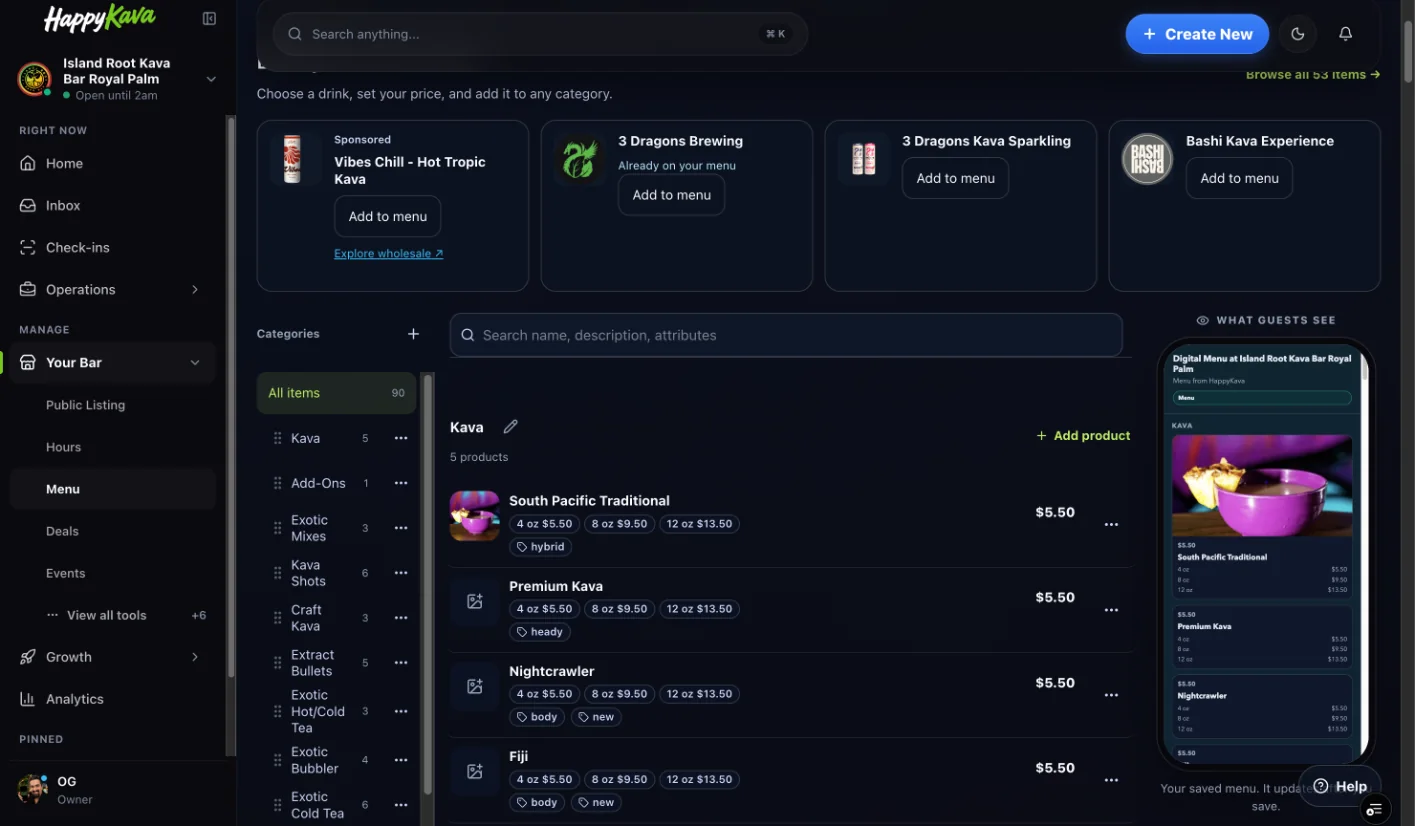
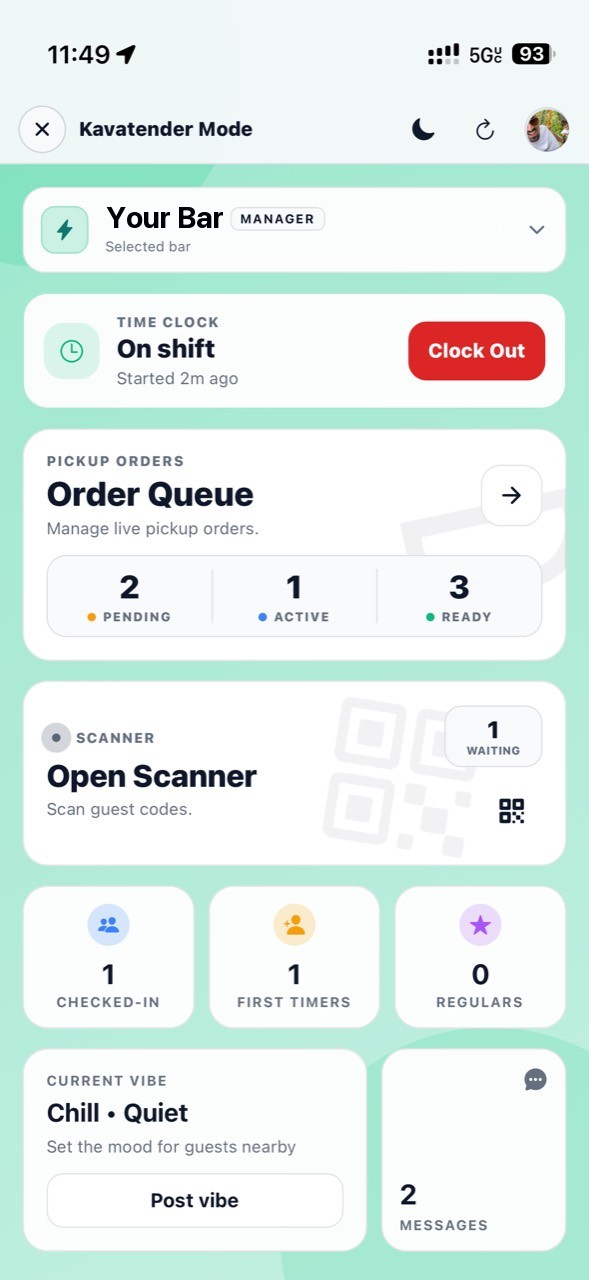
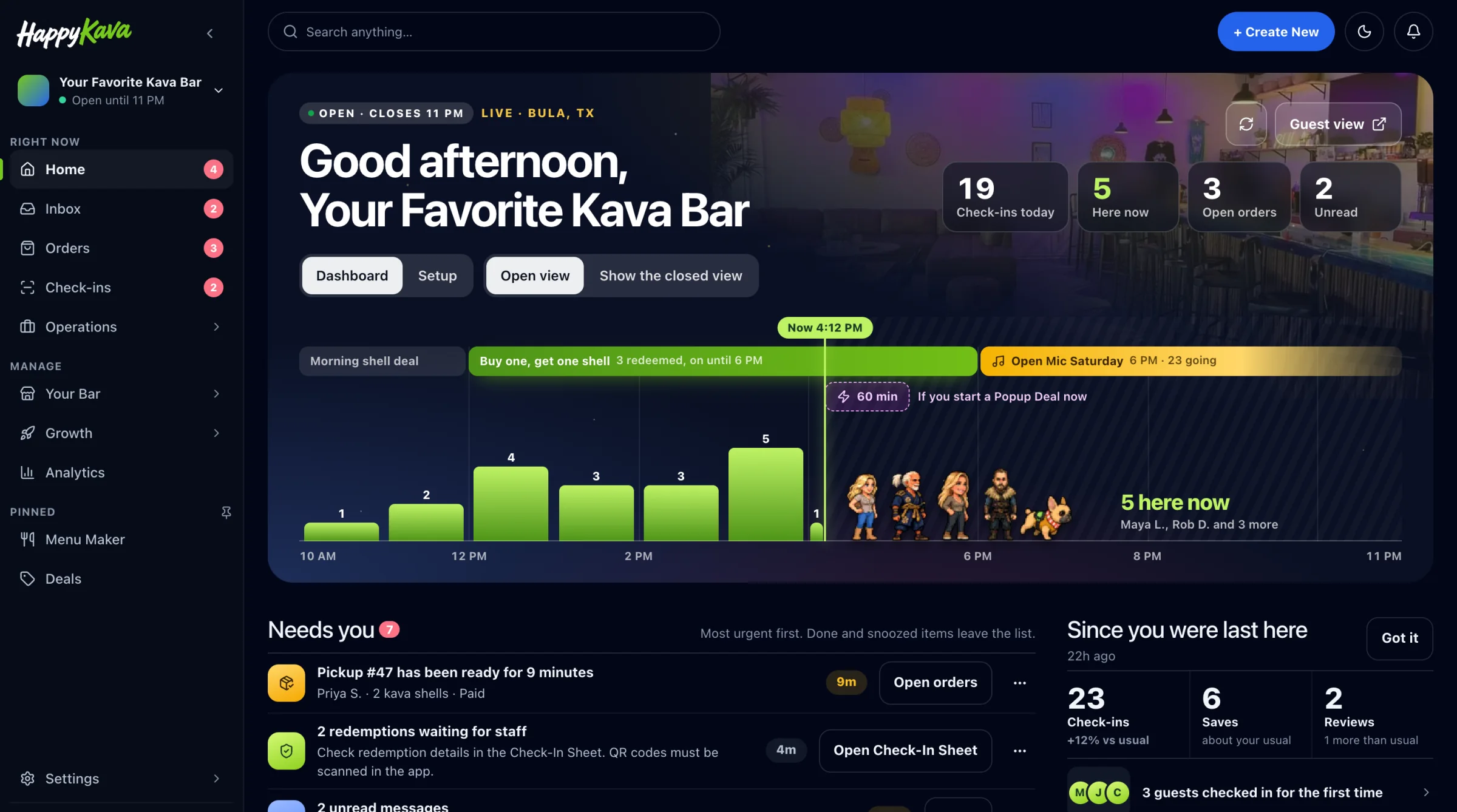
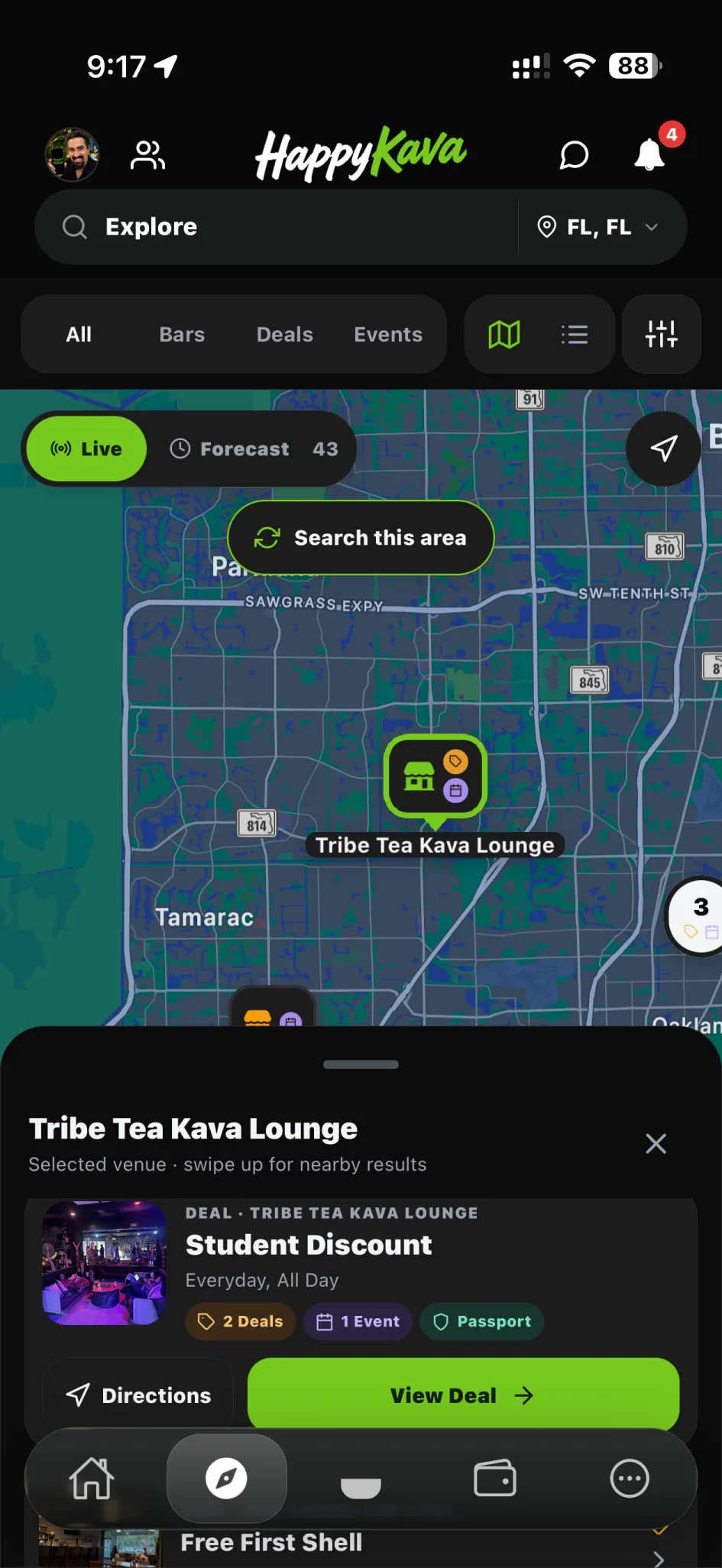
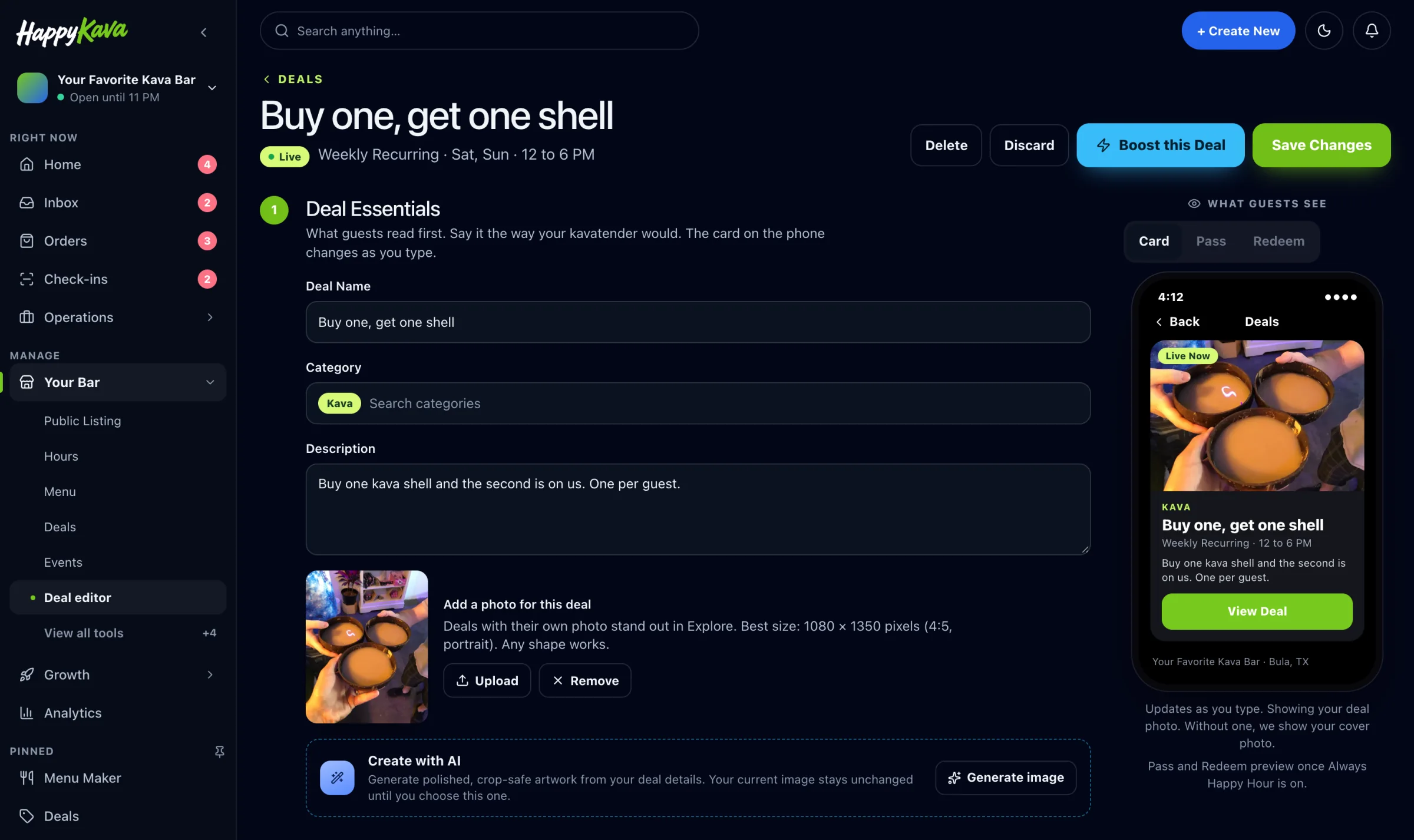
Watch how it works
Short videos from the owner portal.
Questions
Does it cost anything to get started?
No. Claiming your bar and keeping your listing, menu, deals, and events up to date is free. Paid plans add more tools when you want them.
My bar isn't on HappyKava yet. What do I do?
Email us your bar's name and address and we'll add it, usually the same day. Then you can claim it.
Can someone walk me through it?
Yes. Book a walkthrough at a time that suits you, or message us on Instagram. A real person from HappyKava will answer.
I run more than one location.
Claim each location, then switch between them in one workspace. Tell us when you book a walkthrough and we'll set it up with you.
I can't sign in.
Use the sign-in page to get a new link or reset your password. If that doesn't work, email support@happykava.app.
Ready when you are.
Claim your bar for free, then add the rest when it fits.