


Shift visibility without another mystery spreadsheetLive
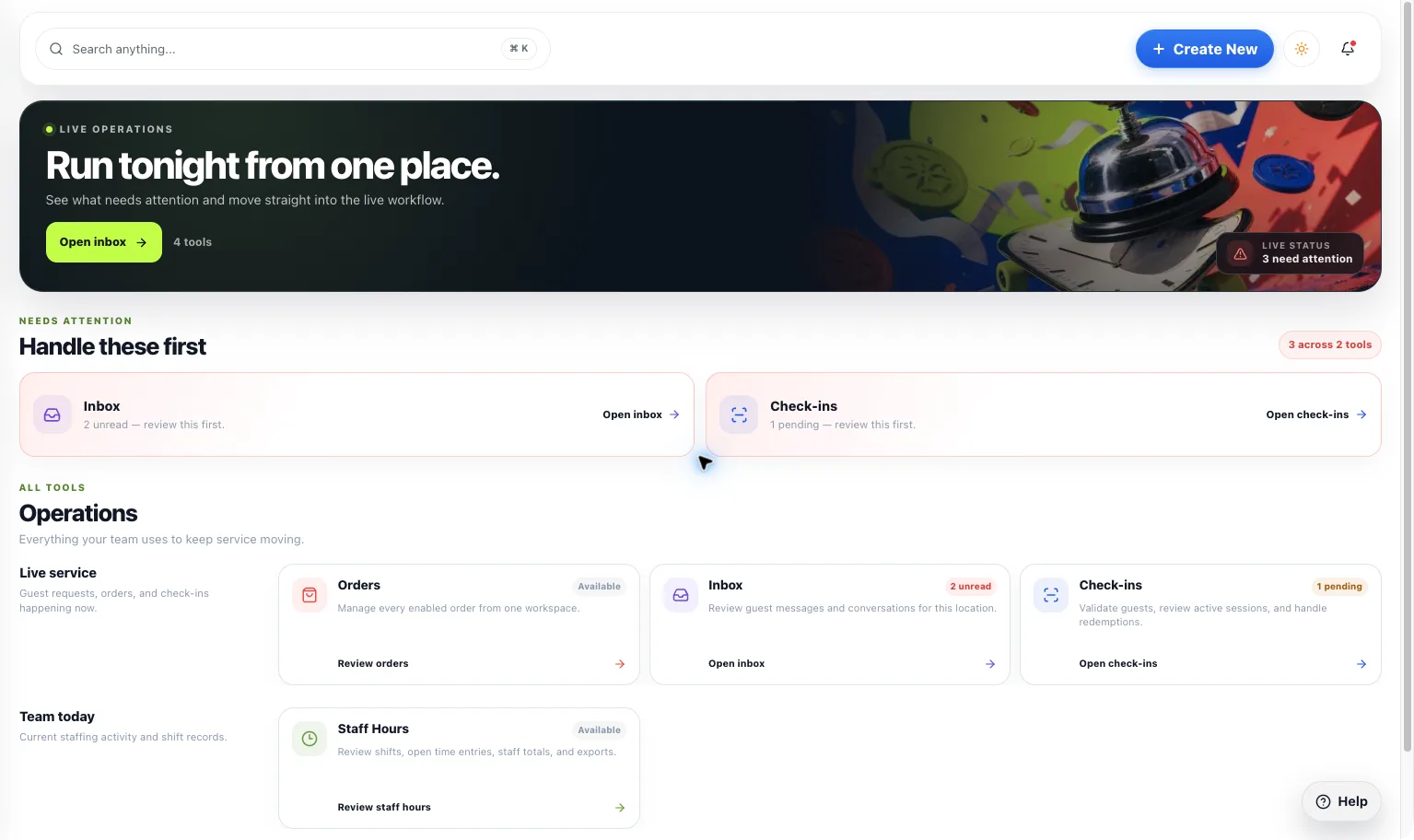
Kava Bar Staff Hours
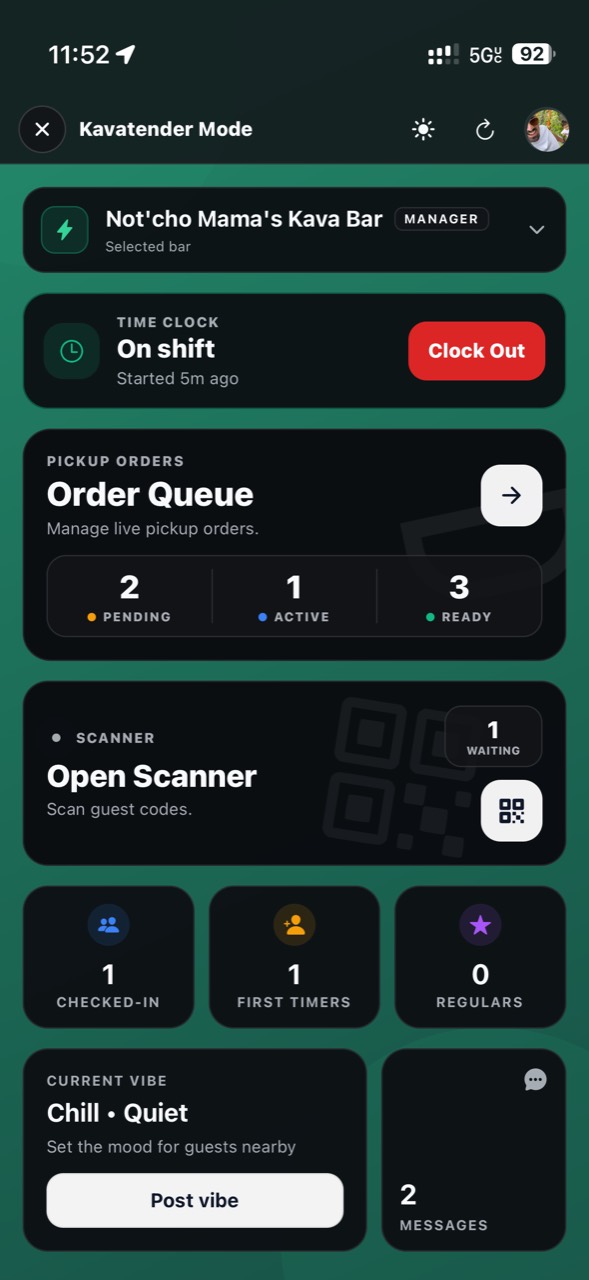
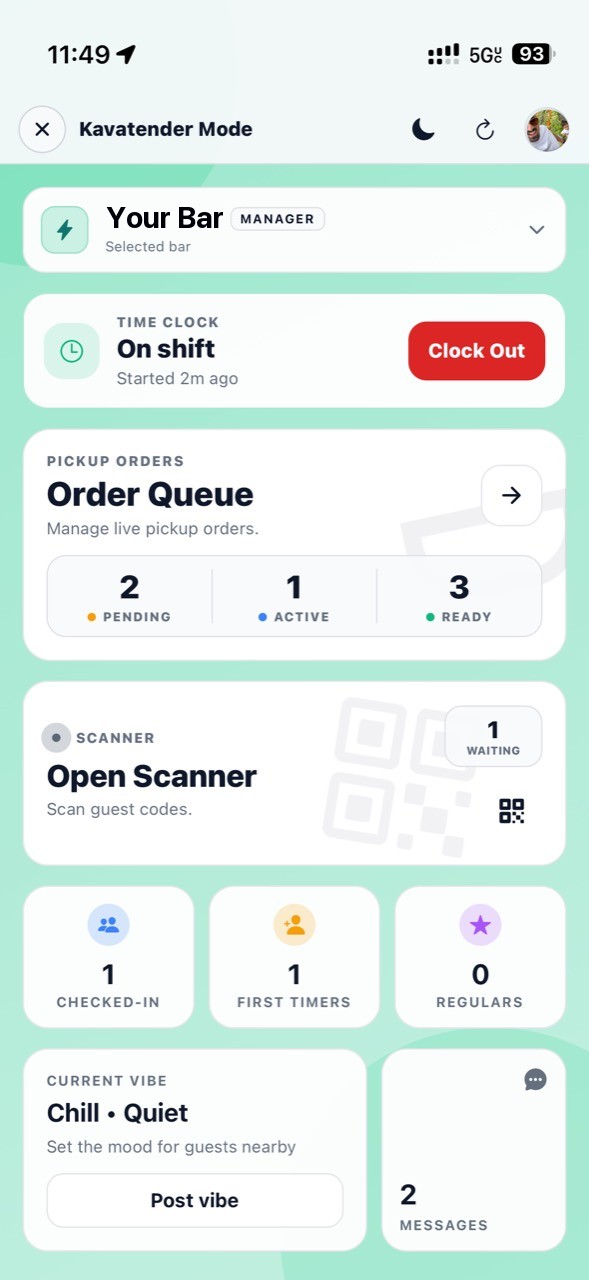
Bring clock activity, shift review, and supported summaries into the team workspace, with permission-aware ways to handle corrections.
Shift visibility without another mystery spreadsheet
What you get
Step by step
How it works
- 1Confirm staff accessMake sure people are connected to the right location.
- 2Record supported activityUse the available clock actions during the shift.
- 3Review before exportingCheck summaries and handle corrections appropriately.
Why it matters
Fewer end-of-week mysteries.
Keep the shift record close to the people doing the work. Review it with context instead of rebuilding it from memory.
700+
Kava bars on HappyKava
27,000+
People using HappyKava
Plans
Which plan includes what
Available to authorized team members. Owners and managers can review staff hours in the Dashboard; mobile clock actions follow assigned permissions. Claiming your bar is free, and paid plans start at $20 a month per bar.
- Free$0/moGet on the map.
- Plus$20/moTurn first-timers into regulars.
- Pro$99/moFill the room, take orders, get your own website.
- MAX$250/moBe the bar the whole city is playing.
Questions
Is Kava Bar Staff Hours available now?
Live. Available to authorized team members. Owners and managers can review staff hours in the Dashboard; mobile clock actions follow assigned permissions.
Is this a payroll service?
Don’t assume that. This feature describes staff-hours activity, review, summaries, and supported exports.
Can everyone edit their own records?
Corrections follow the available role and review permissions.
Related features
LiveRun the shift
Staffing Tools
Bring owners, managers, and kavatenders into the workspace they need, without handing everyone the keys to everything.
LiveRun the shift
Multi-Location Kava Bar Management
Move between location workspaces, check what needs attention, and coordinate supported updates without making every bar feel identical.
LiveSee what is working
Job Listings
Put your opening in front of people already exploring kava bars. Keep the location, application path, and listing status easy to understand.