

Google Business Profile for Kava Bars
Connect your Google Business Profile once, then reply to Google reviews and send your deals, events, hours, menu and photos to Google from the dashboard. In a pilot with a few bars.
Get discovered & grow
What you get
Most guests check Google before they come in. When your hours change on HappyKava, Google should hear about it too.
Reply to Google reviews
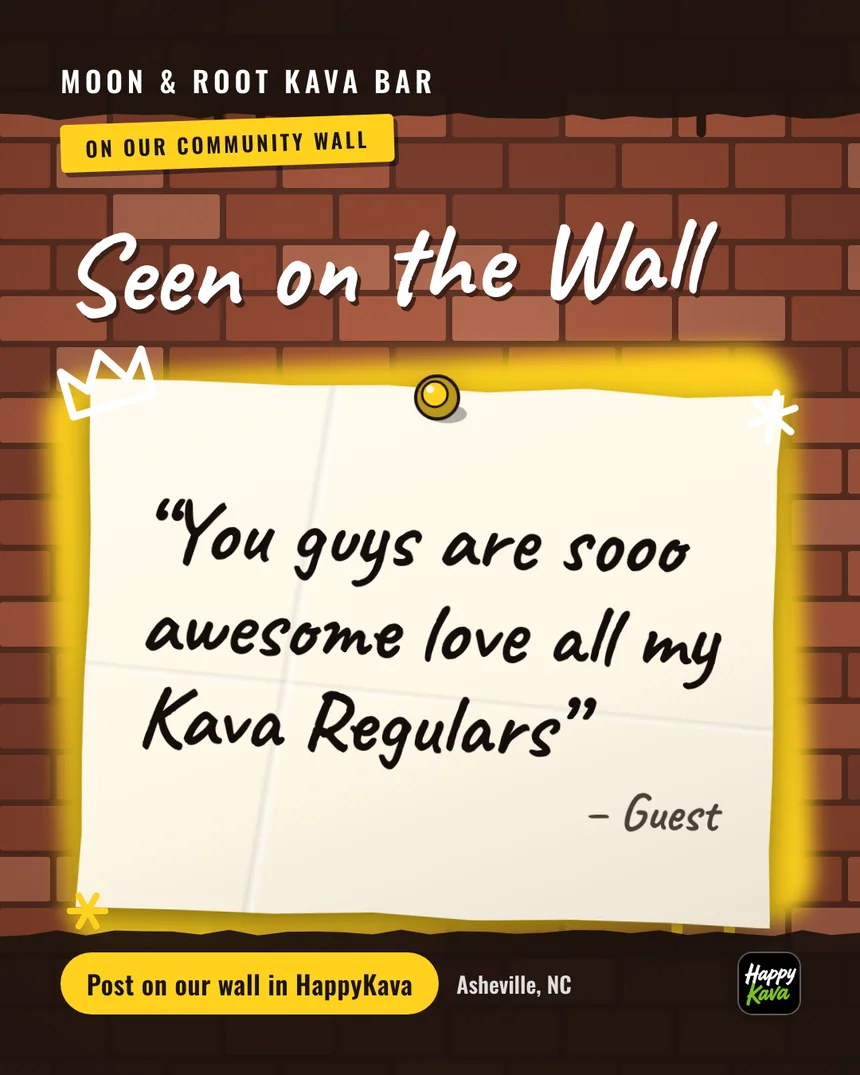
Read them and answer as the bar, from one inbox.
Posts from your deals and events
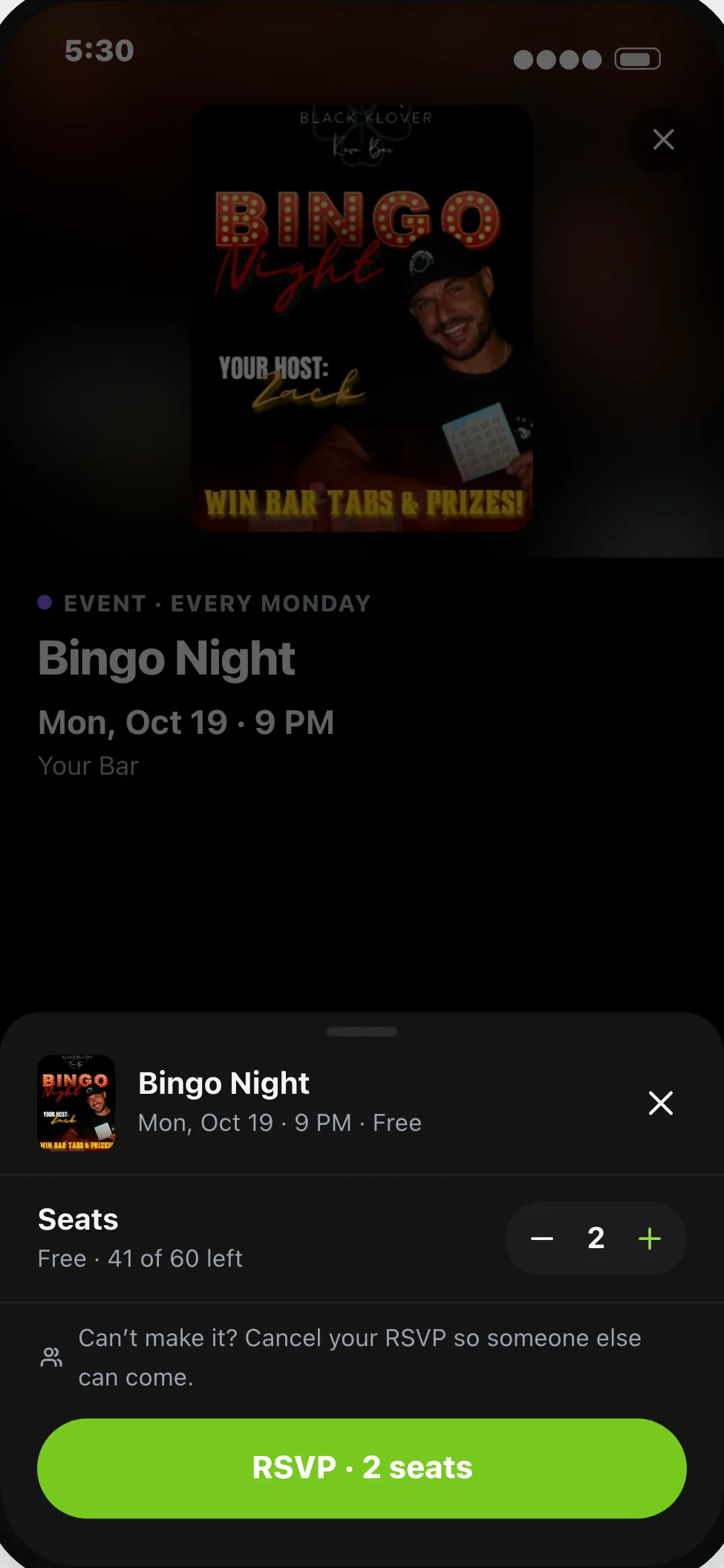
Send them to Google by hand, or let new ones post on their own.
Hours, menu and photos
Spot what's different on Google and send the right version.
How it works
- 01
Ask to join the pilot
It's open to a few bars right now.
- 02
Connect Google
Sign in with the account that manages your profile and pick the location.
- 03
Choose what to share
Turn on reviews, posts, hours, links, menu and photos one by one.
Solutions
What it helps with
Availability
A limited experience with selected participants. Ask about eligibility before making plans around it.
- Who can use it
- In a pilot with selected bars. Ask about joining it before you plan around it.
- What it costs
- Claiming your bar is free. Paid plans start at $20 a month per bar, and some tools need a specific plan.
- How to ask
- Use the “Ask about the pilot” button, or write to g@happykava.app.
Questions
Is Google Business Profile for Kava Bars available now?
Pilot. In a pilot with selected bars. Ask about joining it before you plan around it.
Is it available for every bar?
Not yet. It's in a pilot with selected bars.
Does HappyKava change my profile without asking?
No. Nothing is sent to Google until you switch it on.
Keep exploring
LiveGet discovered & grow
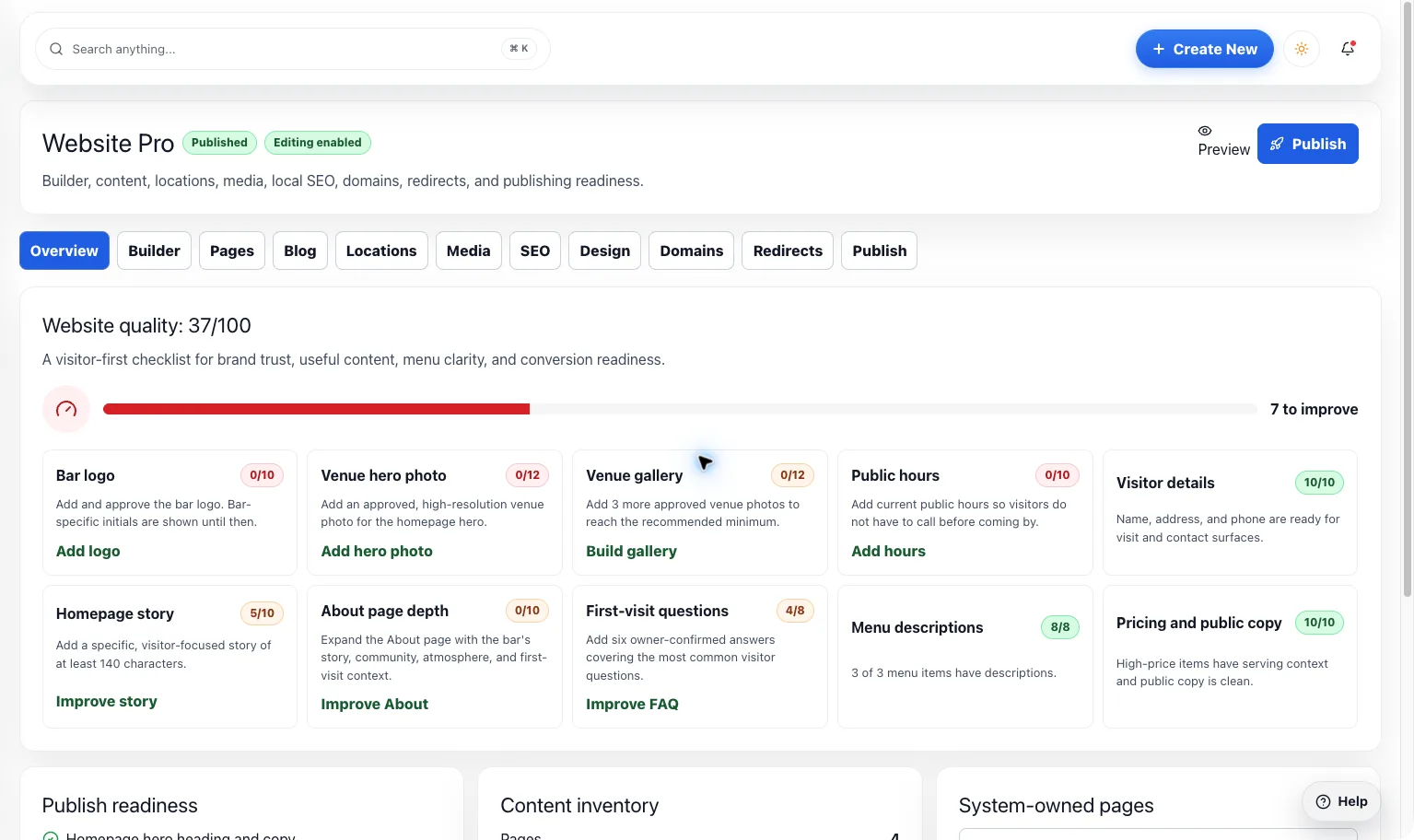
Website Builder
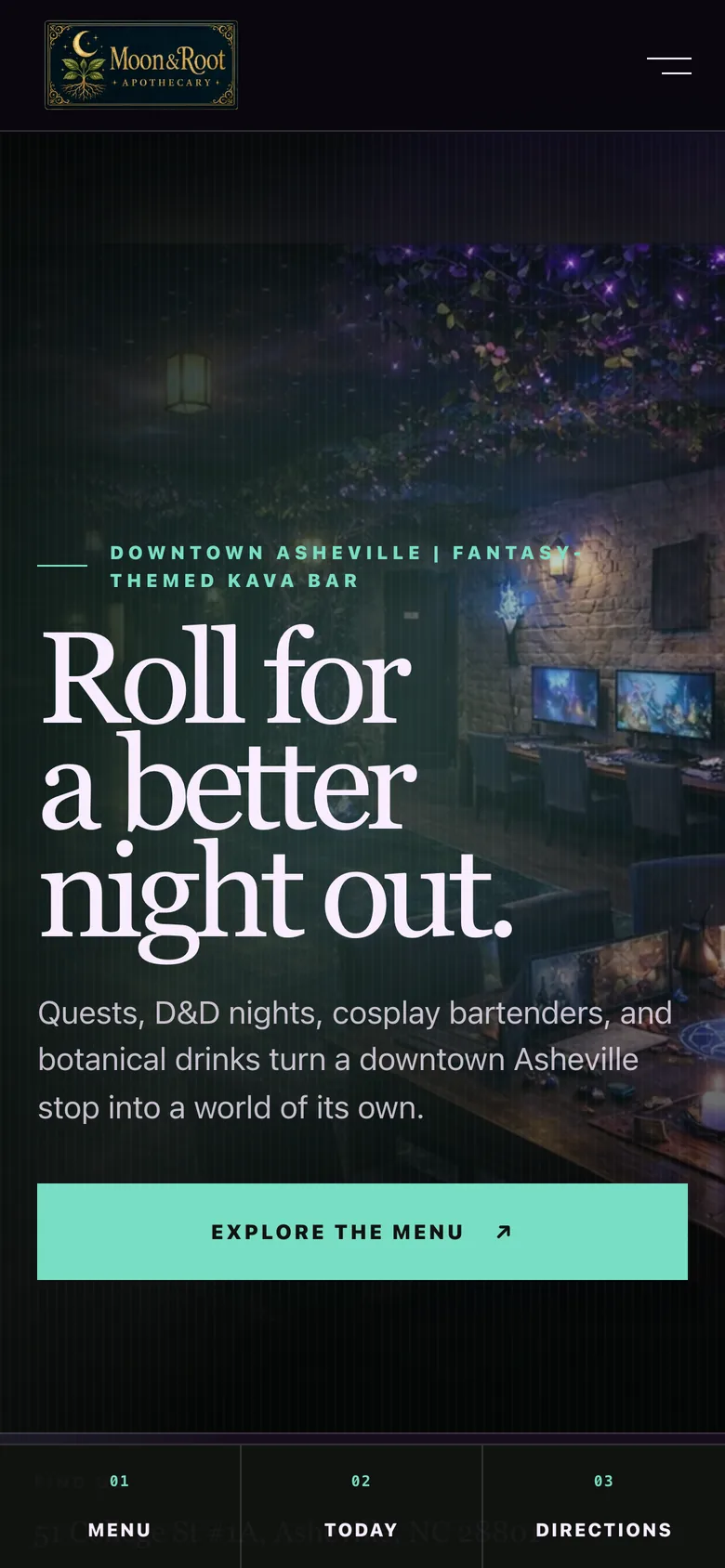
Give your bar a home online that feels like walking through the door. Bring your brand, menu, events, and deals together without redoing the same work.
LiveGet discovered & grow
Website Widgets
Already love your website? Add live HappyKava menus, events, and deals so the useful parts can stay current.
LiveGet discovered & grow
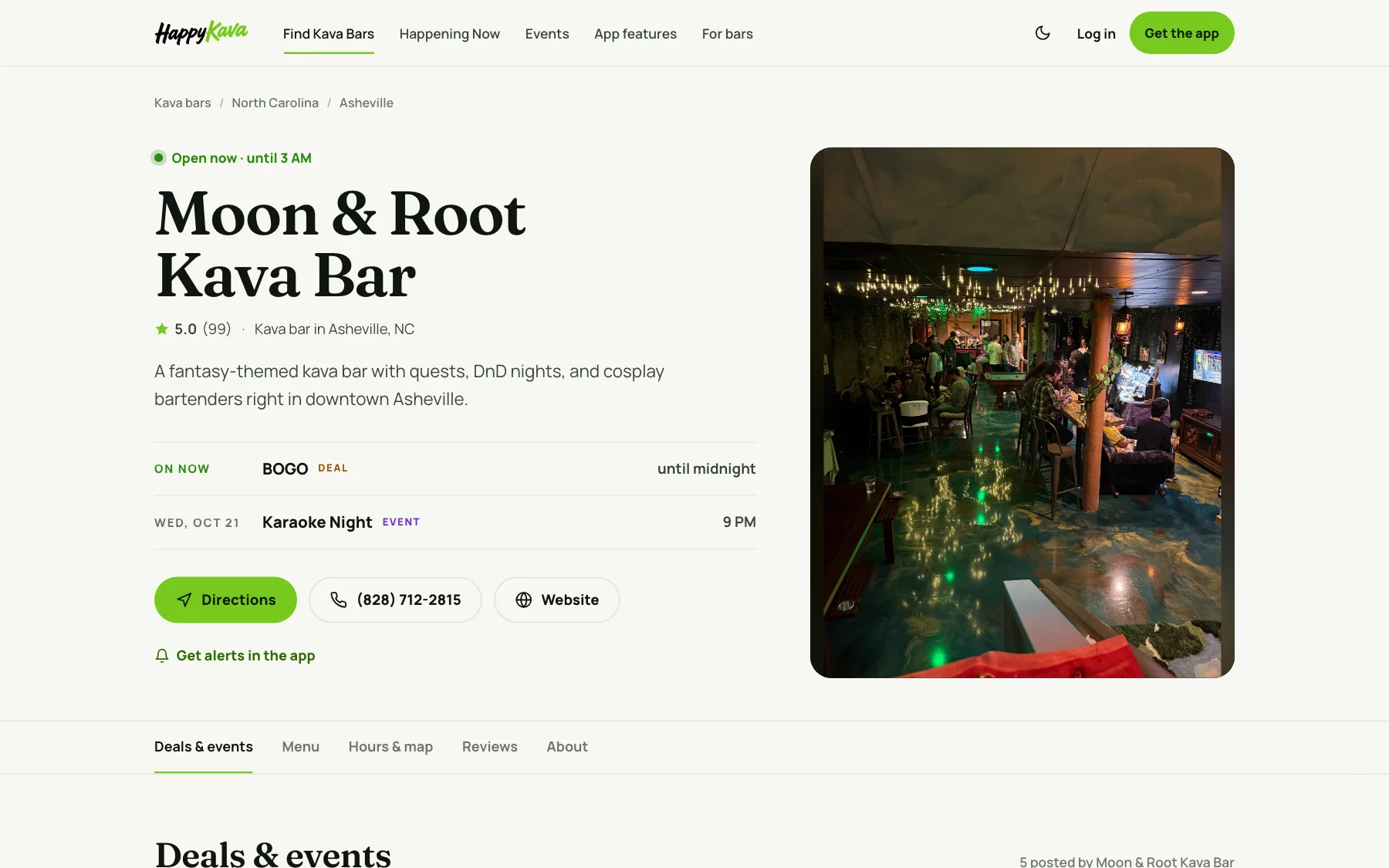
Public Listing
Before someone becomes a regular, they look you up. Make the photos, hours, menu, and little details feel as welcoming as your bar.
Ask about the pilot
Fix it once and let Google catch up.
In a pilot with selected bars. Ask about joining it before you plan around it.
The button opens your email app. You can also write to g@happykava.app.