

Free in the HappyKava app
A free Passport to kava bars you haven’t tried.
Visit a participating bar, redeem one included Passport Shell, and the stop is saved to your account. No billing and no credit card.
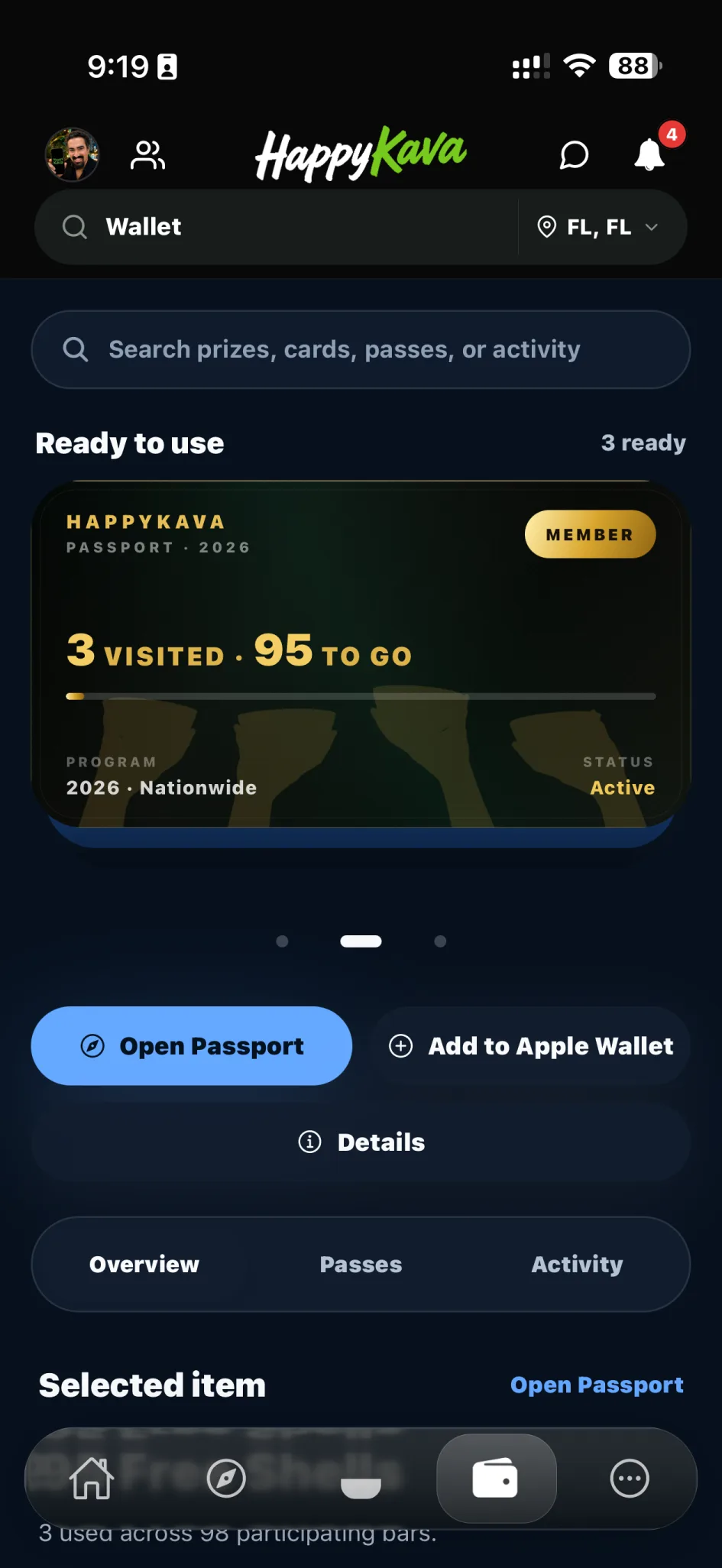
What you get
Free with your HappyKava account
Sign in to the app and your Passport is ready. There’s no payment step.
One Passport Shell at each participating bar
Redeem once per location during the active Passport cycle. Each bar decides what its shell includes.
Checked by staff, in person
You show the live redemption screen and the kavatender validates it. Screenshots don’t count.
Your progress stays with you
Completed bars are saved to your account, so a new phone doesn’t reset anything.
How it works
Get HappyKava and sign in
On iPhone or Android. Passport is already there.
Open Passport
See the participating bars, your progress, and the places you haven’t been yet.
Pick a bar and check its offer
Look at what its Passport Shell includes and when it’s available before you head out.
Check in when you arrive
Passport is for real visits, so the app may confirm you’re at the bar.
Show the live screen to staff
The kavatender scans it or validates it in the app.
The stop is saved
Pick your next bar.
Visiting several bars in one night or on a trip? Plan the route with TravelRoot.
What a Passport Shell is
Each participating bar sets its own Passport Shell, so it fits the bar’s menu. The app shows the current offer before you redeem.
Upgrades, extracts, specialty drinks, food, merch, and extra rounds aren’t included unless the bar says they are.
- A standard house shell of kava
- A particular size or style of kava
- Tea or K-Tea
- A choice between a few eligible options
What it costs
- Passport
- Free
- Passport Shells
- One at each participating bar, per cycle
- Extra drinks and add-ons
- Paid at the bar
Paid for Passport before? Your Passport and redemption history stay on your account.
Questions
Is the HappyKava Passport really free?
Yes. HappyKava Passport is free for HappyKava app users. Download the app, create or sign in to your account, and open Passport. No billing setup or credit card is required.
Do I need a HappyKava account?
Yes. Passport redemptions and completed locations are tied to your personal HappyKava account. Signing in helps protect the program, record your progress, and prevent duplicate redemptions.
What do I receive with Passport?
You can redeem one included Passport Shell at each participating kava bar, one time per location during the active Passport cycle. Each bar defines what its Passport Shell includes.
Is a Passport Shell always kava?
Not necessarily. A participating bar may include a standard kava shell, tea, K-Tea, a drink kit, or a choice between specific eligible options. The app shows the current offering before you redeem.
Is Passport valid at every kava bar?
No. Passport is accepted only at locations currently marked as participating in the HappyKava app. A bar appearing in the general directory does not automatically mean it participates in Passport.
Can I redeem more than once at the same bar?
No. Passport is designed around exploration, so each participating location can be completed once during the applicable Passport cycle. After redemption, that location is marked as completed in your Passport history.
Does free Passport mean unlimited free drinks?
No. Passport access itself is free, but the standard rule remains one Passport Shell per participating location. Additional drinks, upgrades, food, merchandise, and add-ons cost extra unless the bar explicitly includes them.
How do I redeem a Passport Shell?
Open the participating bar in HappyKava, begin the Passport redemption flow, complete any required check-in or location confirmation, and show the live redemption screen to staff. The kavatender completes the supported validation process, and the bar is added to your completed Passport locations.
Can I use a screenshot of the redemption screen?
No. Passport requires the live HappyKava redemption experience. Screenshots, photos, or screen recordings cannot be used as valid redemptions.
Can I use Passport while traveling?
Yes. You can redeem at any currently participating bar shown in HappyKava, subject to that bar's current Passport availability and rules. Passport is useful in new cities, during road trips, and while visiting another region.
I previously paid for Passport. What happens now?
Passport access is now free, and new billing is no longer required. Your previous Passport and redemption history remain connected to your account. If you believe a Passport renewal is still scheduled, review your billing notice or contact HappyKava support so the account can be checked.
Are age or house rules still applicable?
Yes. Passport does not override a bar's age requirements, identification policies, service rules, local regulations, or right to refuse service. Every visit remains subject to the participating bar's normal house policies.
Your Passport is already in the app.
Download HappyKava, sign in, and find a participating bar near you.