

Build the menu onceLive
Kava Bar Menu Maker
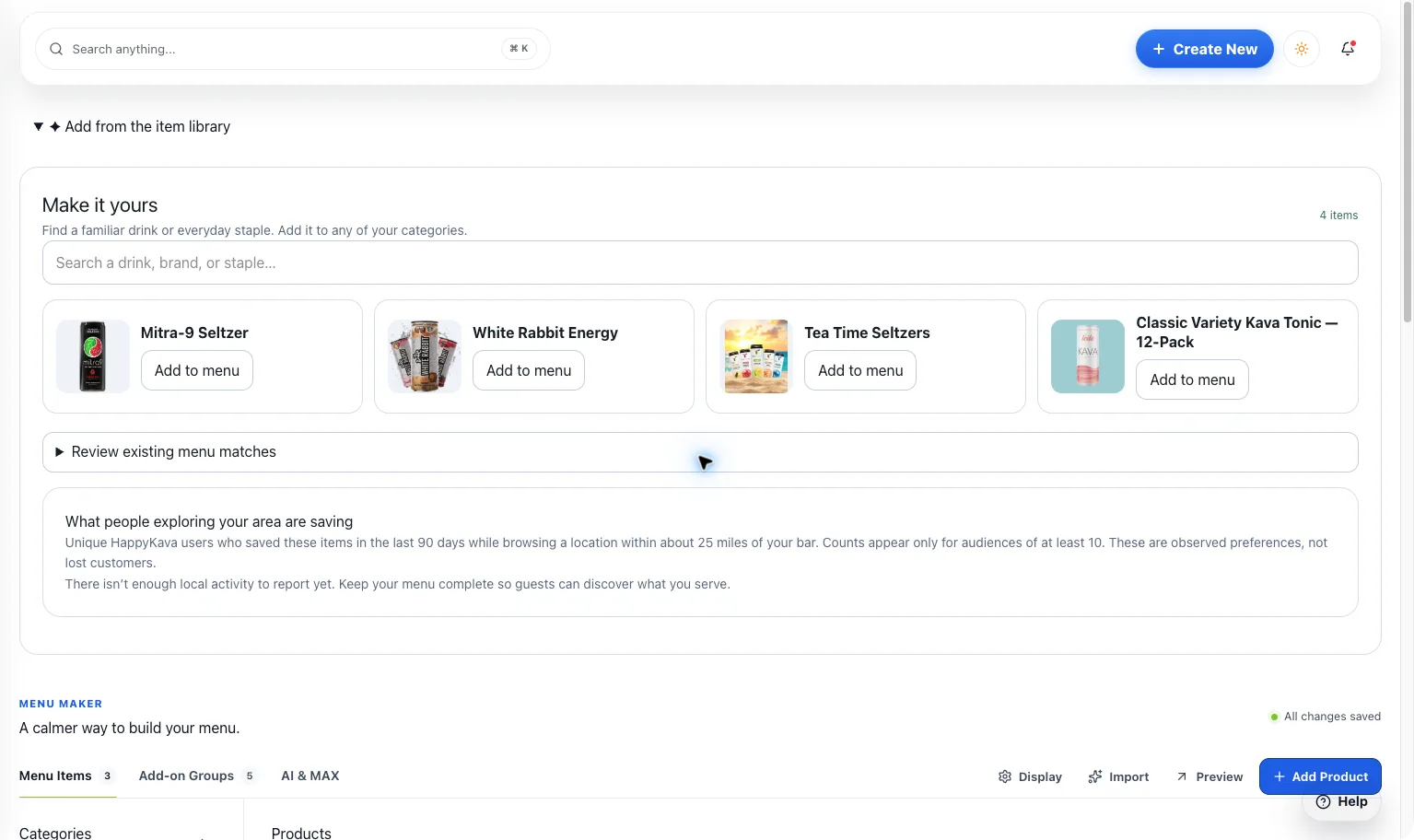
Shells, teas, mocktails, sizes, and add-ons. Build a menu that’s easy to update and ready for the places guests discover and order from you.
Build the menu once
What you get
Step by step
How it works
- 1Build your categoriesOrganize the menu the way guests actually browse it.
- 2Add the optionsEnter current prices, serving sizes, and extras.
- 3Review and shareCheck the guest view and publish to supported destinations.
Why it matters
Your menu is more than a file on someone’s desktop.
Treat it as the living list of what you serve. Keep the details together and stop rebuilding them for every new place the menu appears.
700+
Kava bars on HappyKava
27,000+
People using HappyKava
Plans
Which plan includes what
Available to eligible bar teams. Your role and bar configuration determine which tools you can use. Claiming your bar is free, and paid plans start at $20 a month per bar.
- Free$0/moGet on the map.
- Plus$20/moTurn first-timers into regulars.
- Pro$99/moFill the room, take orders, get your own website.
- MAX$250/moBe the bar the whole city is playing.
Questions
Is Kava Bar Menu Maker available now?
Live. Available to eligible bar teams. Your role and bar configuration determine which tools you can use.
Can items have different sizes and add-ons?
Yes. In Menu Maker, each item can have its own sizes, prices, and add-ons.
Does publishing a menu activate ordering?
No. Ordering depends on your location’s participation, service setup, and available ordering tools.
Related features
LiveGet discovered & grow
Website Builder
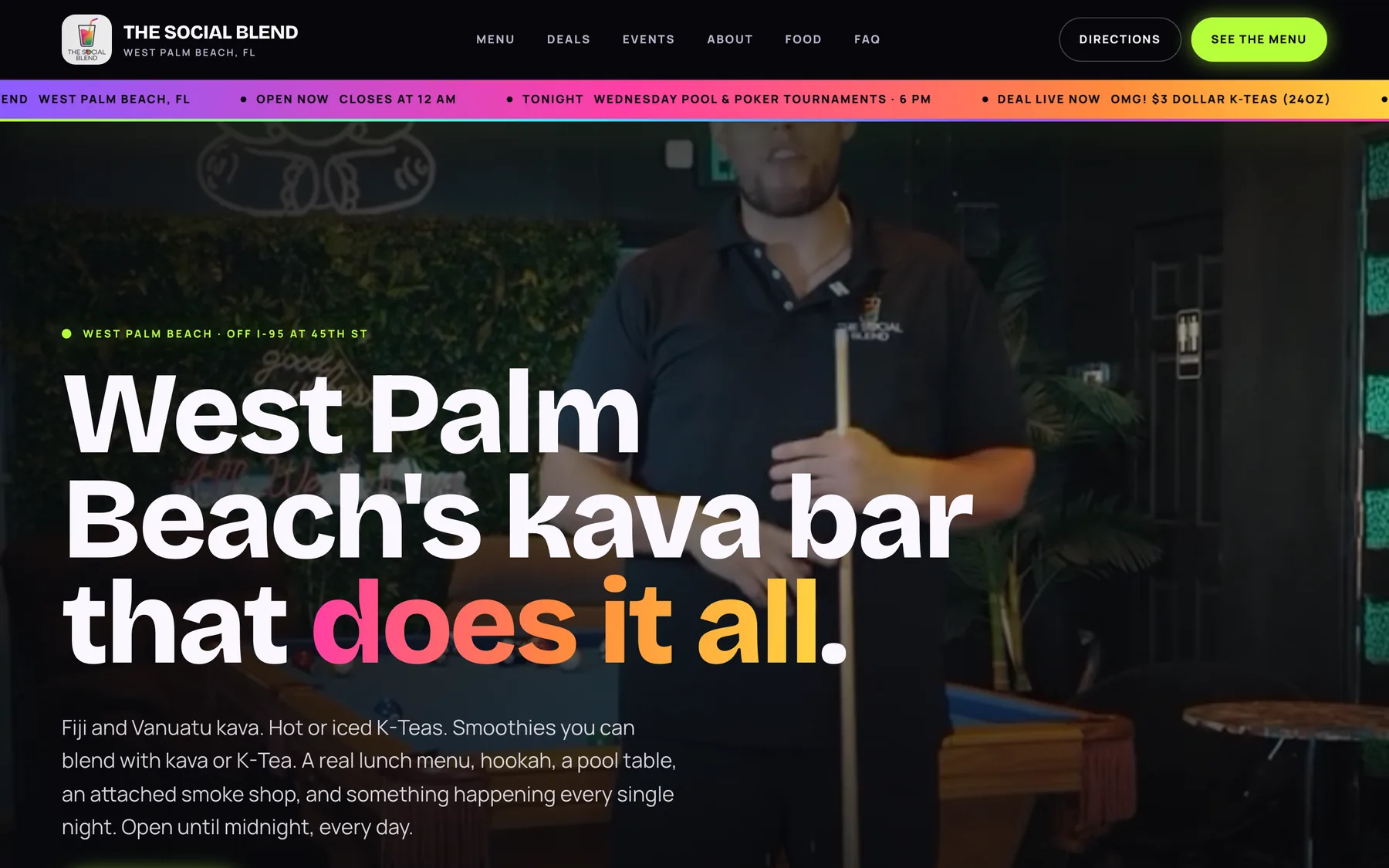
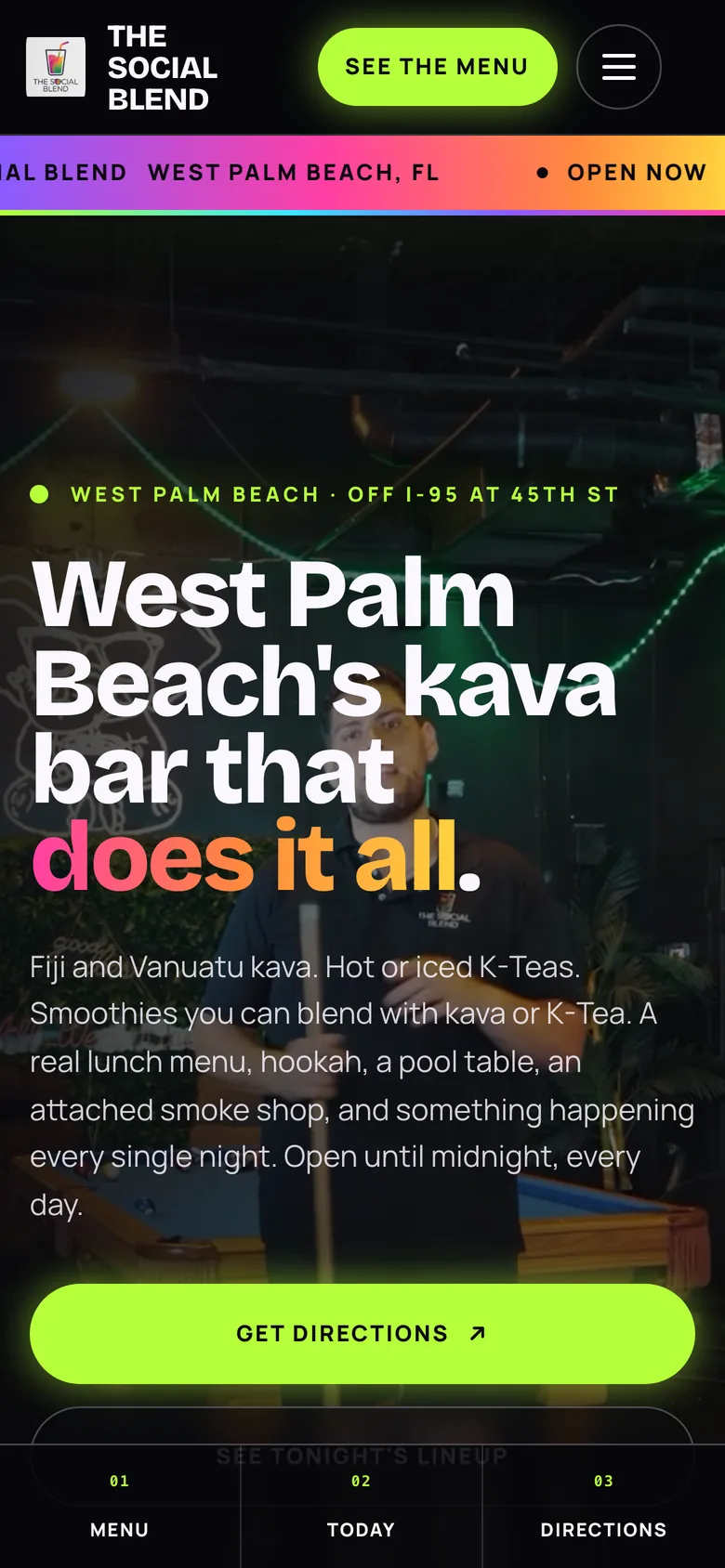
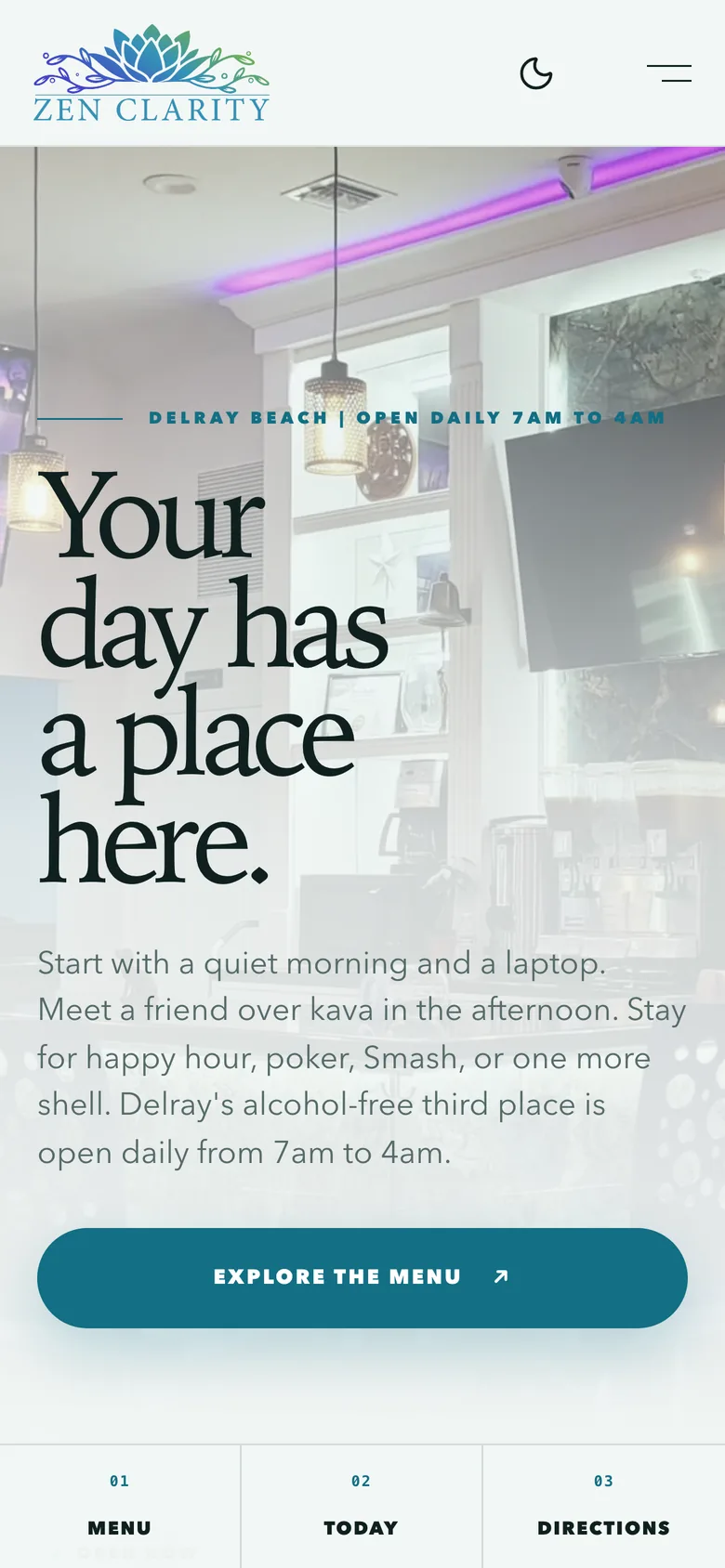
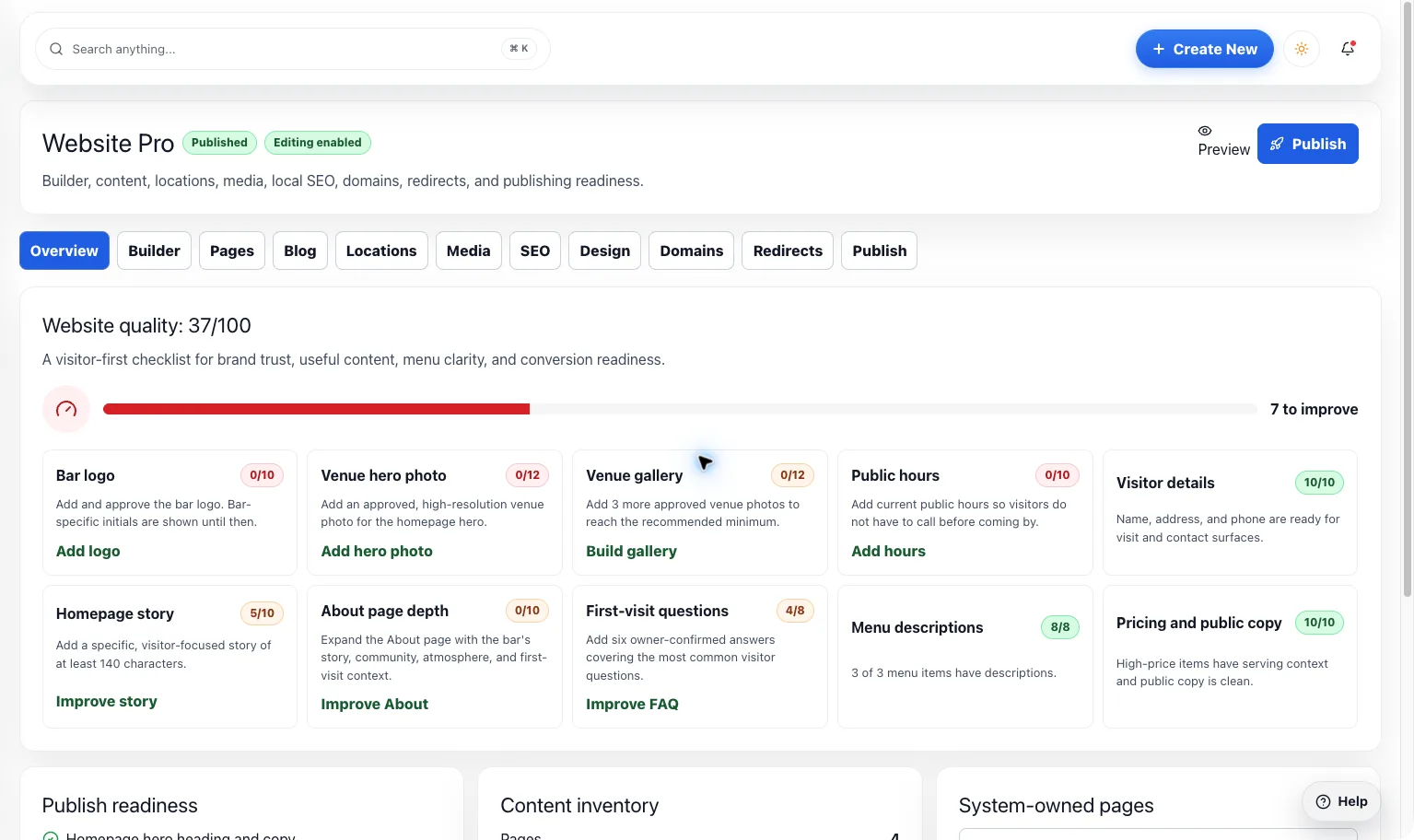
Give your bar a home online that feels like walking through the door. Bring your brand, menu, events, and deals together without redoing the same work.
LiveGet discovered & grow
Website Widgets
Already love your website? Add live HappyKava menus, events, and deals so the useful parts can stay current.
LiveGet discovered & grow
Public Listing
Before someone becomes a regular, they look you up. Make the photos, hours, menu, and little details feel as welcoming as your bar.