

Keep your existing website currentLive
Kava Bar Website Widgets
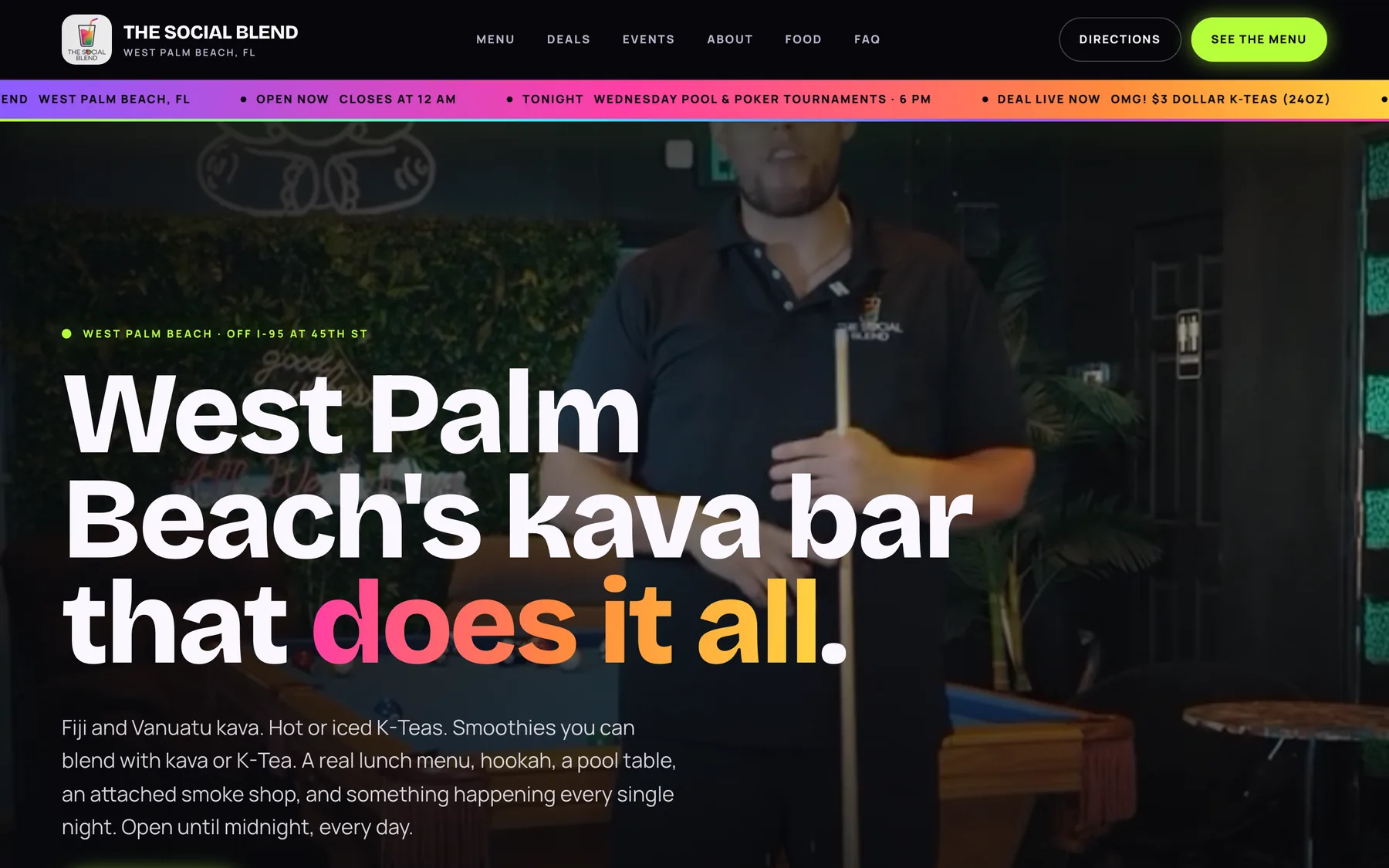
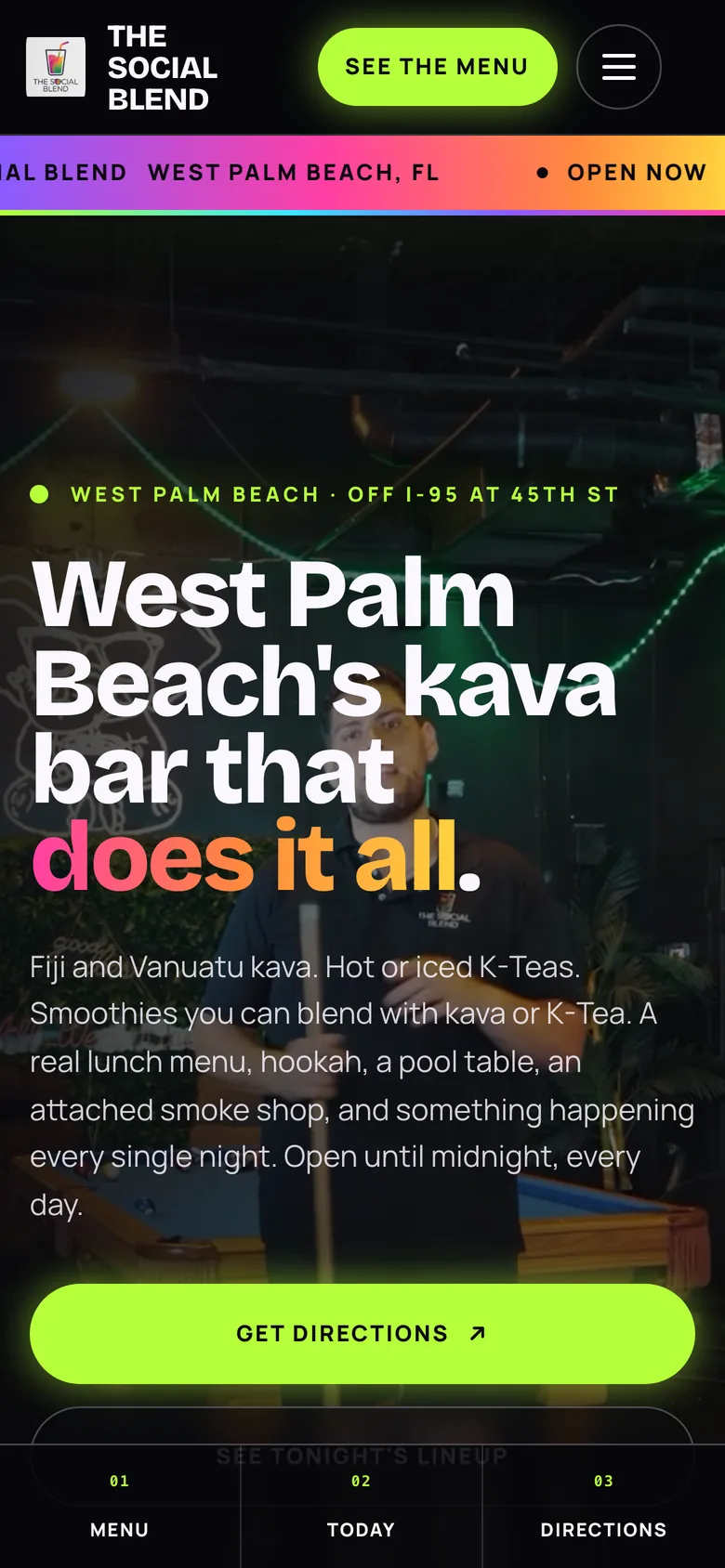
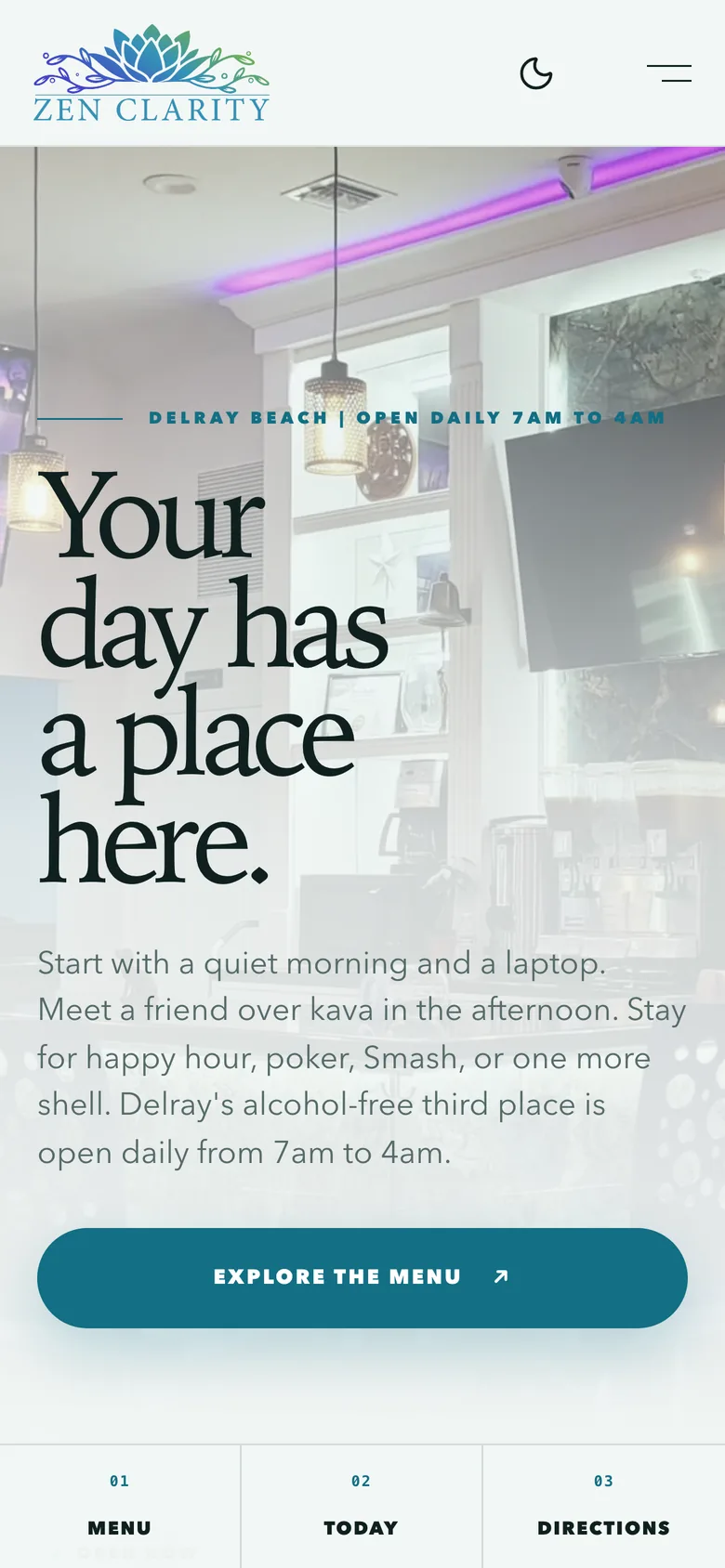
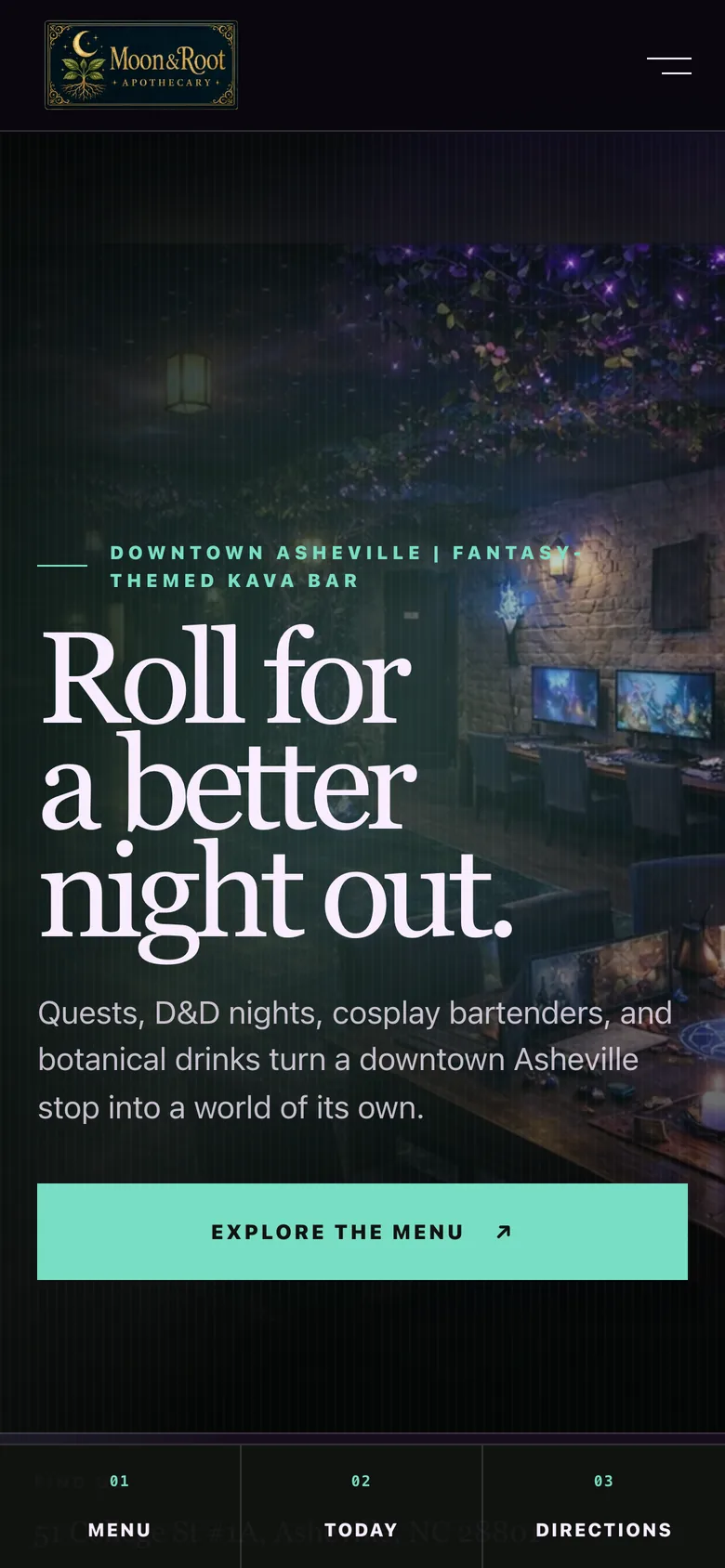
Already love your website? Add live HappyKava menus, events, and deals so the useful parts can stay current.
Keep your existing website current
What you get
Step by step
How it works
- 1Choose what to sharePick a supported menu, event, deal, or programming widget.
- 2Match your siteAdjust its display and appearance.
- 3Add the widgetPlace it on your existing website and review the result.
Why it matters
Your website shouldn’t be the last to know.
When the menu changes or a new event lands, the connected content can travel with it. Keep the site you know and improve what guests see.
Pick a widget
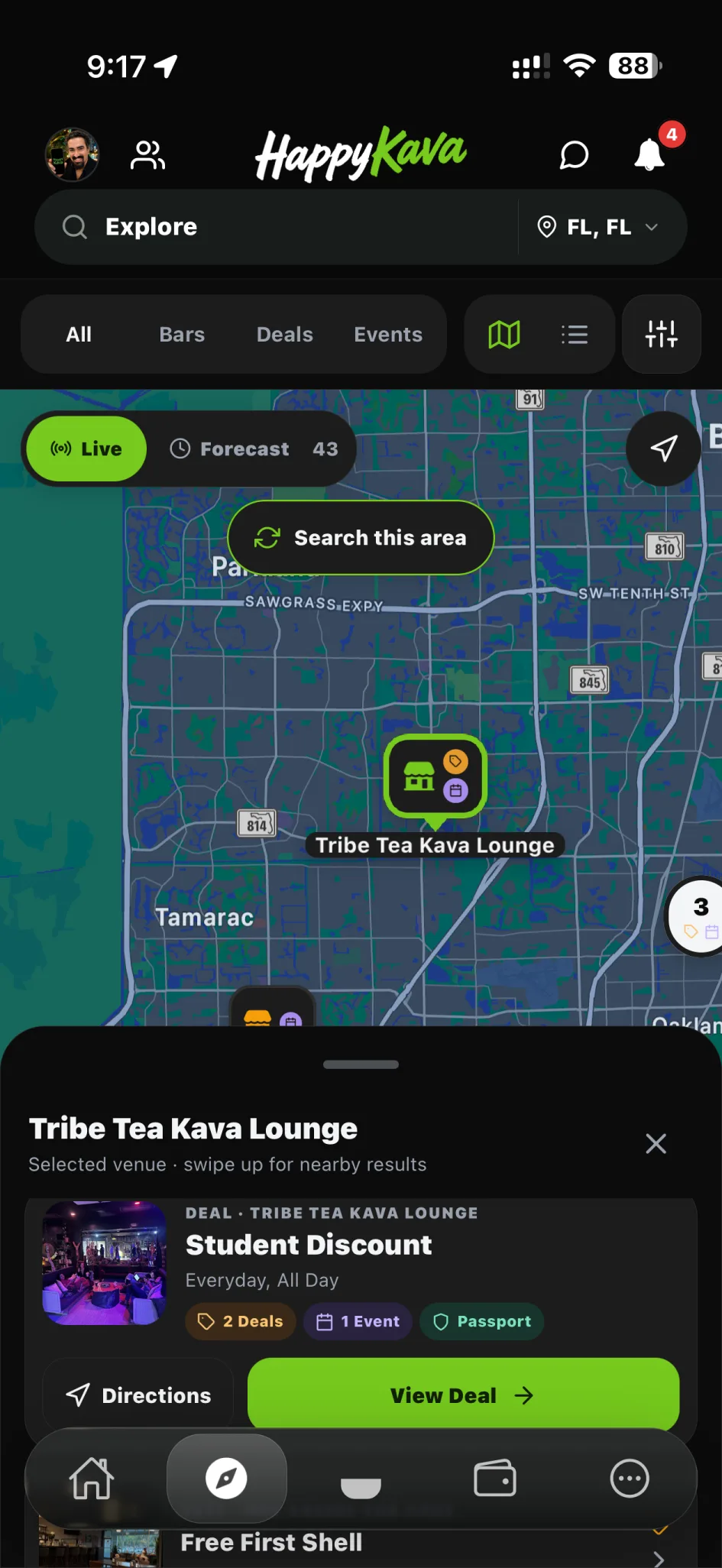
Each widget is tied to your bar’s HappyKava page, so it shows the same menu, deals, and events.
Deals and events
Calendar widget
Your deals and events on a calendar, including the ones that repeat.
/embed/bar/{barId}Best forFull website sections
Weekly cards
This Week widget
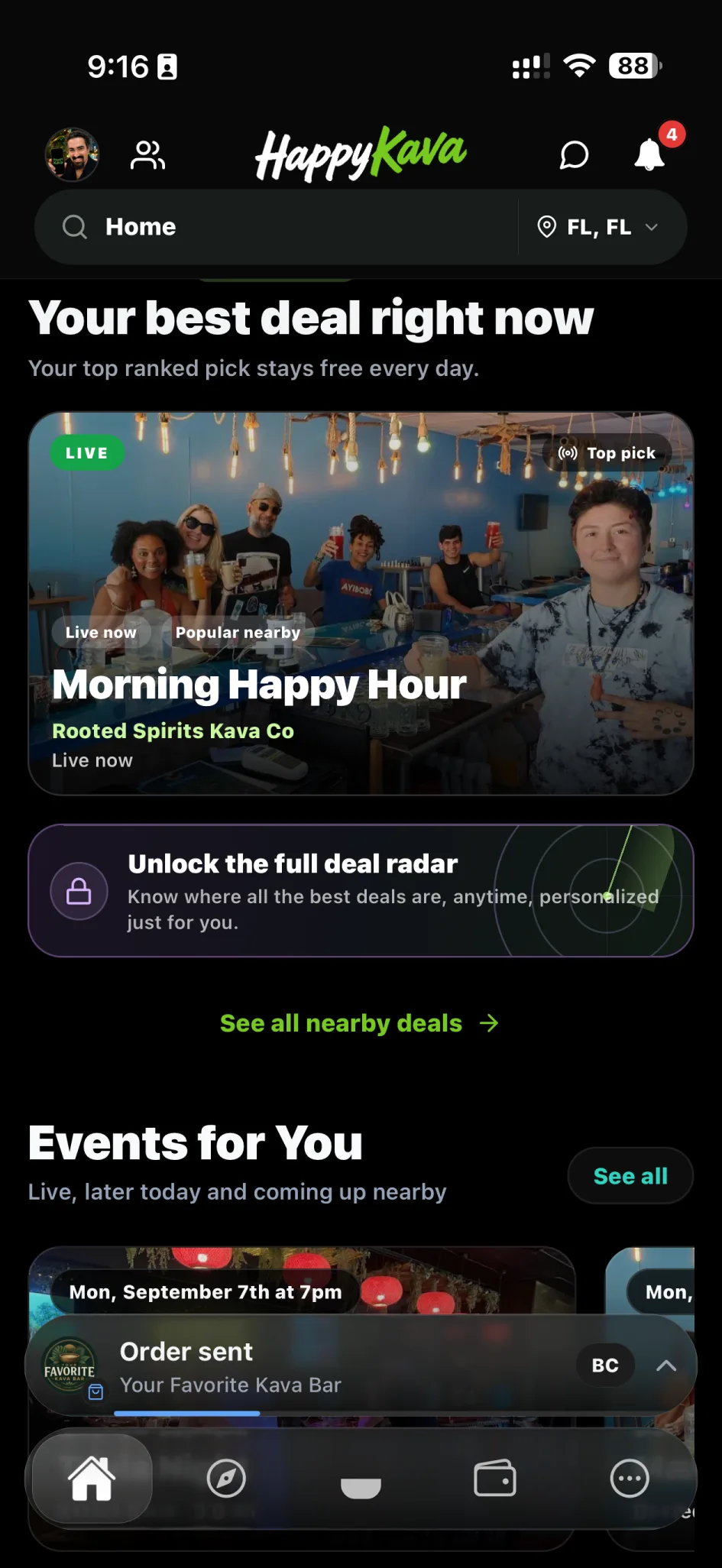
Cards for your next few events and deals, so your homepage always looks current.
/embed/week/{barId}Best forHomepage modules
Same-day feed
Happening Today widget
Today’s deals and events. On a quiet day it shows the next thing coming up.
/embed/today/{barId}Best forTop of a page
Digital menu
Menu widget
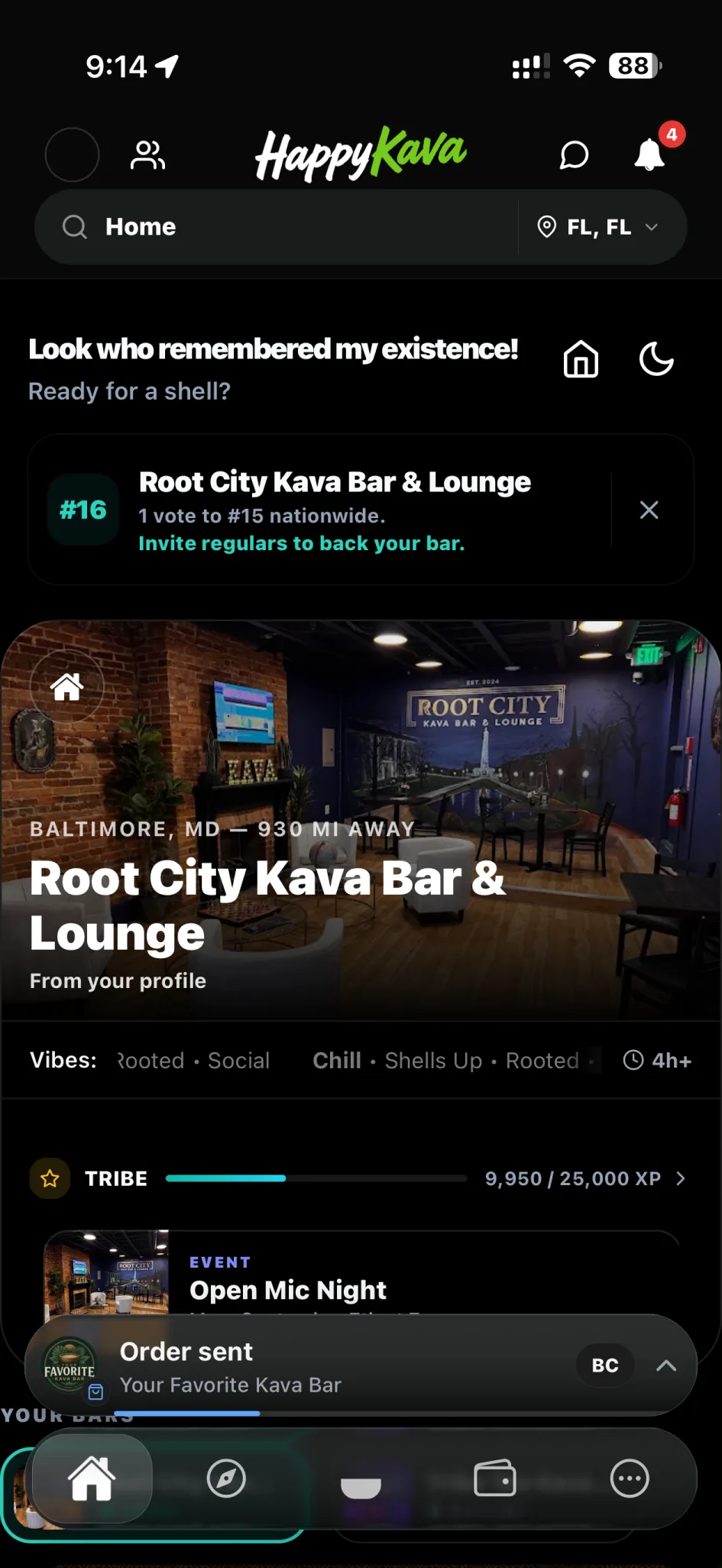
Your HappyKava menu, with photos and categories, on your own site.
/embed/menu/{barId}Best forMenu pages
In-bar screen
TV signage
A big-screen display for the bar: your menu, today’s happenings, a QR code, ratings, and this week’s highlights.
/embed/tv/{barId}Best forVenue displays
Network feed
Global Happening Now
Live deals and events from HappyKava bars across the country, for partner sites.
/embed/nowBest forPartner pages
Install
Paste one of these into your website and replace the sample ID with your bar ID from the owner portal. Script widgets size themselves; the frame needs a minimum height.
Calendar script
For a full deals and events section with week and month views.
<div id="happykava-calendar"></div>
<script
  src="https://happykava.app/widgets/v1.js"
  data-target-id="happykava-calendar"
  data-widget="calendar"
  data-bar-id="00000000-0000-4000-8000-000000000000"
  data-theme="auto"
  data-calendar-style="soft-columns"
  data-links="on"
></script>
Menu script
For a menu page that shows your HappyKava menu.
<div id="happykava-menu"></div>
<script
  src="https://happykava.app/widgets/v1.js"
  data-target-id="happykava-menu"
  data-widget="menu"
  data-bar-id="00000000-0000-4000-8000-000000000000"
  data-theme="auto"
  data-show-images="on"
  data-show-category="on"
></script>
Network frame
For a partner page that shows live deals and events from bars nationwide.
<iframe
  title="HappyKava Happening Now"
  src="https://happykava.app/embed/now?theme=auto&links=on"
  loading="lazy"
  style="width:100%;min-height:520px;border:0;"
></iframe>
How widgets behave
When there’s nothing on
Widgets show a quiet “nothing today” message or the next thing coming up. They never fill the gap with made-up deals, events, or menu items.
While it loads
Script widgets load in their own frame and resize themselves once your bar’s details arrive.
If something’s wrong
A wrong bar ID, a widget that isn’t switched on, or a closed bar shows a calm “not available” message instead of old information.
Your bar page stays the main page
Widgets show your details on another site. Your HappyKava bar page, menu, deals, and events are still the main pages people land on, and the app shows the same details natively.
700+
Kava bars on HappyKava
27,000+
People using HappyKava
Plans
Which plan includes what
Available to eligible bar teams. Your role and bar configuration determine which tools you can use. Claiming your bar is free, and paid plans start at $20 a month per bar.
- Free$0/moGet on the map.
- Plus$20/moTurn first-timers into regulars.
- Pro$99/moFill the room, take orders, get your own website.
- MAX$250/moBe the bar the whole city is playing.
Questions
Is Kava Bar Website Widgets available now?
Live. Available to eligible bar teams. Your role and bar configuration determine which tools you can use.
Do I have to rebuild my website?
No. Widgets are designed for the website you already own.
Where do I update the content?
Update the connected source in HappyKava. The supported widget displays that information.
Related features
LiveGet discovered & grow
Website Builder
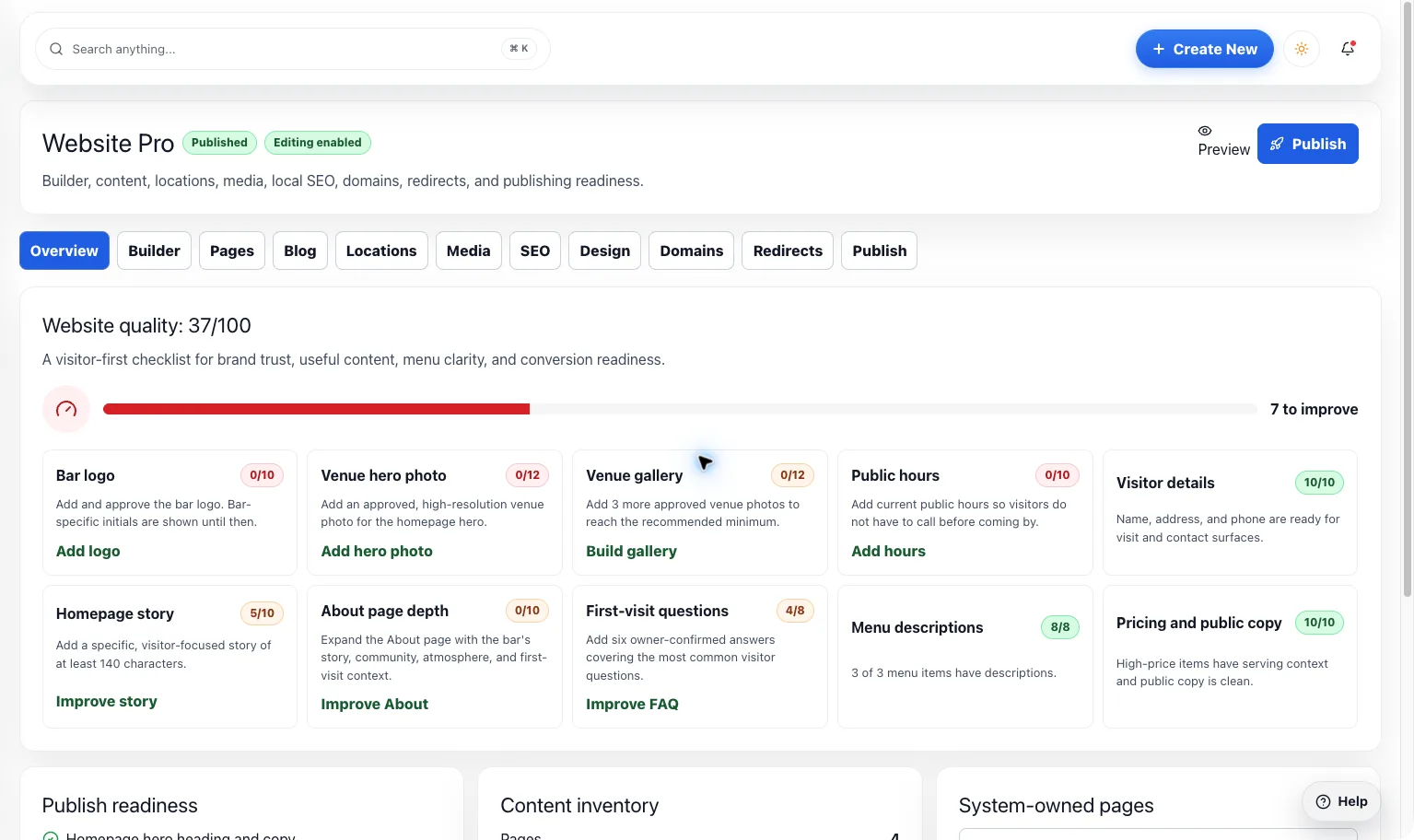
Give your bar a home online that feels like walking through the door. Bring your brand, menu, events, and deals together without redoing the same work.
LiveGet discovered & grow
Public Listing
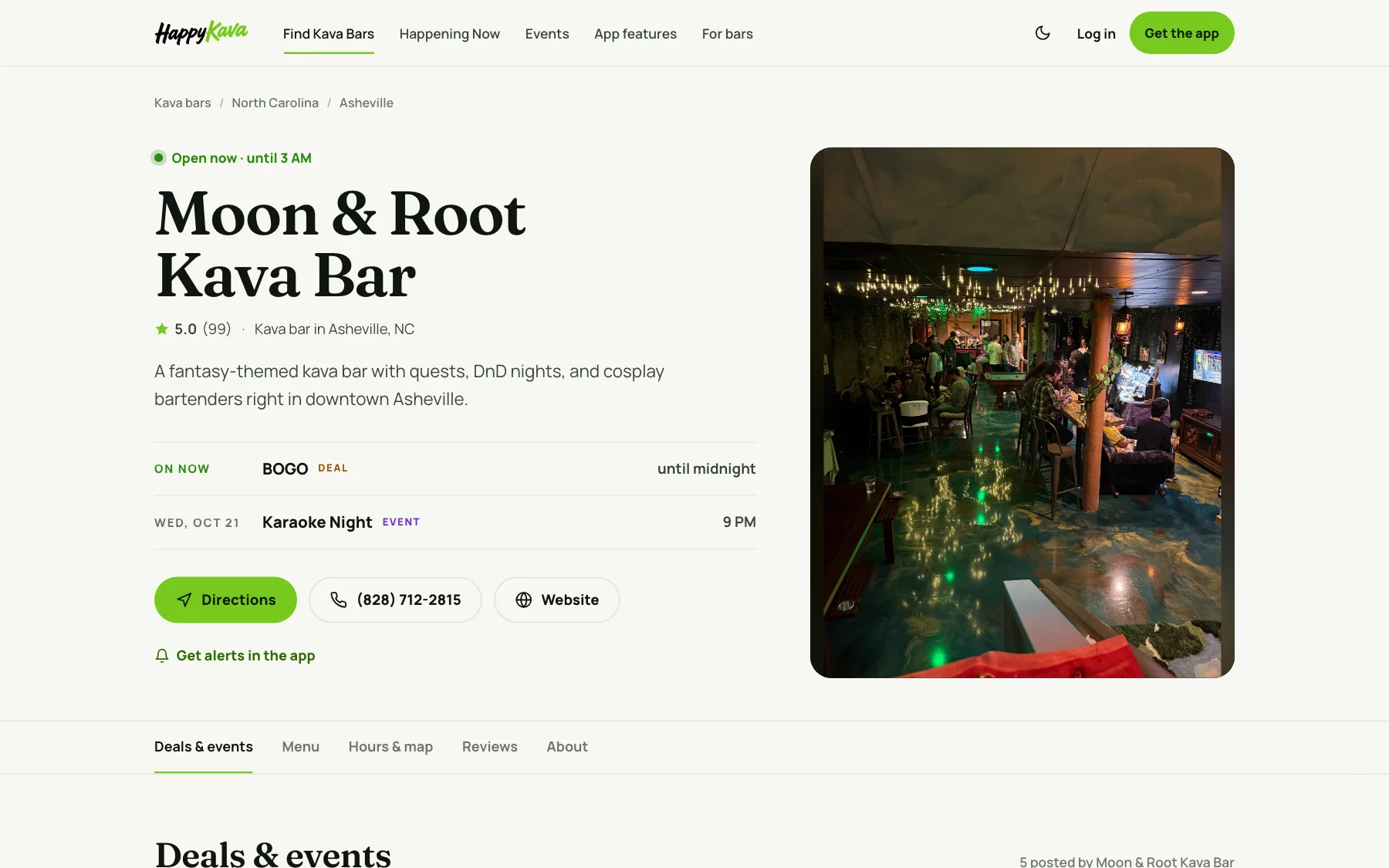
Before someone becomes a regular, they look you up. Make the photos, hours, menu, and little details feel as welcoming as your bar.