

Validate without slowing serviceLive
Kava Bar Check-In & Scanner
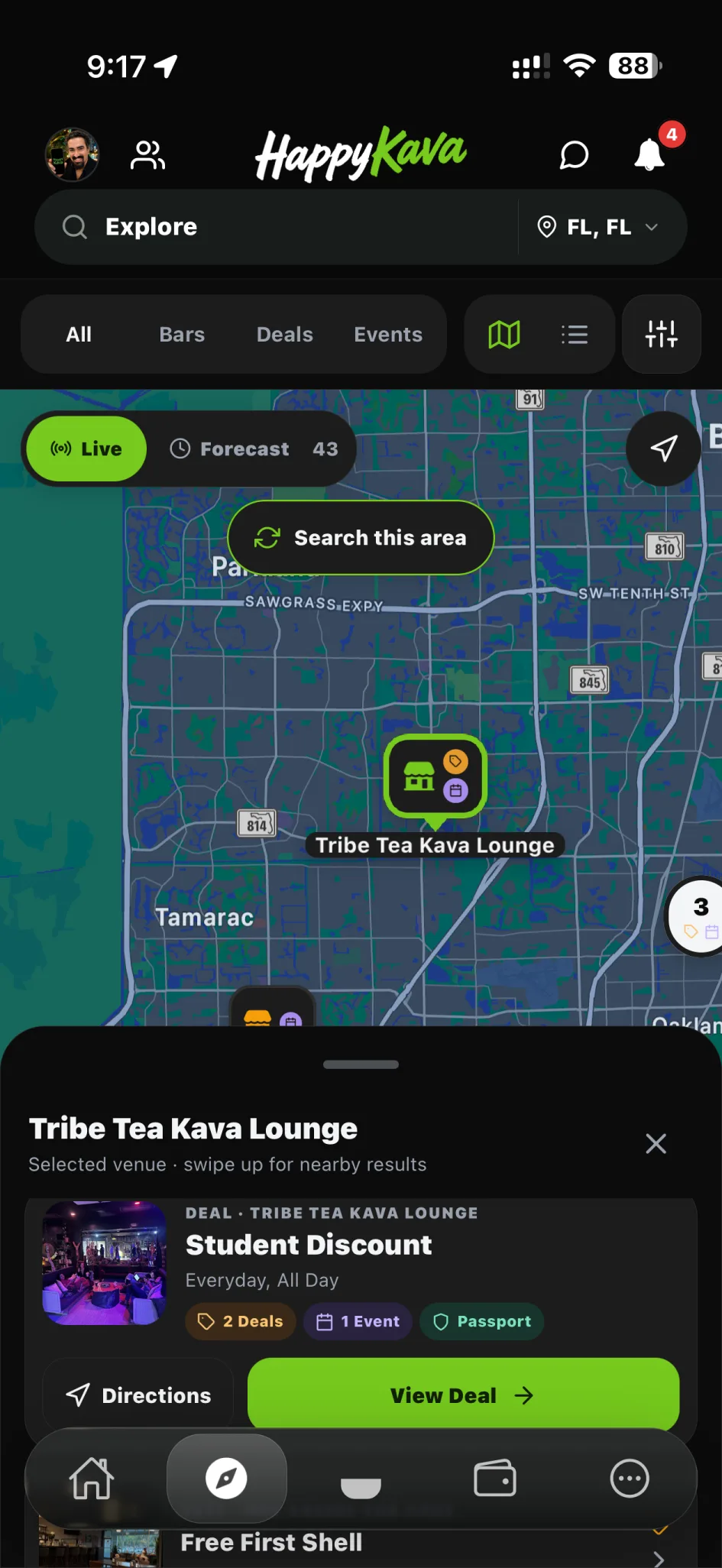
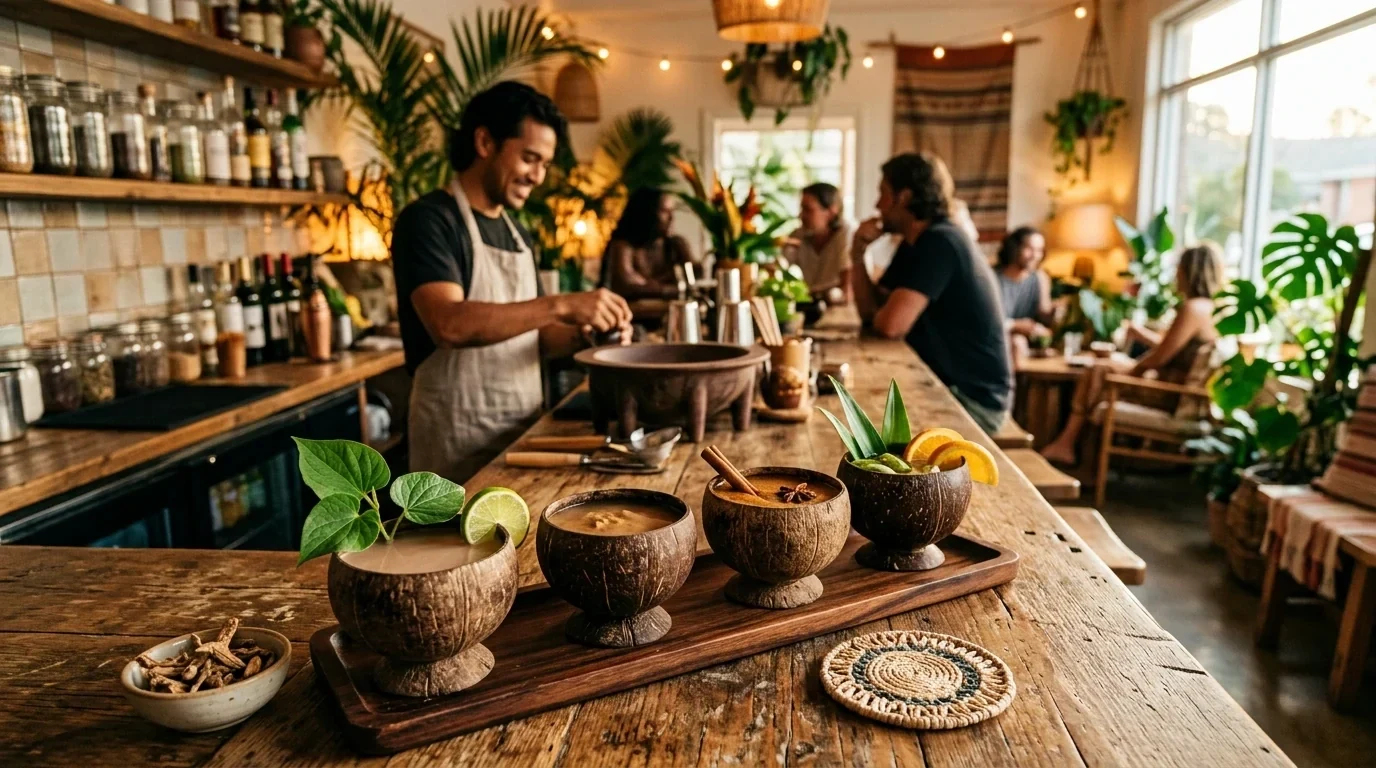
See current check-ins and validate supported QR or numeric codes. Keep eligibility and redemption together without slowing the counter down.
Validate without slowing service
What you get
Step by step
How it works
- 1Find or scanOpen the checked-in guest or supported code.
- 2Check eligibilityRead the pass details and current status.
- 3Confirm the handoffComplete the allowed redemption and verify the result.
Why it matters
Clear for the guest. Even clearer for the staff.
A proper validation flow ends the “is this still good?” guesswork. Everyone sees the same result.
700+
Kava bars on HappyKava
27,000+
People using HappyKava
Plans
Which plan includes what
Available to eligible bar teams. Your role and bar configuration determine which tools you can use. Claiming your bar is free, and paid plans start at $20 a month per bar.
- Free$0/moGet on the map.
- Plus$20/moTurn first-timers into regulars.
- Pro$99/moFill the room, take orders, get your own website.
- MAX$250/moBe the bar the whole city is playing.
Questions
Is Kava Bar Check-In & Scanner available now?
Live. Available to eligible bar teams. Your role and bar configuration determine which tools you can use.
Can a pass be redeemed twice?
A pass’s current status determines whether it can be used. A redeemed or expired pass should not be treated as active.
Does the example scanner use my camera?
No. The preview uses an example code and doesn’t access your camera or any real pass.
Related features
LiveRun the shift
Kavatender Mode
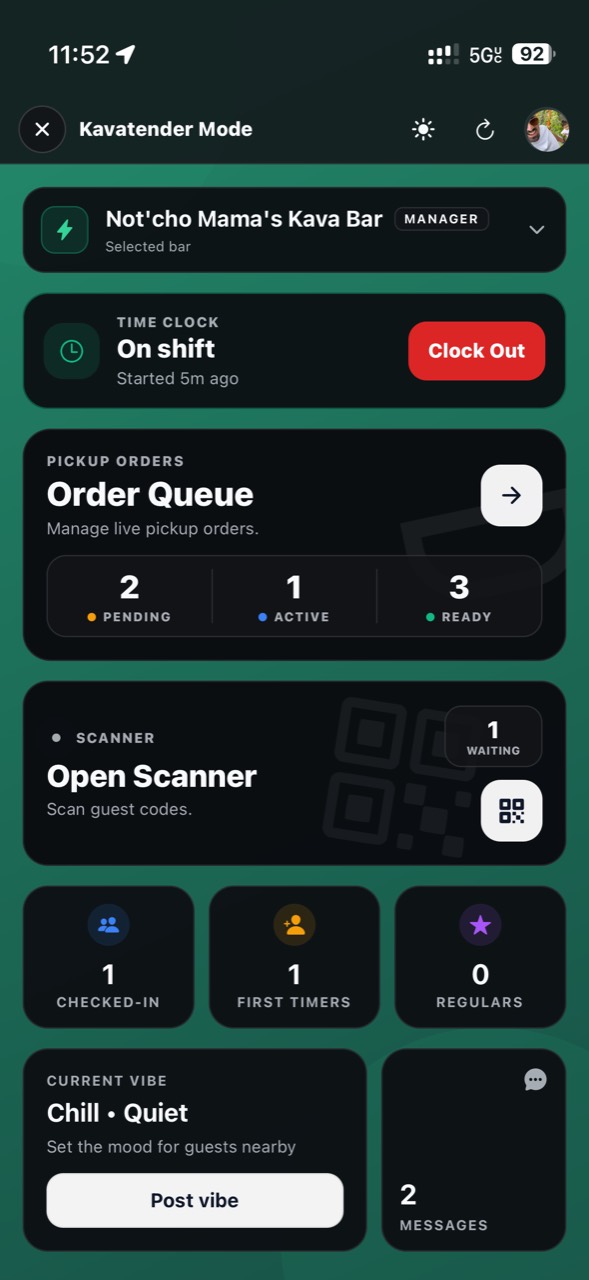
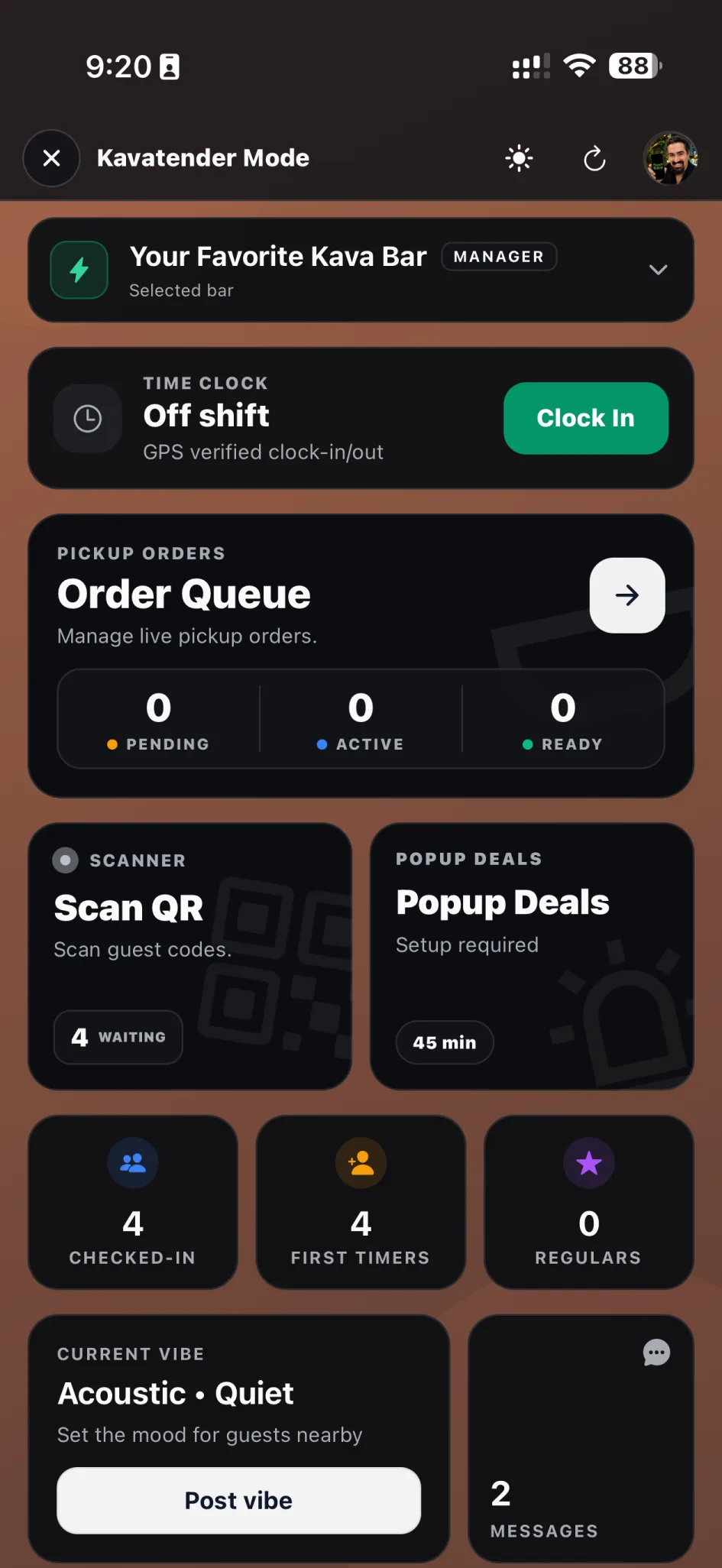
The busy-shift version of HappyKava. Find the guest, confirm the supported pass, manage available orders, and get back to the person in front of you.
LiveRun the shift
Staffing Tools
Bring owners, managers, and kavatenders into the workspace they need, without handing everyone the keys to everything.
LiveRun the shift
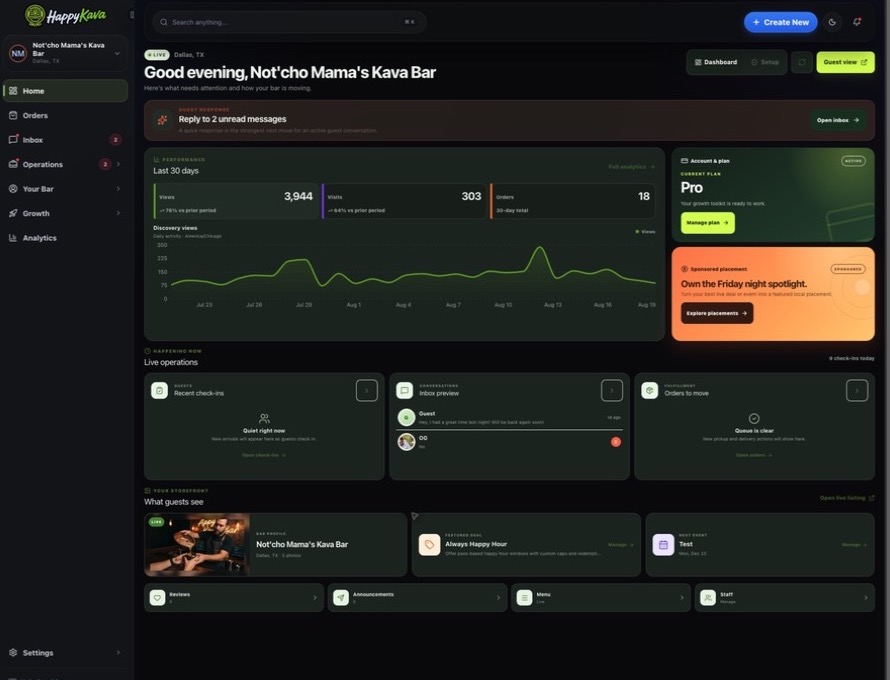
Dashboard
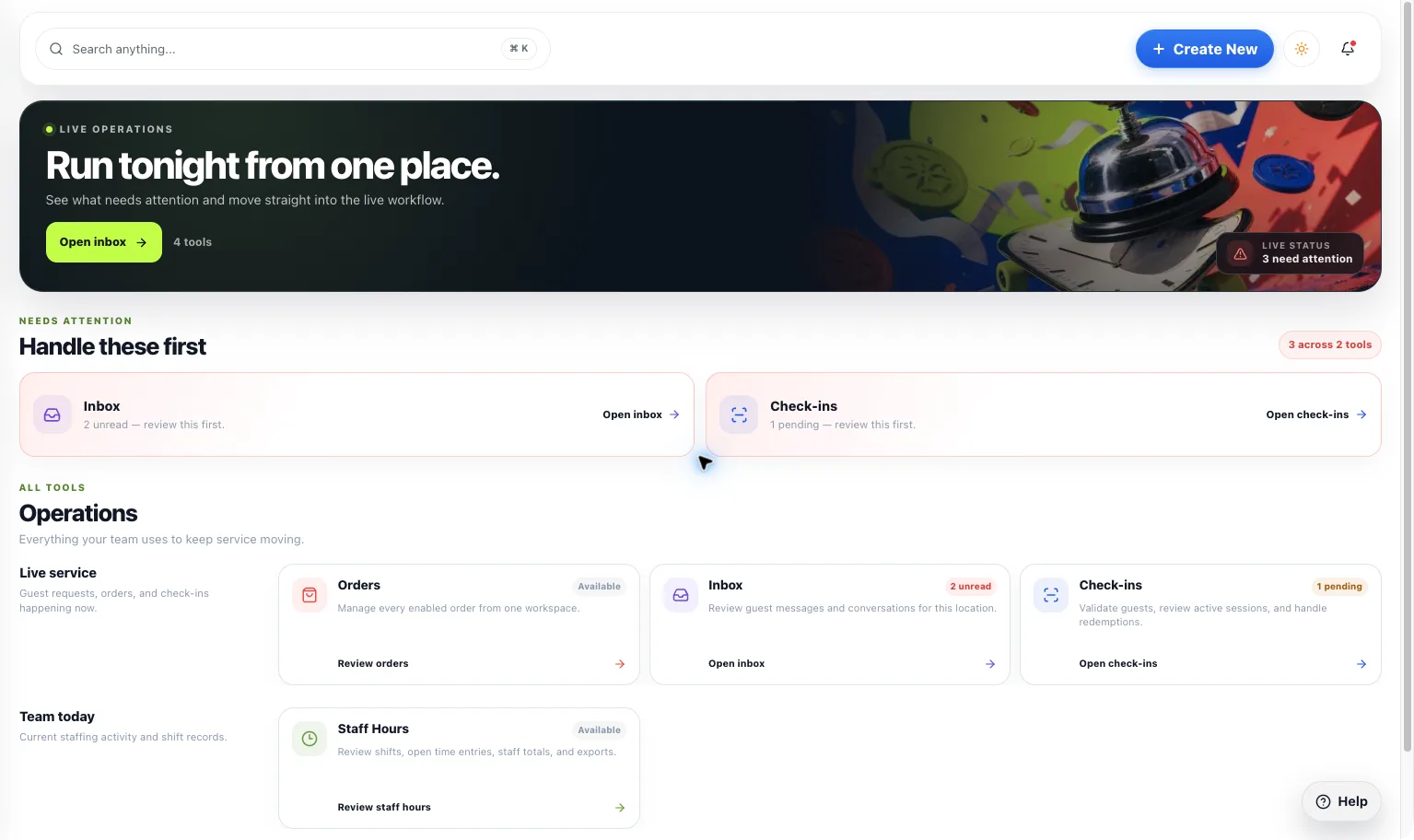
A home for your bar’s day-to-day work. Find the guest activity, content, orders, and next actions available to your location in one workspace.