

One command centerLive
Kava Bar Dashboard
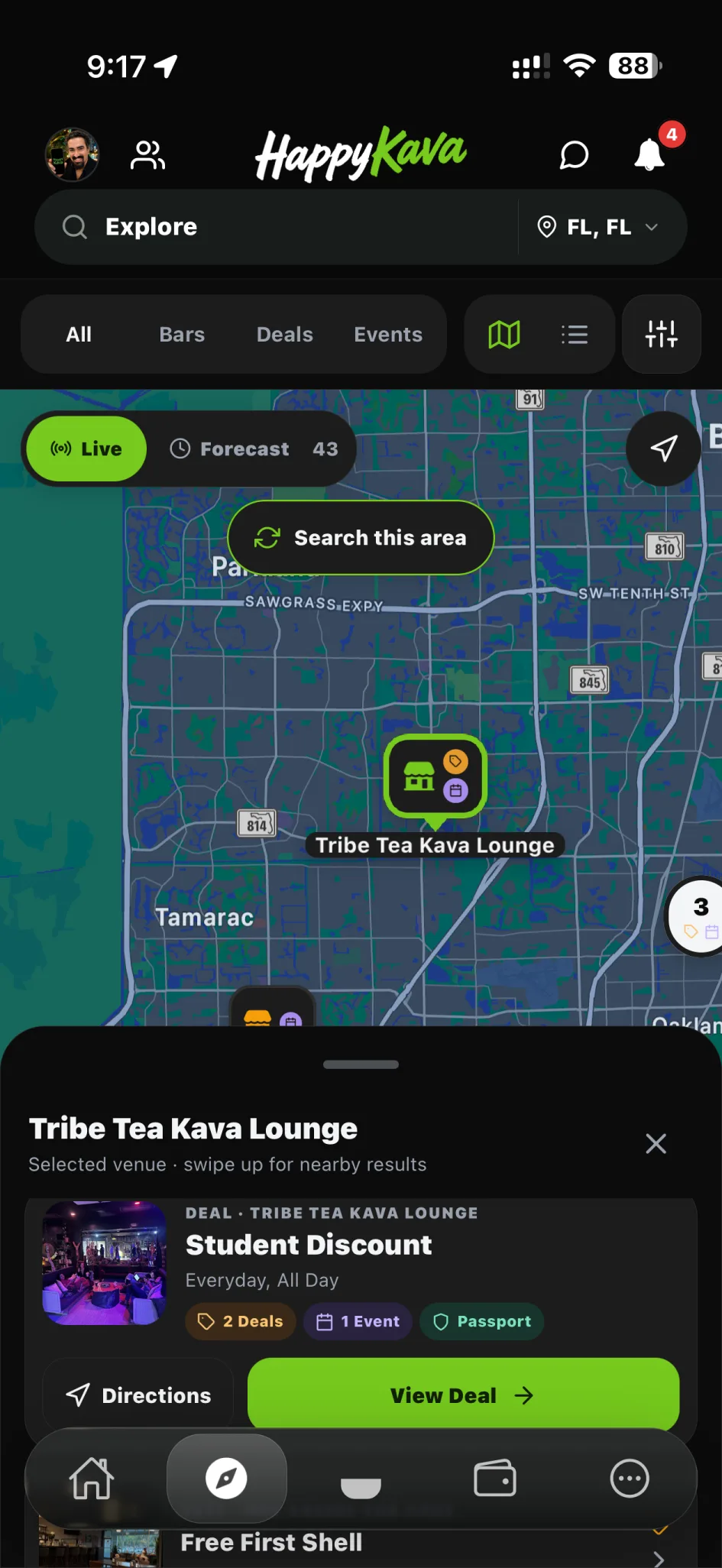
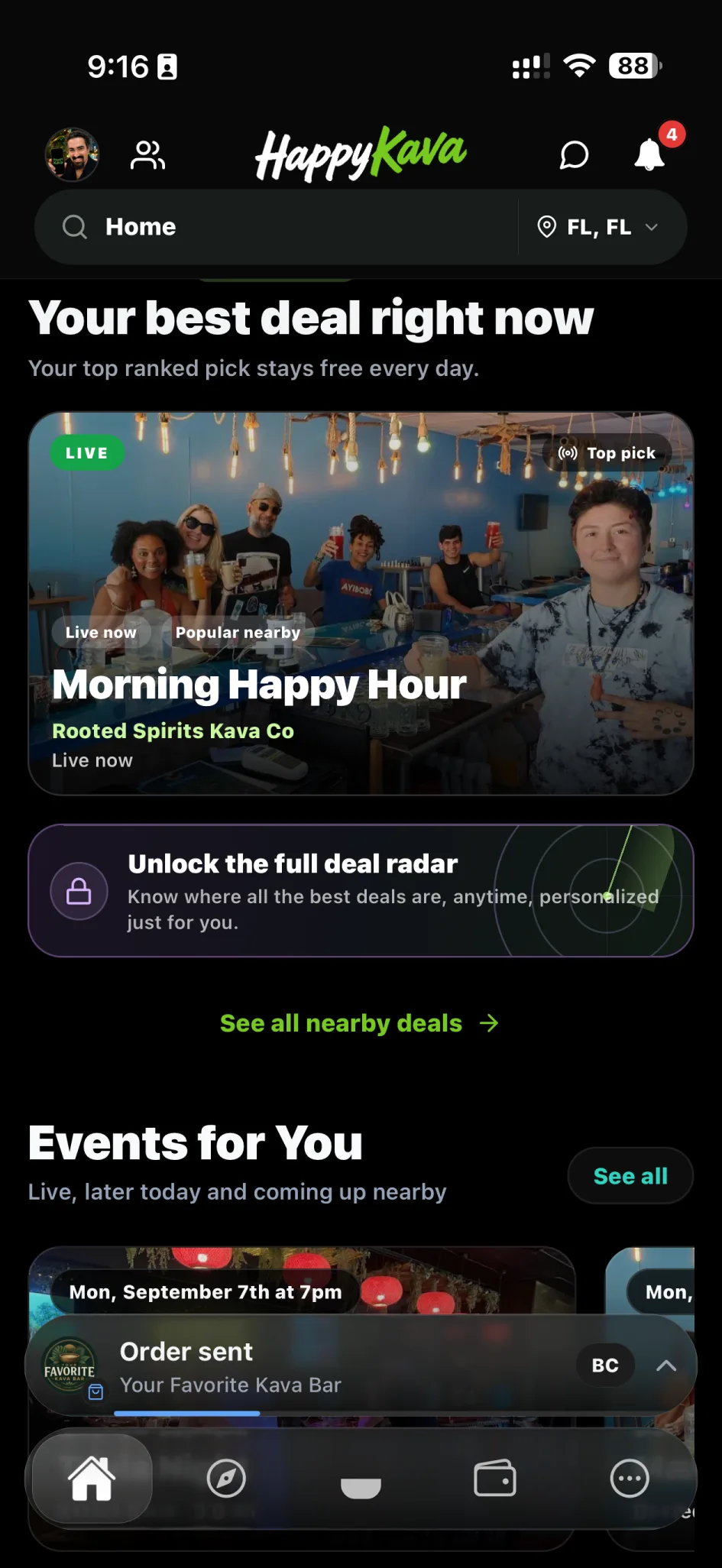
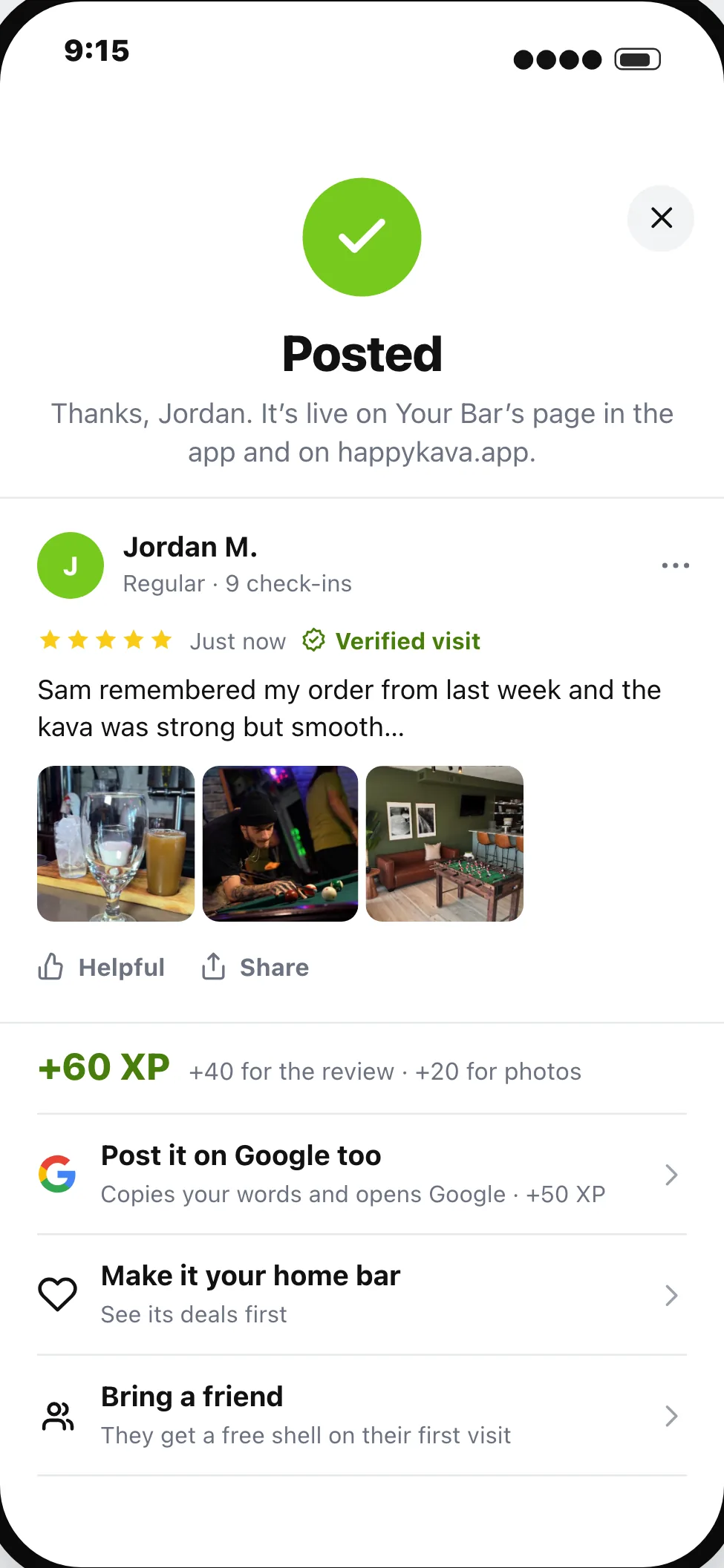
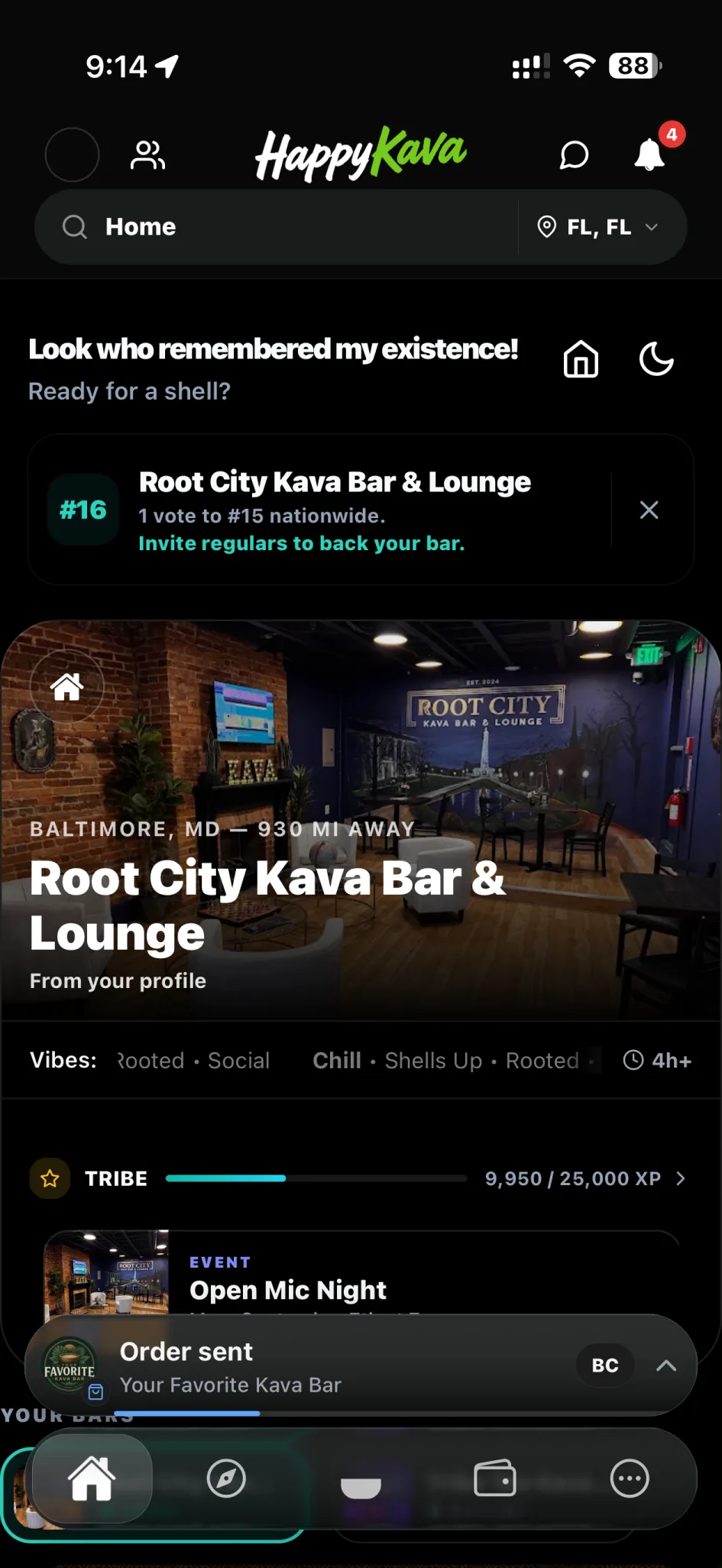
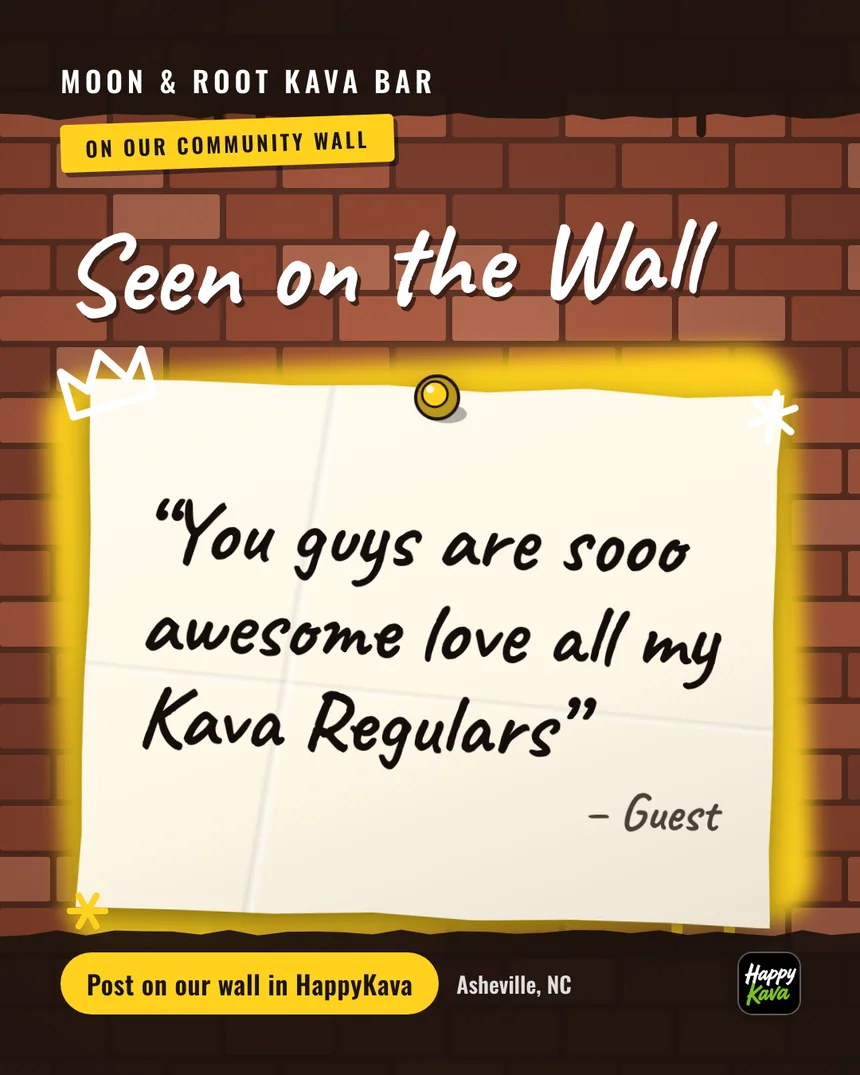
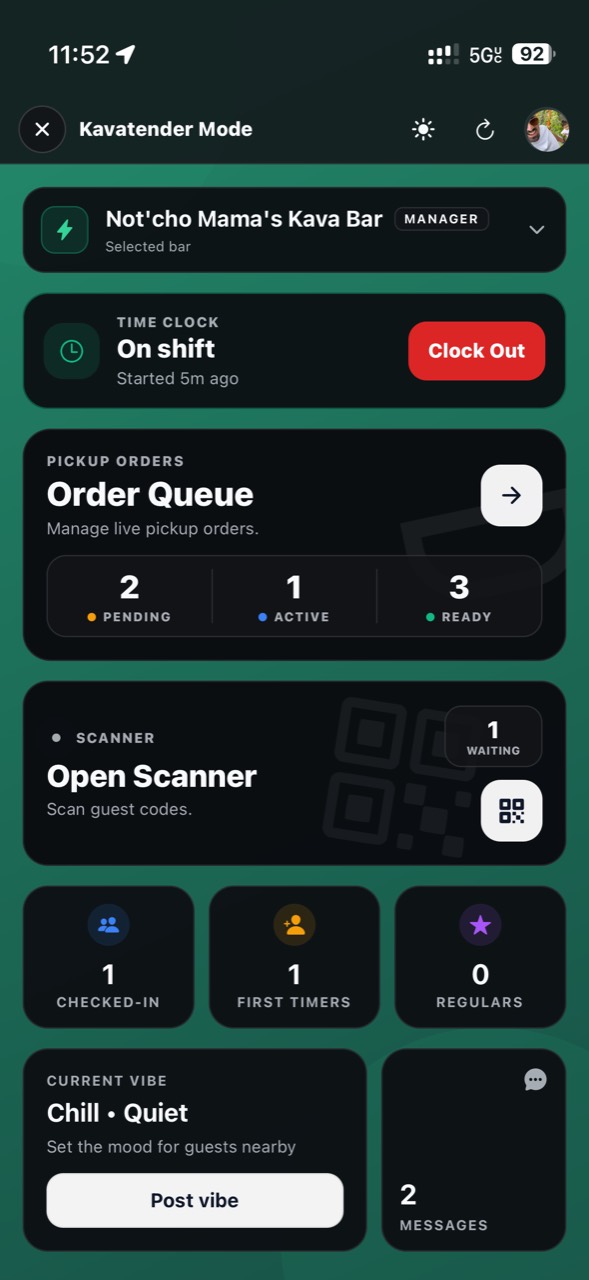
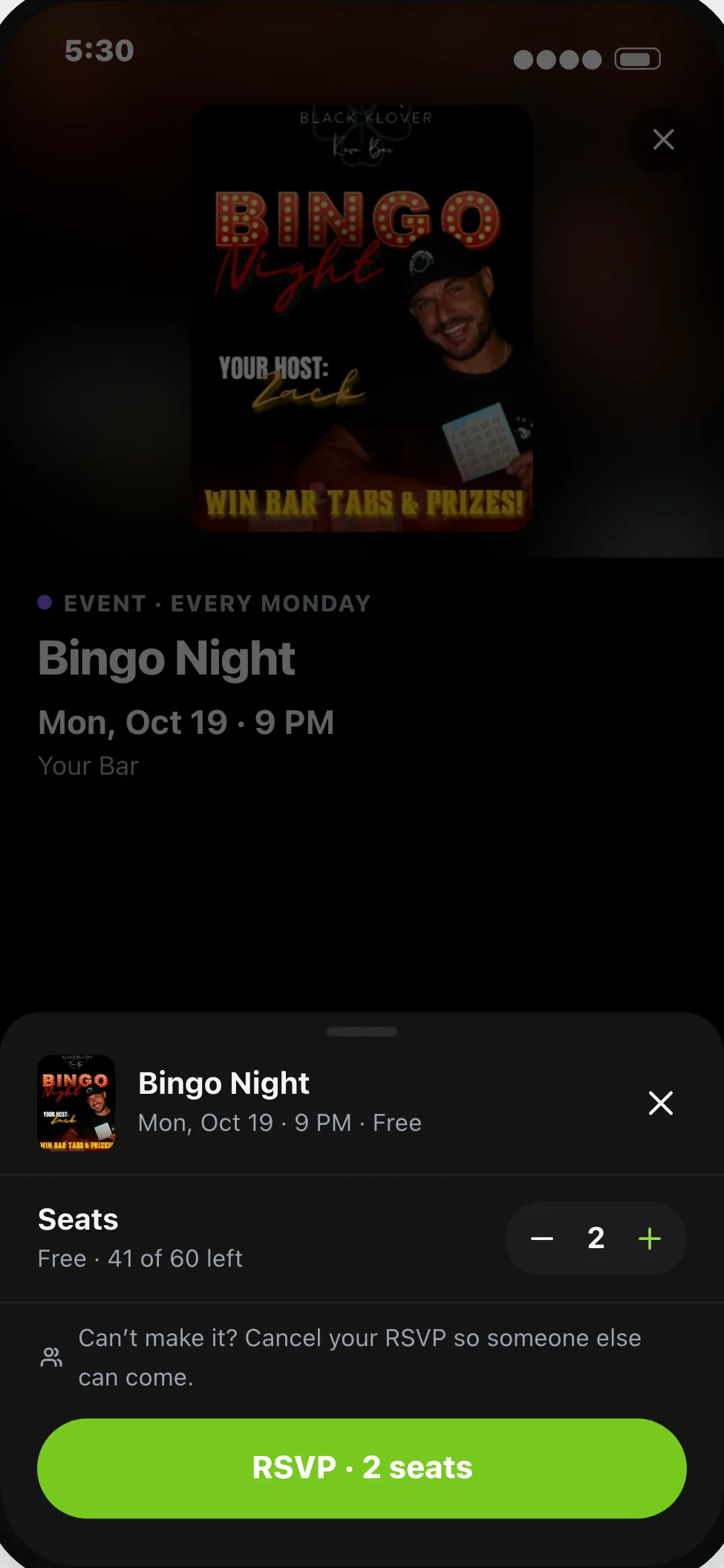
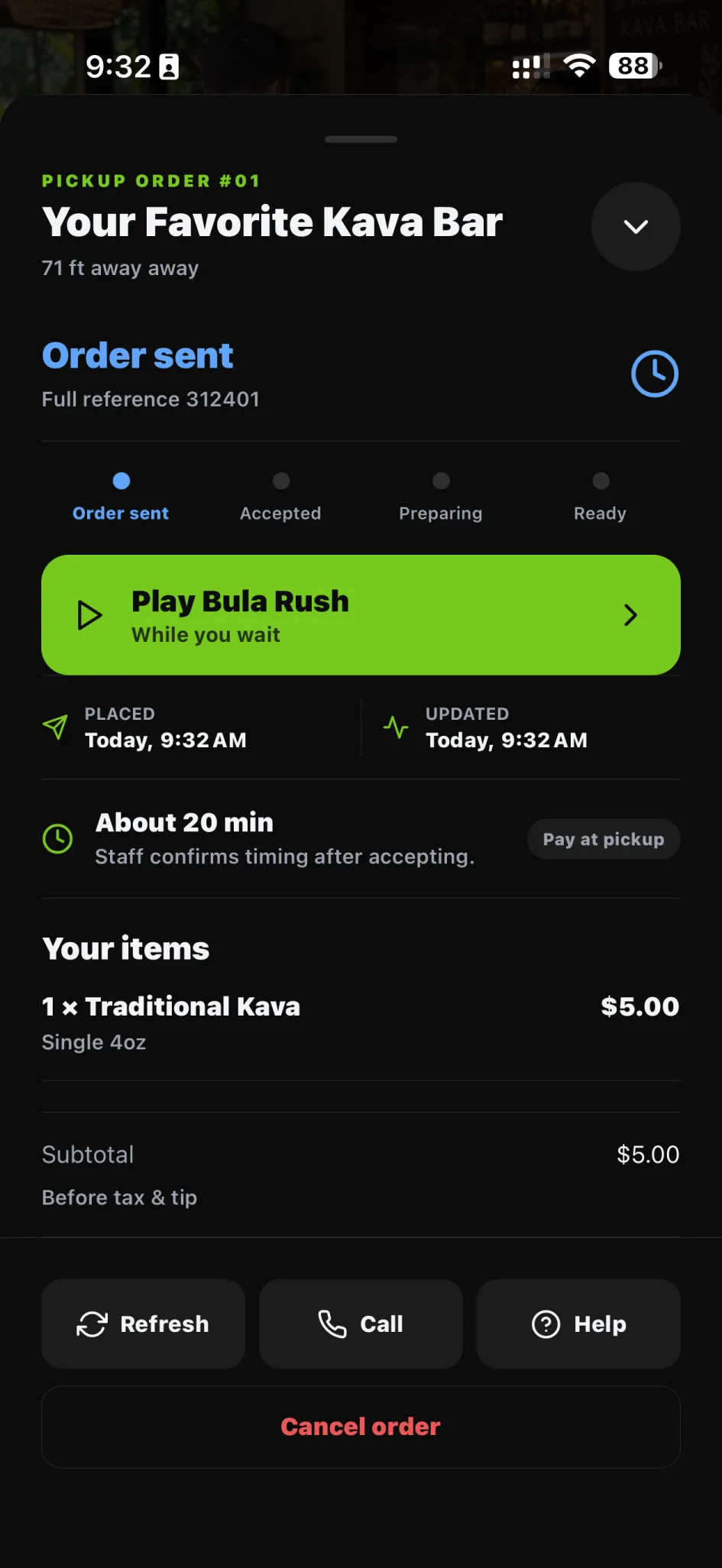
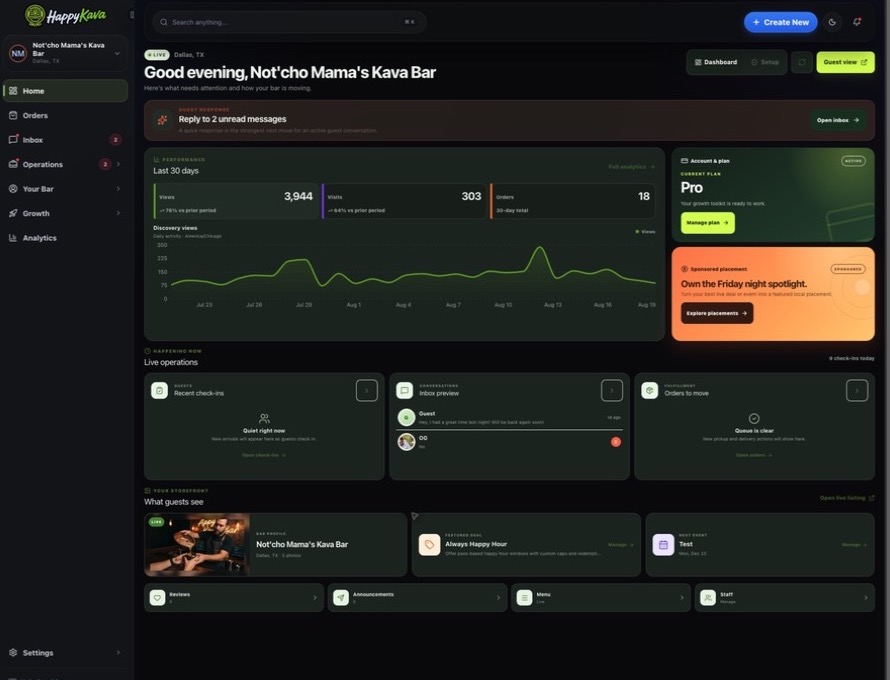
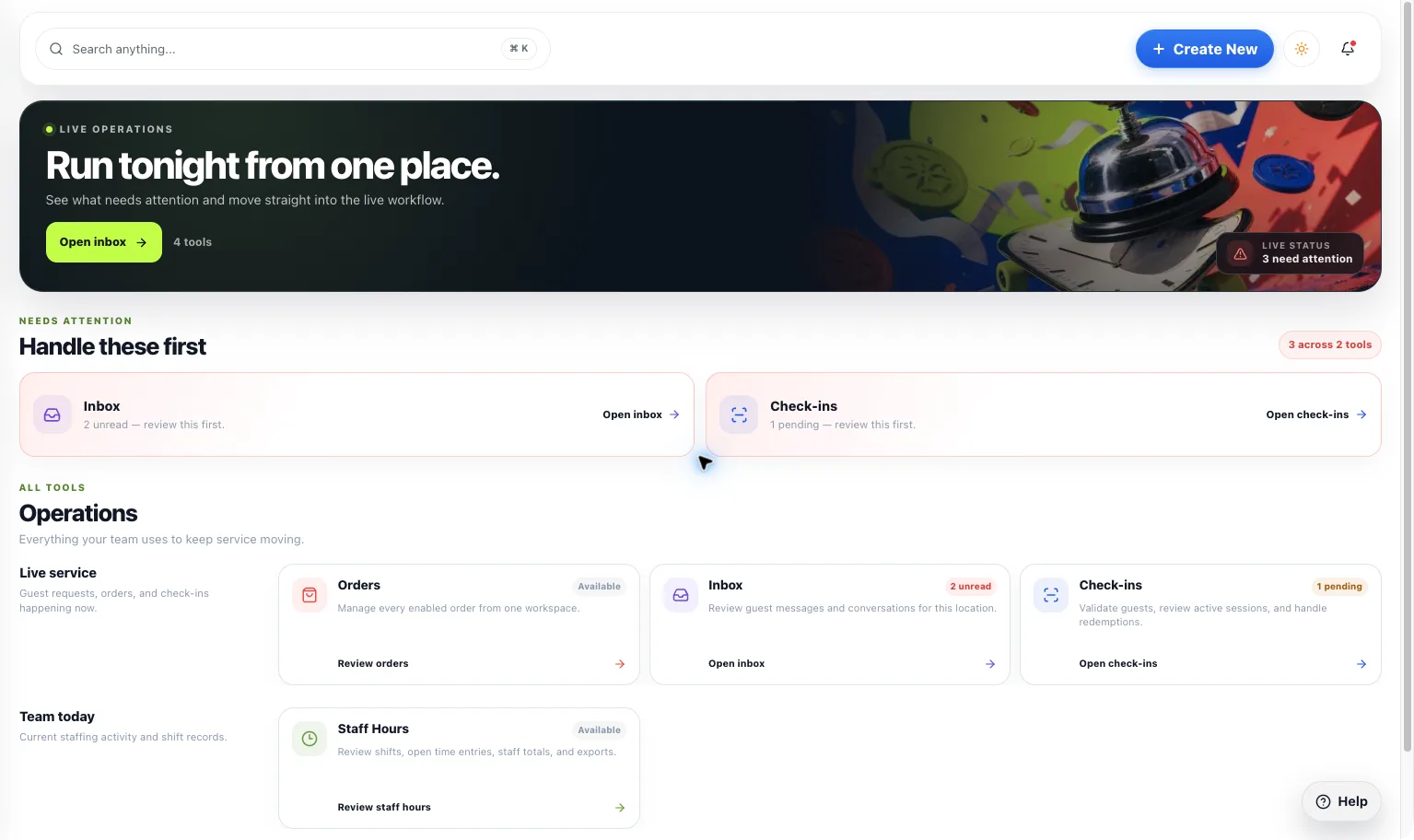
A home for your bar’s day-to-day work. Find the guest activity, content, orders, and next actions available to your location in one workspace.
One command center
What you get
Step by step
How it works
- 1Open your workspaceSign in with the right owner, manager, or staff access.
- 2Start with what mattersReview the available priorities for the bar.
- 3Move into the workUse the tool and permission level suited to the task.
Why it matters
Less hunting for the tool. More getting back to the room.
The workspace should help you decide what to do next, not give you another screen full of things to decode.
700+
Kava bars on HappyKava
27,000+
People using HappyKava
Plans
Which plan includes what
Available to eligible bar teams. Your role and bar configuration determine which tools you can use. Claiming your bar is free, and paid plans start at $20 a month per bar.
- Free$0/moGet on the map.
- Plus$20/moTurn first-timers into regulars.
- Pro$99/moFill the room, take orders, get your own website.
- MAX$250/moBe the bar the whole city is playing.
Questions
Is Kava Bar Dashboard available now?
Live. Available to eligible bar teams. Your role and bar configuration determine which tools you can use.
Does the Dashboard make every feature available?
No. Individual features still depend on plan, role, location, and rollout availability.
Are the figures in this preview actual bar performance?
No. This is example content designed to show the layout and interactions.
Related features
LiveRun the shift
AI Automation
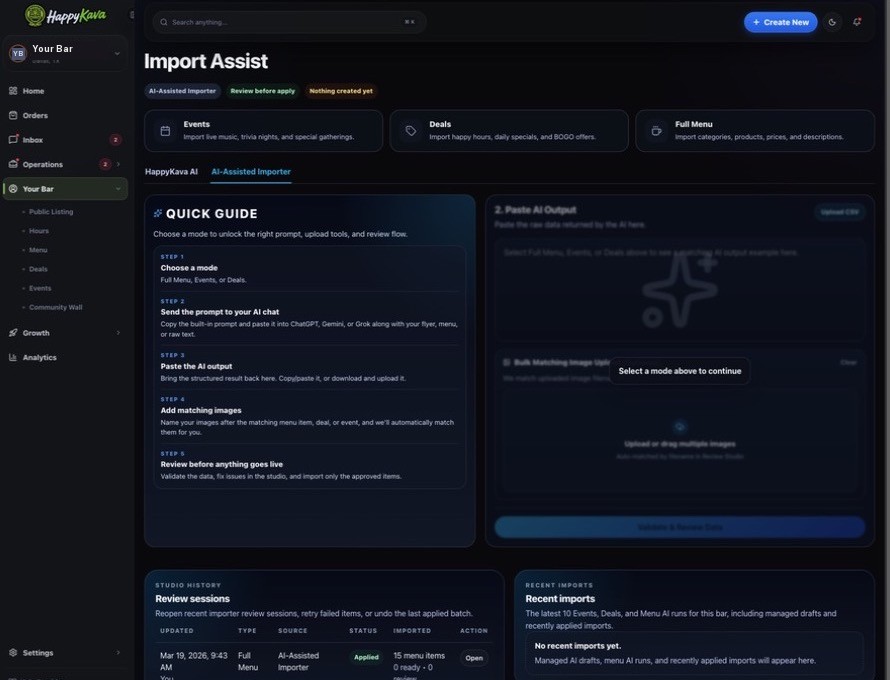
Turn source menus, event details, and deal information into drafts you can review. Let AI help with the first pass, then keep a human in charge of the final one.
Early accessSell more
POS Integrations
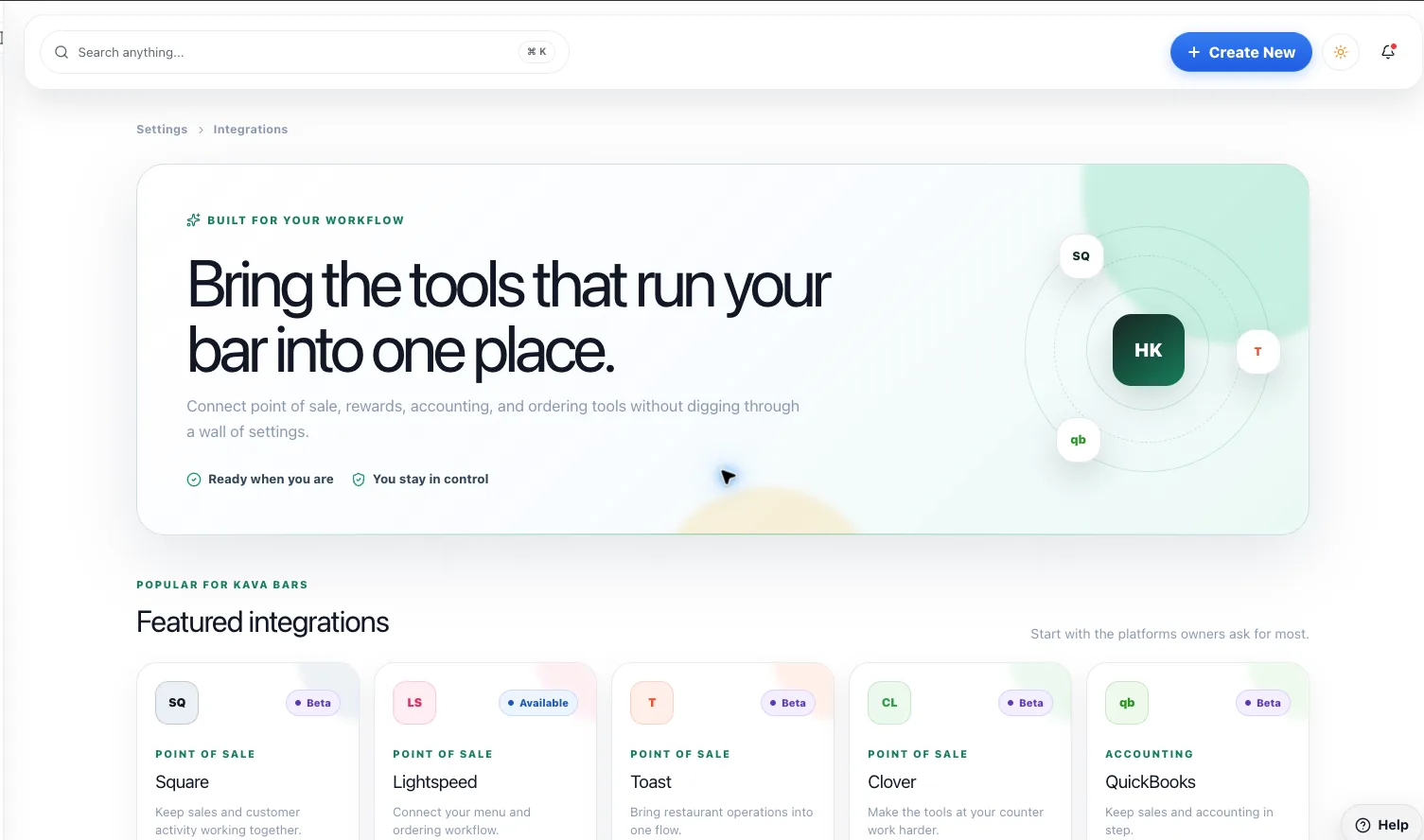
Start with approved ordering storefront links, and explore deeper integrations as support expands. Know exactly what a connection does before relying on it.
LiveRun the shift
Staffing Tools
Bring owners, managers, and kavatenders into the workspace they need, without handing everyone the keys to everything.