

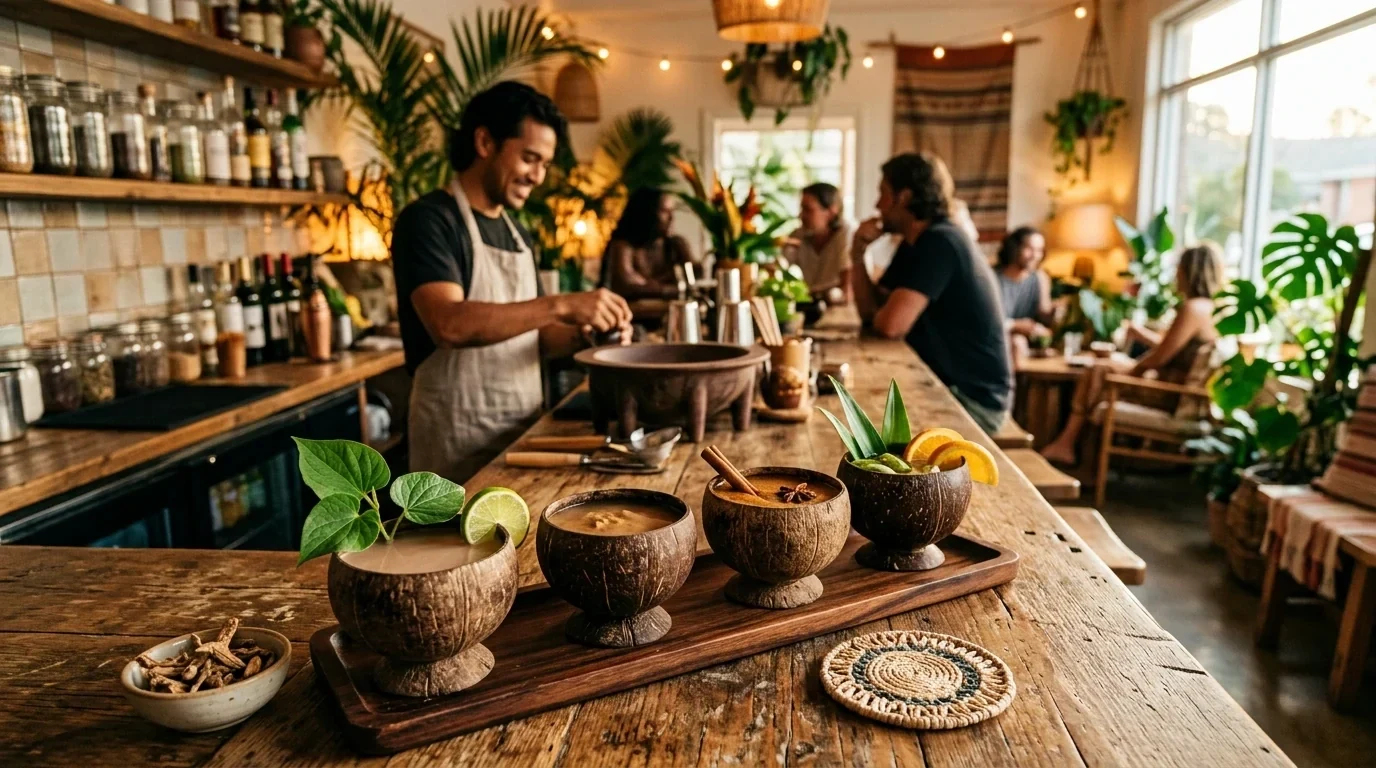
Connect without pretending every connection is the sameEarly access
Kava Bar POS Integrations
Start with approved ordering storefront links, and explore deeper integrations as support expands. Know exactly what a connection does before relying on it.
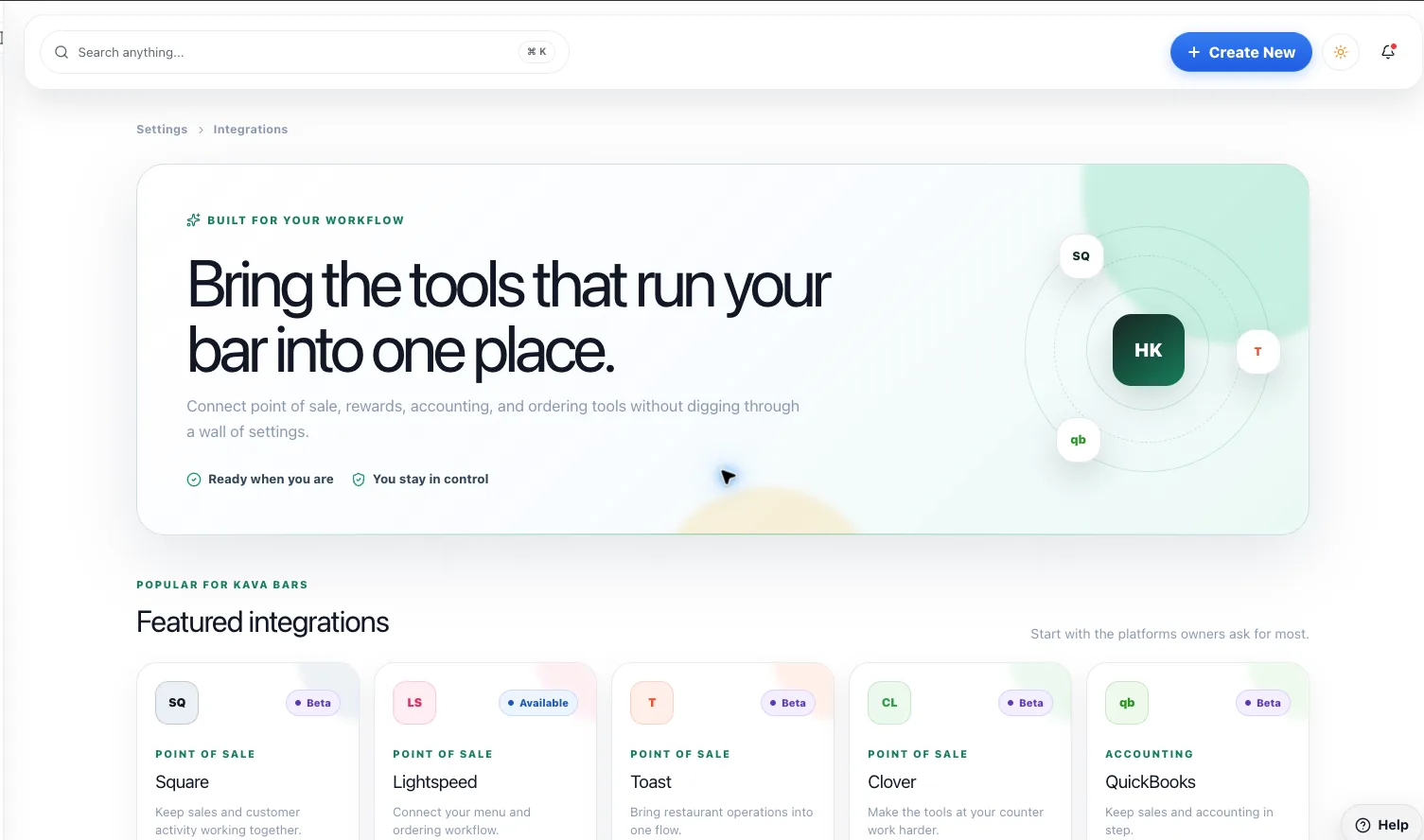
Connect without pretending every connection is the same
What you get
Step by step
How it works
- 1Name your providerConfirm the system and location you want to connect.
- 2Check what’s supportedSeparate a storefront link from native synchronization.
- 3Test the full journeyVerify the guest handoff and staff responsibilities.
Why it matters
“Connected” should mean something specific.
Who owns the menu? Where does the order land? Which status comes back? Answer those questions before calling it integrated.
700+
Kava bars on HappyKava
27,000+
People using HappyKava
Plans
Which plan includes what
Supported storefront links are available now. Native POS connections require provider-specific access; automatic order synchronization is not generally available. Claiming your bar is free, and paid plans start at $20 a month per bar.
- Free$0/moGet on the map.
- Plus$20/moTurn first-timers into regulars.
- Pro$99/moFill the room, take orders, get your own website.
- MAX$250/moBe the bar the whole city is playing.
Questions
Is Kava Bar POS Integrations available now?
Early Access. Supported storefront links are available now. Native POS connections require provider-specific access; automatic order synchronization is not generally available.
Is a storefront link the same as a POS integration?
No. A link sends someone to a storefront; native synchronization requires separately supported integration work.
Is my POS supported?
Ask HappyKava to confirm current provider and feature support. Don’t assume universal compatibility.
Related features
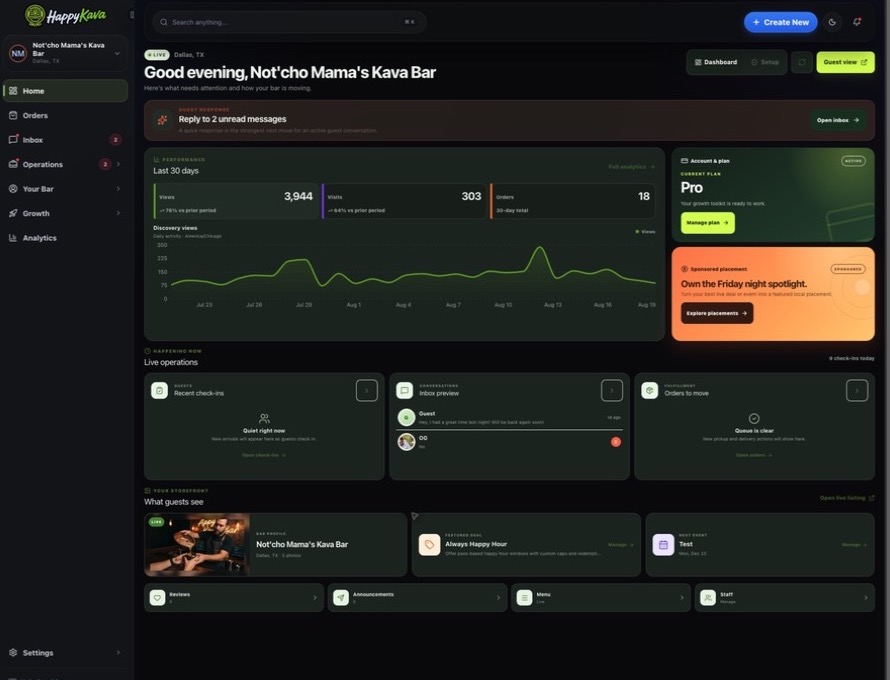
LiveRun the shift
Dashboard
A home for your bar’s day-to-day work. Find the guest activity, content, orders, and next actions available to your location in one workspace.
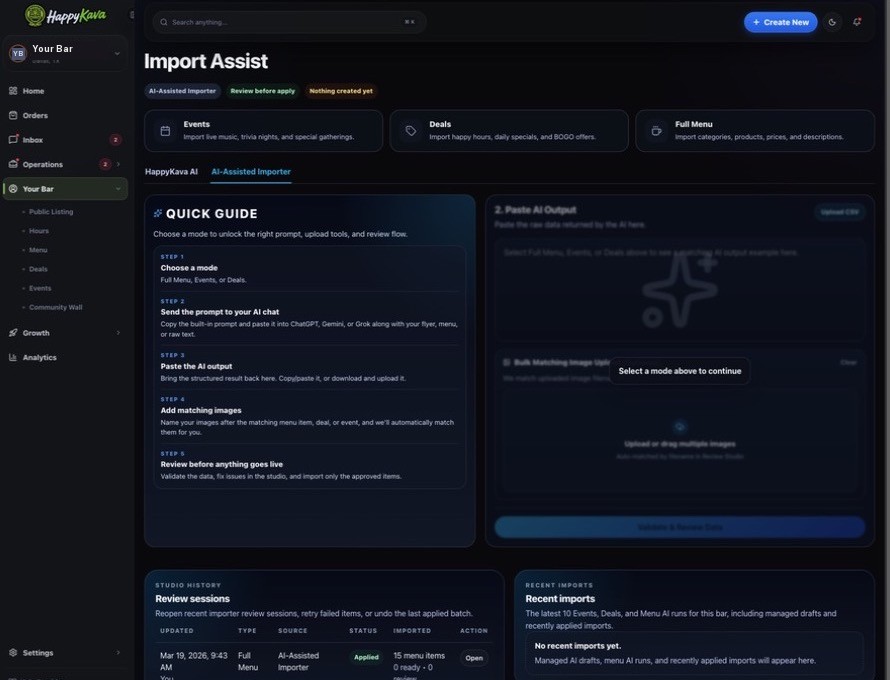
LiveRun the shift
AI Automation
Turn source menus, event details, and deal information into drafts you can review. Let AI help with the first pass, then keep a human in charge of the final one.
LiveSell more
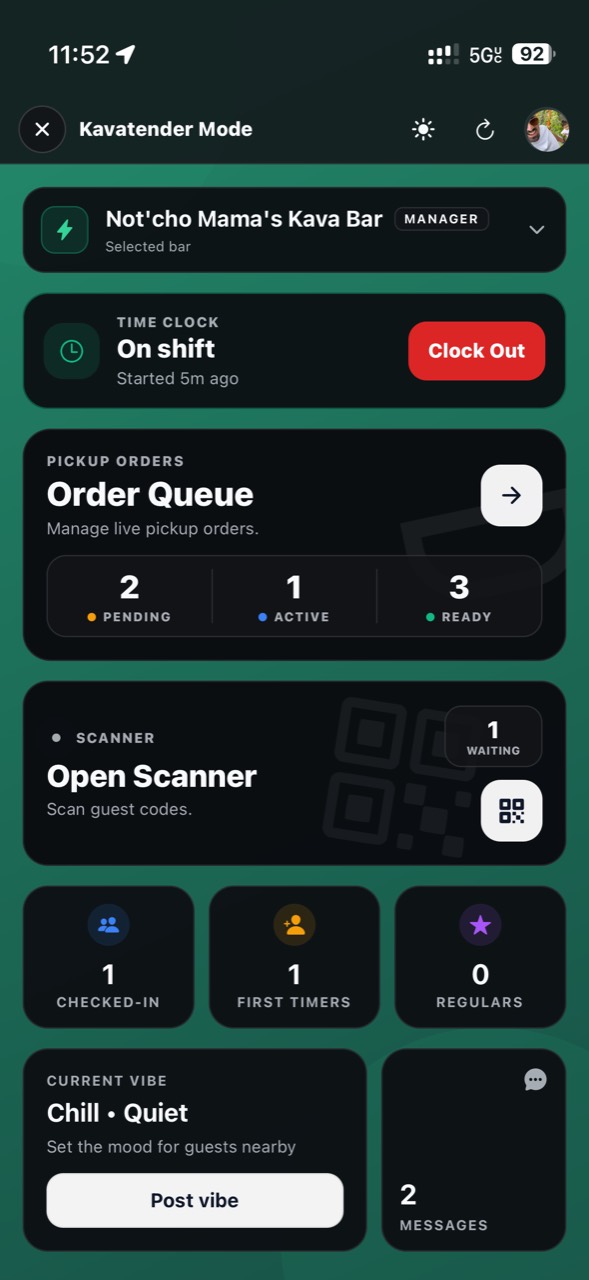
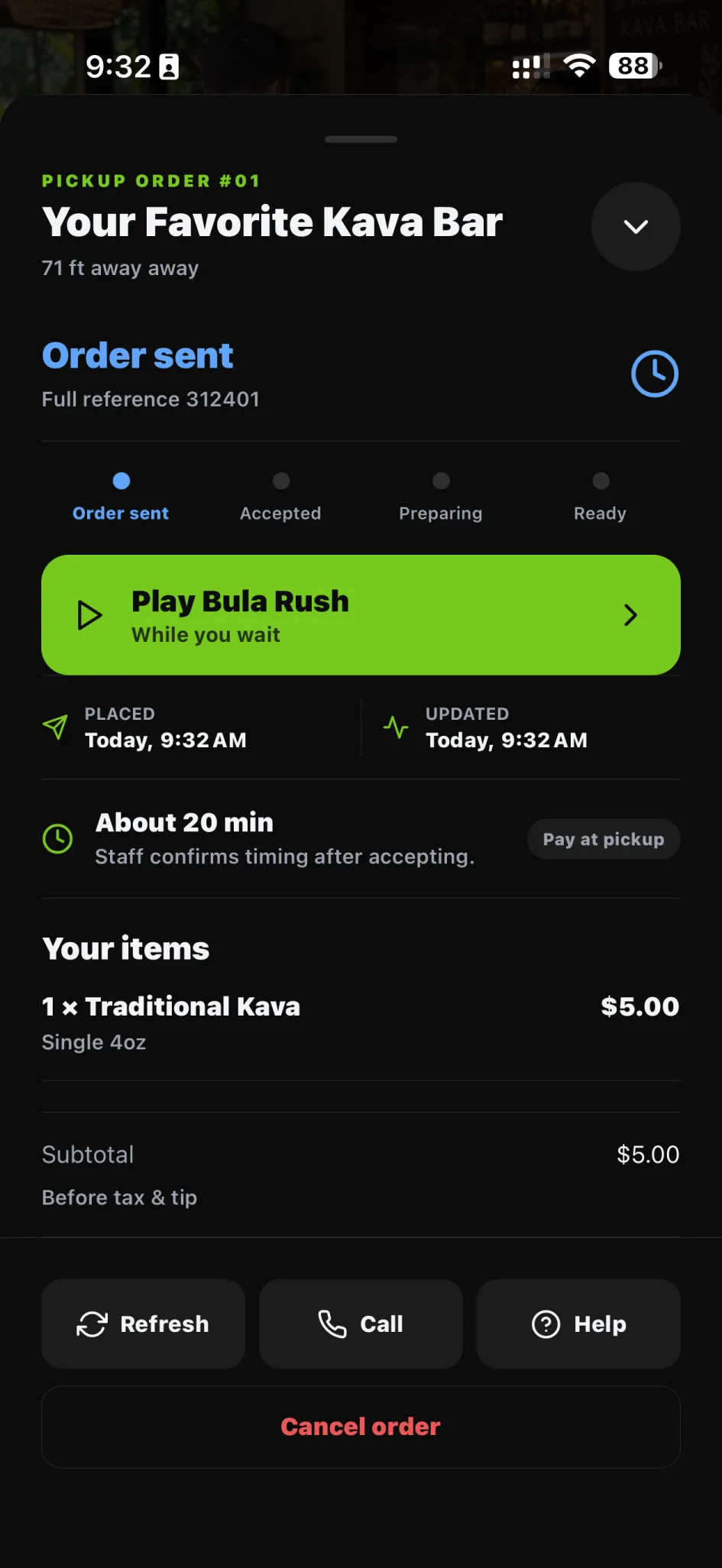
Pickup Orders
Let guests order eligible menu items before arriving. Give your team a clear pickup queue, with the controls to keep service moving.