
How HappyKava works
From first searchto regular.
HappyKava gets your bar found, gives people a reason to come in today, makes the first visit easy and brings them back. Here’s each step, and who does what.
- Get foundGoogle, your website and the app
- Give them a reasonDeals, events, Pop-Up Deals
- Win more first-timersExplain kava before they walk in
- Make them regularsRewards, perks, Group Chat
- Let regulars bring friendsReviews, invites, Passport
Then it loops. Regulars leave reviews and bring friends, and that gets you found by the next guest.
Get found
Show up first whenthey search for kava.
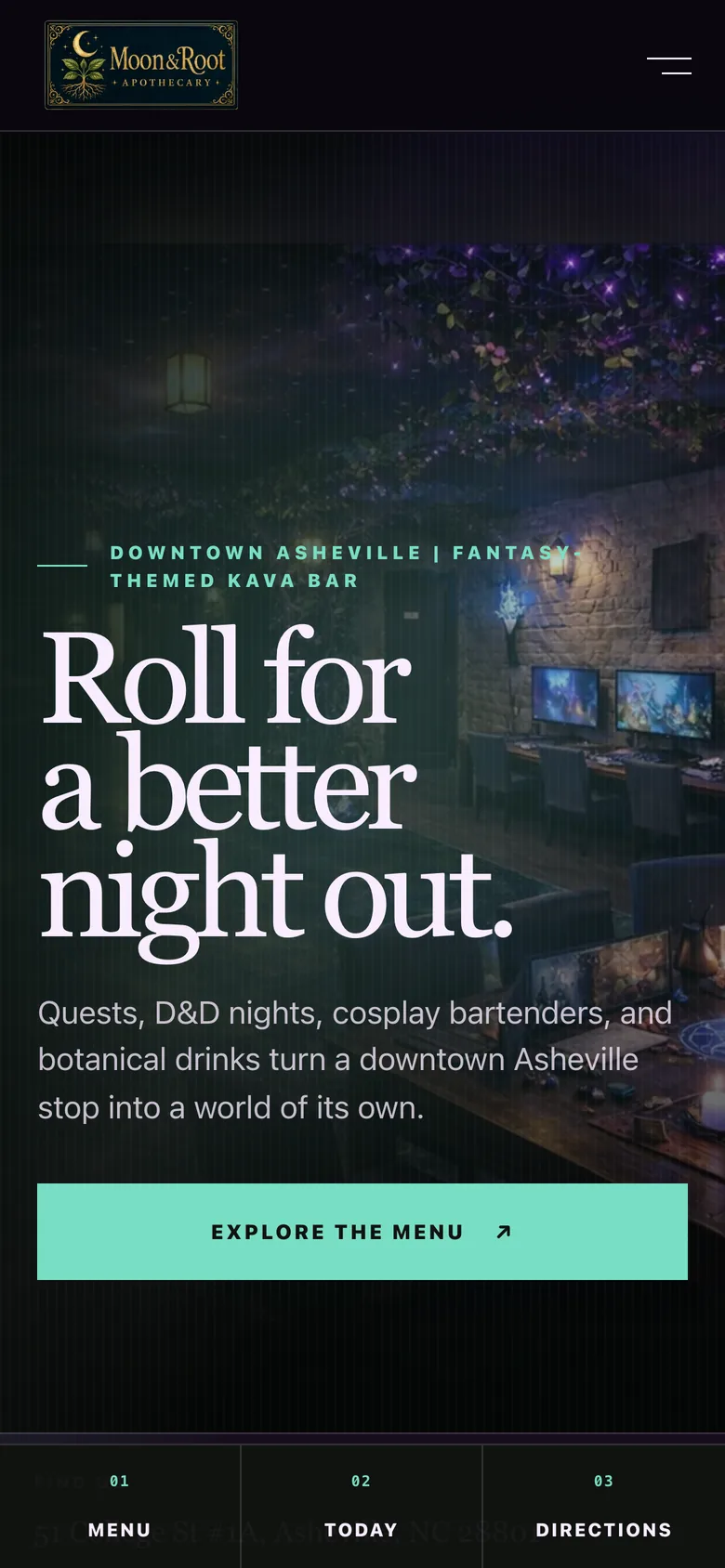
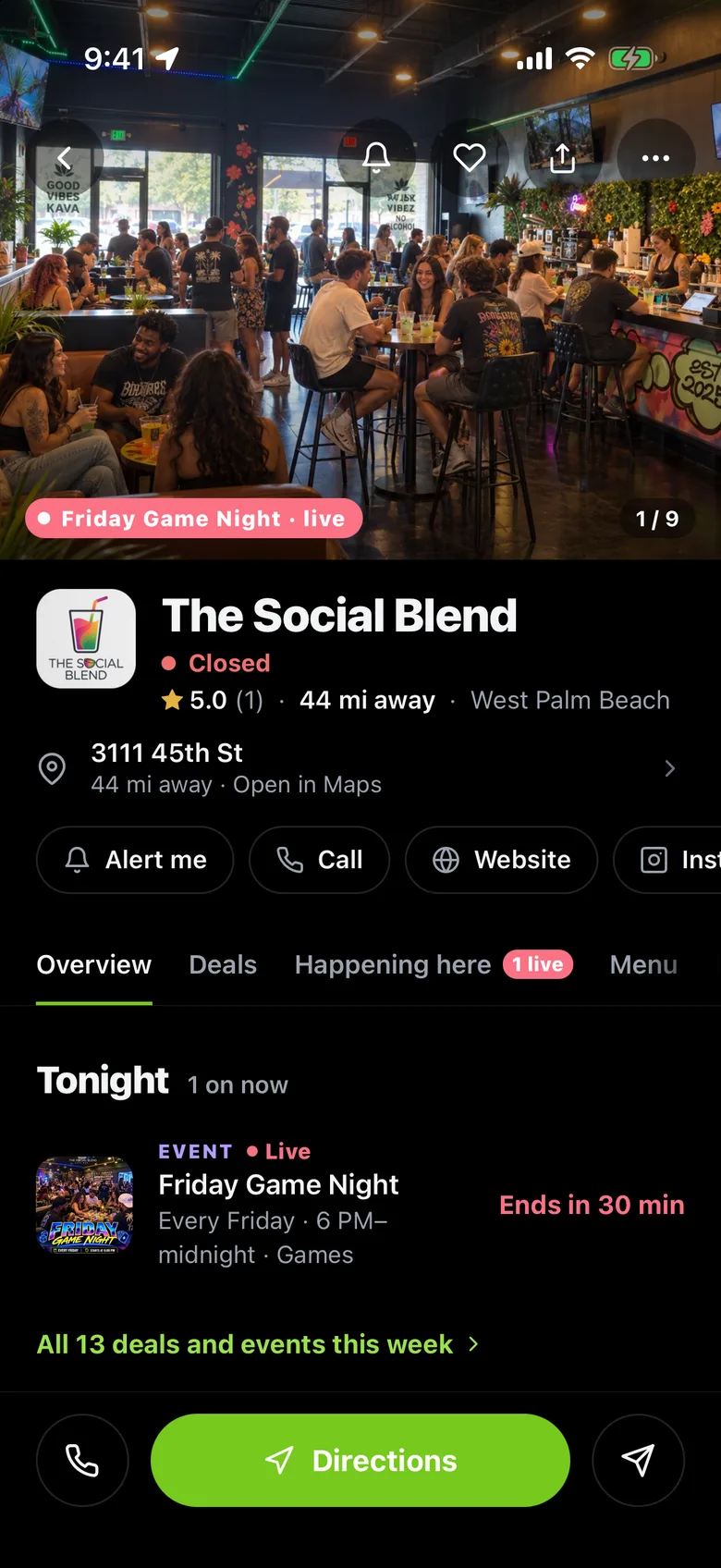
People look you up on Google, on your website and in the HappyKava app. All three read from your HappyKava listing, so your hours, menu and deals are right everywhere.
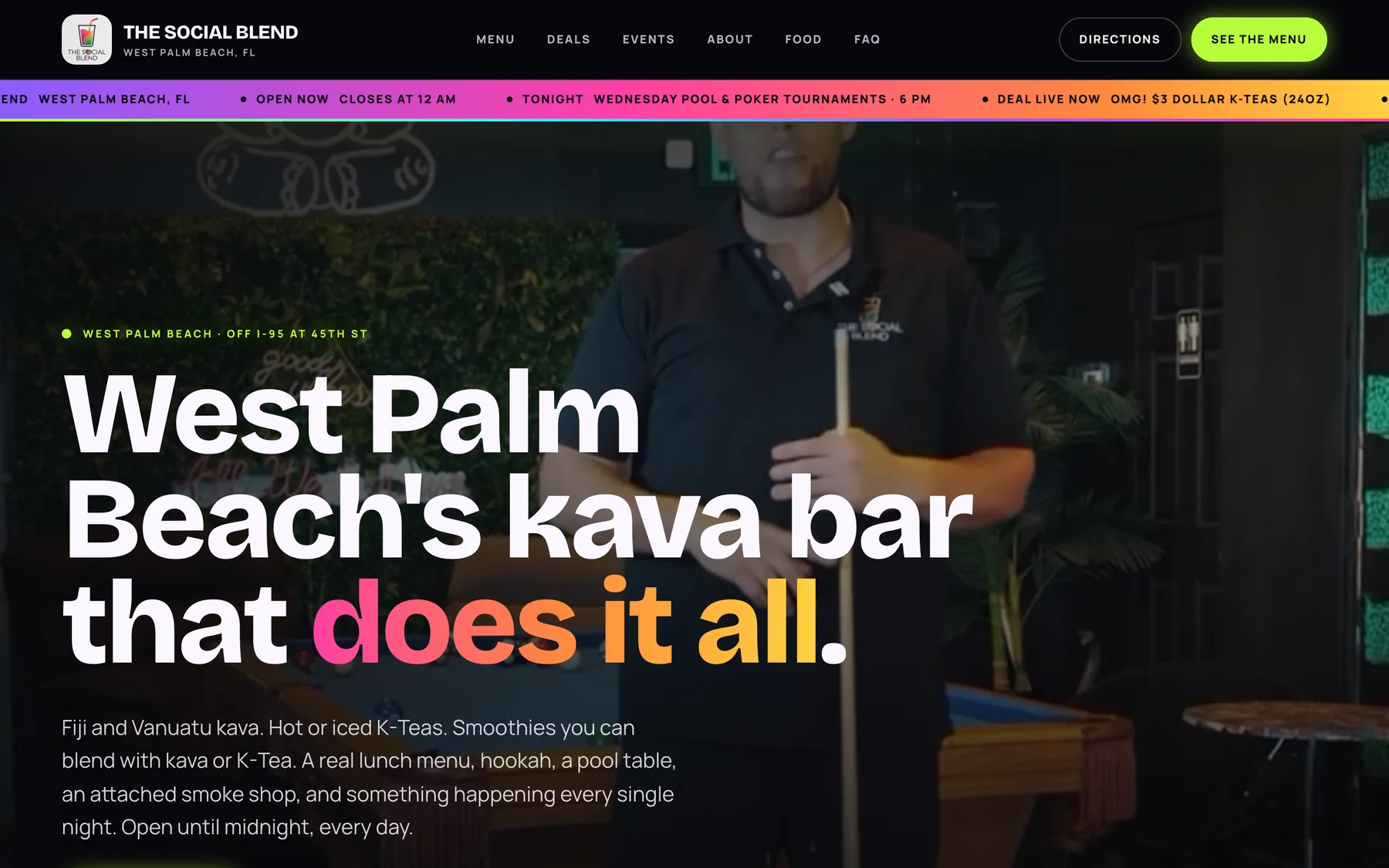
- A website that updates itselfBuilt from a Website Studio design. Included with Pro.
- Google Business ProfileReply to Google reviews; deals, events and hours go to Google.
- Kava Bar SEODone for youLocal pages, listings and Google posts, worked every month.
- Your HappyKava listing27,000+ kava drinkers browse 800+ bars in the app.
- You do
- Pick a design and check your listing.
- HappyKava does
- Keeps your site, Google and the app in step.
Give them a reason
Give them a reasonto come in today.
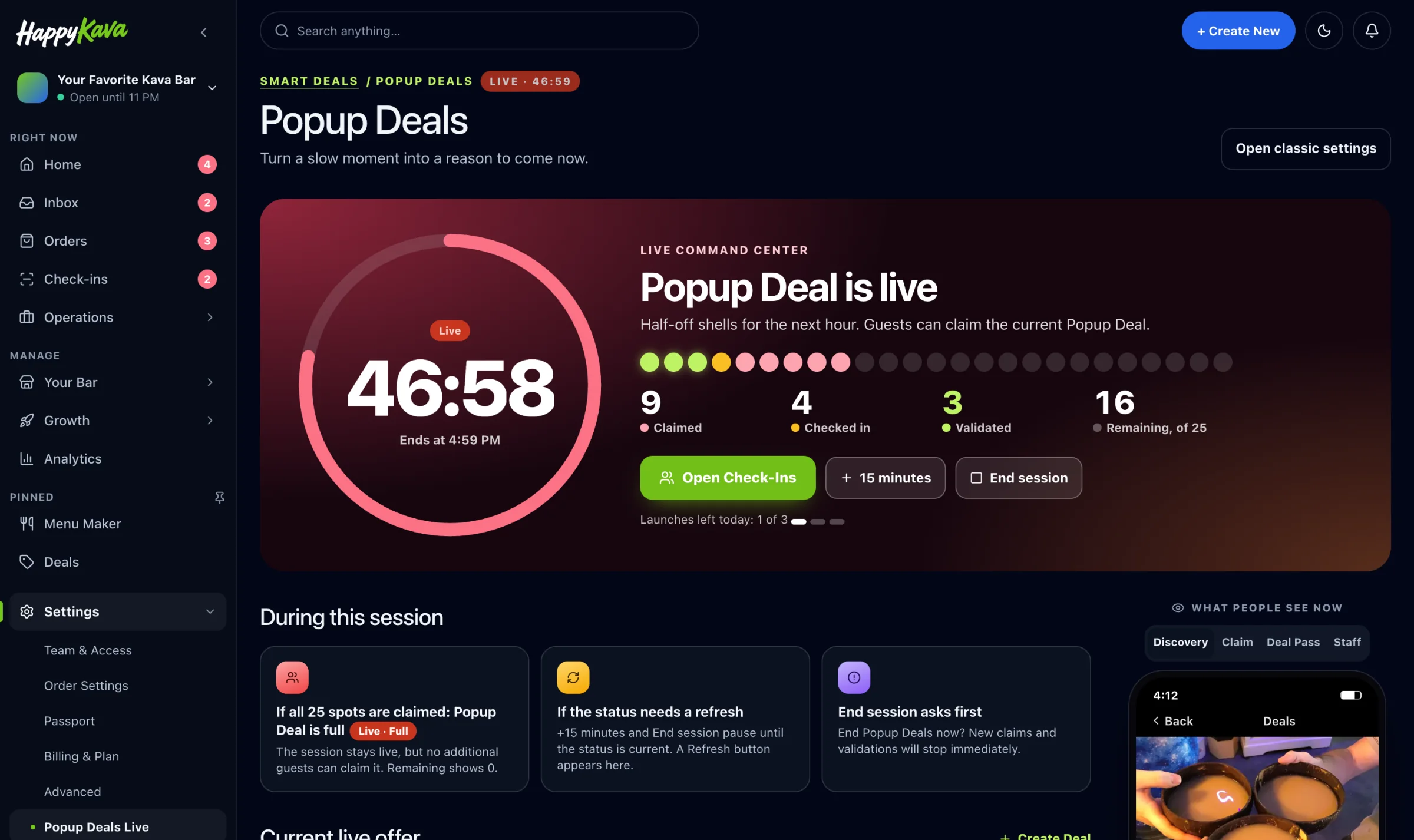
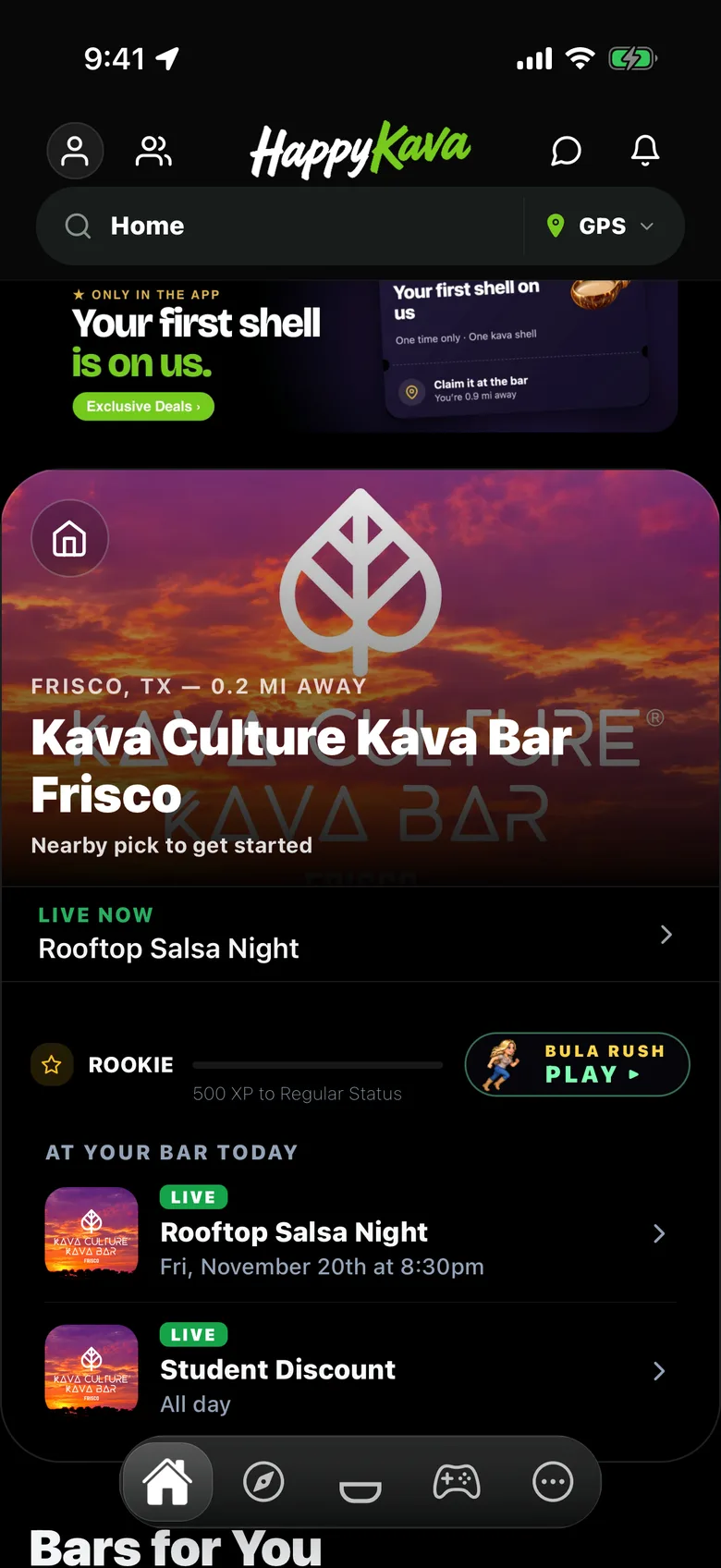
Post a deal, an event or a one-hour Pop-Up Deal for a slow afternoon. HappyKava turns it into posts, posters and alerts to your guests.
- Deals & Happy HoursClear deals guests unlock in the app. Always Happy Hour on Pro.
- Pop-Up DealsOne-hour deals for the slow hours, live in a tap.
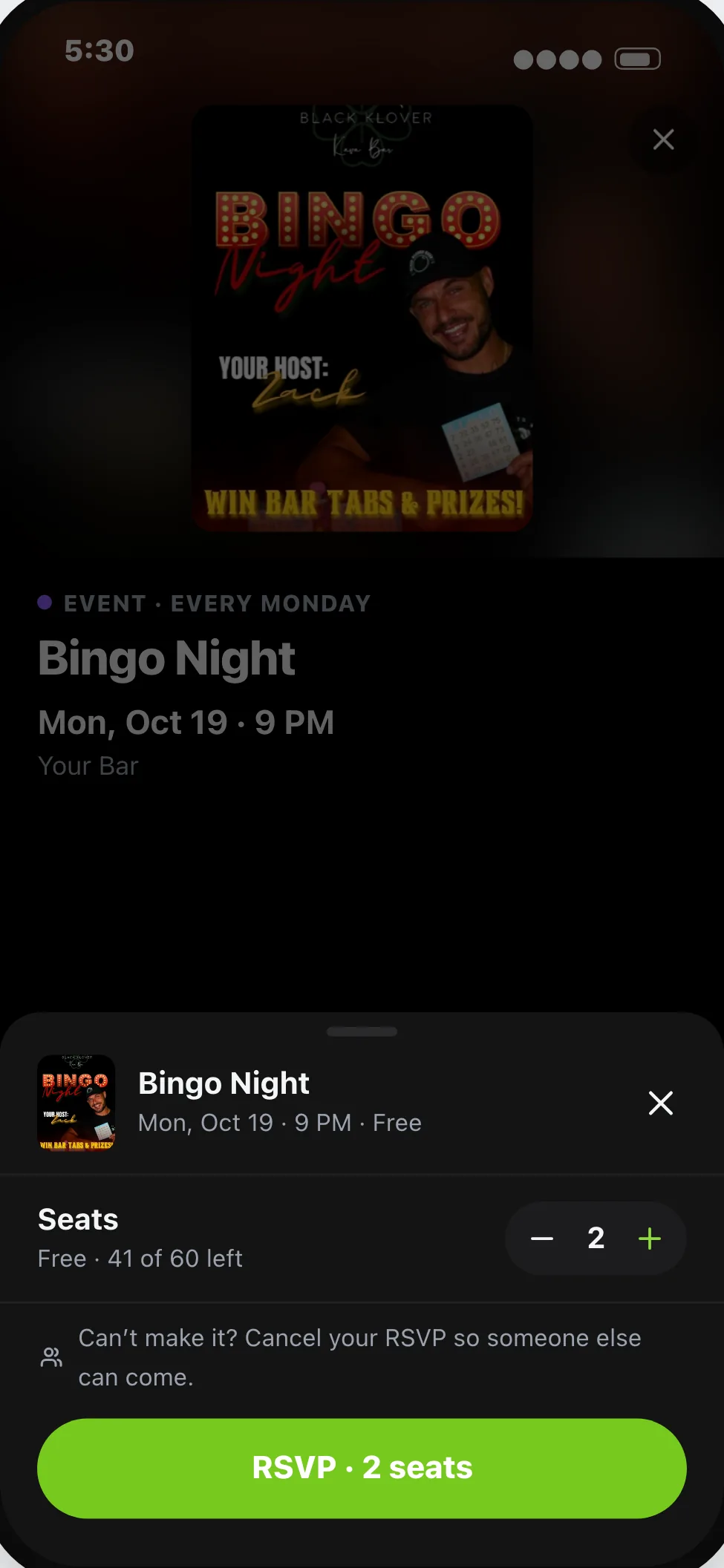
- Events & RSVPsTrivia, open mic, live music. You see the count before doors open.
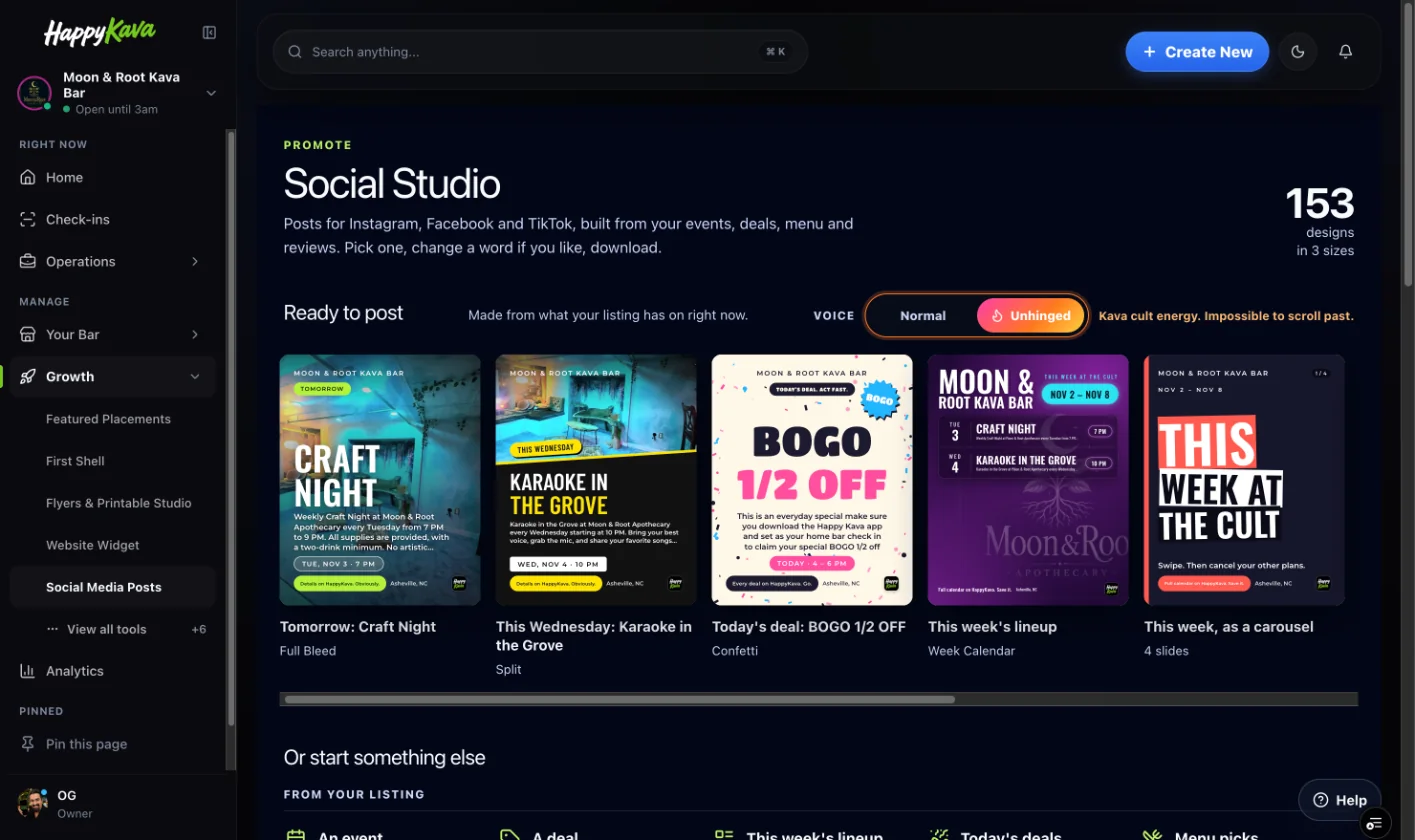
- Social Studio & PrintablesReady-made posts and posters from your real deals and events.
- You do
- Post the deal or event once.
- HappyKava does
- Sends it to the app, site, Google, social and the bar TV.
Pop-Up Deal is live · guests alerted
Win more first-timers
Most people don’tknow whata kava bar is.
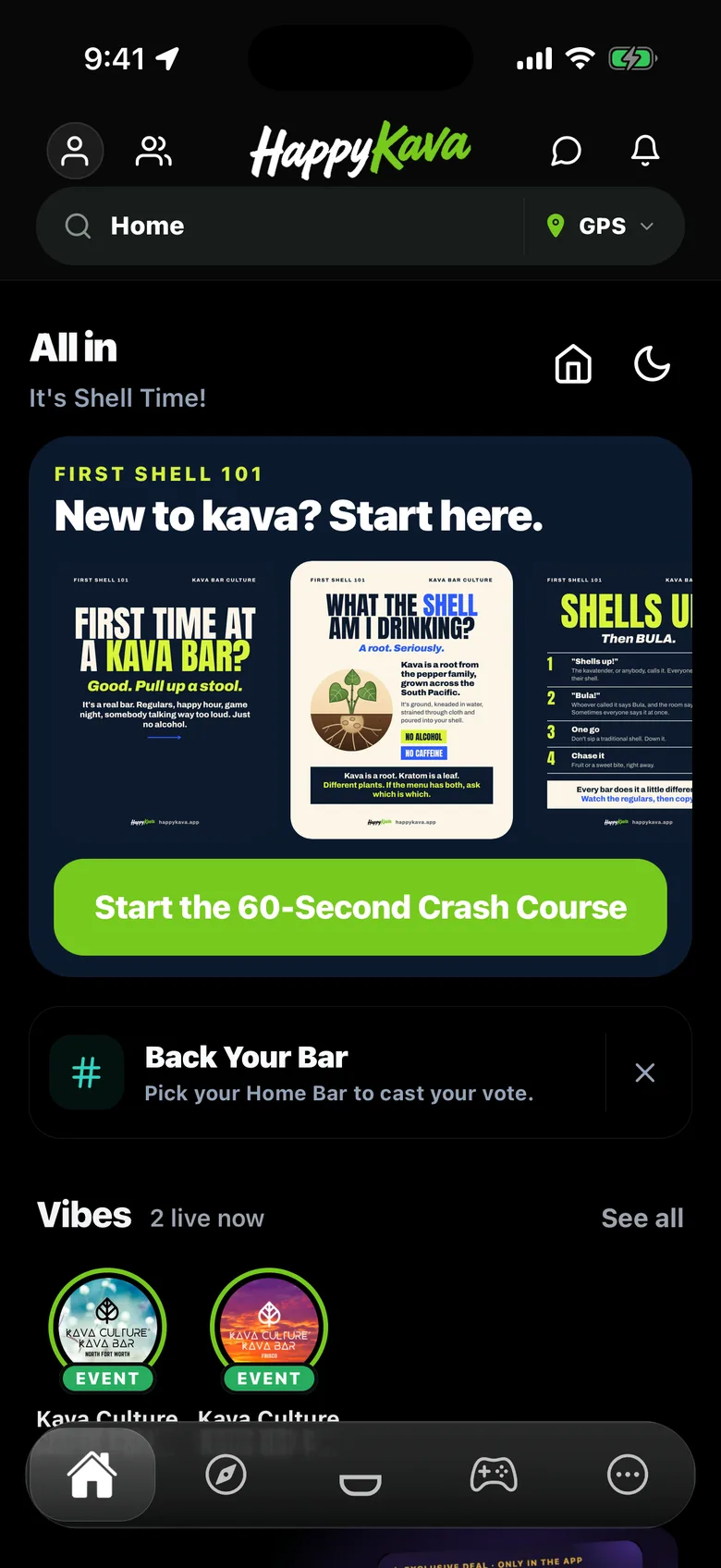
So they walk past, guess wrong, or try one kava shell, feel nothing and never come back. HappyKava explains it on their phone before your kavatender has to.
- First Time GuideFirst Kava Shell 101: what it is, how to drink it, what to expect.
- A first-visit dealAn Exclusive Deal for first-timers. Free for every bar.
- Quick check-inGuests check in with a tap. You see who’s here right now.
- Pickup ordersOrder ahead, pay at pickup. No waiting at the counter.
- You do
- Pick your guide and your first-visit deal.
- HappyKava does
- Puts the guide on posters, your page and their phone.
Make them regulars
Make the second visitautomatic.
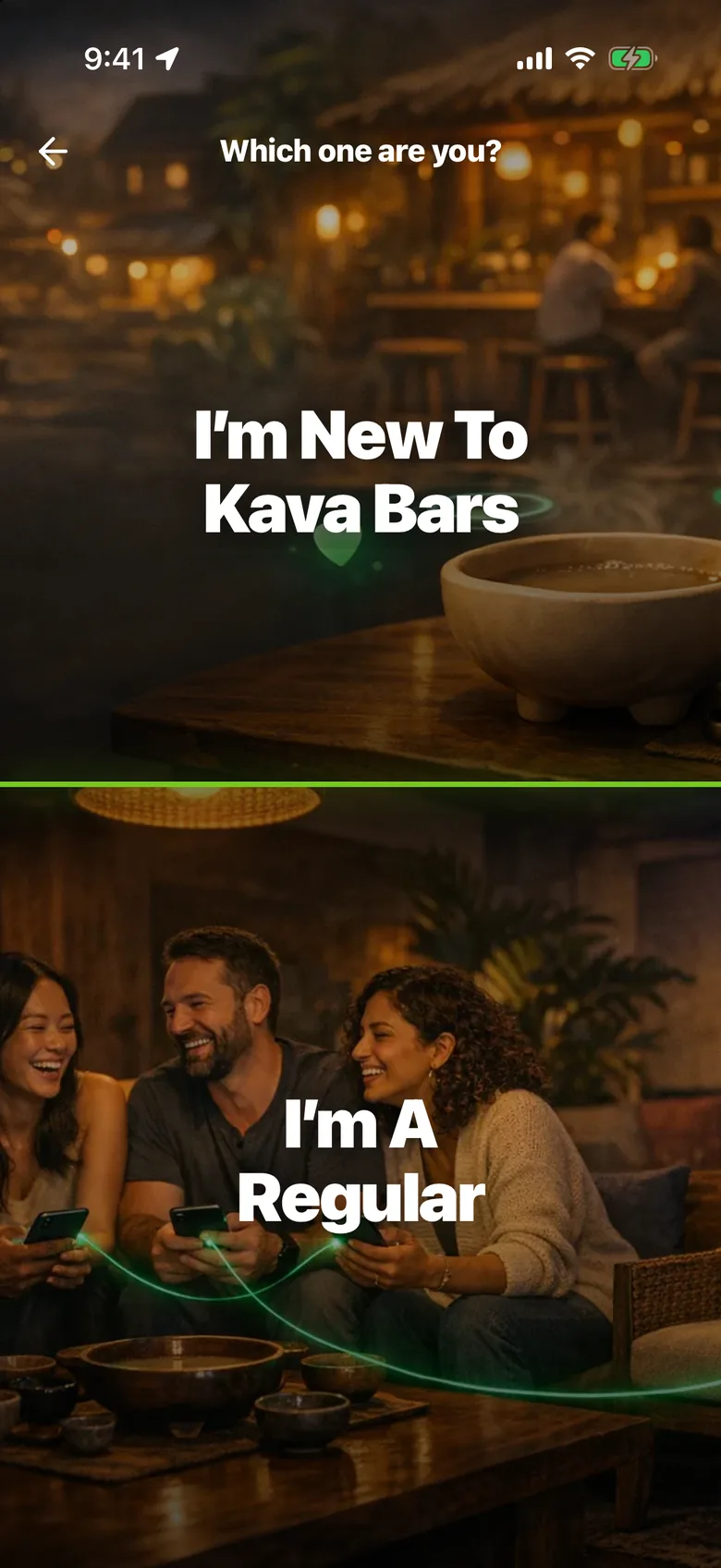
Your bar becomes their Home Bar, at the top of their app. Rewards, perks and a group chat give them a reason to come back, and your staff can verify it all at the counter.
- Regulars RewardsPunch cards, plus birthday and comeback double punches on Pro.
- Exclusive DealsApp-only offers. Pause any time.
- Group ChatOne chat for your regulars, with your house rules.
- MembershipsPro early accessRegulars pay monthly for free shells, a discount and members-only deals.
- You do
- Choose your rewards and perks.
- HappyKava does
- Tracks every punch and nudges guests who drift.
Let regulars bring friends
Happy regulars areyour best marketing.
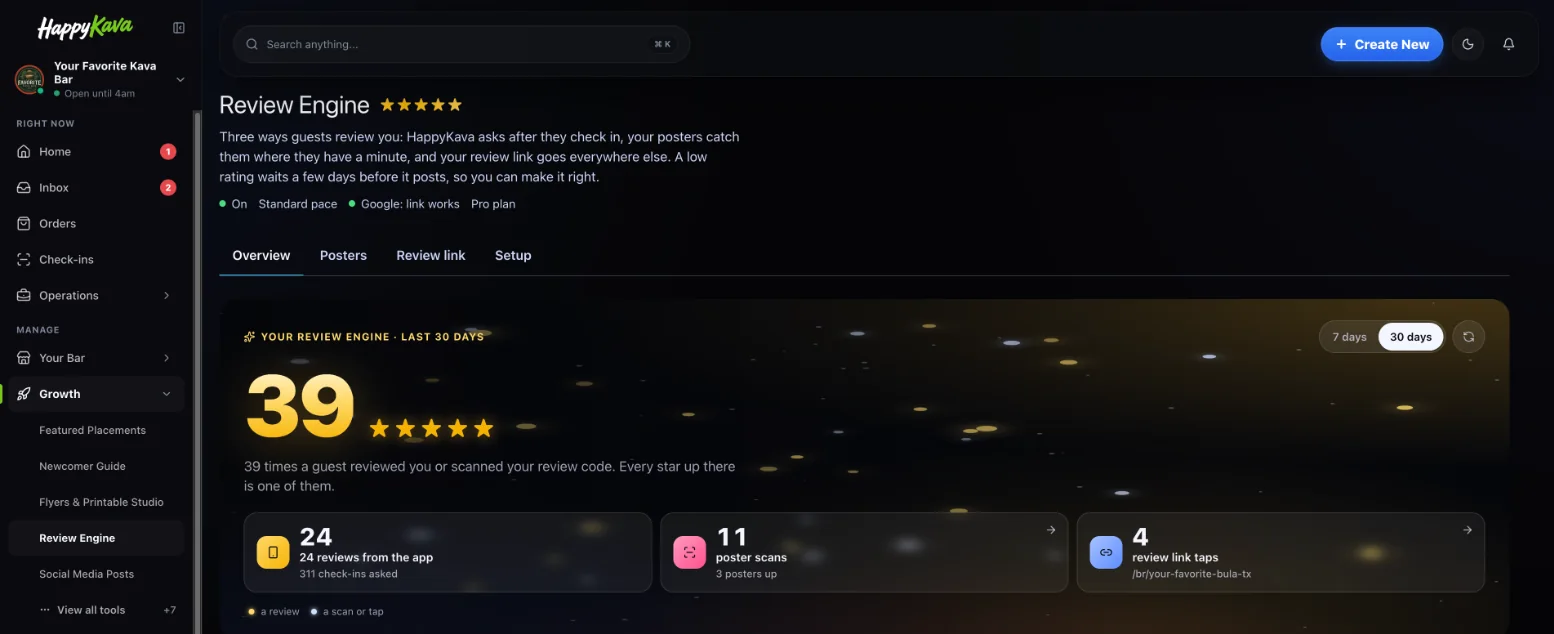
After a good visit, HappyKava asks for a review. Regulars play for your bar, collect it in their Passport and bring a friend, and every one of those helps the next guest find you.
- Review EngineAutomatic review asks after a good visit.
- Bring a FriendGuests invite friends to your bar from the app.
- PassportKava explorers collect your bar on the digital kava tour.
- Your BULA RUSH levelYour bar in our game. Guests play for your bar.
- You do
- Give great service. Turn the review asks on.
- HappyKava does
- Asks at the right moment and tracks every review.
Why it saves you hours
Post it once.It shows up everywhere.
Every tool reads from the same menu, calendar and deals. Here’s one deal, posted one time.
Two-for-one kava shells
Weekdays, 3–6pm · Pop-Up Deal
- The HappyKava appOn your bar page and in deals near them
- Your websiteThe Today page updates itself
- GooglePosted to your Business Profile
- Instagram & FacebookA ready-made post in Social Studio
- Guests nearbyAn alert to the guests who follow you
- The bar TVOn the TV Screen above the bar
- Posters & table tentsPrint-ready, with a QR code
- Your link in biohappykava.app/@yourbar
Running underneath
All of it,from one dashboard.
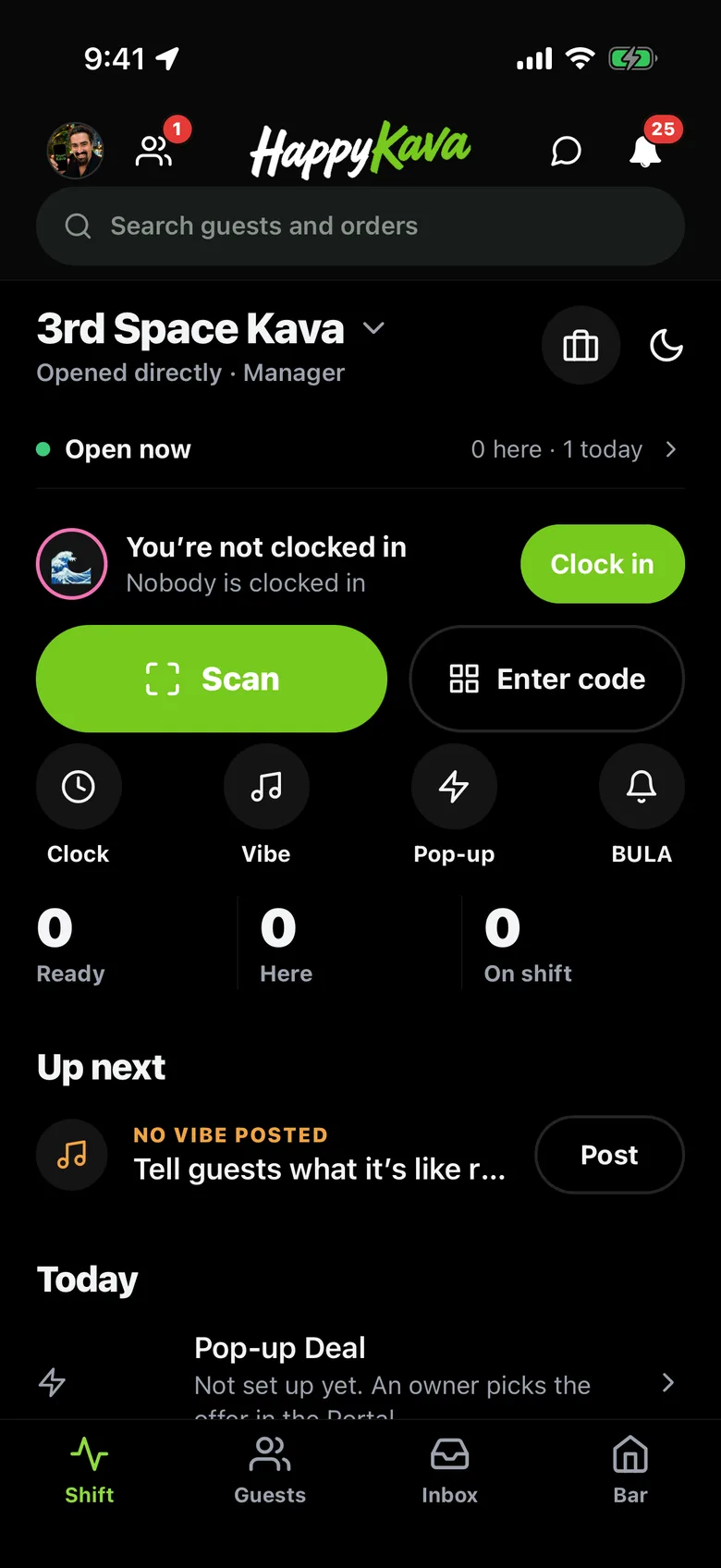
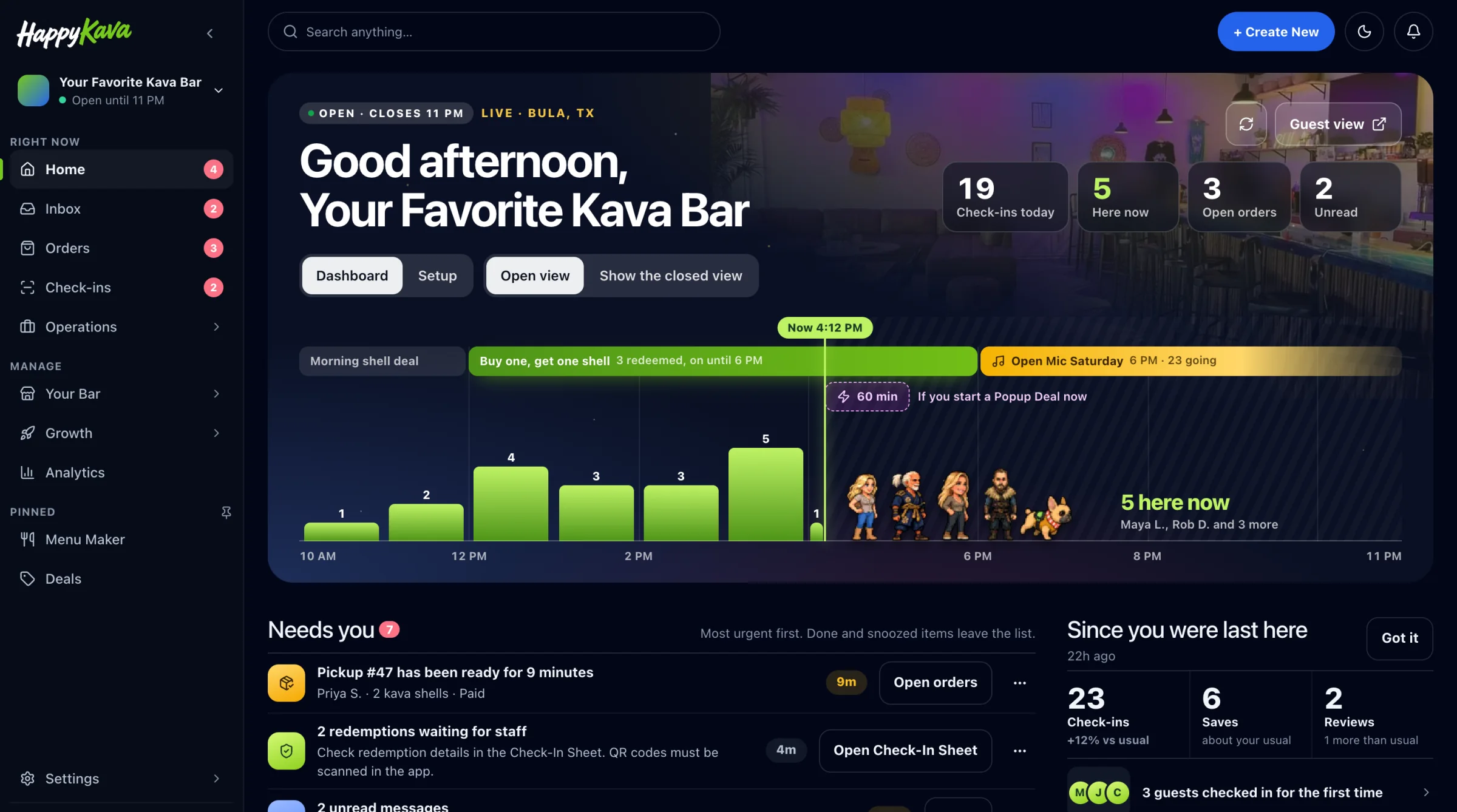
Owners and managers work in the Kava Bar Dashboard. Kavatenders get a fast mode on their phone for the busy shift.
- Dashboard
What needs you today: orders, guests, posts and next steps.
- Kavatender Mode
Find the guest, scan the pass, take the order.
- Check-In & Scanner
See who’s here right now and validate passes.
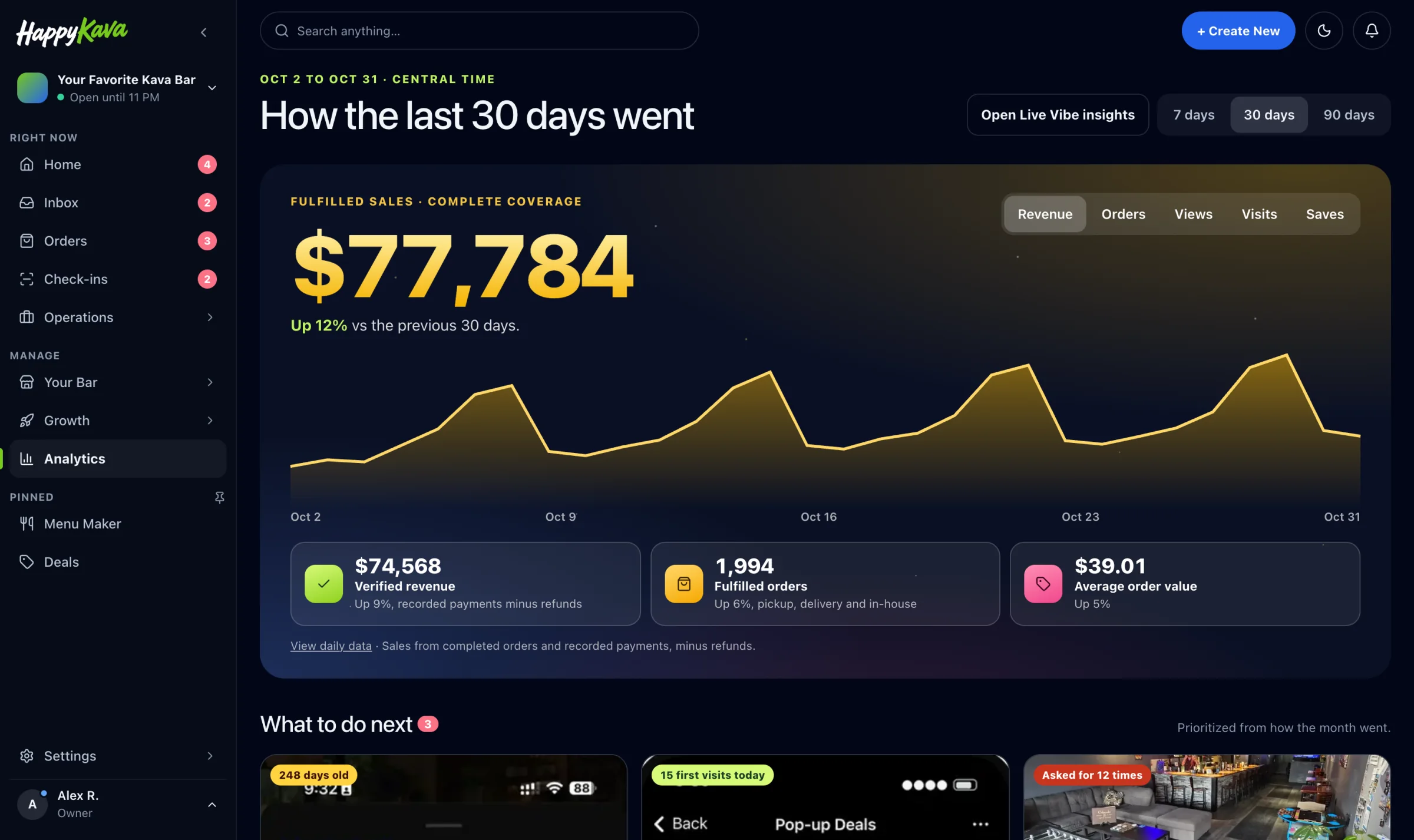
- Analytics
Visits, orders, reviews and what’s working.
Getting started
Claimed today.Running this week.
- Today
Claim your bar
- Search your bar and claim it. Free.
- Verify by Instagram message or a document, usually the same day.
- Add your team. Two staff logins on Free.
- This week
Set it up once
- Snap your menu. AI turns it into a menu you check.
- Add photos, hours, deals and events.
- On Pro: pick a website design and connect Google.
- Every week after
Post, then serve
- Post deals and events once. They go everywhere.
- Check the dashboard for what needs you.
- Done for you? Your contact sends a monthly report.
Who does what
Do it yourself,or hand it to us.
| The job | On Pro, you | Done for you, we |
|---|---|---|
| Website | Pick a design. It updates itself from your listing. | Build it, connect your domain and write the copy. |
| Google & listings | Connect Google once; deals, events and hours sync. | Keep Google, Apple Maps, Yelp and Facebook right. |
| Search (SEO) | Your site and Google posts help on their own. | Local pages, listings and 2 blog posts a month. |
| Deals & events | Post them once in the dashboard. | Keep them current every week. |
| Social posts | Pick ready-made posts in Social Studio. | Post every day on Facebook, Instagram and Google. |
| Reviews | Turn on review asks. Reply from the dashboard. | Draft a reply to every review. |
| In the bar | Print posters and table QR codes. | Put them up for you, where we have someone local. |
| Staff | Add logins. Kavatender Mode is built to be obvious. | Train them at the start, then every quarter. |
Plans
Start free.Grow when you’re ready.
Do it yourself
- FreeBar page, deals, events, menu and 20 tools$0
- VerifiedVerified today, alerts, Group Chat, no ads$4/mo yearly
- ProWebsite, Google sync, pickup orders, rewards, Review Engine$99/mo
Done for you
- Hands-OnA named person for your bar. 4, 8 or 16 hours a month.$199/mo+
- Kava Bar SEOGoogle, local pages and listings, every month$399/mo
- Website setupWe build it, connect your domain and write the copy$299 once
Questions
Before you start,the short answers.
How long does setup take?
Claiming and verifying is usually done the same day. After that you import your menu with AI, add photos and post your first deal. Or book Website setup or Hands-On hours and we do it with you.
Do I have to change my POS or buy hardware?
No. HappyKava runs on the phones, tablets and TV you already have. POS connections are in early access if you want sales in your analytics.
What do I have to do every week?
Post your deals and events once. HappyKava sends them to the app, your site, Google, social and the bar TV. The dashboard tells you anything else that needs you.
Can you run it all for me?
Yes. Done for you starts on Pro and adds a named person for 4, 8 or 16 hours a month, plus SEO, social posts or a website if you want them.
Can I start free and upgrade later?
Yes. Free stays free. Upgrade to Verified or Pro from Billing when you’re ready, and change or cancel any time.
I run more than one bar. Does it work?
Yes. Your first location is priced like any Pro bar, and every location after costs less. All locations share one website and one dashboard.
Your bar, found.Your regulars, back.
Claim your bar free. It takes a few minutes.