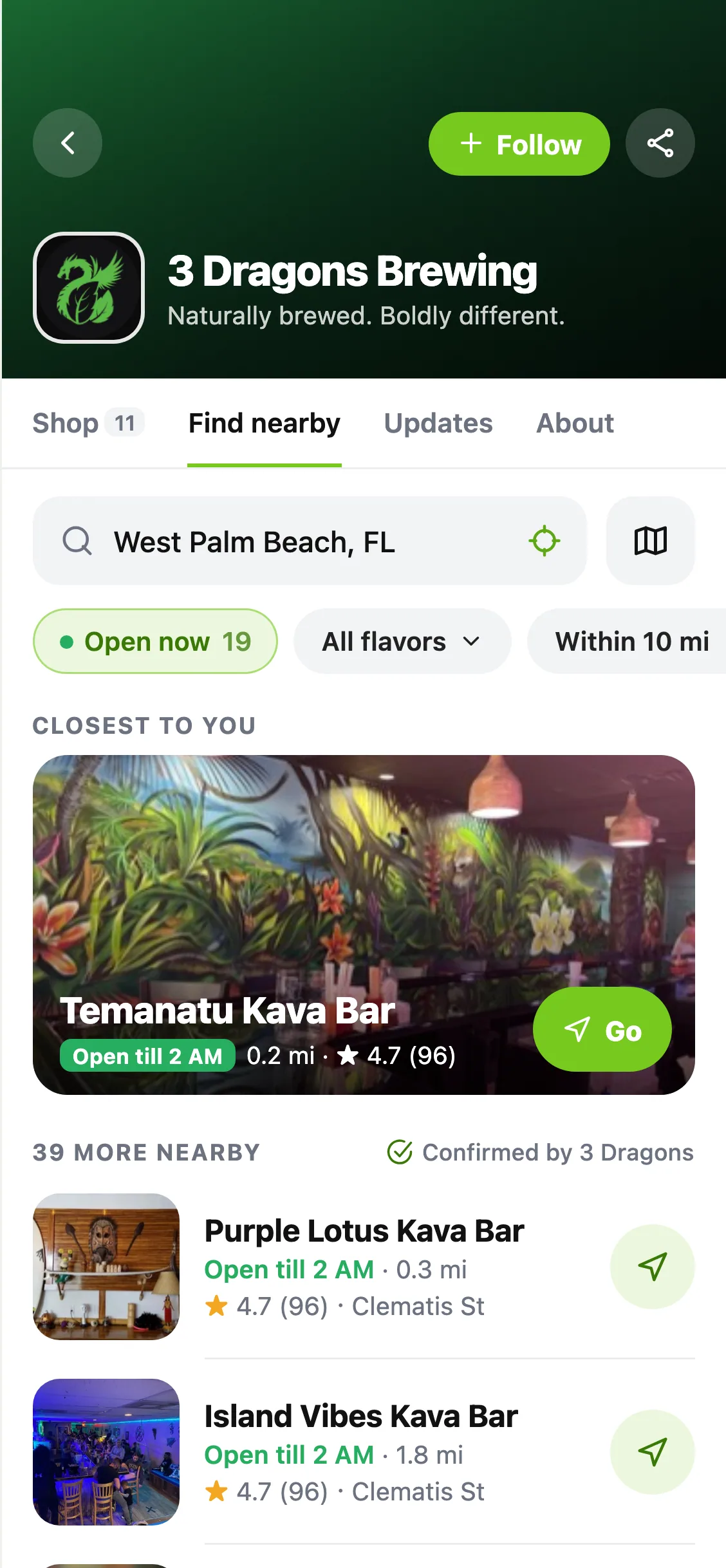
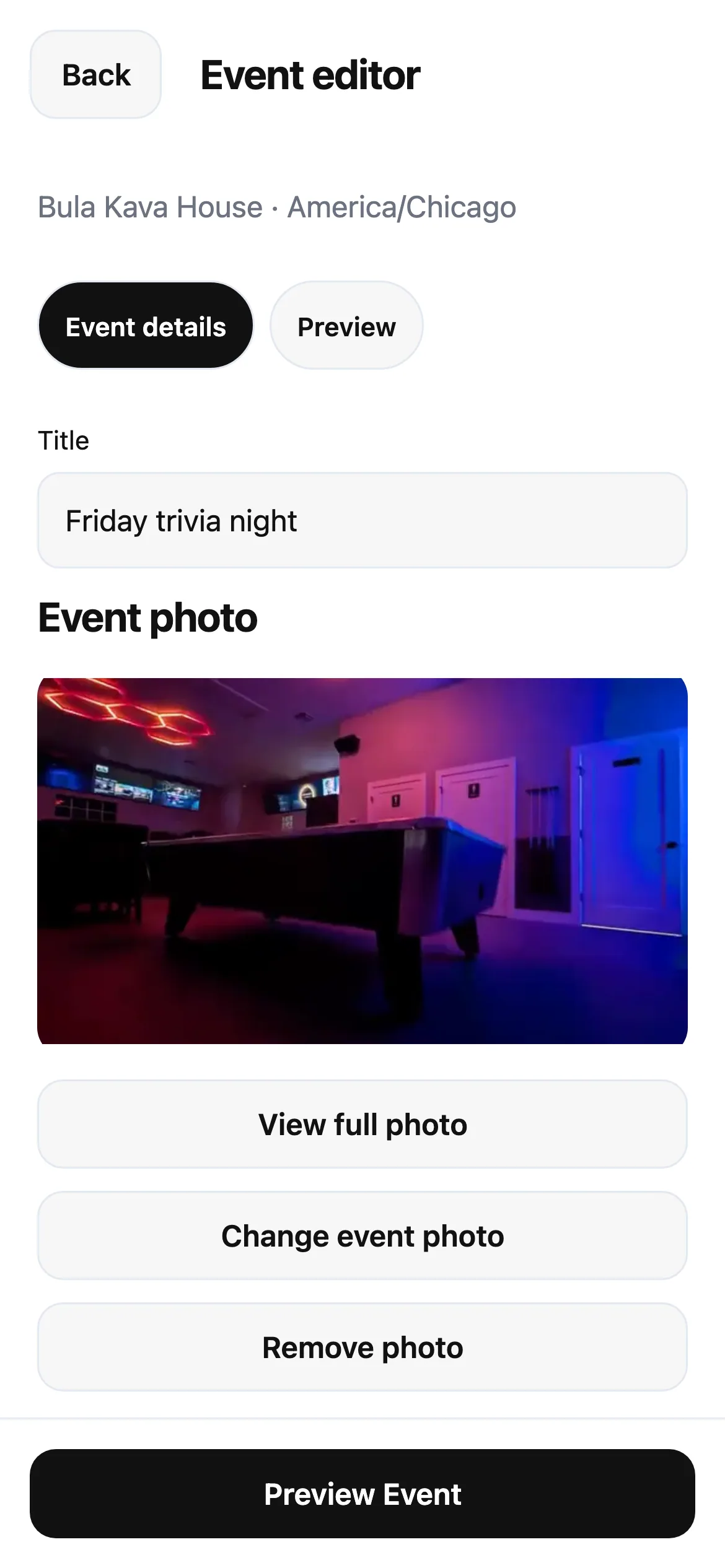
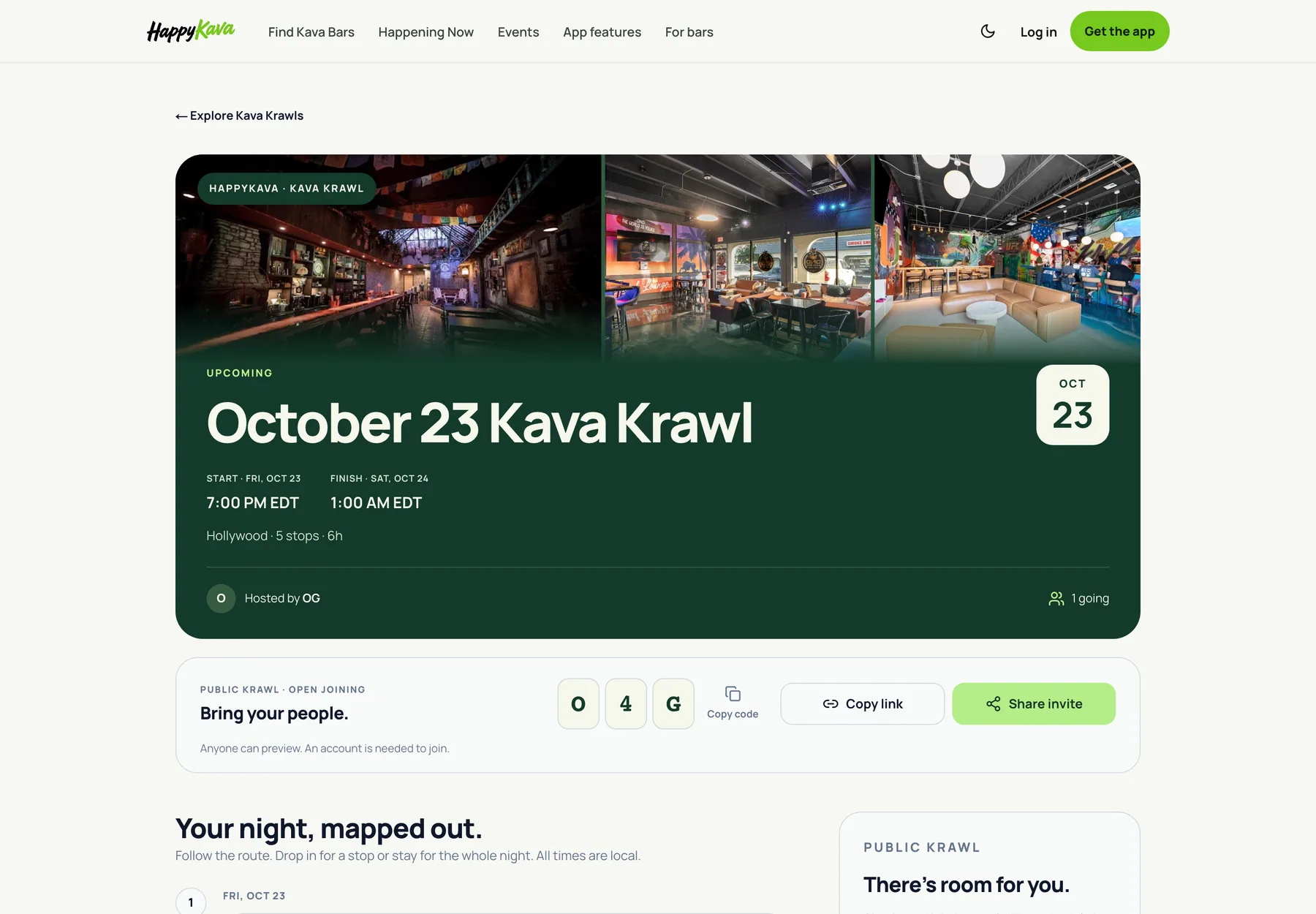
Your Instagram bio has room for one link. Your bar has a lot more to share. Eligible HappyKava bar listings now start with a published link page built from the information already on their listing.
Open it, then make it yours
The page brings together the bar's identity and available listing information, including hours, menu, deals, events and directions. Start with what's there, then use Your Bar → Link in Bio in the Dashboard to adjust the design, blocks and your own links.
You don't need to rebuild the same information in a separate link tool. The listing-backed sections stay connected to your bar's current information. Custom links and wording remain yours to review and publish.
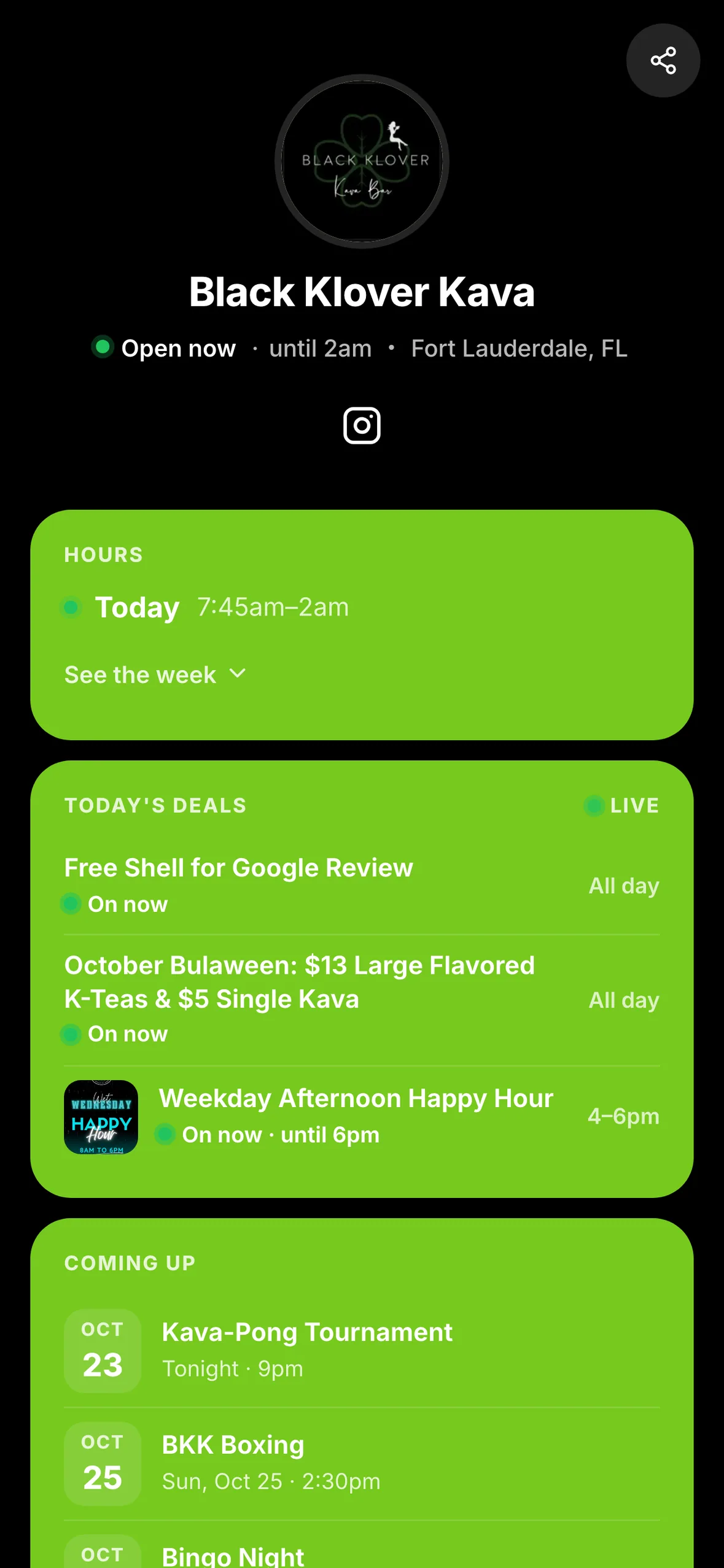
A link you can use today
Copy the current page link into your social bio, share it with a guest or use it as a flyer destination. Available bar-link domains include happykava.bar, bestkava.bar and mykava.bar, alongside the page on happykava.app.
Existing published pages and owner edits are preserved. If your bar already has its own page, keep using it. Review what guests will see before replacing a link in your bio, and use the Dashboard's handle controls if you want to change your page's address.
Also improved
- The page works in a phone browser without requiring a HappyKava account.
- Owners can keep editing through the existing Link in Bio workspace.
- A contact card gives visitors another way to keep the bar's details handy.