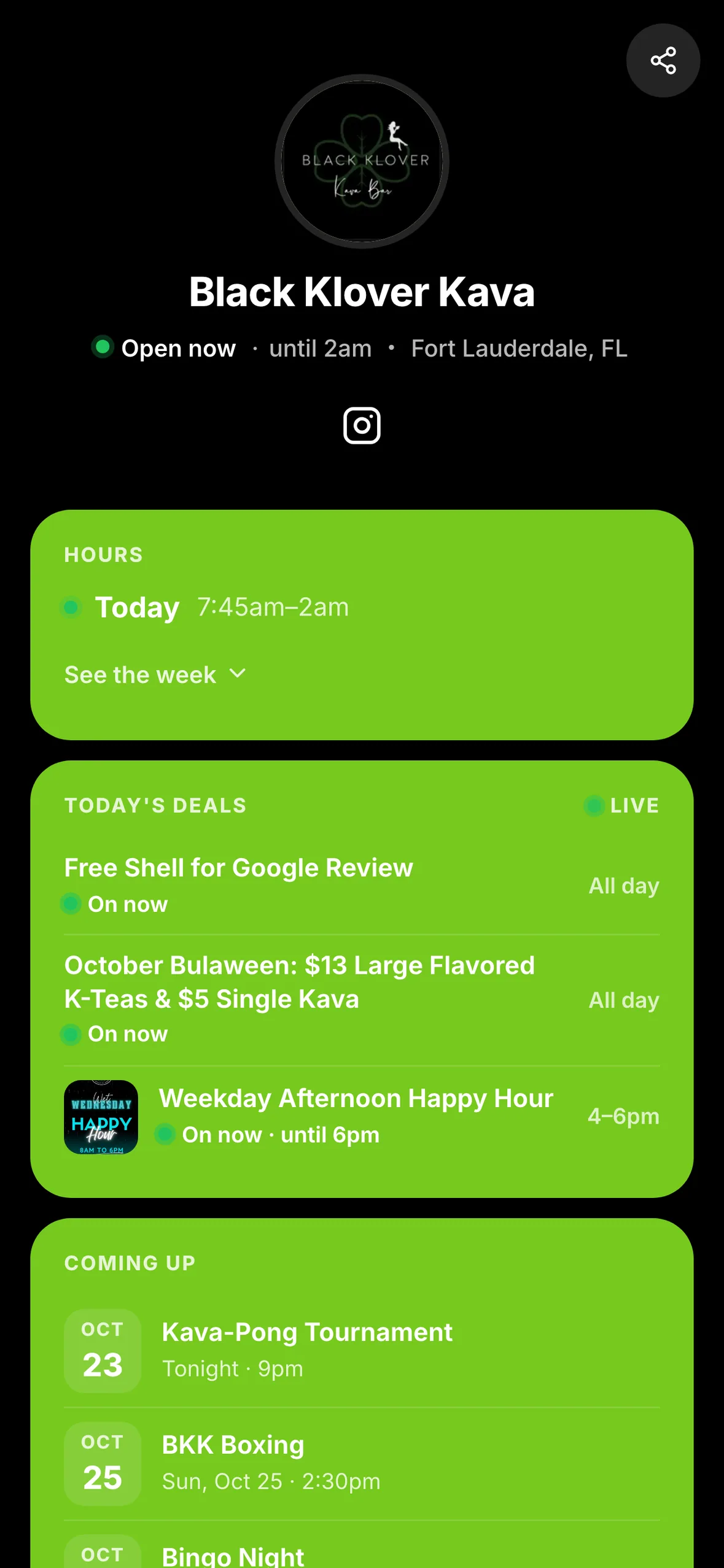
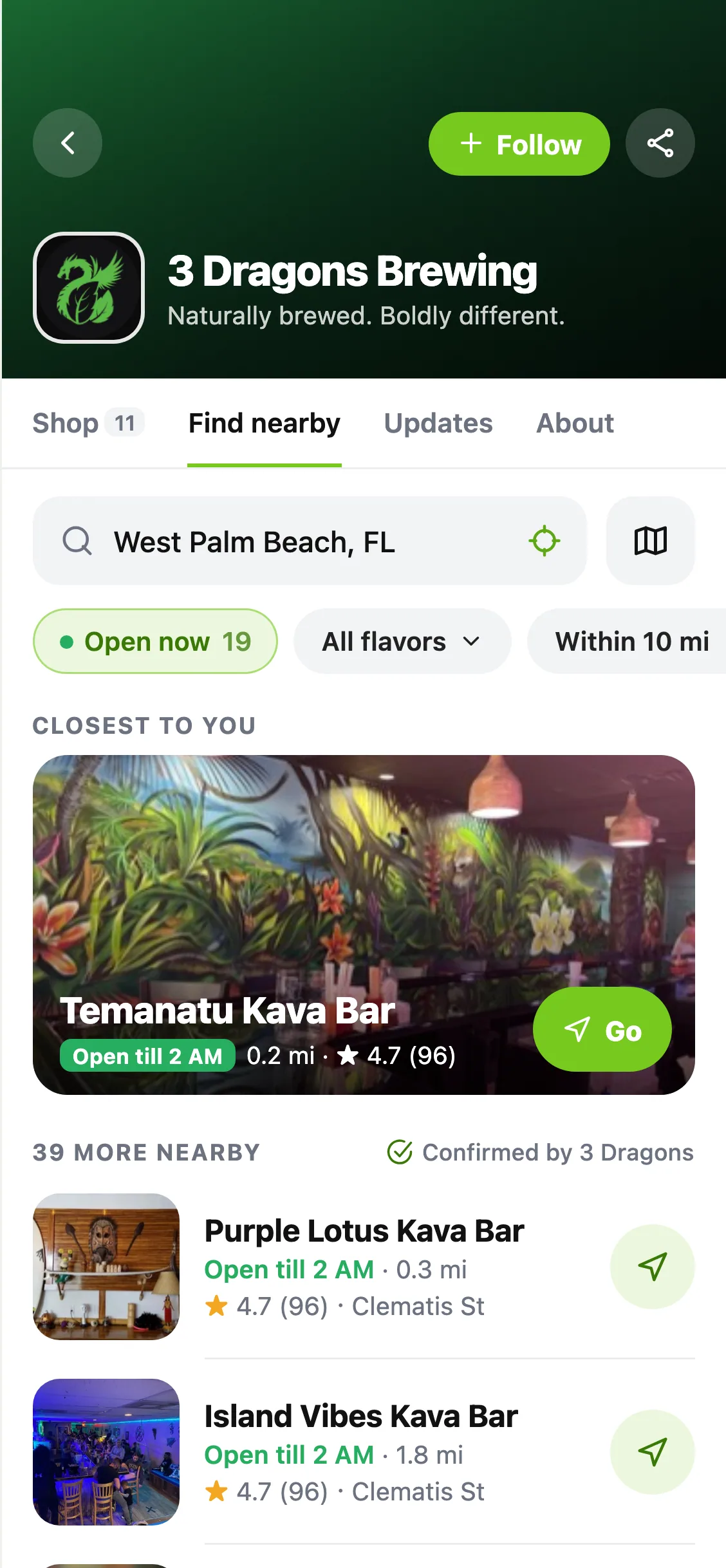
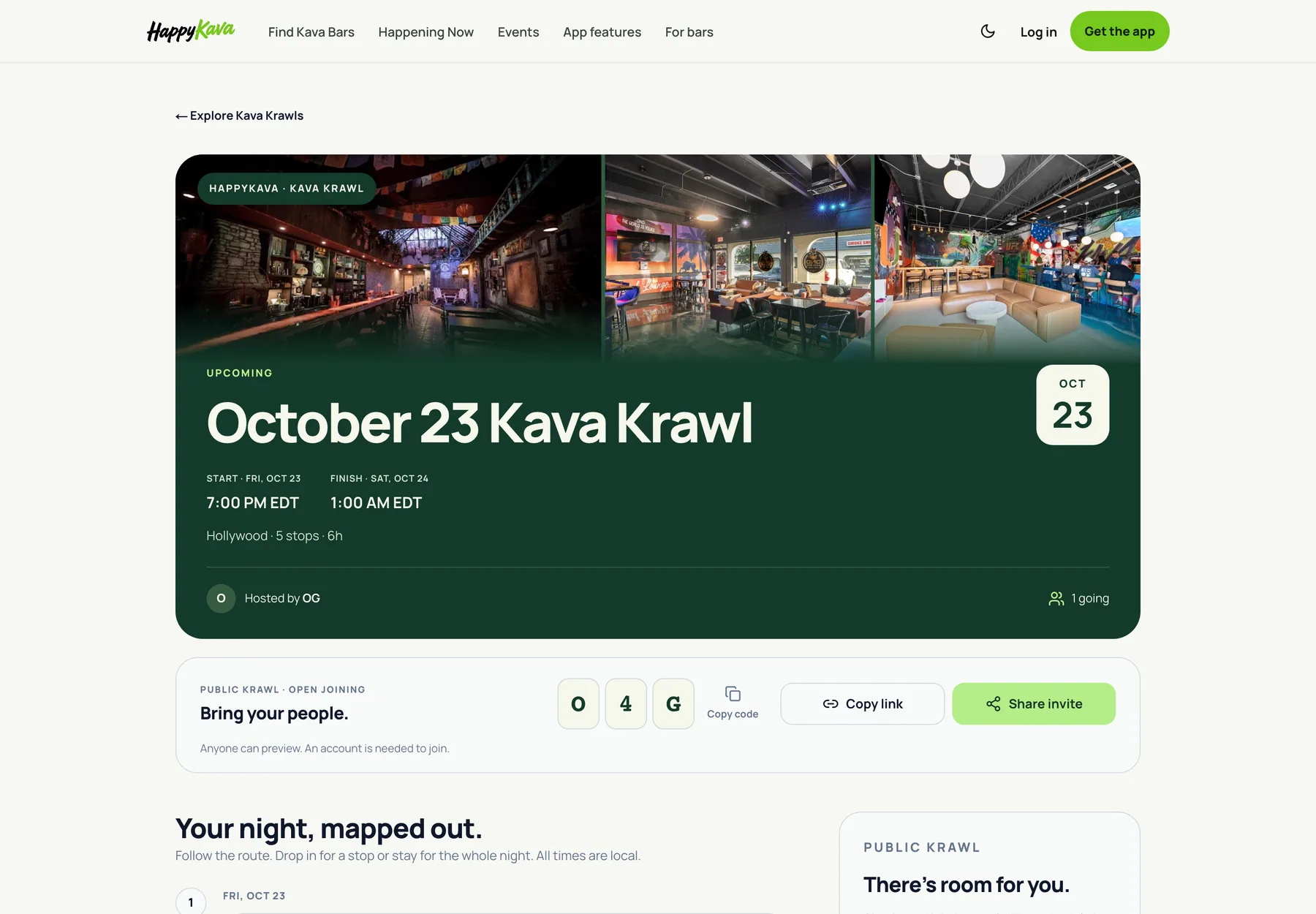
Your next event, today's deal and a fresh menu photo shouldn't have to wait until you're back at a computer. More of HappyKava's mobile publishing tools are now available to owners and managers across current bar listings.
Keep your next night current
Open your bar's workspace in the app to create or edit deals and events. The refreshed editors keep the important fields together, with clearer search and more comfortable typing while the keyboard is open.
You can work on an event's details, choose its image and return to a saved draft. Existing role permissions still apply: the actions available to you follow your access at that bar.
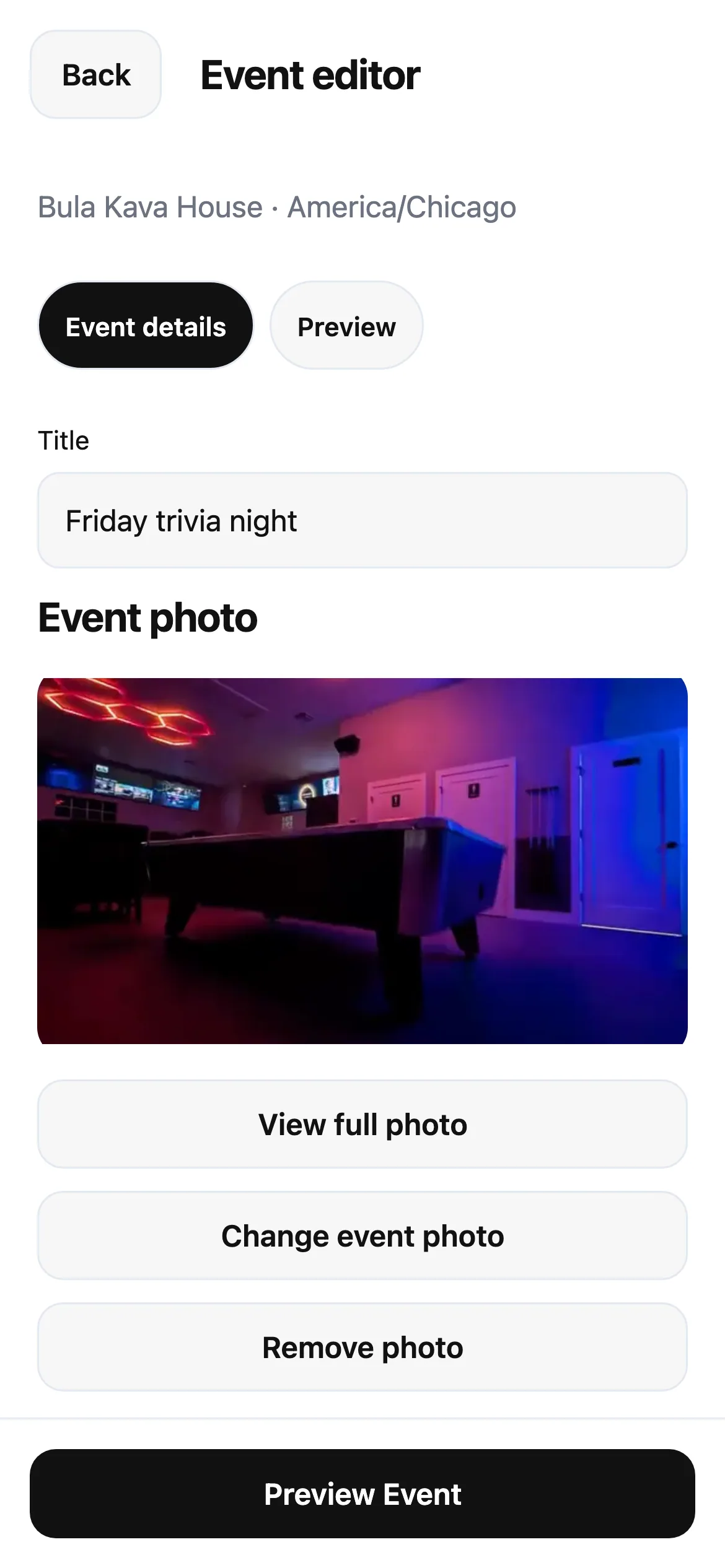
Bring the menu and photos along
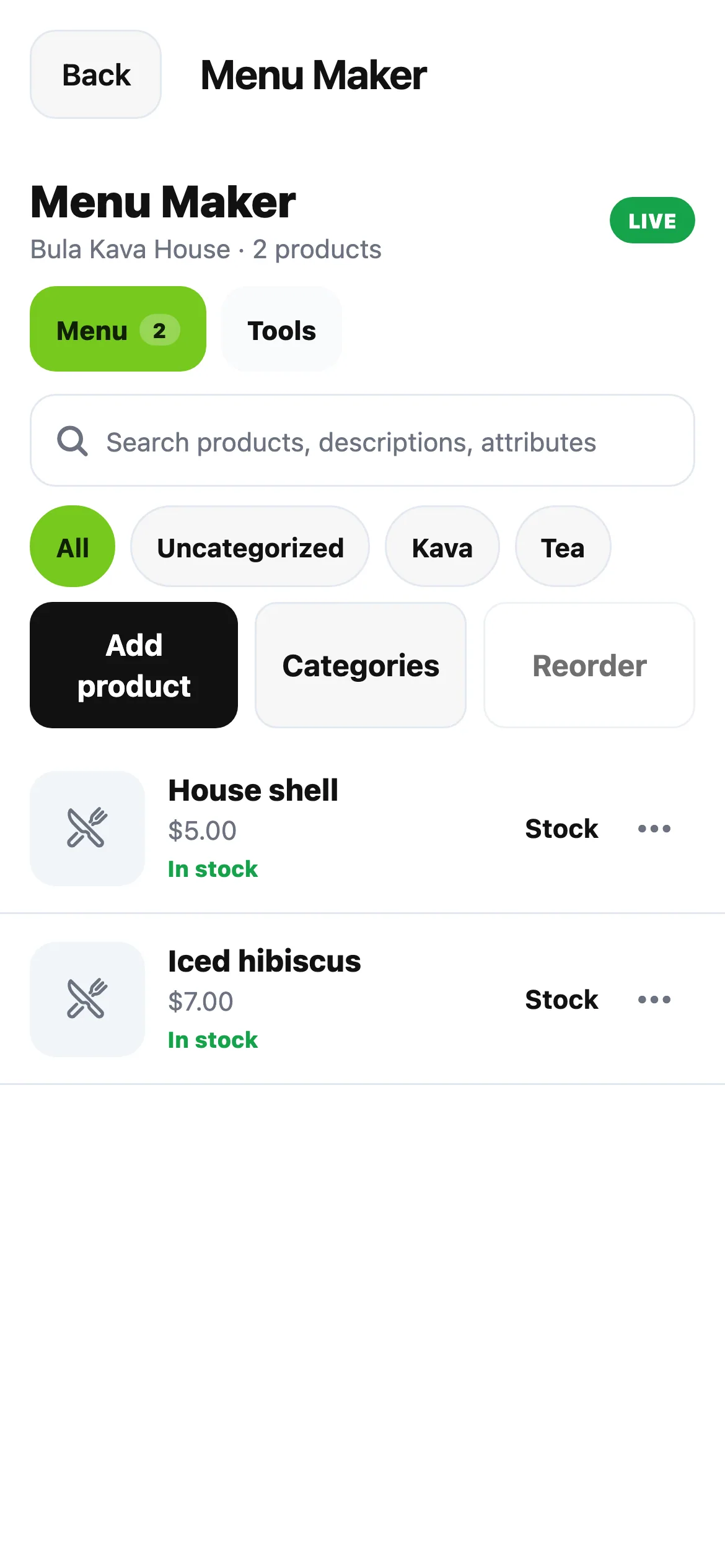
The mobile workspace also supports menu publishing and photo updates for enrolled bars. Keep menu items current, prepare images and update your gallery from the same place you manage the rest of your listing.
These tools build on the mobile listing, team and review updates introduced earlier this month. If you're managing several bars, check the selected bar before you begin. A newly added listing may still need its mobile publishing access enabled.
Also improved
- Focused fields stay above the keyboard as you move between inputs.
- Search and editor text use normal, readable spacing.
- Loading and unavailable screens keep the next action relevant to the page you opened.