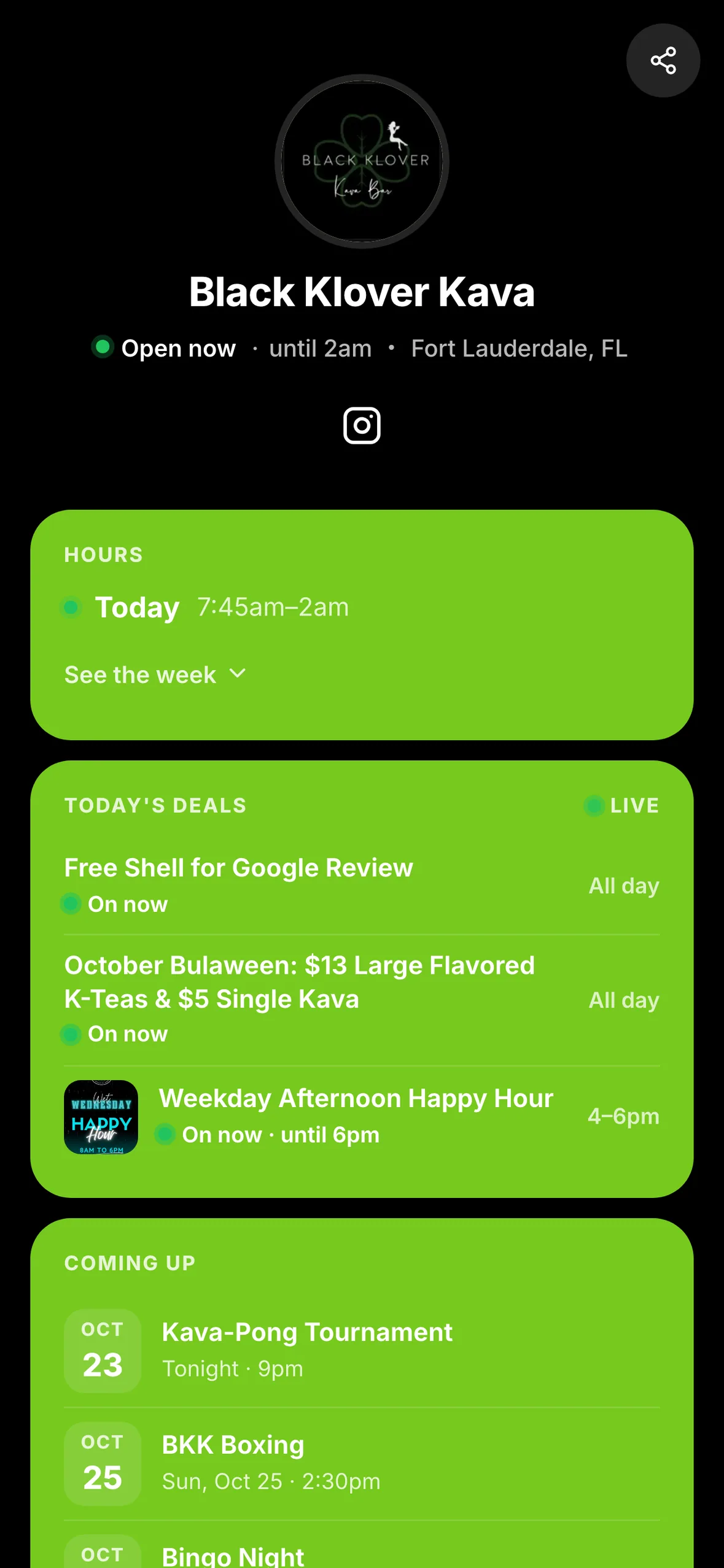
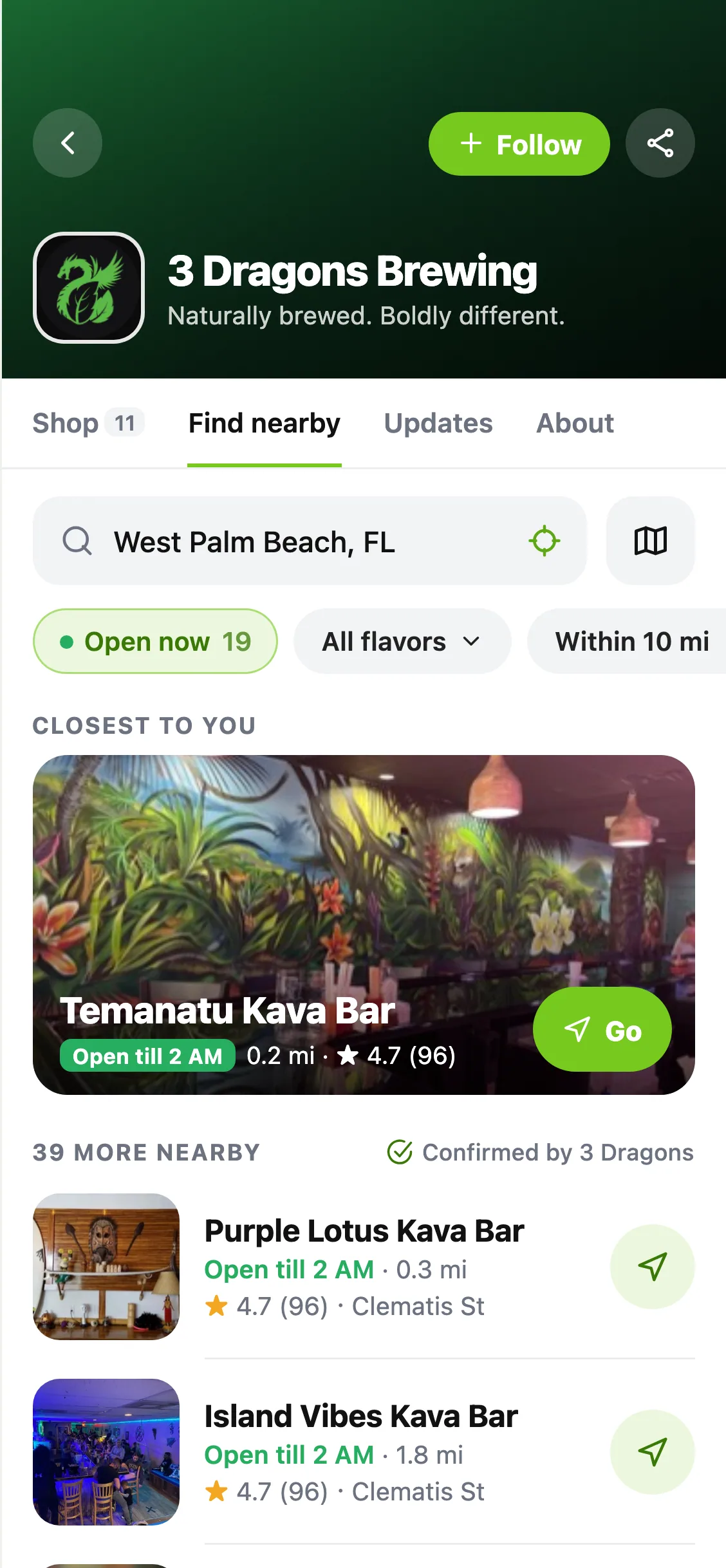
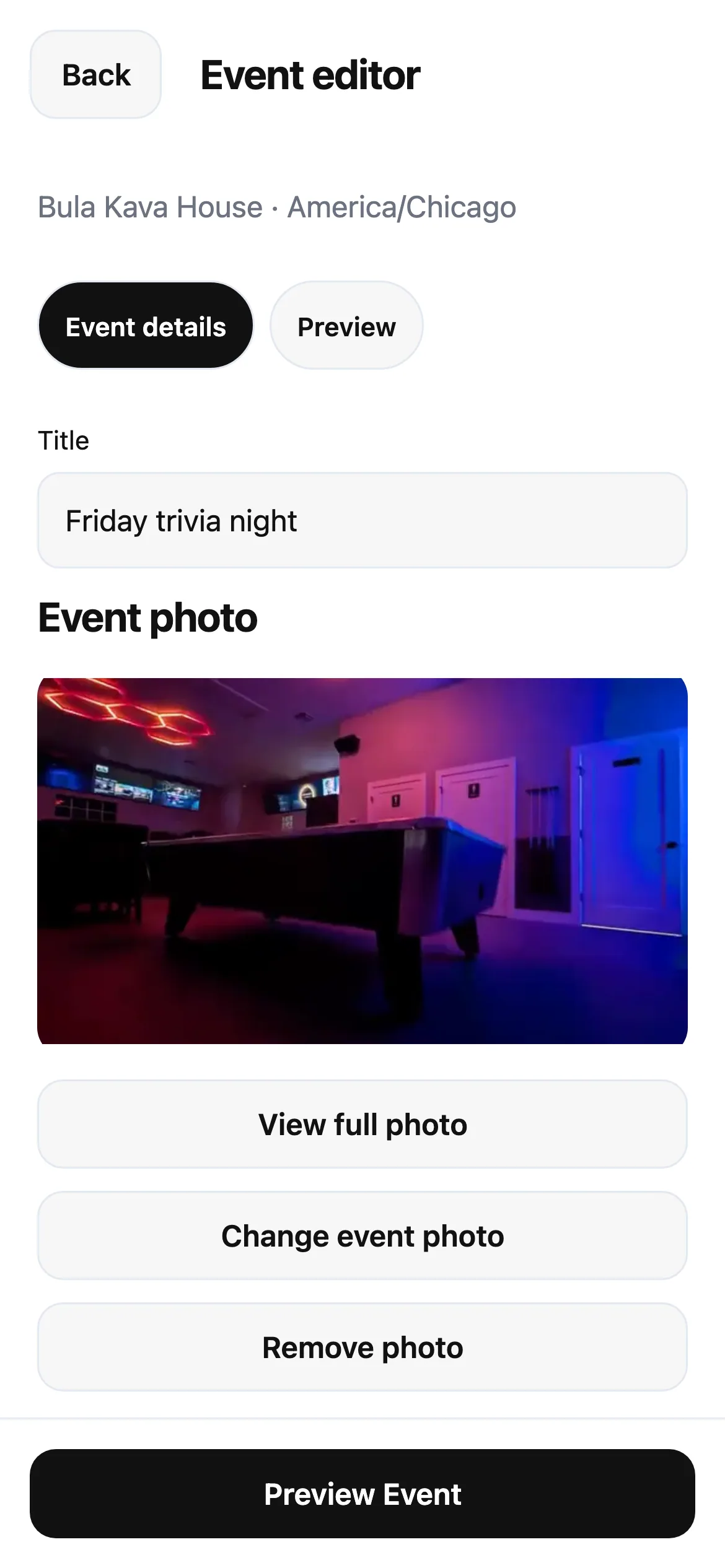
Deciding where to go is easier when you can see what's happening. Vibes brings nearby activity into one feed: live deals, events and updates from participating bars, with a way to say you're heading over.
Start with what's on now
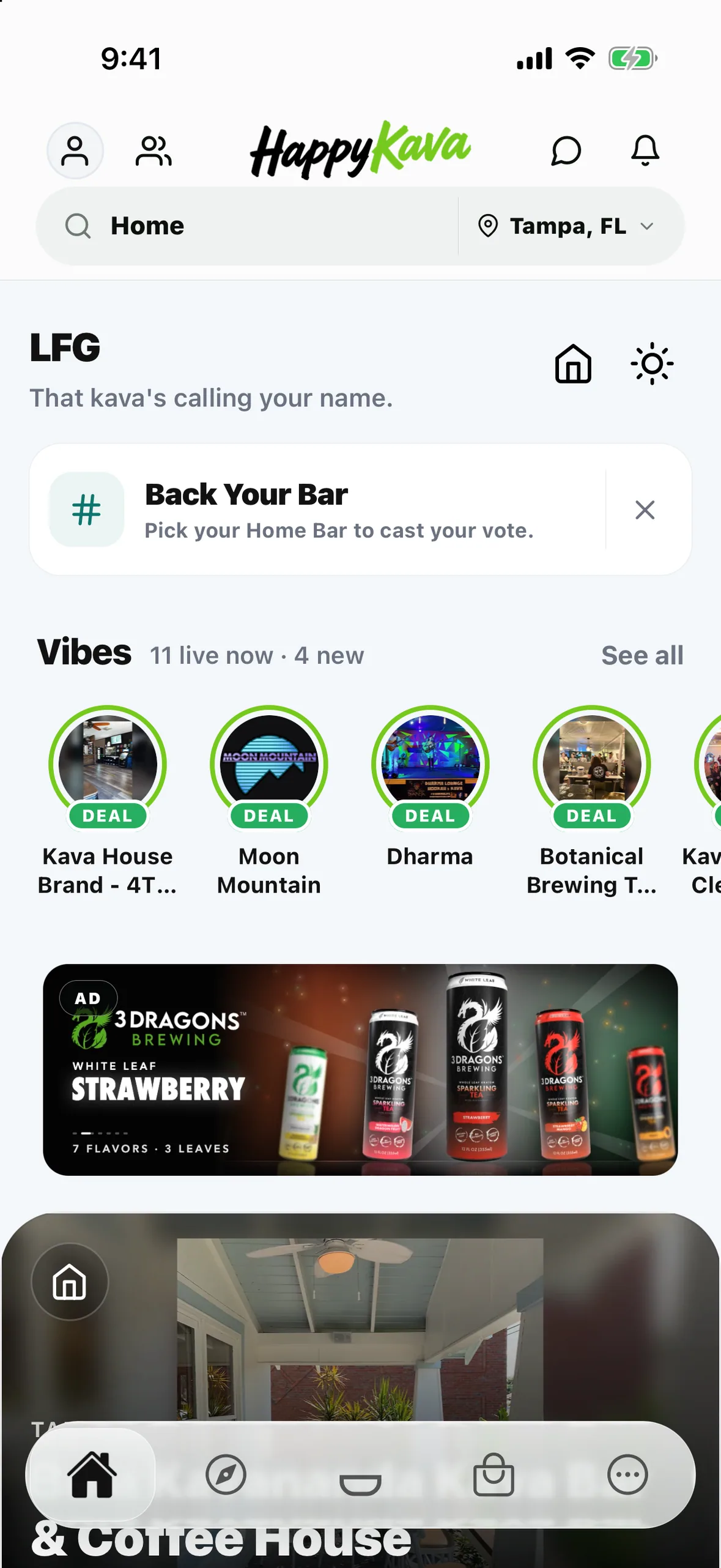
Start with the Vibes circles on Home. Sign in and open the full Vibes feed to browse nearby activity. Use Live now to focus on what's happening, or My bars to check the places you've saved. Tap a bar's circle or an item to take a closer look and open the bar's page.
The feed depends on what bars have available. Try another filter or explore nearby bars when the feed is quiet. Photo updates from bar teams are available from participating bars; posting is still being introduced to more teams.
Tap OMW when you've decided
Tap OMW to mark that you're heading to a bar. The first time, HappyKava explains how it works. After that, the button changes to You're OMW, with directions and a way to cancel if your plans change.
Choose Tell my Crew if you want to share with eligible friends. Saying you're on your way does not check you in. Your heading-over status clears when you arrive and check in, when you cancel, or when it expires.
Also improved
- Updating a bar's vibe no longer counts as a negative rating.
- Home keeps the Vibes circles and See all; the separate live list below the circles has been removed.