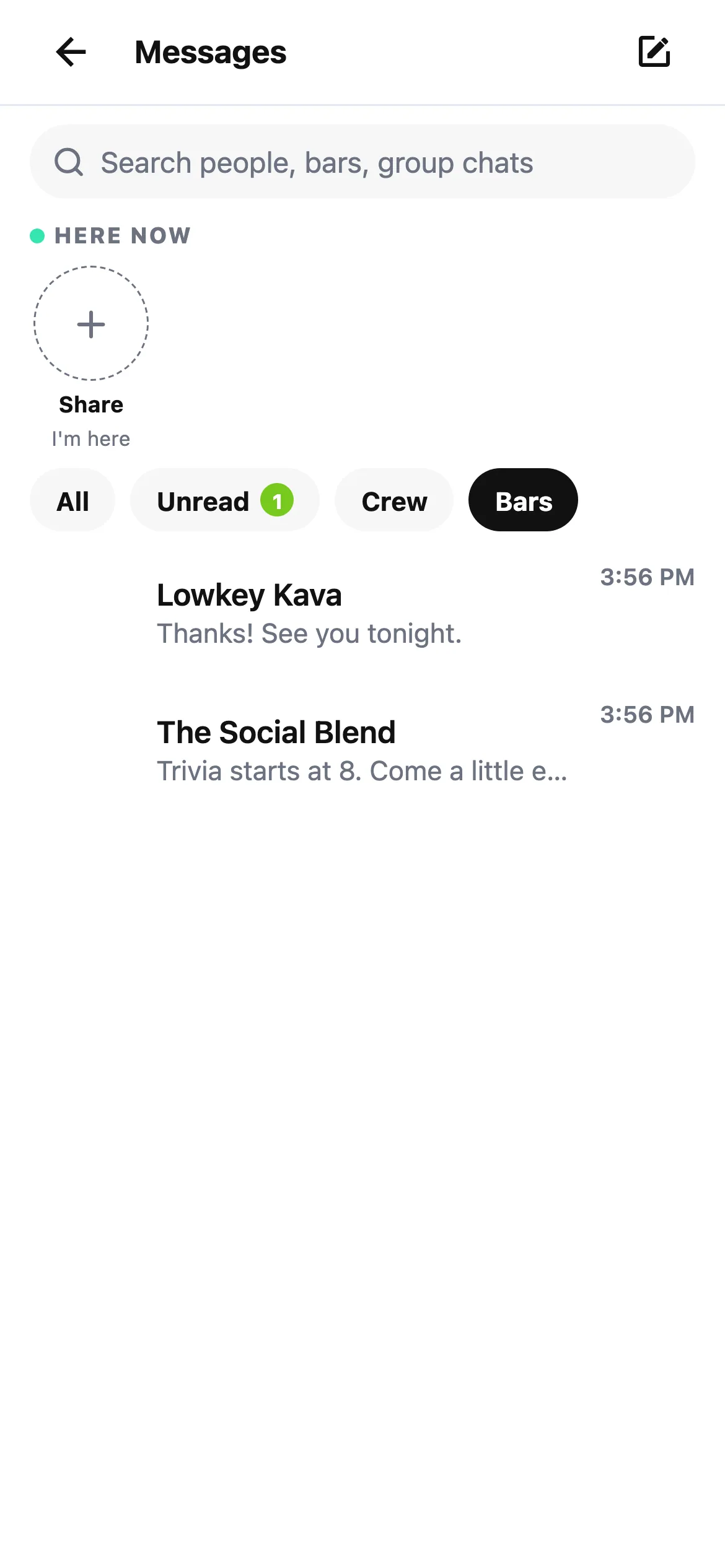
The conversation about tonight should be easy to find. HappyKava's refreshed Messages brings friends, bars, meetups and lounges into one inbox, with a more consistent way to open and follow each conversation.
Find the chat you came for
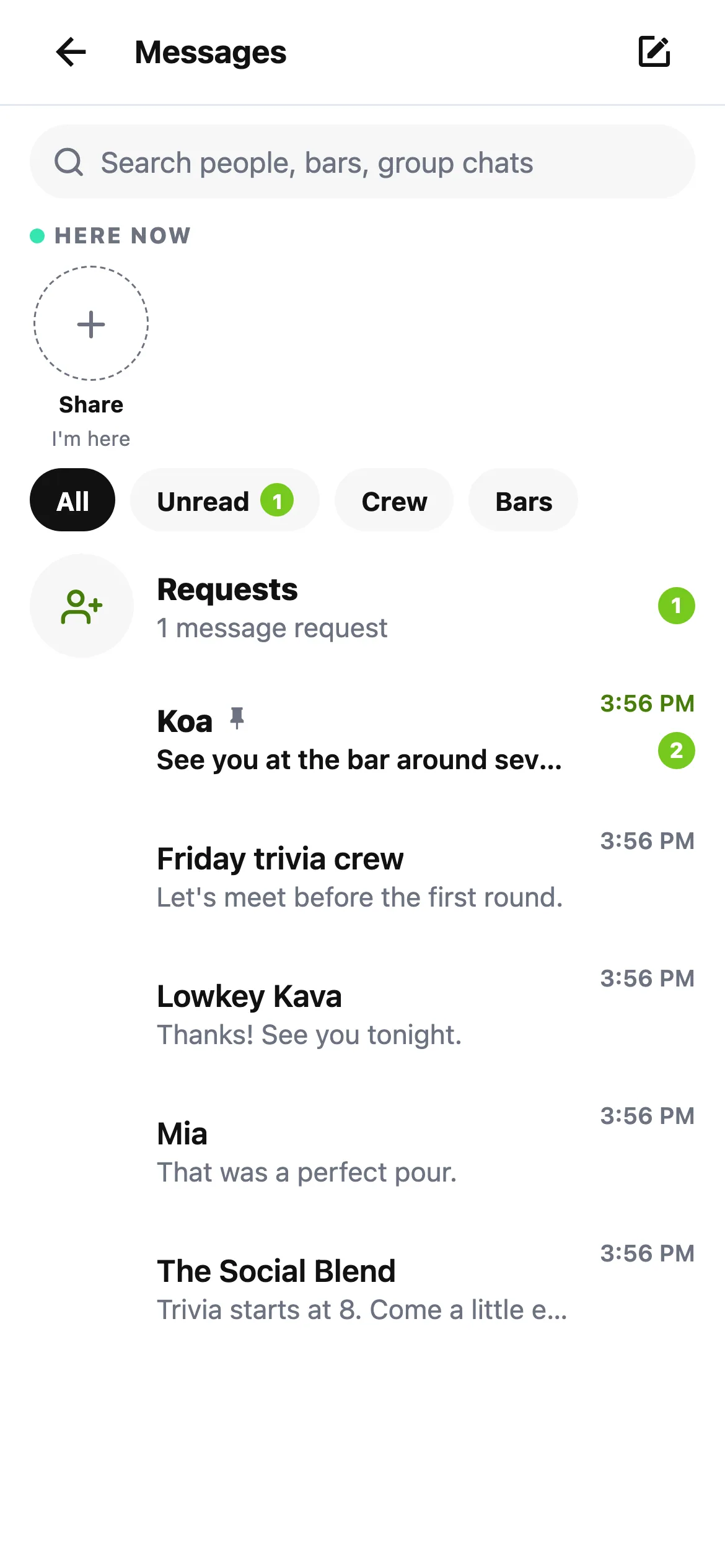
Open Messages from the header icon or More. Your inbox gathers the conversations you already have, and order conversations sit with the relevant bar so you can keep the context together.
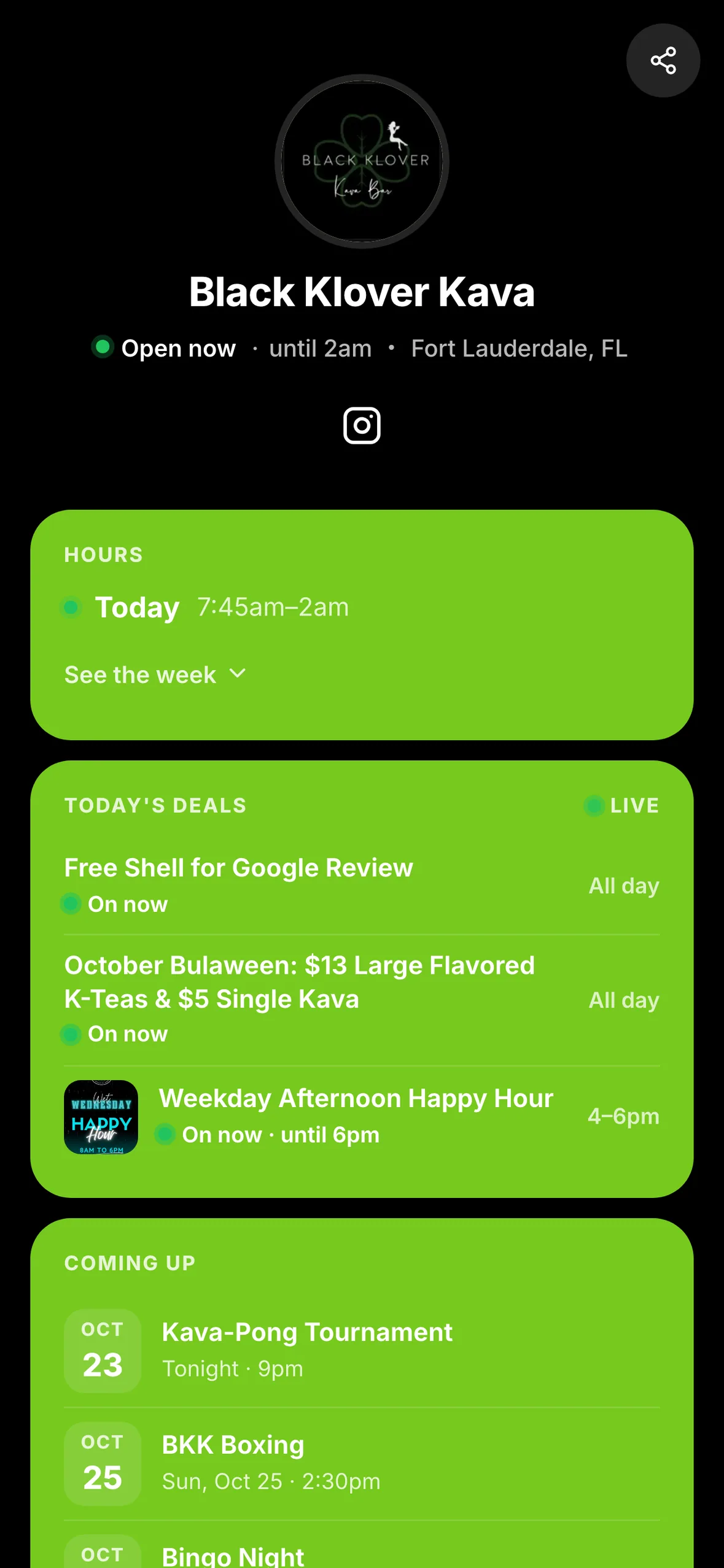
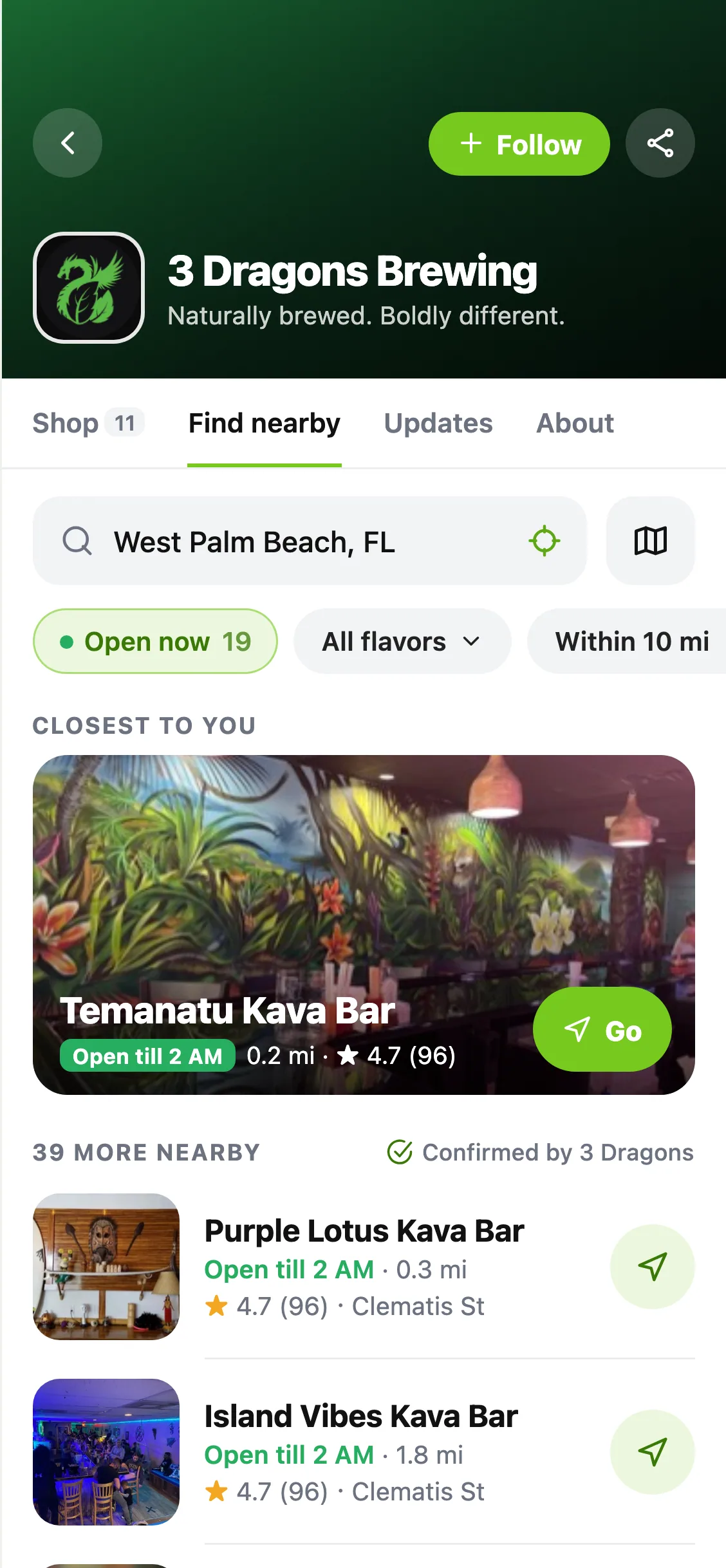
Open a chat to see its details and available controls. Shared HappyKava bars, deals and events can appear as cards, giving everyone a place to open when it's time to choose. The actions available depend on the kind of conversation.
Keep the conversations you want
Message requests give you a place to review new conversations. Pin a chat you return to, archive one you've finished with, or use the available mute and safety controls when you need them. Pins and archives stay on the device where you set them.
Friend and meetup chats support replies and reactions, while lounge details make it easier to see the group you're talking with. Use the message settings to choose whether notification previews show message text.
Also improved
- The header's Messages icon shows a badge when there's something to catch up on.
- Existing conversation links lead into the refreshed screens.