Running a bar rarely happens sitting at a desk. The HappyKava app now gives owners and managers refreshed tools for their public listing, team and reviews, while bar staff get a clearer scanner and guest list.
Keep the basics current
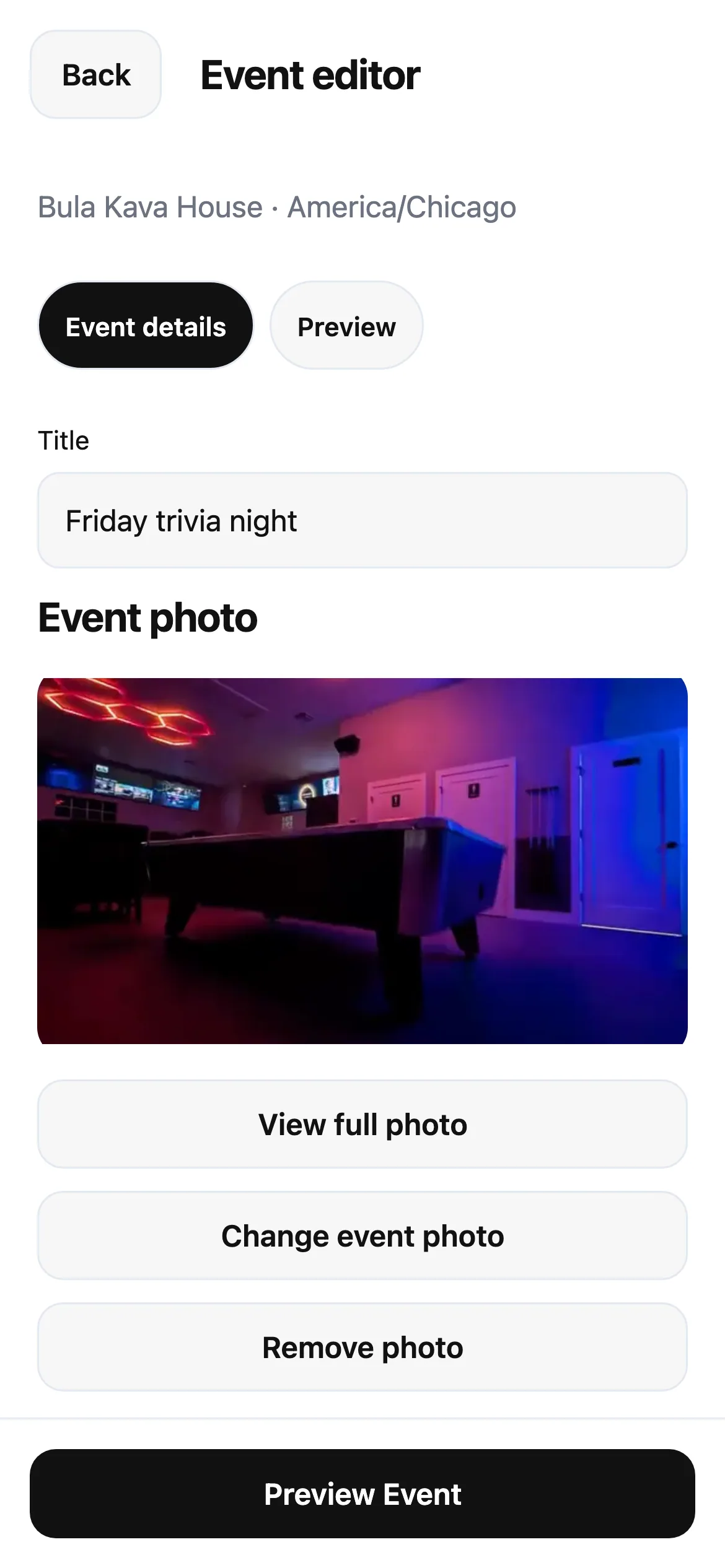
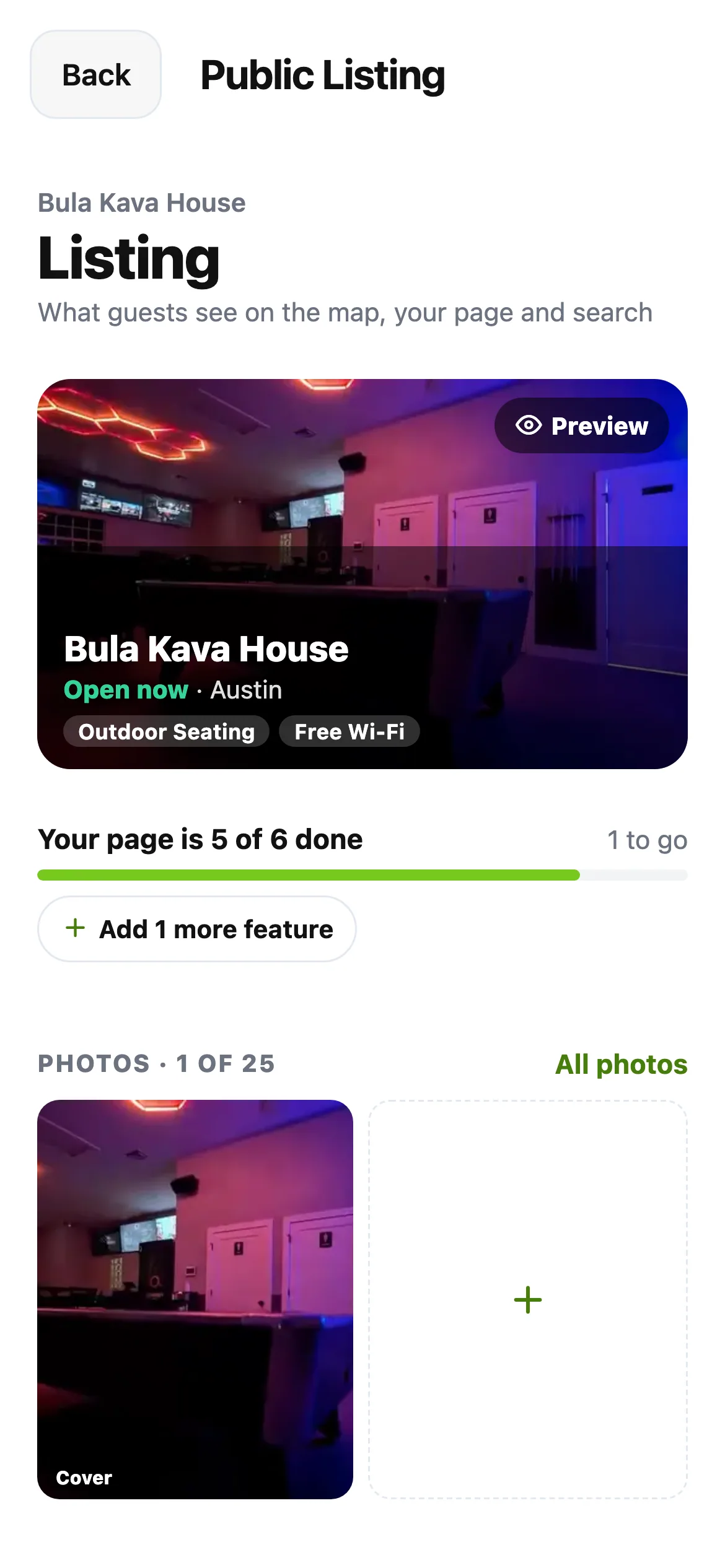
Open your bar's owner workspace in the app. The refreshed listing editor groups your bar's details so you can find what needs changing. Team & Access brings your people and invitations together, and an invitation can use an email address or a mobile number.
Choose the access each person needs. Someone invited by phone accepts with that number, keeping access tied to their own account. The tools you see still follow your role at the bar.
Answer reviews and welcome guests
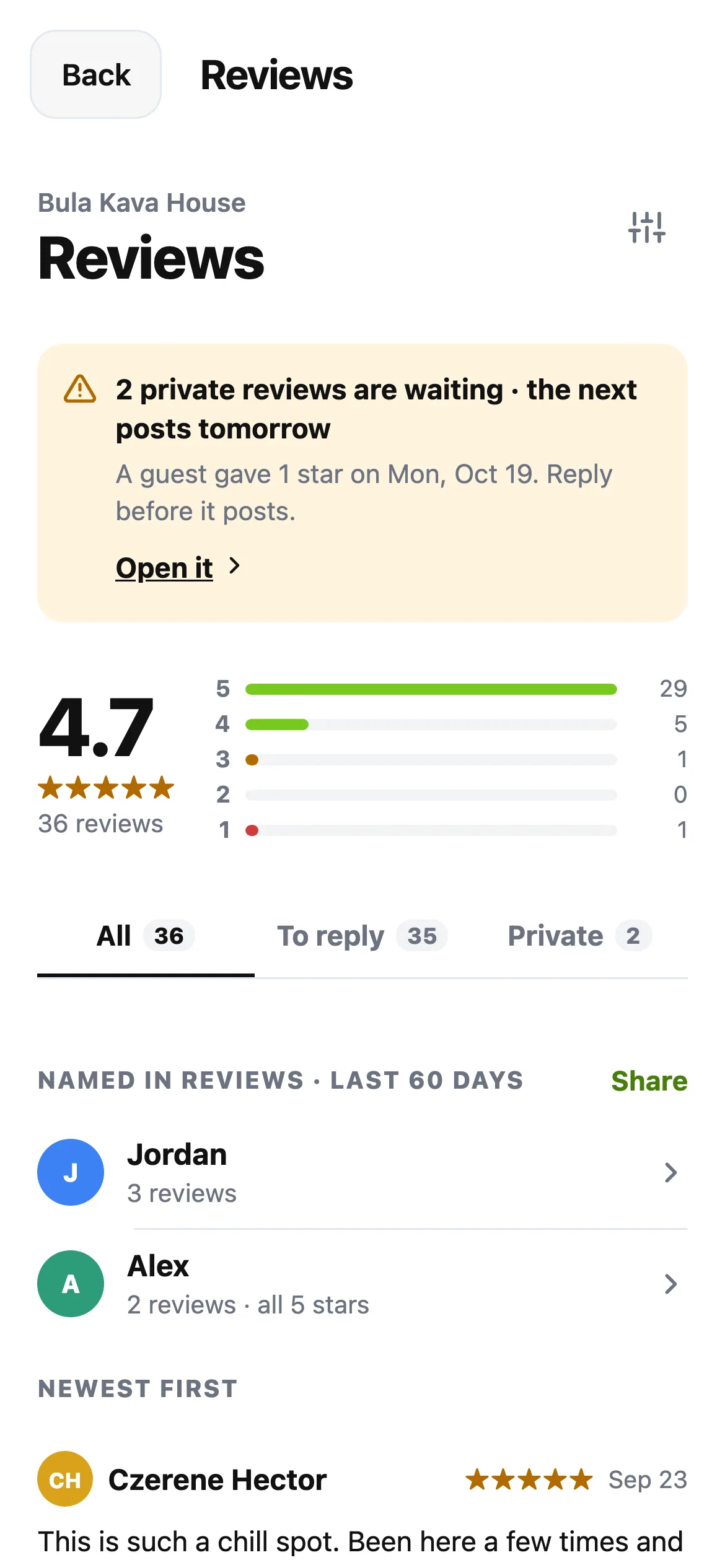
The refreshed Reviews screen lets you read feedback and write a reply. Public replies appear with the review on your HappyKava bar page, giving you a place to thank a regular or respond to a concern.
For the shift, open Kavatender Mode or Work Home. The new scanner gives each scan a clear result, and the guest list makes it easier to see who is checked in and open the next action. Keep following the offer's redemption instructions when validating a guest.
Also improved
- Team invitations can reach people who use phone sign-in.
- Guest names are clearer in scan results.
- Review replies are visible on the website as well as in the updated app.