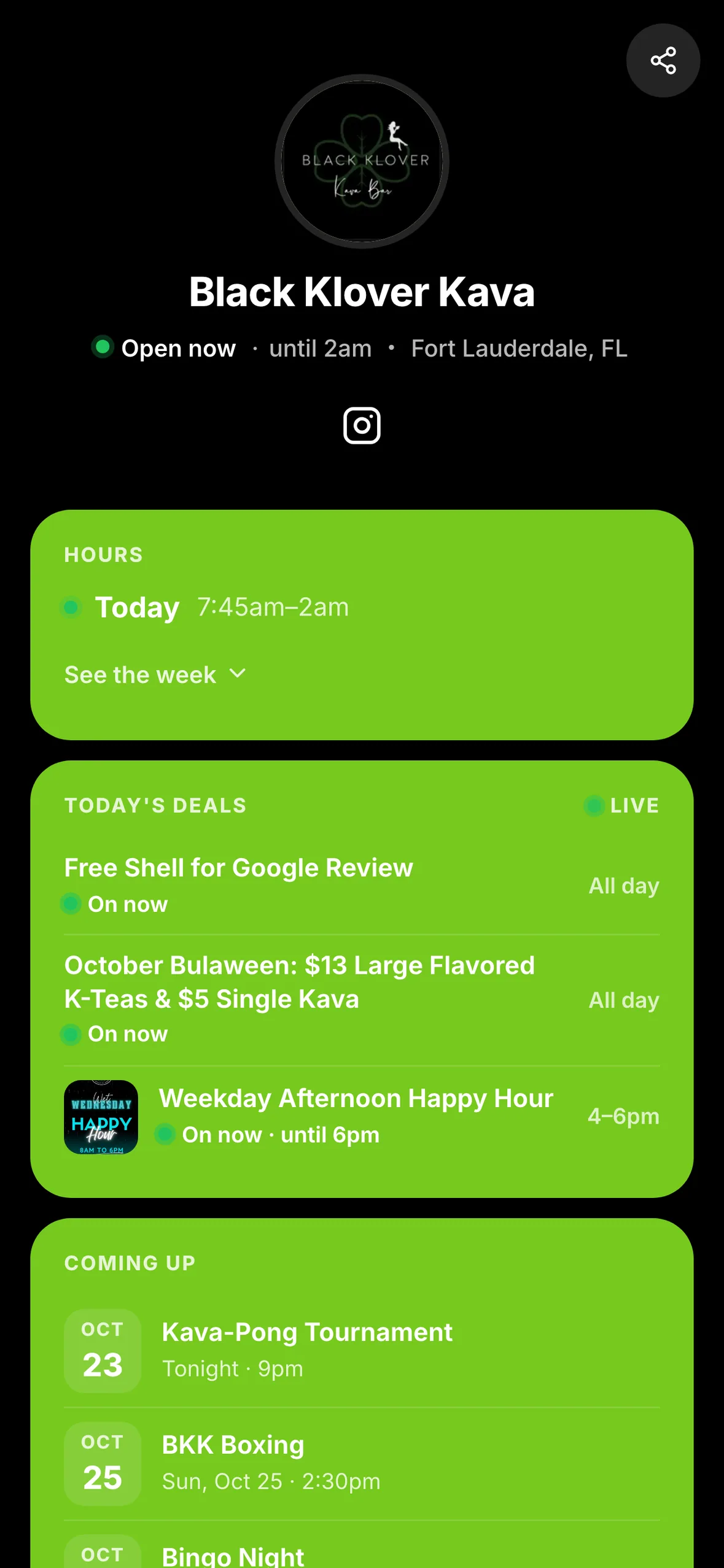
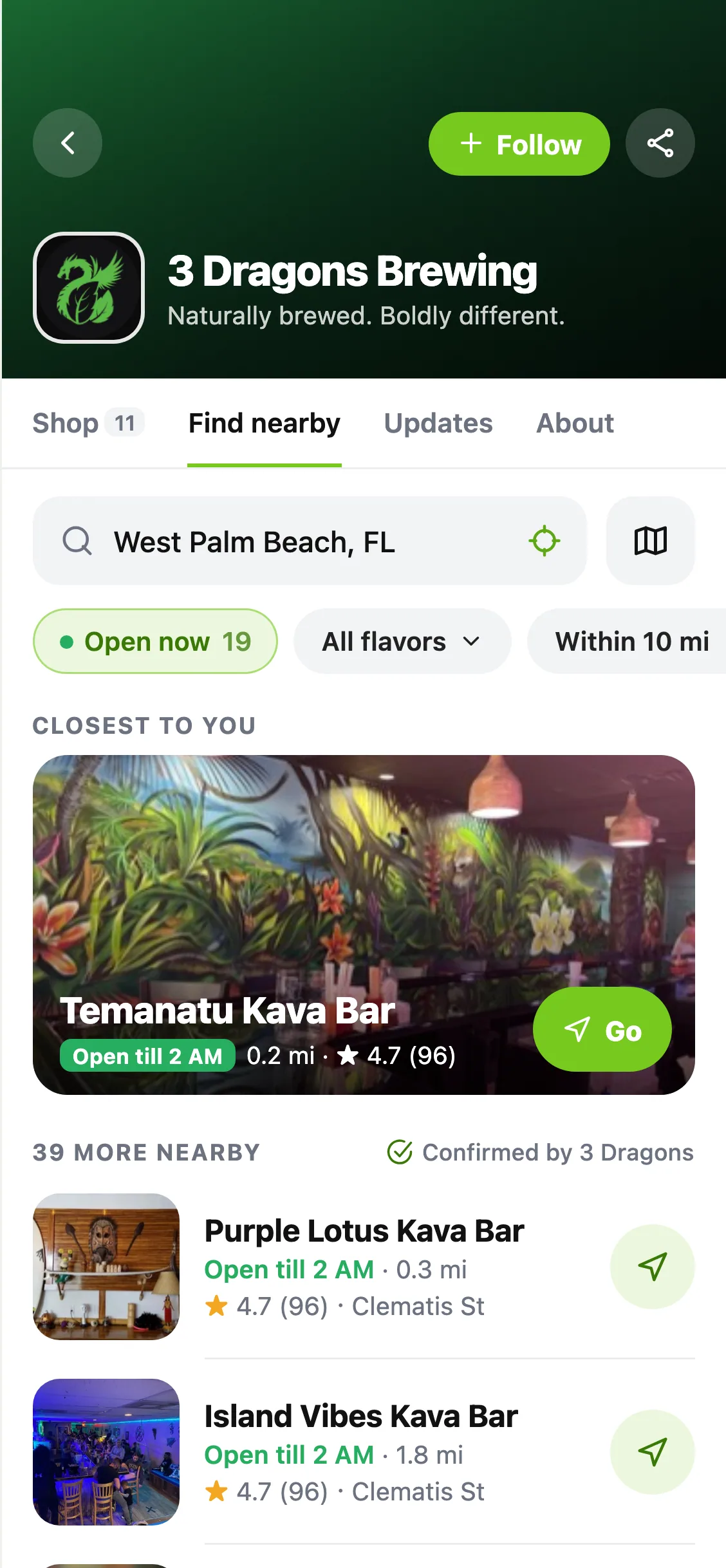
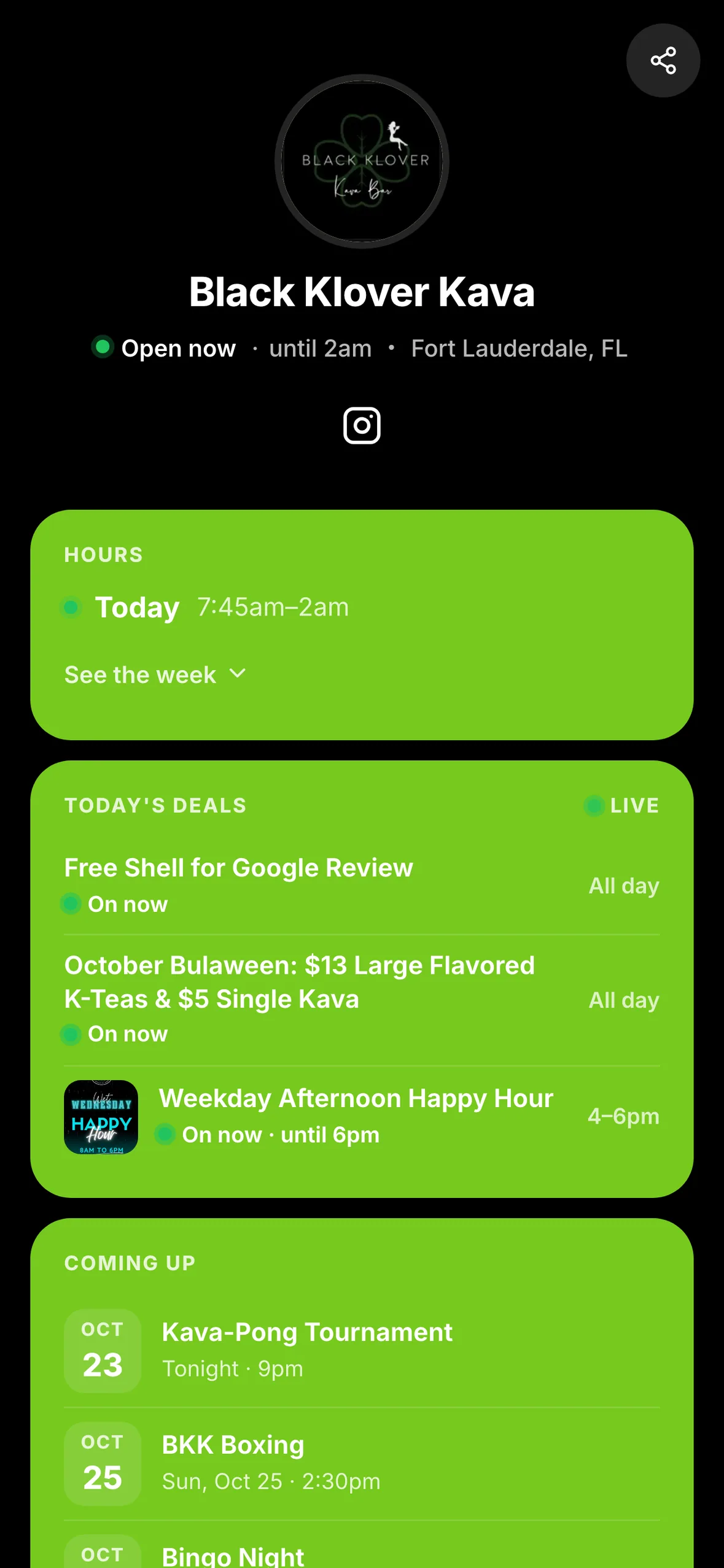
Give your Instagram, TikTok or Facebook bio a page that keeps up with your bar. HappyKava's new Link in Bio combines your own links with hours, deals, events, menu and directions from your listing, at your own happykava.app/@handle address.
Start with your listing
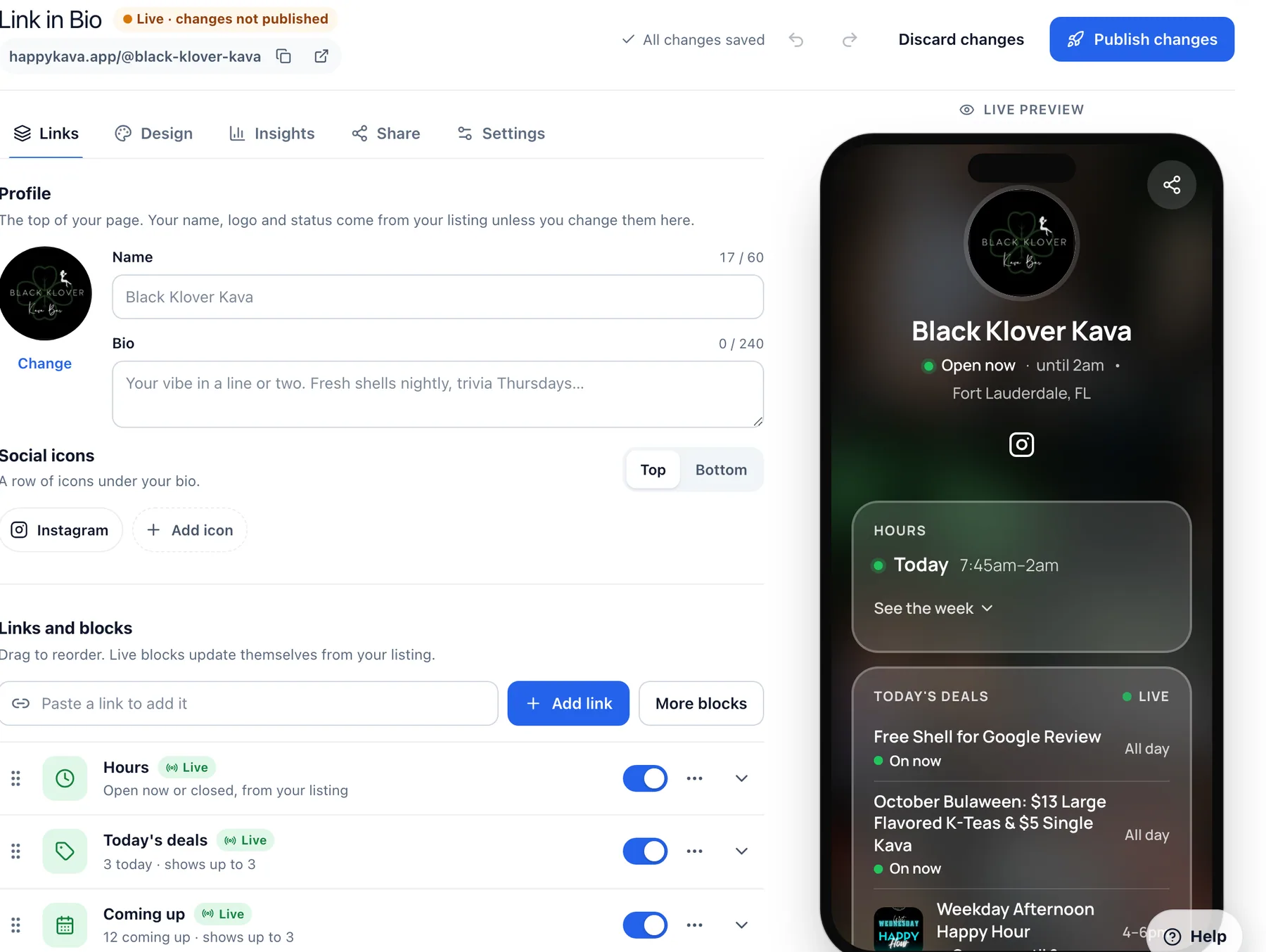
Open Your Bar → Link in Bio in the HappyKava Dashboard. Your first preview is already filled from your listing. Choose an available handle, add the links you want, pick a design and press Publish when it's ready.
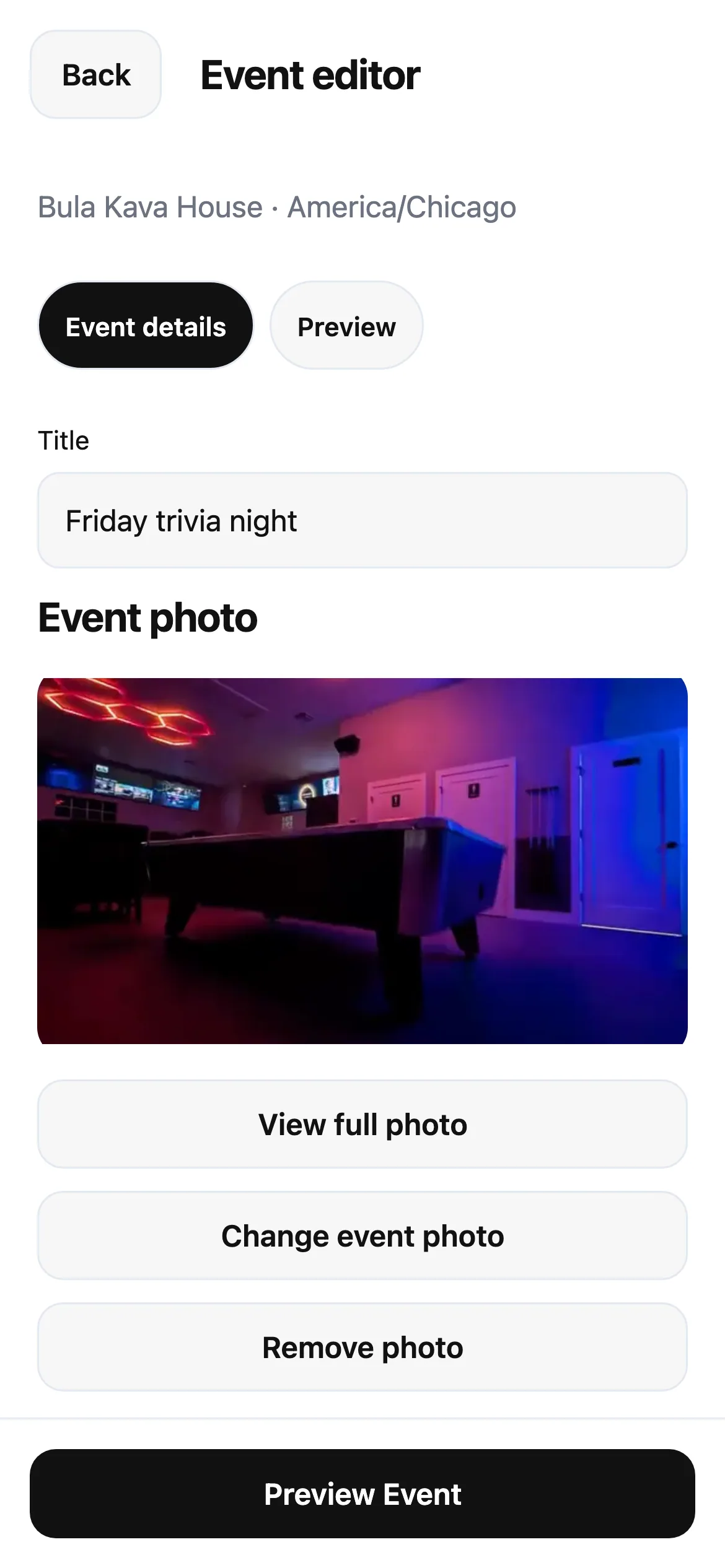
The live sections follow the information you keep on HappyKava. Update your hours, menu or event and the page follows. A section with nothing to show stays out of the way. Add your own ordering links, social profiles, photos or a video alongside those sections.
Share it and see what gets tapped
Copy your address into your social bios or download its QR code for the bar. Insights shows page visits, link taps and where visitors came from, helping you see what people are looking for.
You can reorder links, change the look and save edits as a draft before publishing. Already using Linktree? Bring your links from Linktree lets you review and select links to bring into the page.
Also improved
- Scheduled links can appear only during the dates you choose.
- Changing your handle keeps supported previous addresses pointing to the page.