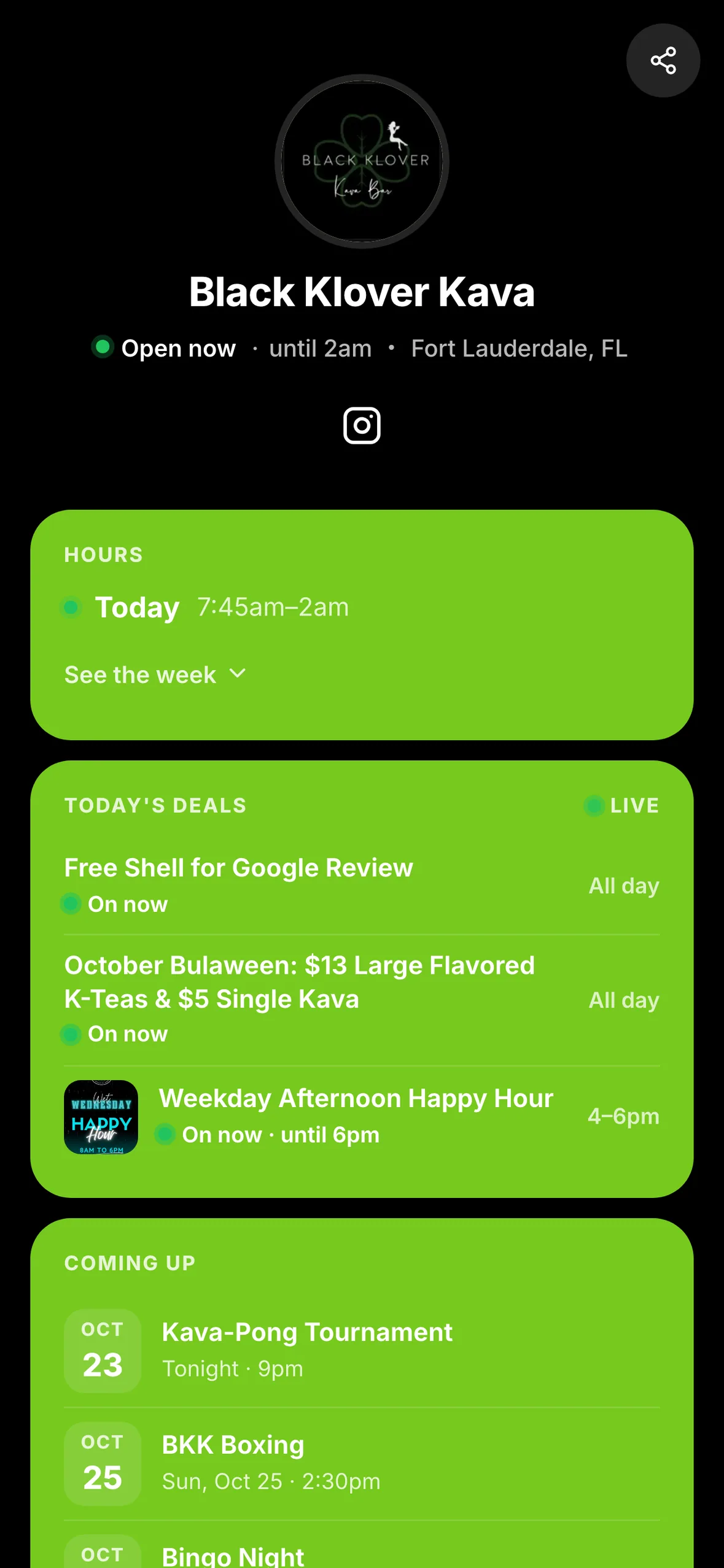
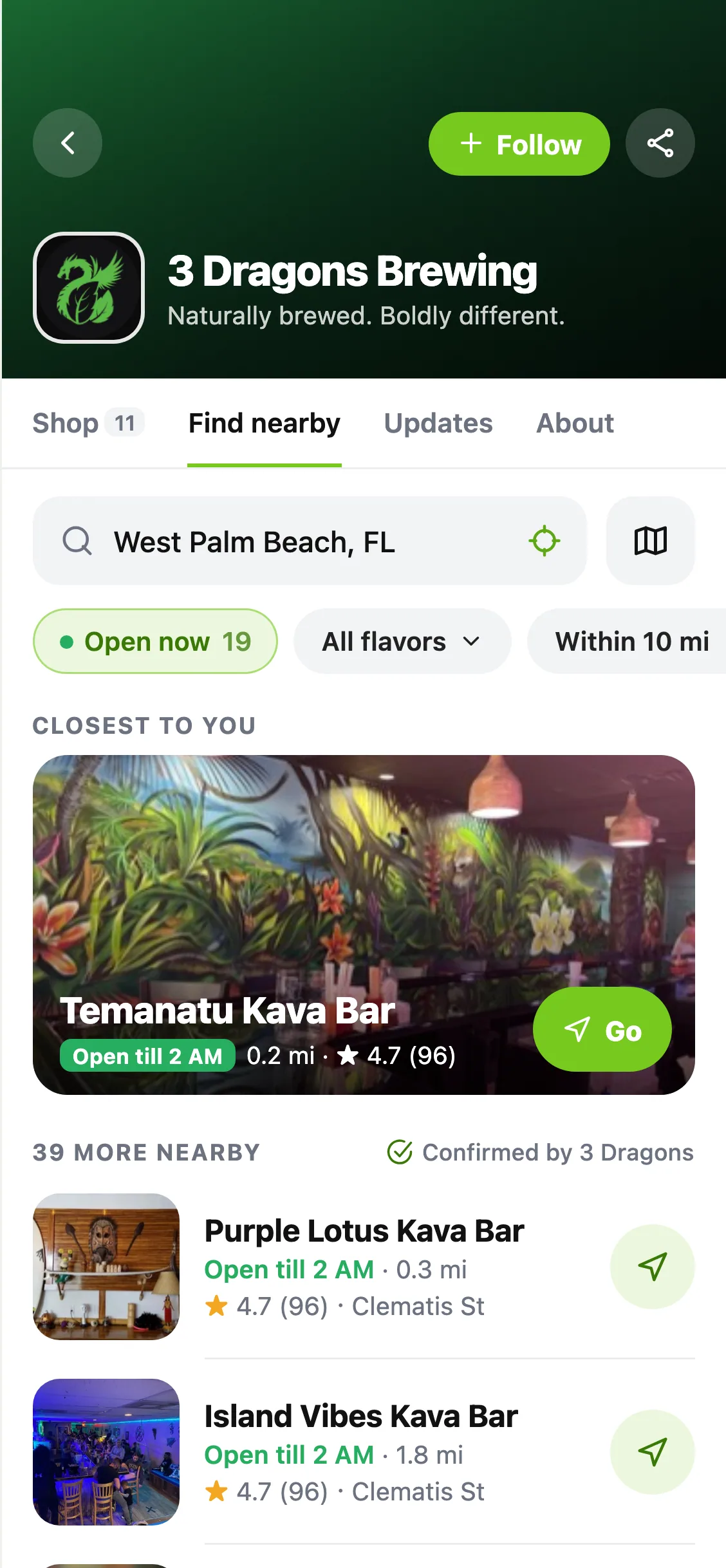
Planning a trivia night, a class or a gathering with limited space? Bars can now offer free RSVPs through HappyKava, and guests can reserve a place from participating event pages.
For guests: reserve and keep your ticket
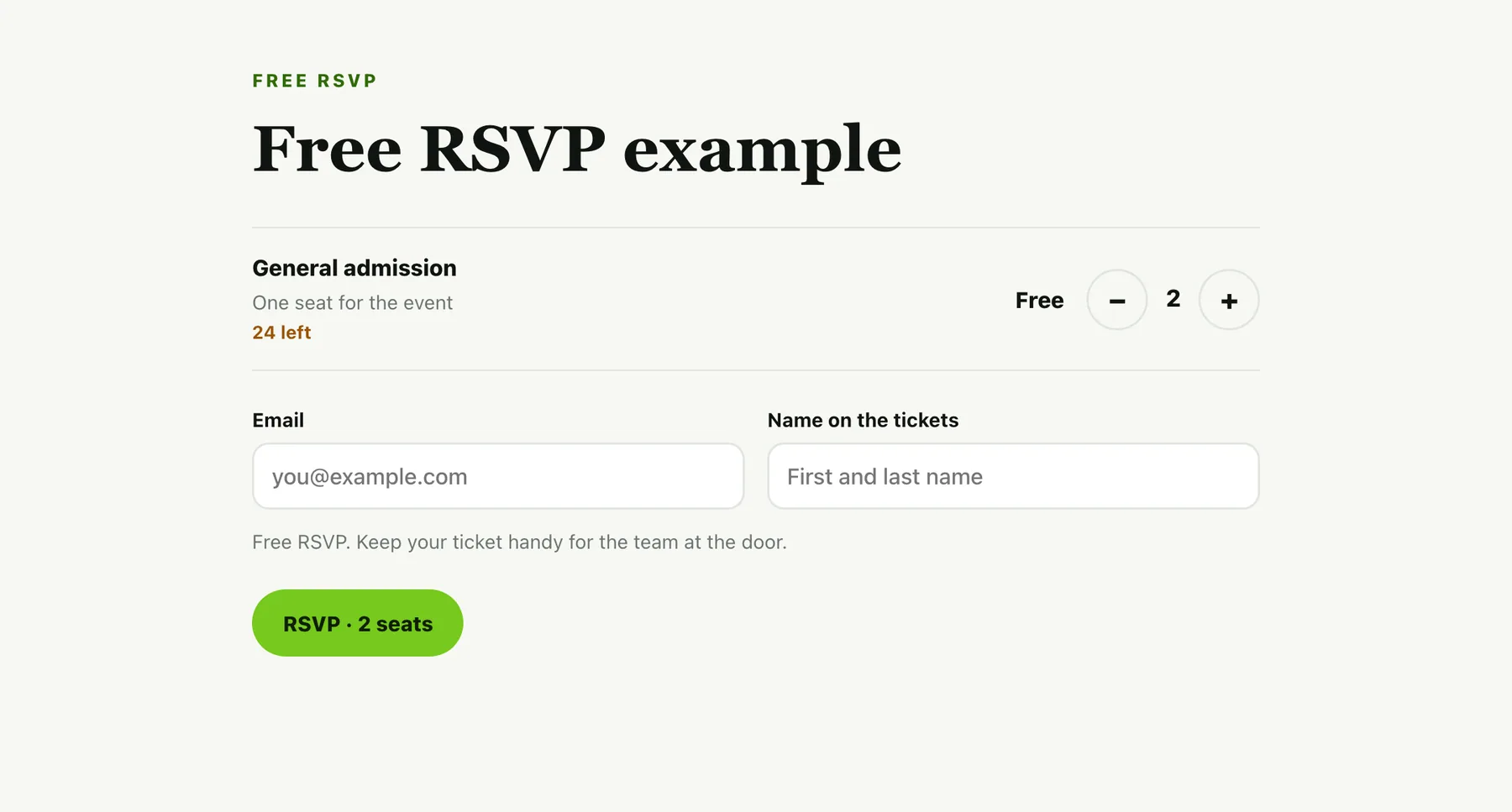
Look for RSVP · Free on an event at happykava.app. Choose your seats and enter your name and email. Your tickets arrive by email, with a link you can open again when it's time to go.
An RSVP is available only when the bar has opened reservations for that night. Follow the event's details for arrival instructions and any limits. Keep your ticket handy for the team at the door.
For bars: choose the night and capacity
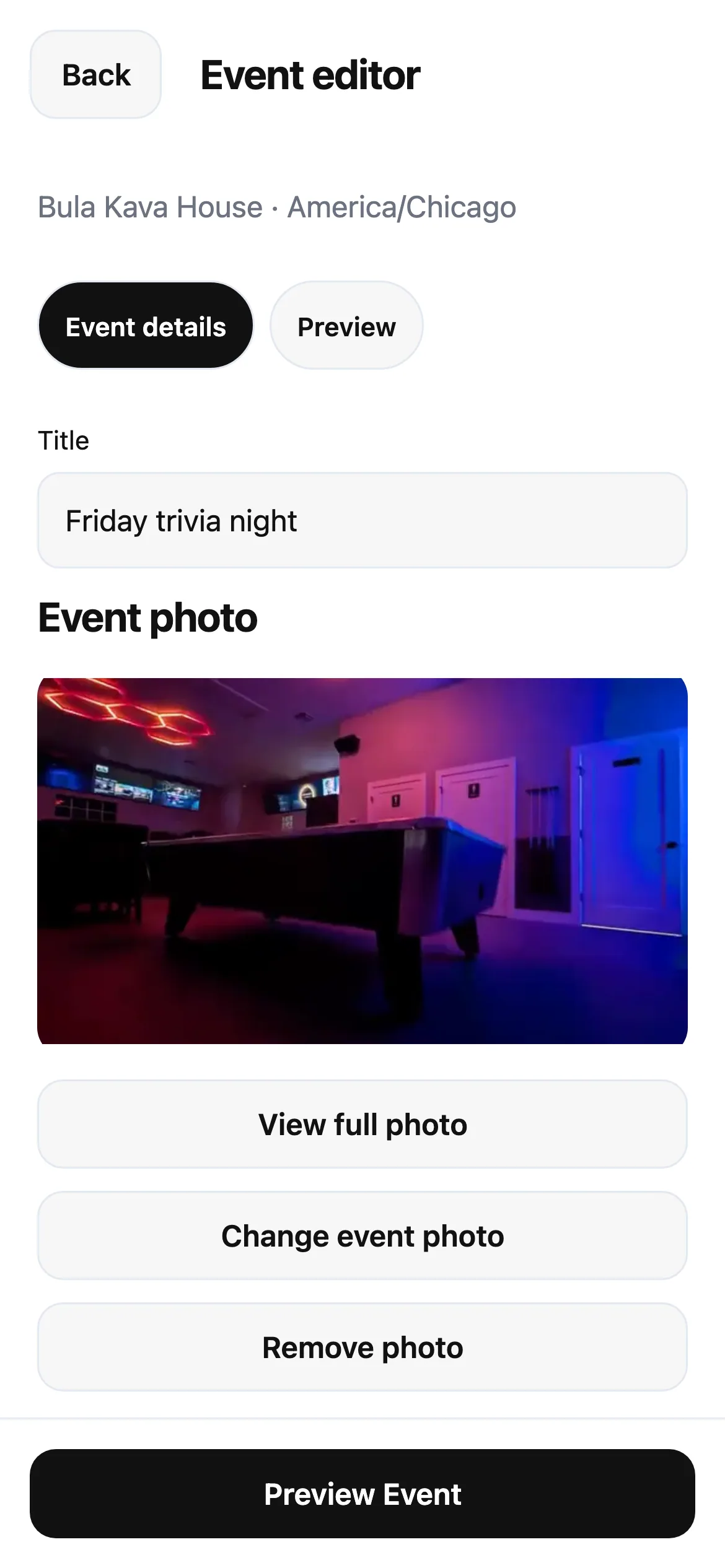
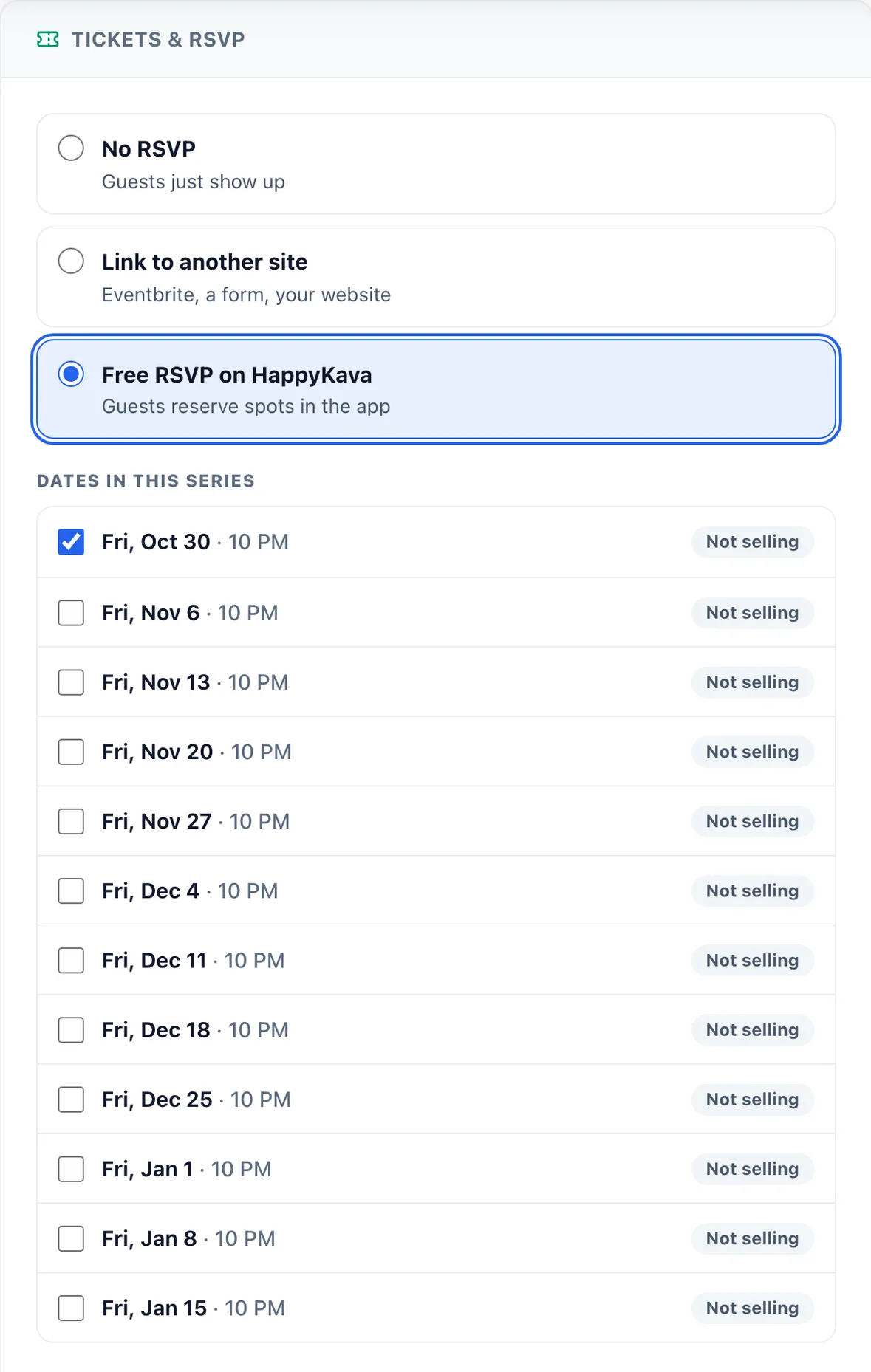
In the HappyKava Dashboard, open Events → an event → Tickets & RSVP → Free RSVP. Set the available seats, how many each reservation can include and when reservations close, then open RSVPs for the selected night or nights.
Under Operations → Tickets, see your RSVP nights, open the guest list and export it when you need a copy. Updated app versions also offer RSVP and My Tickets screens for guests, plus ticket scanning and a door list for staff.
Also improved
- Guests can receive a reminder on the day of the event.
- Bar teams can receive updates as more reservations come in.
- In the Dashboard, date loading now recovers from temporary connection failures, and retrying keeps the RSVP details you've entered.