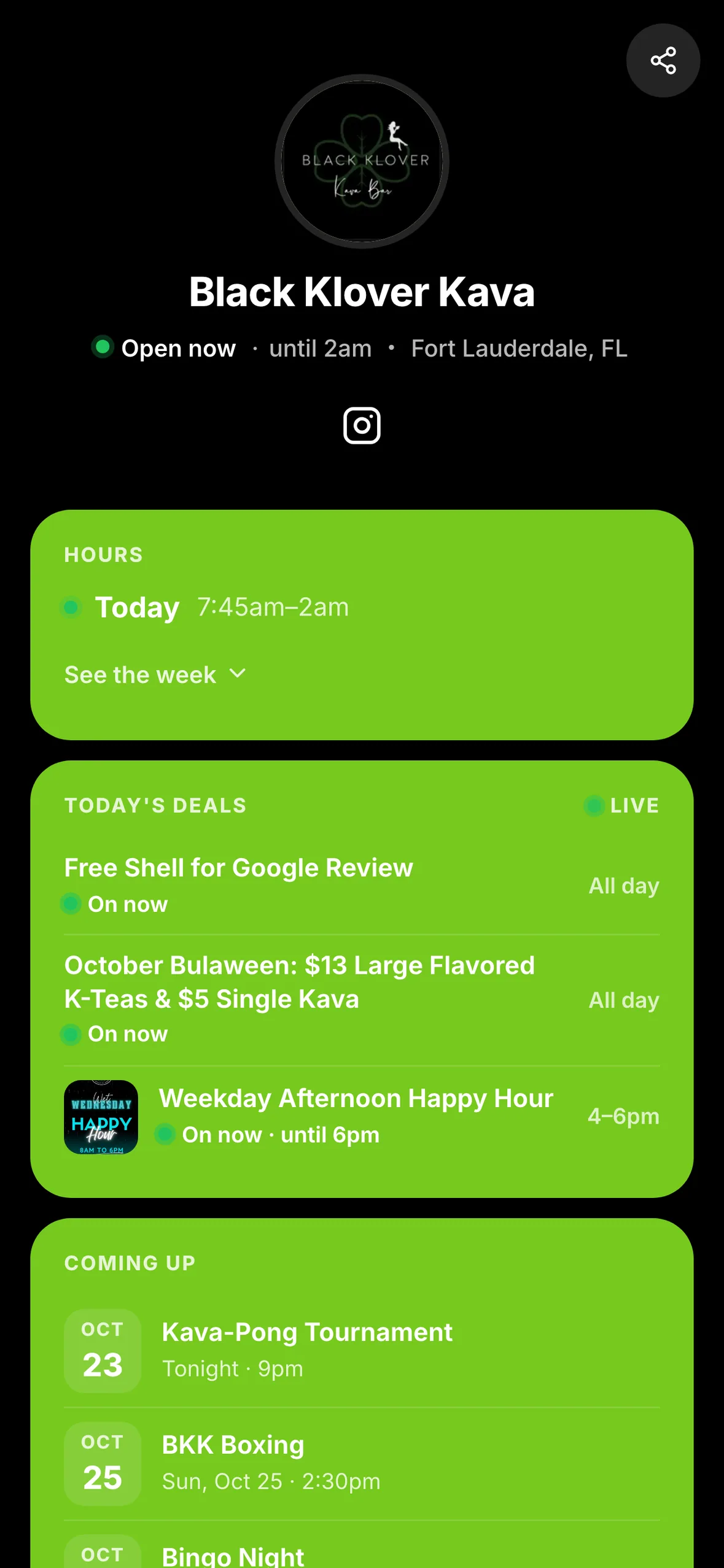
A good offer should be easy to understand before you reach the counter. HappyKava Exclusives now put the reward first, followed by a shorter explanation of when you can use it and what to do next.
See the reward before the fine print
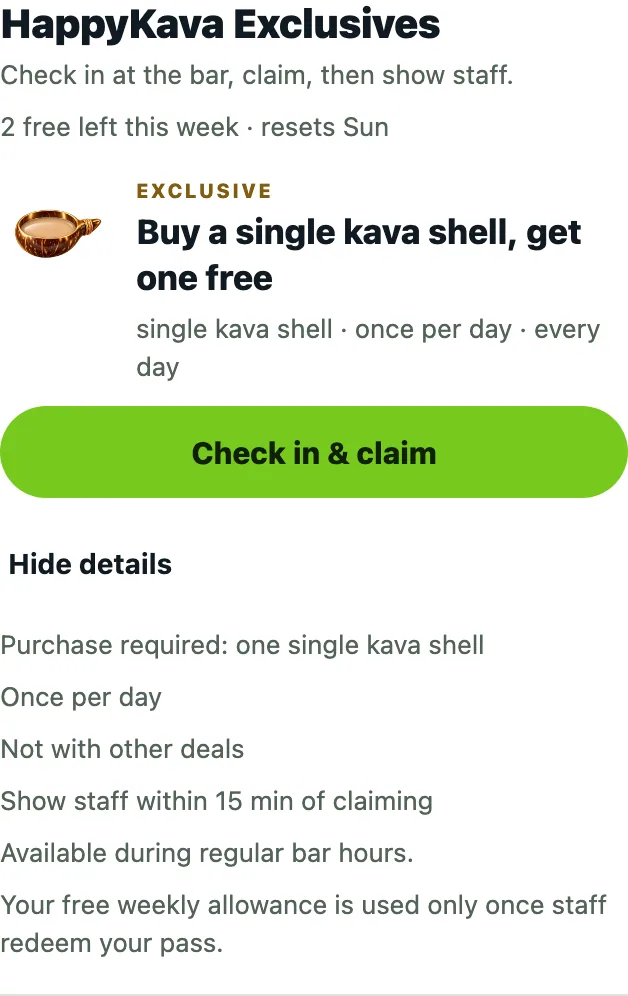
Open a participating bar's Deals tab. The Exclusive card leads with what you get, with availability underneath. Open Details for the full terms, including any visit limits or schedule.
If you've already used a weekly offer, the card tells you when it comes back. That reset follows the bar's local time, so you can plan your next visit without working out a different timezone.
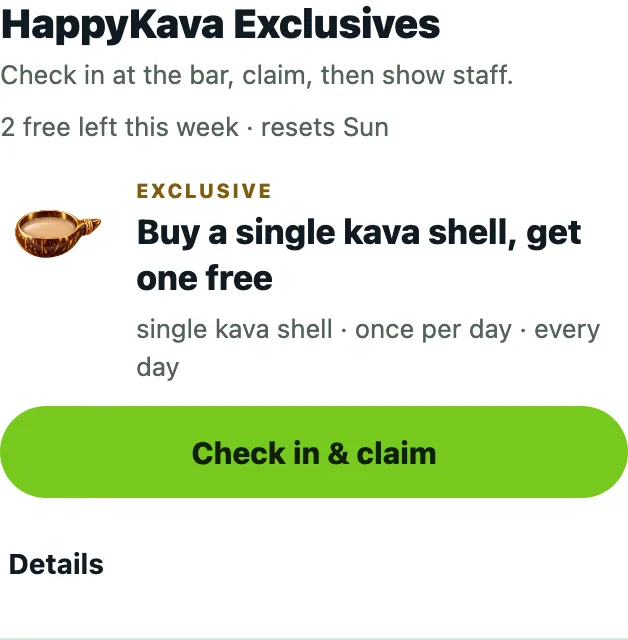
Check in, then bring it to the counter
Away from the bar, you'll see Claim it at the bar and distance guidance. When you're nearby, a successful check-in can take you straight back to the Exclusive you selected. If the bar needs a staff check-in, complete that step with the team first.
Opening the offer does not redeem it. Follow the pass's instructions and show it to staff. If you need to verify your phone or the offer is unavailable, the screen explains the next action.
Also improved
- Offer details and pass screens have clearer ways to close or go back.
- A failed load keeps an exit and a way to try again.
- The same offer information appears on the bar's refreshed and familiar profile layouts.