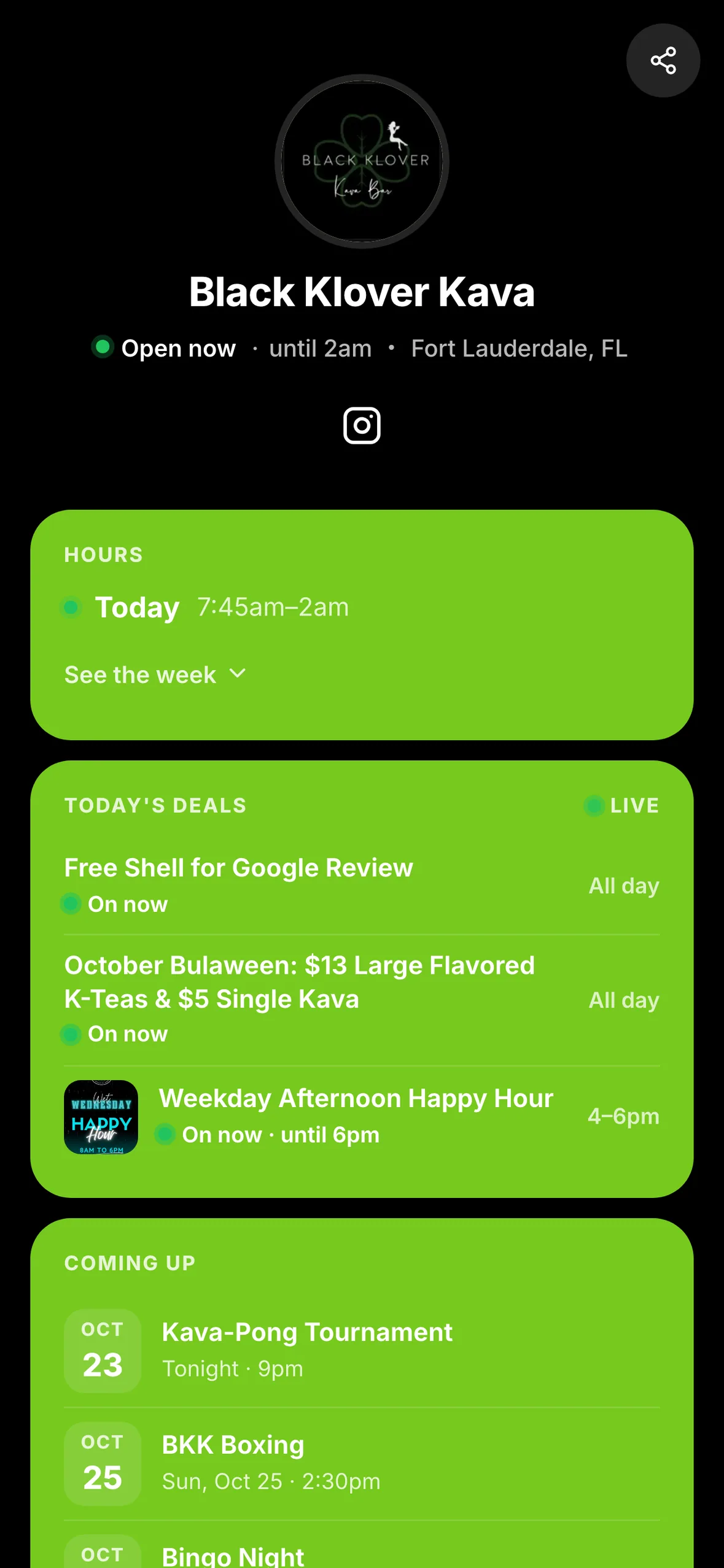
Tonight's event, today's deal, a favorite menu item: your HappyKava listing already holds the starting point for your next promotion. The latest Printables and Social Studio changes make it easier to turn that information into something you can put on a wall or in a feed.
Pick a poster with a purpose
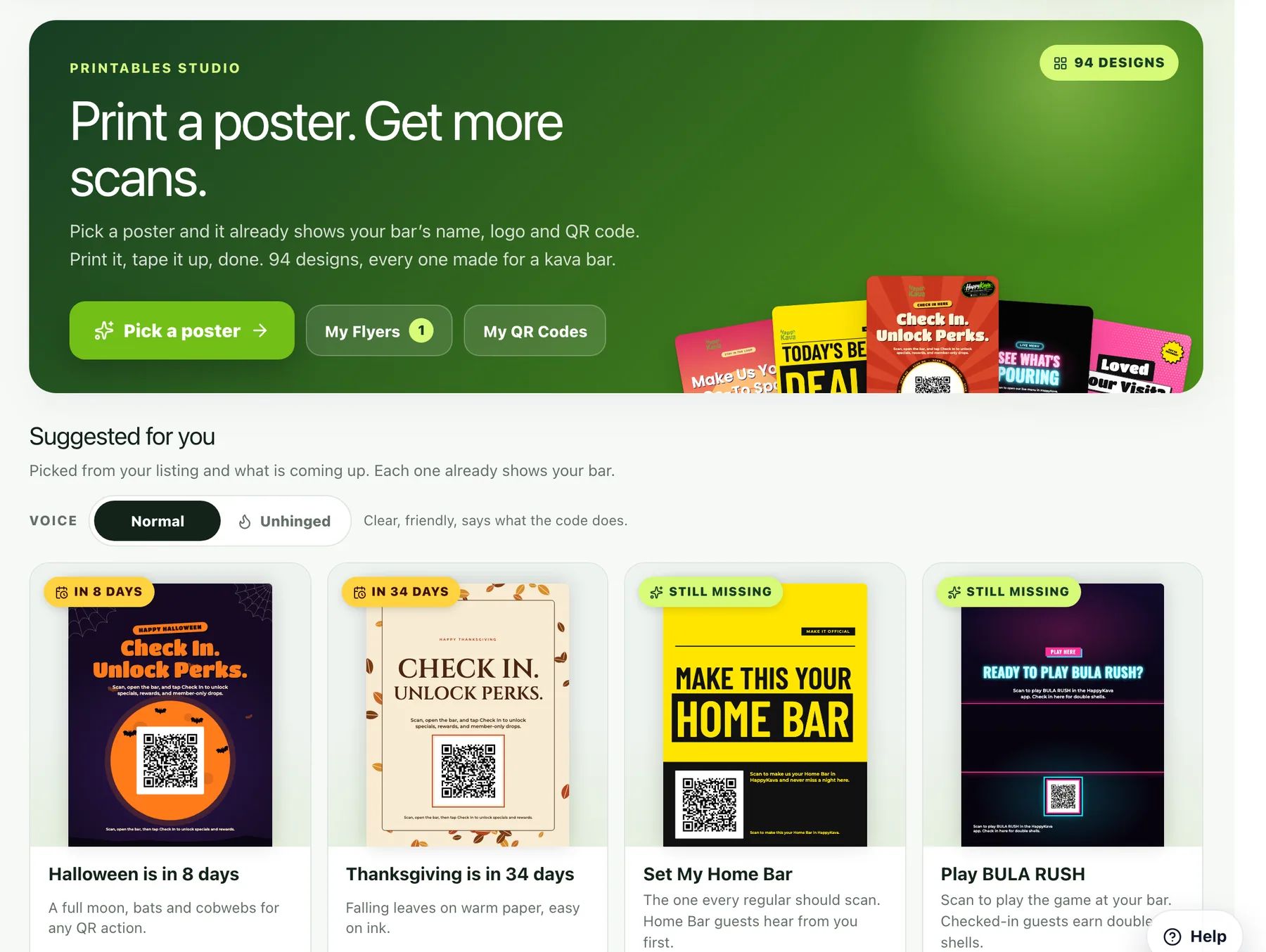
In Growth → Flyers & Printable Studio, start with Pick a poster. Choose what the QR code should do, where the poster will go, and the look you want. Suggested posters give you a starting point based on your bar, including recent events and deals.
Use Set My Home Bar to invite guests to make your spot their usual. Other actions can open your menu, show deals or help someone check in. Actions that need more setup explain what is missing.
Give it your bar's voice
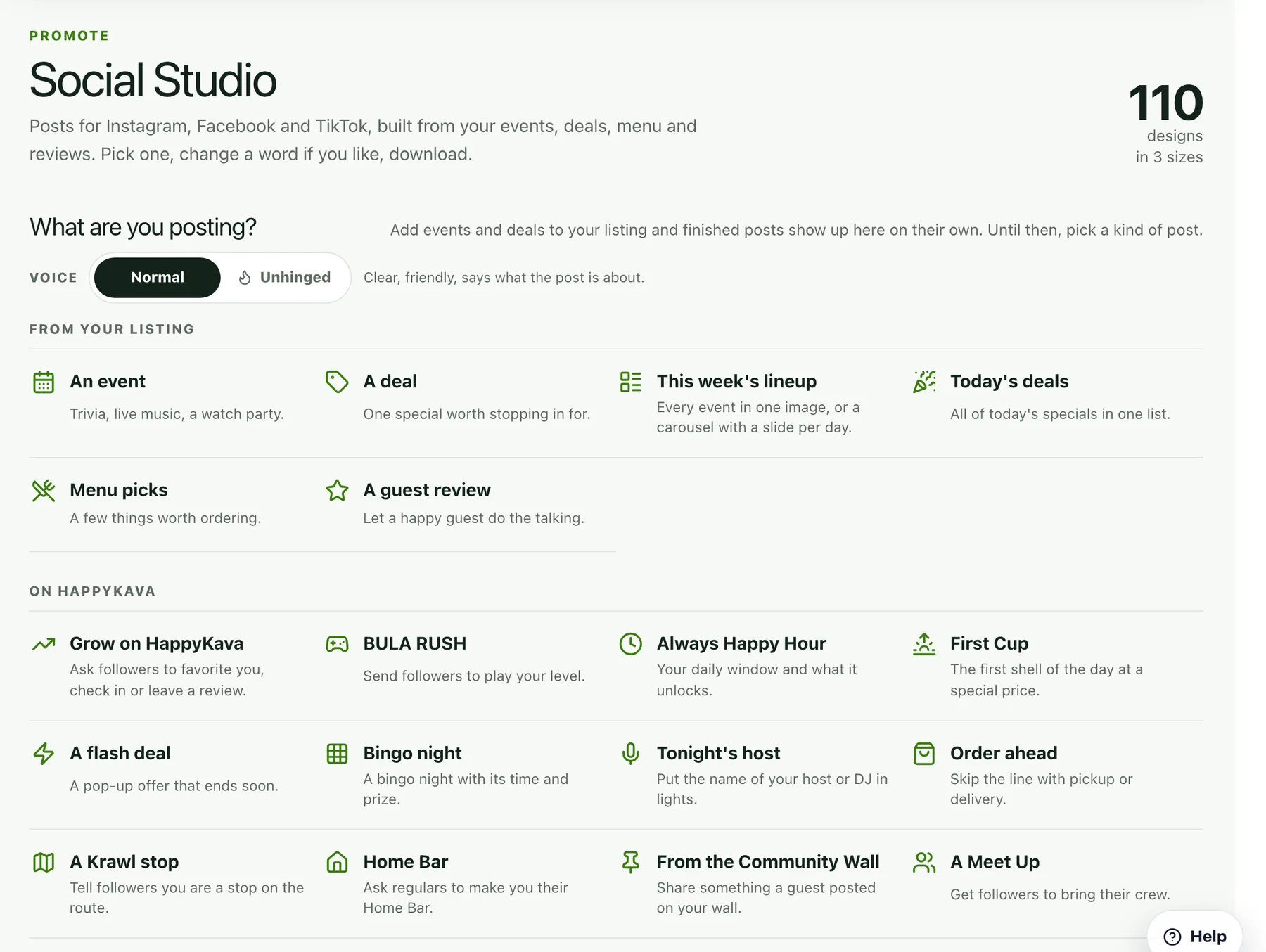
Both Studios now offer Normal and Unhinged wording for ready-made designs. Normal keeps it straightforward. Unhinged gives it the energy of your loudest regular. Your choice carries between the Studios in the same browser.
In Growth → Social Media Posts, start from your events, deals, menu or another ready-made post. Adjust the words and look, download the image, then copy the caption for your social account. The voice changes the wording; your event dates, prices and other facts stay put. Review the finished copy before sharing.
Also improved
- Social Studio has more kinds of post to start from.
- Your saved flyers and posts remain available to reuse.
- Saved flyers can still be shared with staff or a print shop through a download link.