The whole public site has a new design: one green, hairlines instead of boxes, real data only, and the answer at the top of every page.
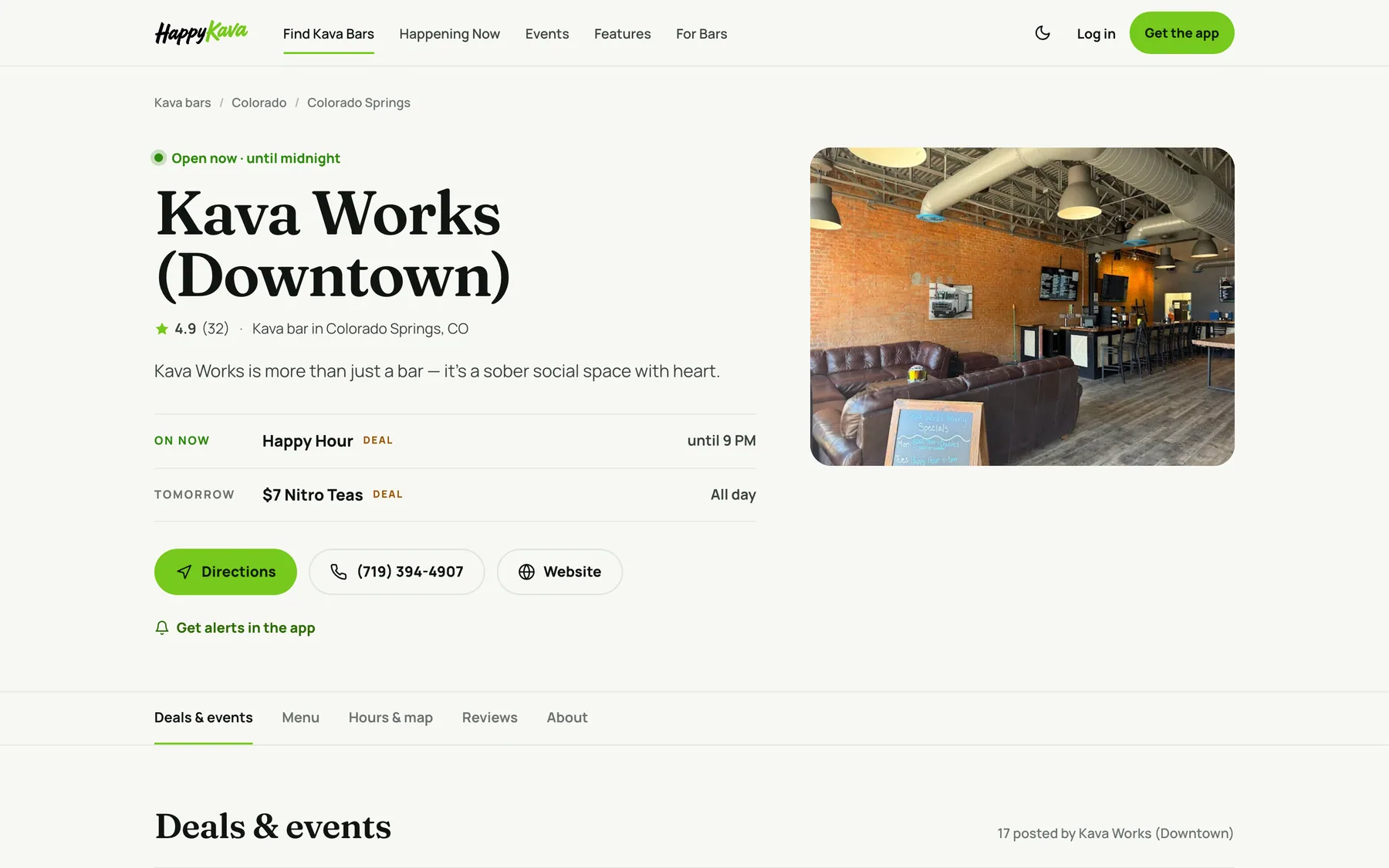
Bar pages answer "should I go tonight?"
Open any bar and the first lines tell you whether it's open and until when, what's on right now, and how to get there. Below that: every recurring deal and event with its next time, the menu with prices and photos, hours grouped the way people say them ("Every day 7:45 AM – 2 AM"), and Reviews, all of them, newest first with Show more and sorting. If a bar is temporarily closed, the page says so, with the bar's note and reopen date when it has them.
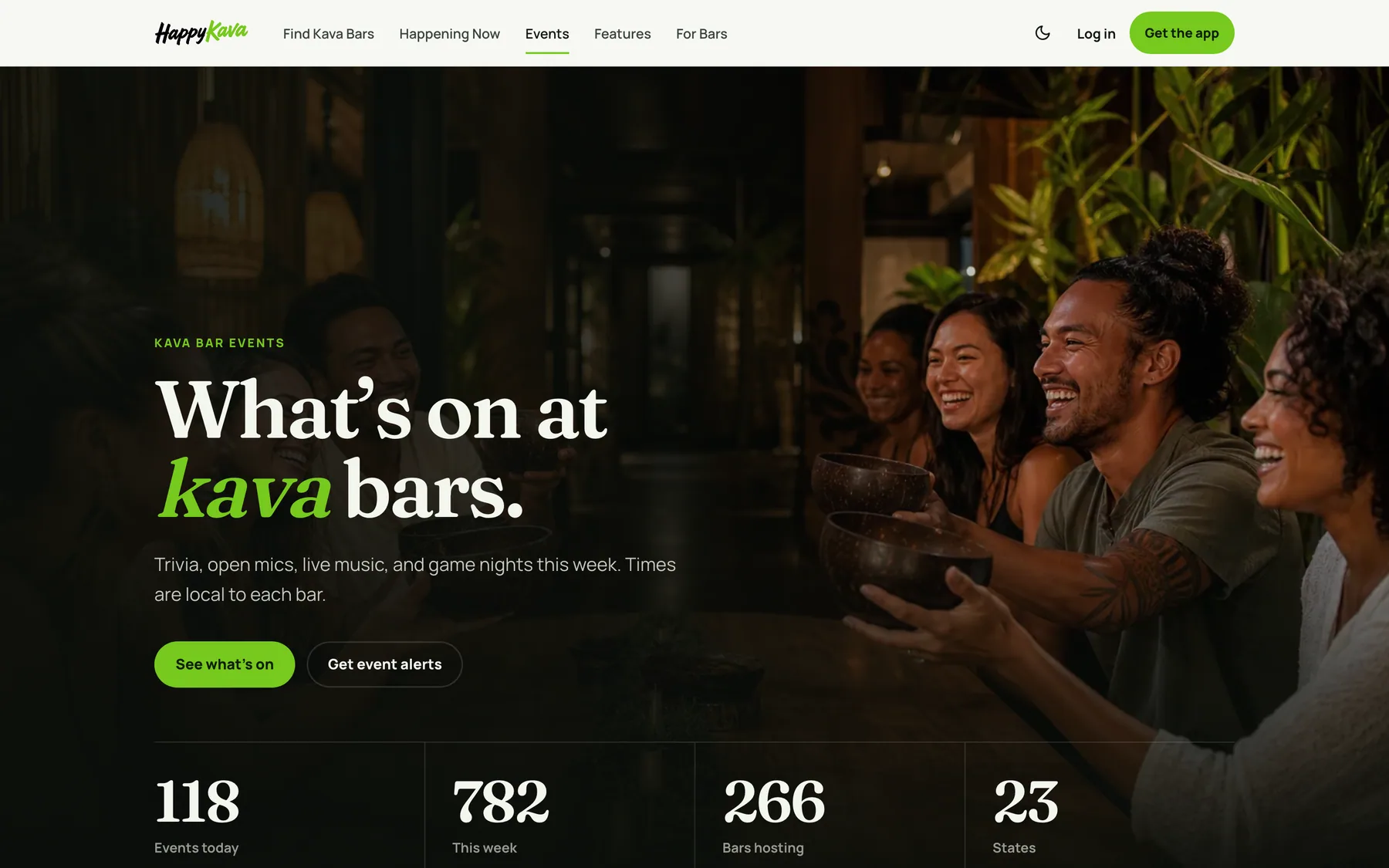
City pages and the events explorer
City pages show which bars are open right now, with filters for open late, deals, events, food and K-Tea. The events page is an explorer: pick when (today, tomorrow, this weekend), the kind of night (Trivia, Games, Karaoke, Open Mic…) and a state, and the list updates with a live count. Tonight's picks sit on top. Times are always local to each bar.
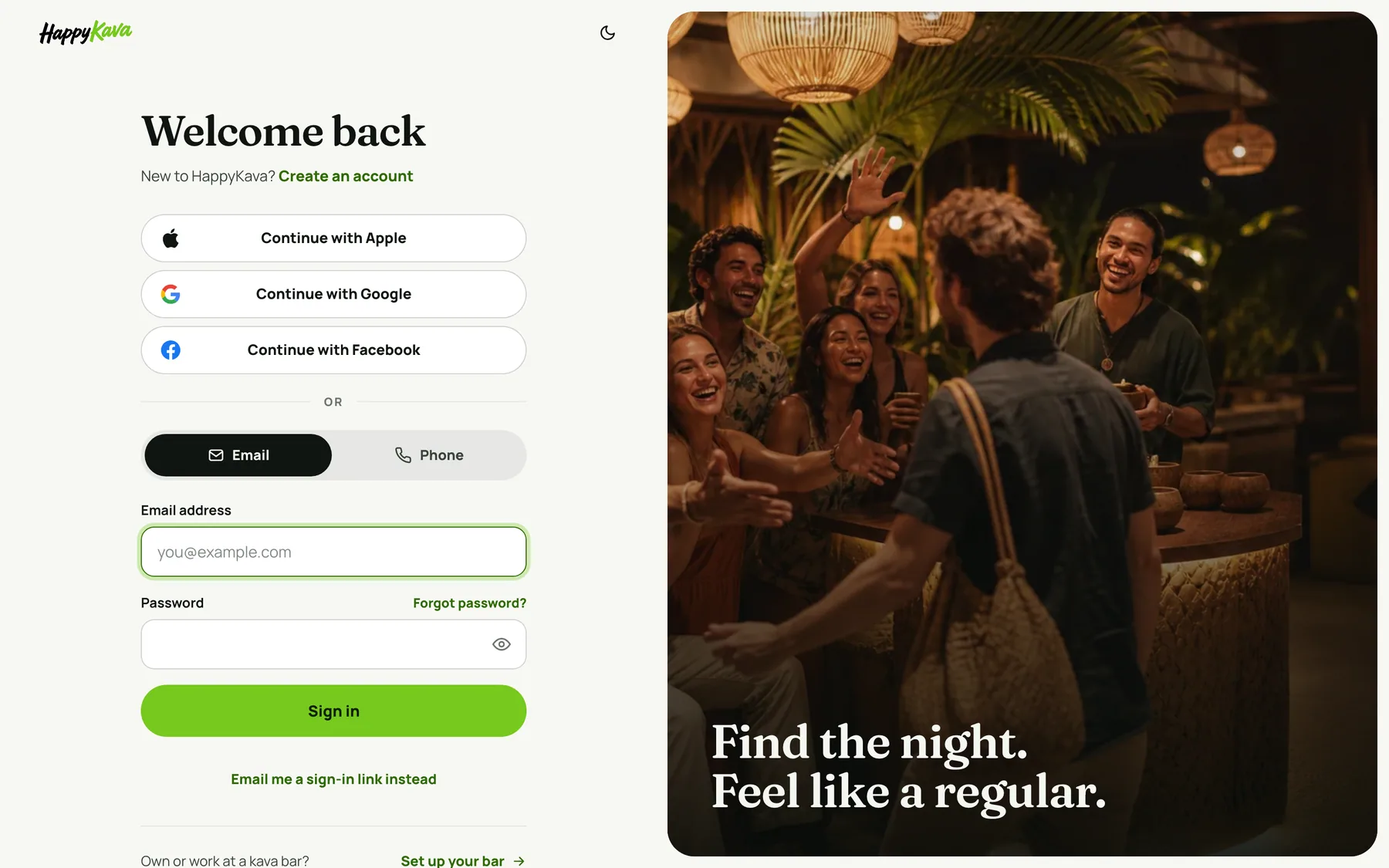
A sign-in page that gets out of the way
Signing in on the web is one focused page: Continue with Apple, Google or Facebook, or use Email or Phone. Apple sign-in works on the website now, not only in the app. Creating an account asks for one password (8+ characters), no confirm field.
For bars
Your bar's page is the one guests find from search. Keep hours, deals and events current in your HappyKava dashboard and the page updates with them. Mark a temporary closure in Public Listing settings and the page shows it, note and reopen date included.
Also improved
- The bar finder searches every listed bar.
- Bar pages no longer show stray research notes or placeholder phone numbers.
- Event pages lead with directions.
- The homepage shows what's on right now, with real counts.
- Bar websites on the Kava Charm theme show the whole bar name in the header.