Your saved flyers can now live on a page of their own. Send the link to your manager, your print shop or the staff group chat, and they download or print exactly what you made.
One link for the flyers you choose
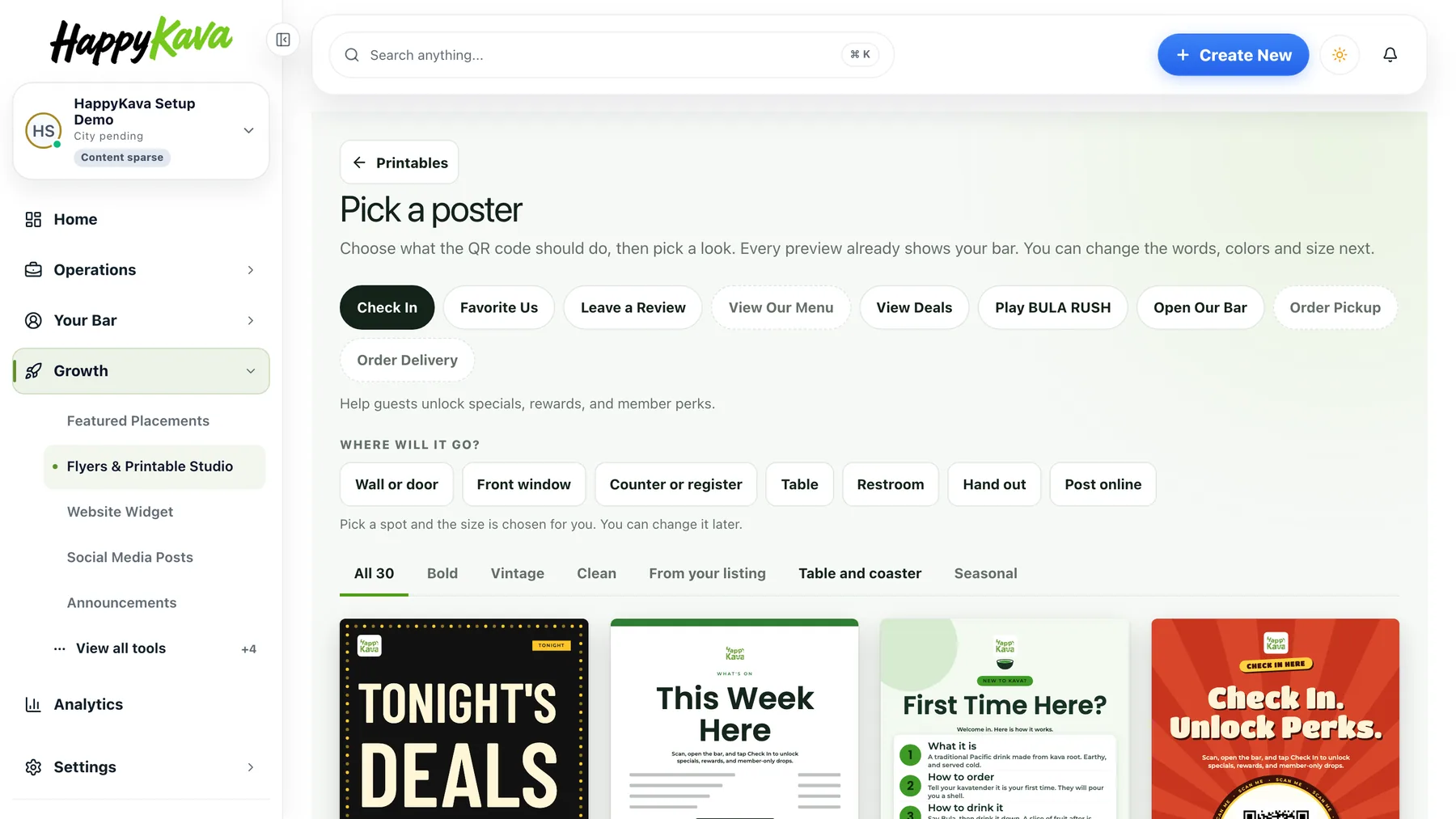
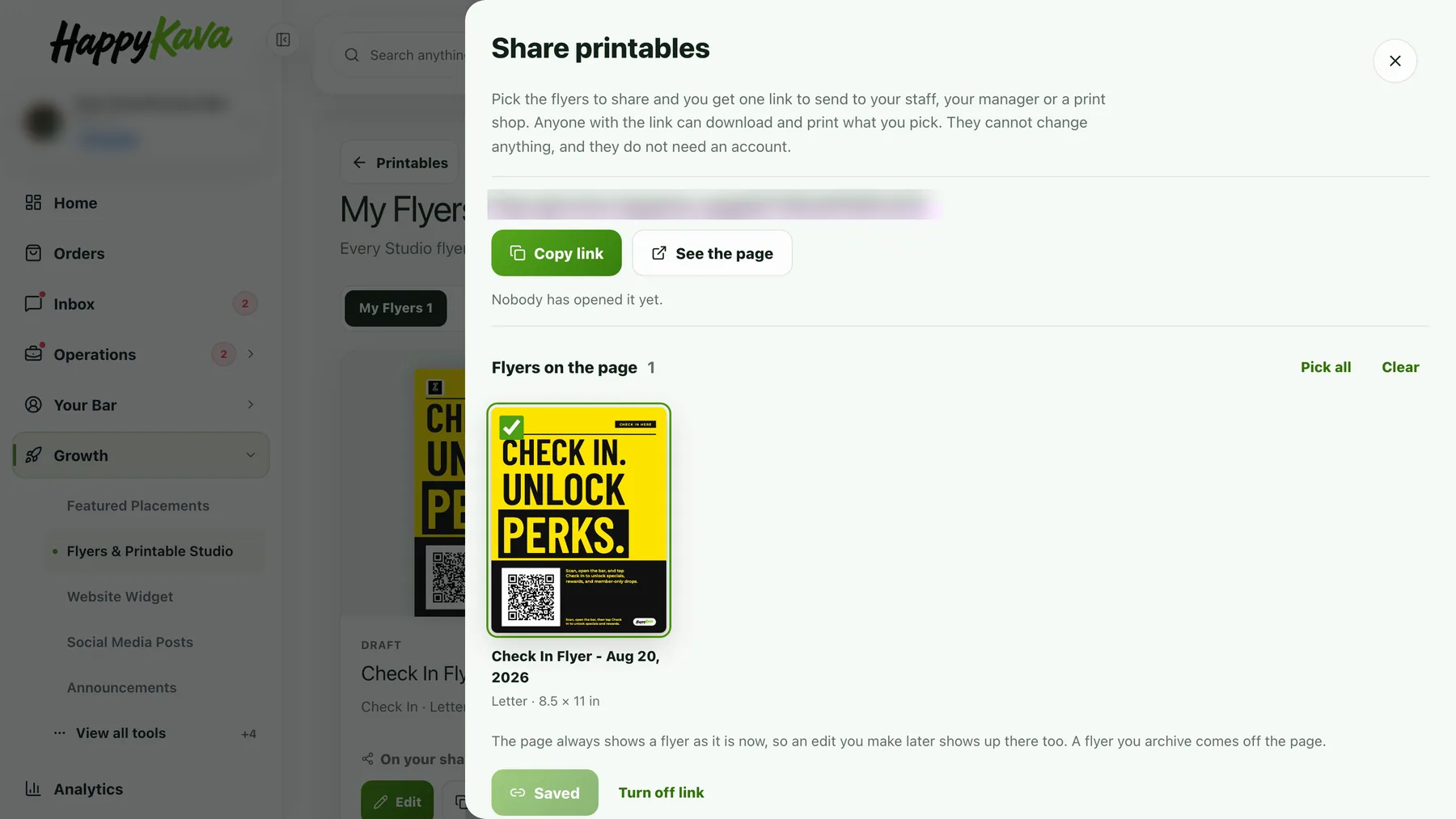
Open Growth › Flyers & Printable Studio, go to My Flyers and tap Share printables. Tick the flyers to include, up to forty, and tap Create link. Copy it, open the page the way a visitor would, or change which flyers are on it later. Flyers on the page are marked On your share page.
What they see
A clean page with your bar's name and every flyer you picked, exactly as you saved it. Open one to download a PDF or an image, or print it from the browser. There is nothing to edit and nothing to type, and no account is needed. The page is unlisted: search engines do not list it, and only people with the link can open it.
The QR codes keep working
Each flyer prints with the same QR code it has in your Studio, so a poster printed from the shared page still sends guests to your bar in the HappyKava app, and the scans show in My Flyers. Turn the link off any time. Posters already printed keep scanning.
Also improved
- Flyers that were saved on the three retired designs were moved to a matching poster design. Words, logo and QR action stayed the same.
- Social posts carry the HappyKava app icon; switch it off under Words if you would rather not.