HappyKava has one logo everywhere now: the hand-lettered wordmark, black and green on light and white and green on dark, and the stacked icon that's already on your phone.
The wordmark
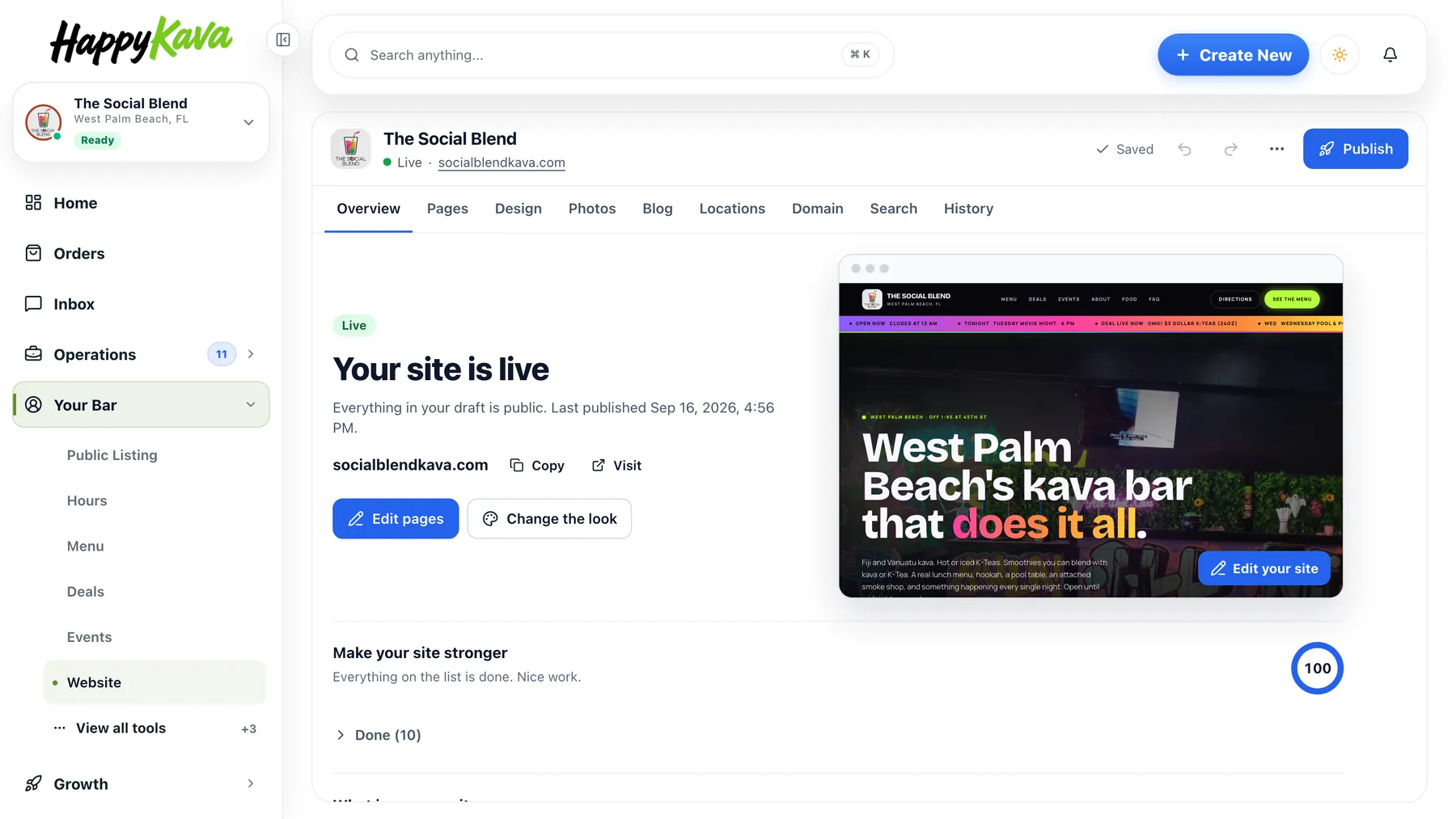
The app got the new wordmark in its header this summer. This week the website, the dashboard sign-in and sidebar, the owner guides, the emails HappyKava sends (sign-in and confirmation emails included), and the gift card and claim pages caught up. The old stacked logo with the bowl is retired.
The icon
The app icon, white "Happy" and green "Kava" on black, is now the favicon on happykava.app, so browser tabs, home-screen shortcuts and search results match the app. The same icon marks the collapsed sidebar in the dashboard.

Flyers and passes
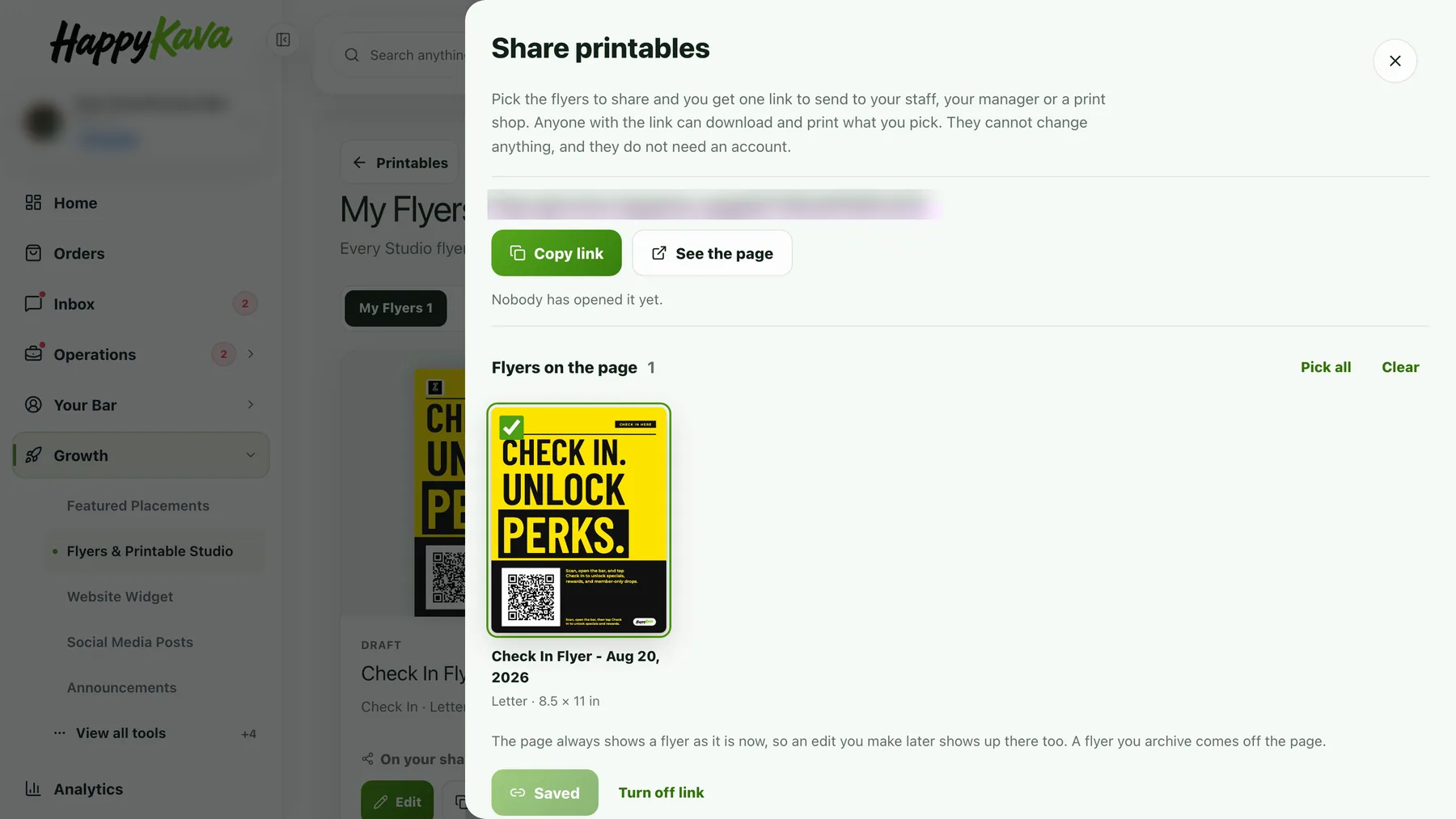
Flyers made in your dashboard carry the wordmark and pick the black or white version to fit the badge behind it. Wallet passes from HappyKava show the wordmark and the app icon.
Also improved
- For bars: reorder your uploaded menu photos by dragging them into place.
- For bars: mark your bar temporarily closed from your dashboard, with an optional note and reopen date. Check-ins and orders pause until you reopen; your page stays up.
- For bars: sign up or log in to your dashboard with your phone number.
- Deals show their own photo on Home and in the deal sheet.
- On the Explore map, tap the area name to change the area.