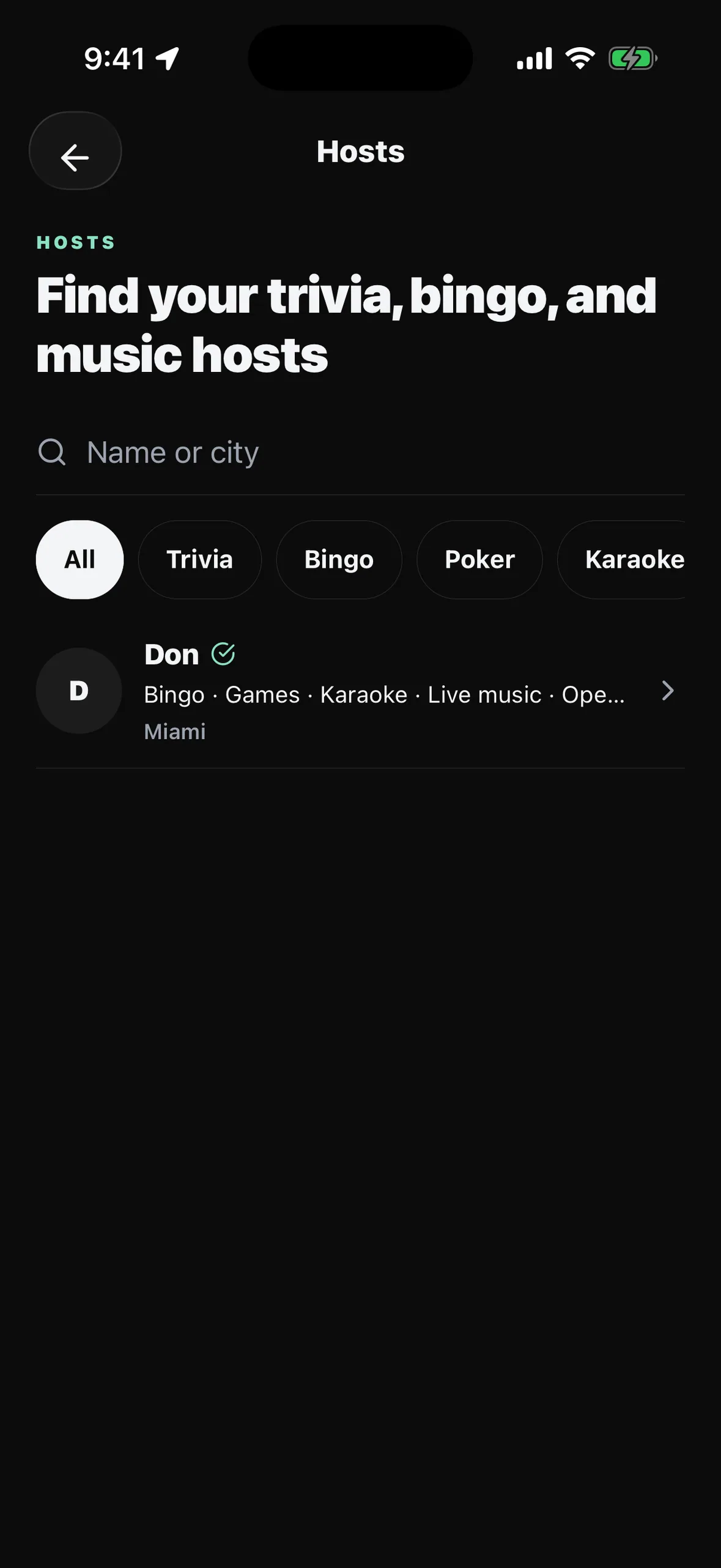
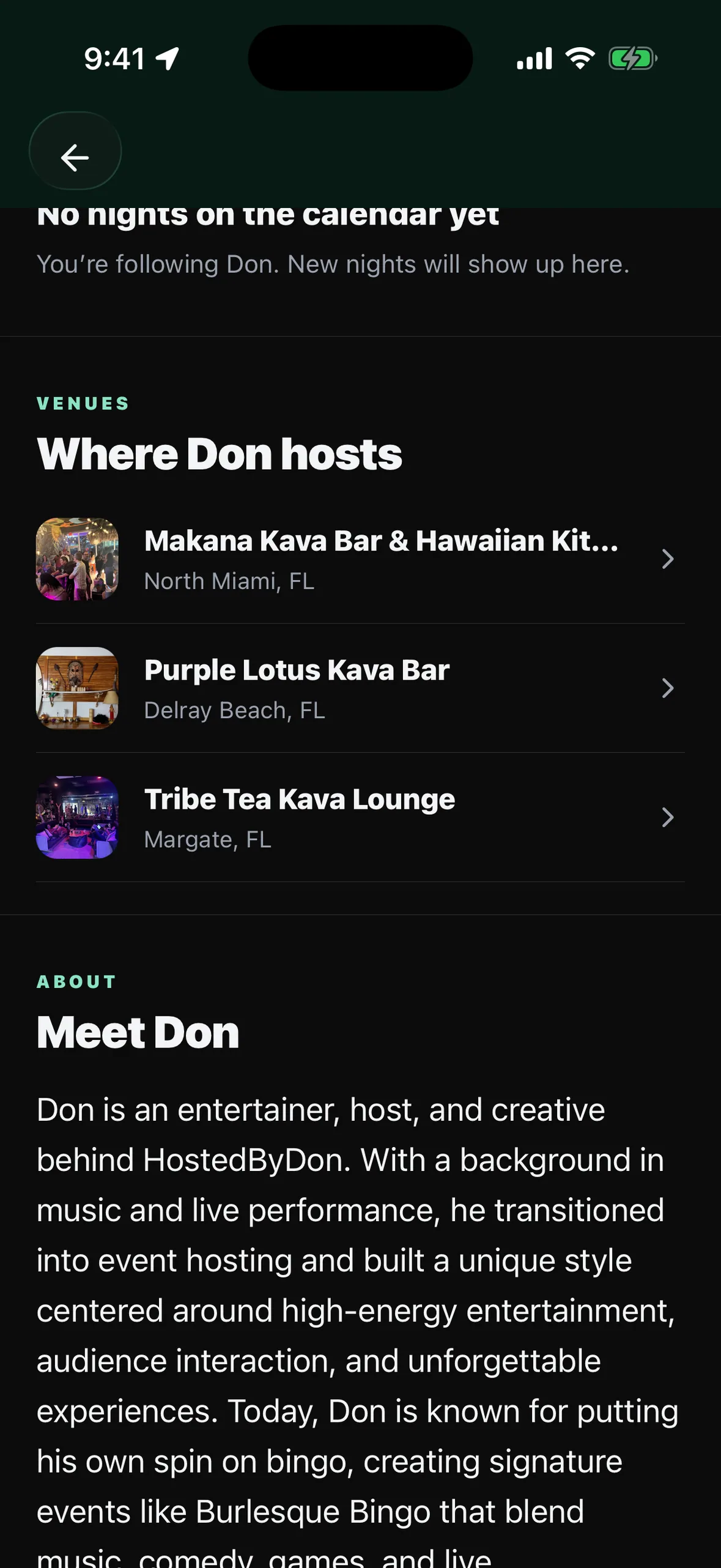
Many of the best nights at a kava bar are run by someone who is not on staff: the trivia host, the bingo caller, the karaoke DJ who works four bars a week. Hosts now have their own public profile on HappyKava, with followers, and you decide what each one can do at your bar.
Approve a host once
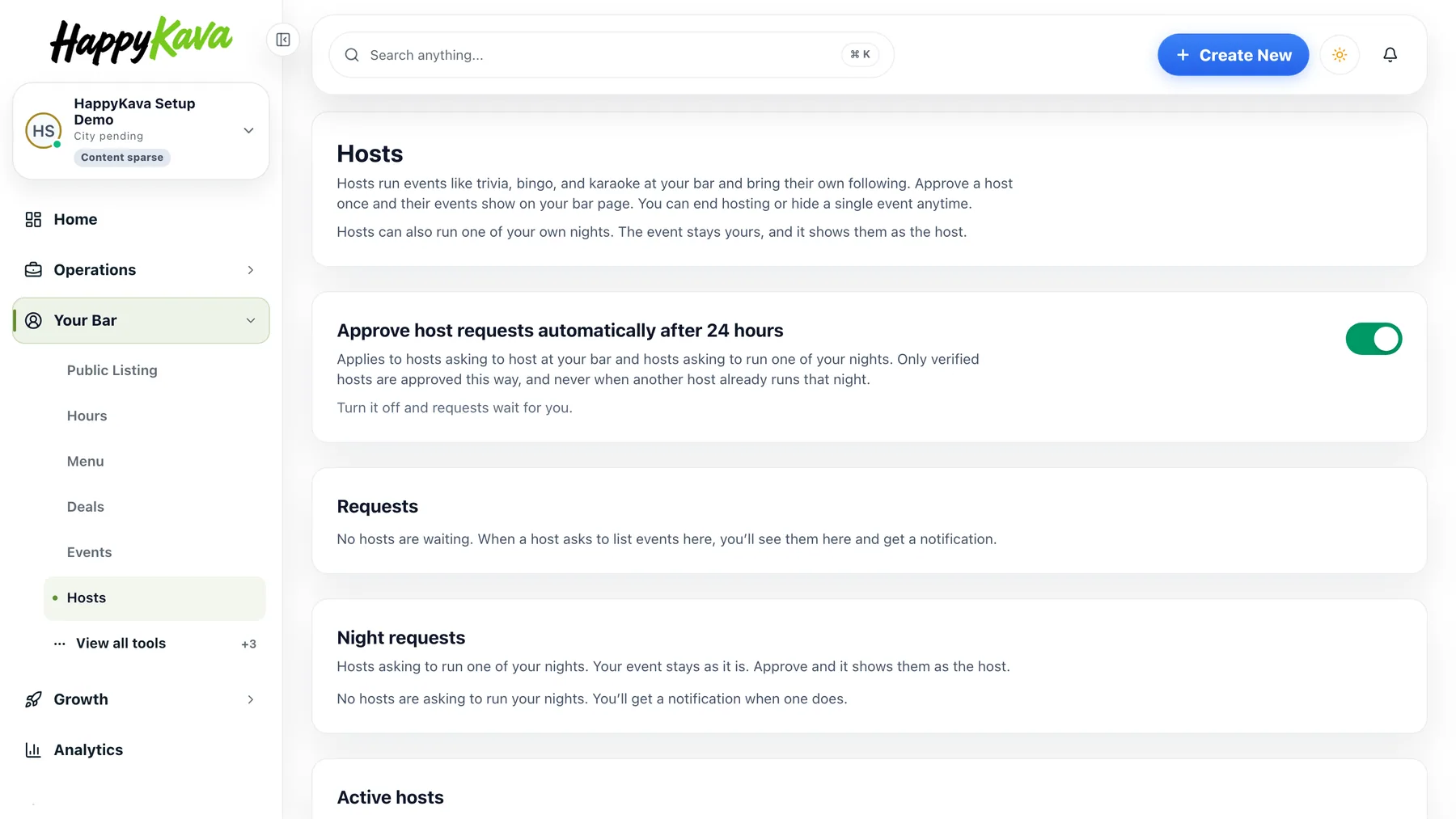
Open Your Bar › Hosts. When a host asks to post events at your bar, the request shows up here with their profile, their event types and whether HappyKava has verified them. Approve, Approve and vouch (you confirm you work with them, which counts toward their verification), or Decline. Once approved, a host posts their own events at your bar without asking again. Each one shows "Hosted by" with their name in the app, on your bar page and on the event page. Hide any host event from your bar with one click; the host cannot republish it until you unhide it.
Hosts on the nights you already run
If you hire a host for a night you already list, there is no duplicate event. The host asks to run that night: ongoing, for a date range, or a single fill-in night. The event stays yours and you keep editing it; the host's name appears on it for the dates they cover, and an ongoing host can update the title, description and photo of the night.
Automatic approval, or not
A verified host who asks is approved automatically after 24 hours if nobody answers, so a quiet week does not block a good night. Turn off "Approve host requests automatically after 24 hours" on the Hosts page and every request waits for you. Nothing is ever approved over another host's night.
Also improved
- A one-night fill-in reads as that date on the host's page.
- Hosts can add a logo and a cover photo to their profile.
- The follower alert in Announcements asks before sending and sends the real daily update.
- A Feedback & requests link now sits in the dashboard sidebar.
- Settings pages are readable in dark mode.