The QR code on your flyer no longer has to open HappyKava. Point it at your website, your Instagram or a job form, or skip the code and print big words instead. And if you are hiring, there are forty new designs for it.
Your link, counted
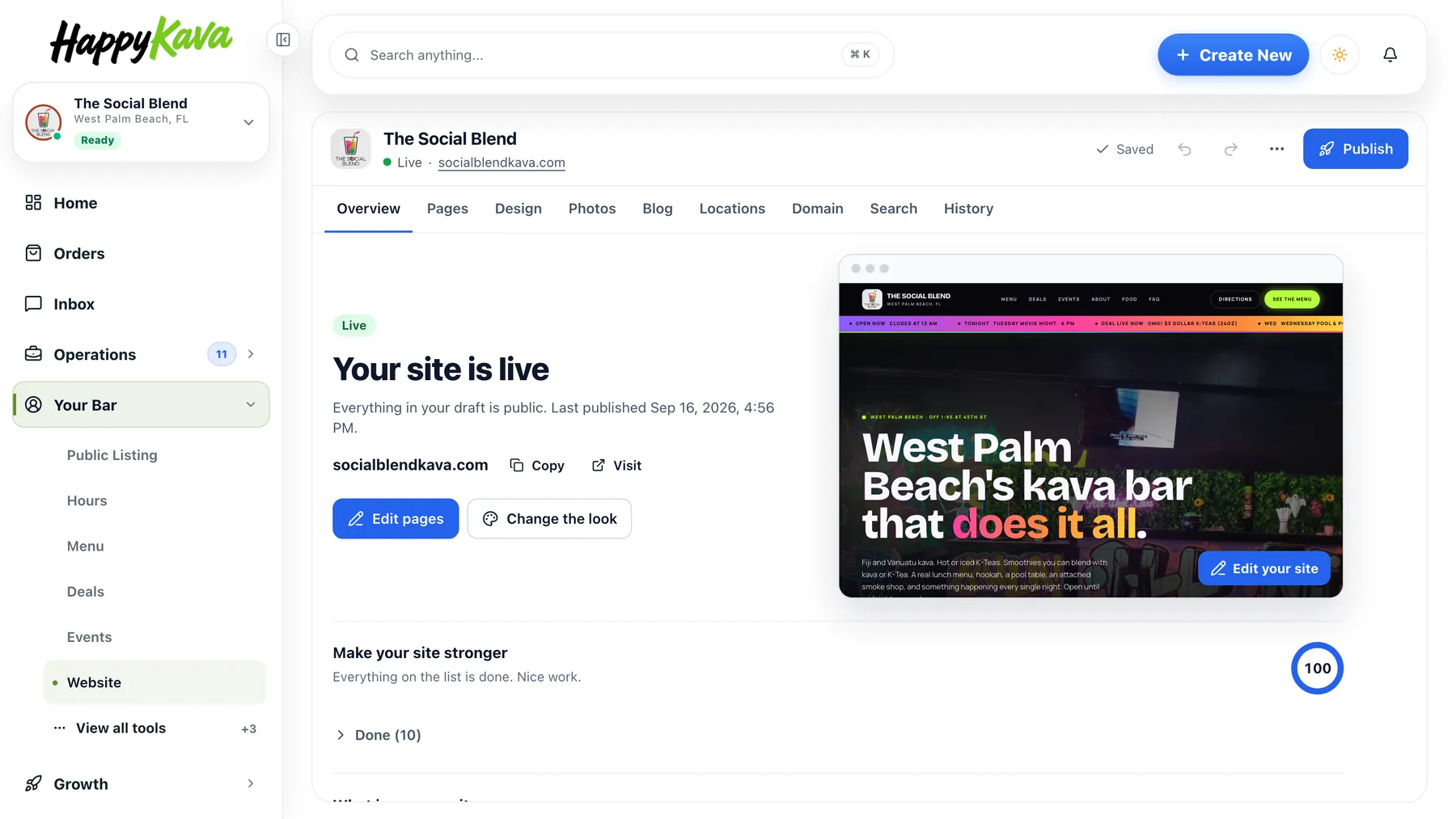
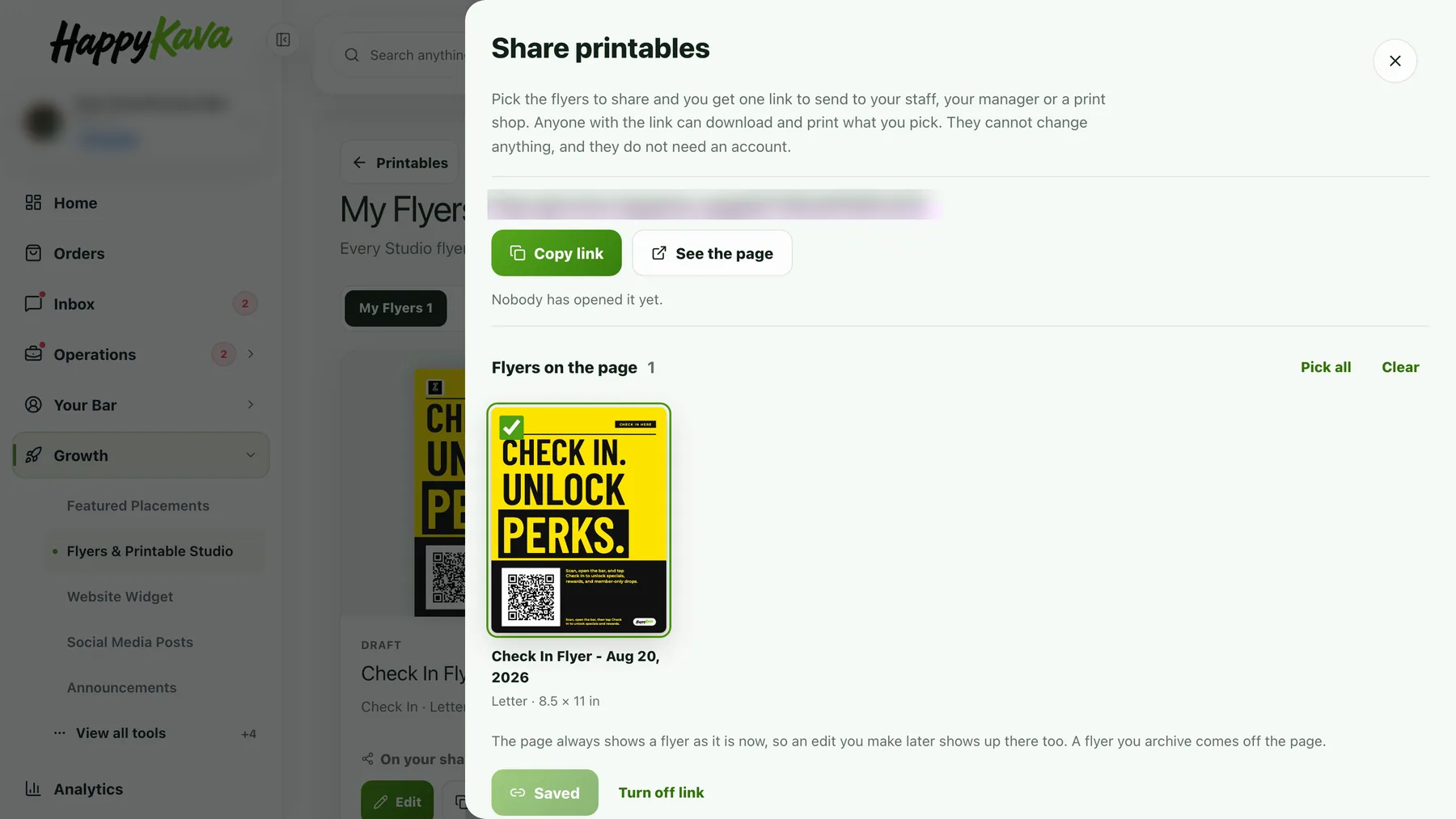
Open a flyer and find QR code. Pick Your link, then tap Website, Instagram or Google reviews from your listing, or paste any link: a job form, your menu, your TikTok. The code prints a short happykava.app/s/ link, so every scan is counted, and the line under it follows the link: Scan to follow us on Instagram. In Social Studio, Link in the caption on the Caption tab offers the same links, or No link.
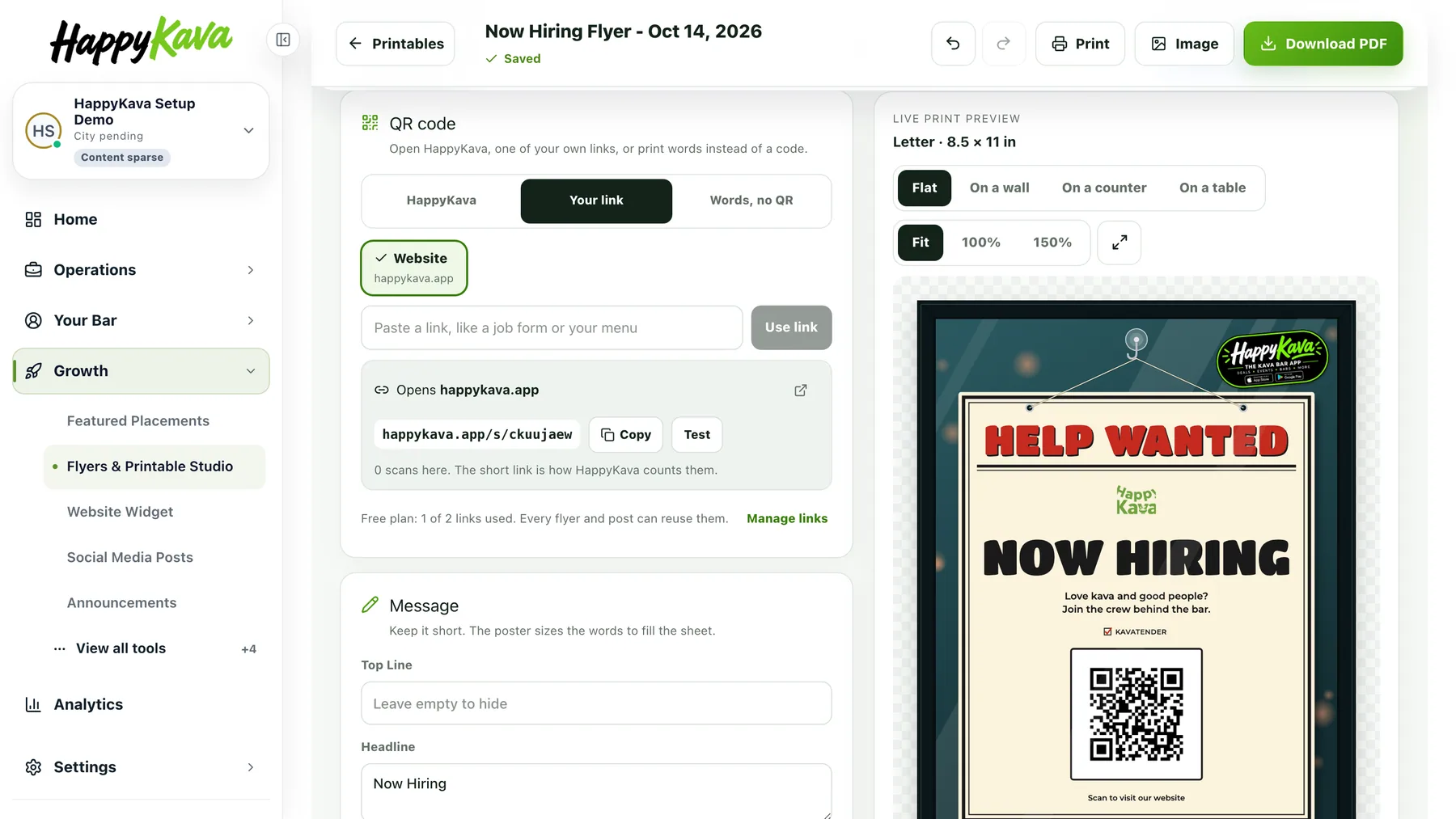
On the free plan you keep two links for all your flyers and posts; remove one under Manage links and its printed codes open your HappyKava page. Upgrade and there is no limit.
Big words instead of a code
Pick Words, no QR and the code becomes a big button in the design's colors: Ask the kavatender, Apply inside, Call or text with your number, Follow us with your handle, Email us. It works on every poster except the BULA RUSH and phone designs, which keep their HappyKava code.
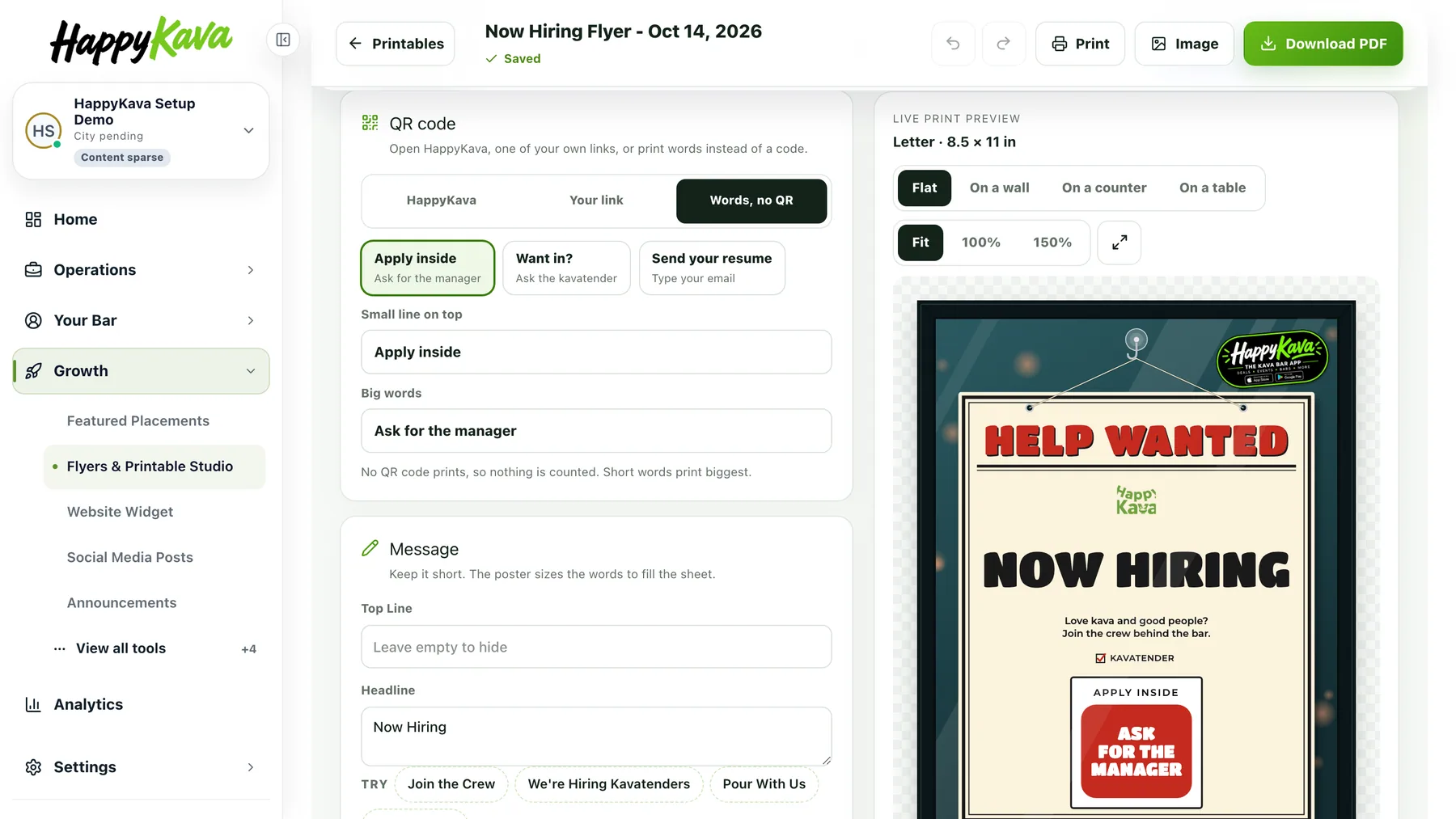
Now hiring
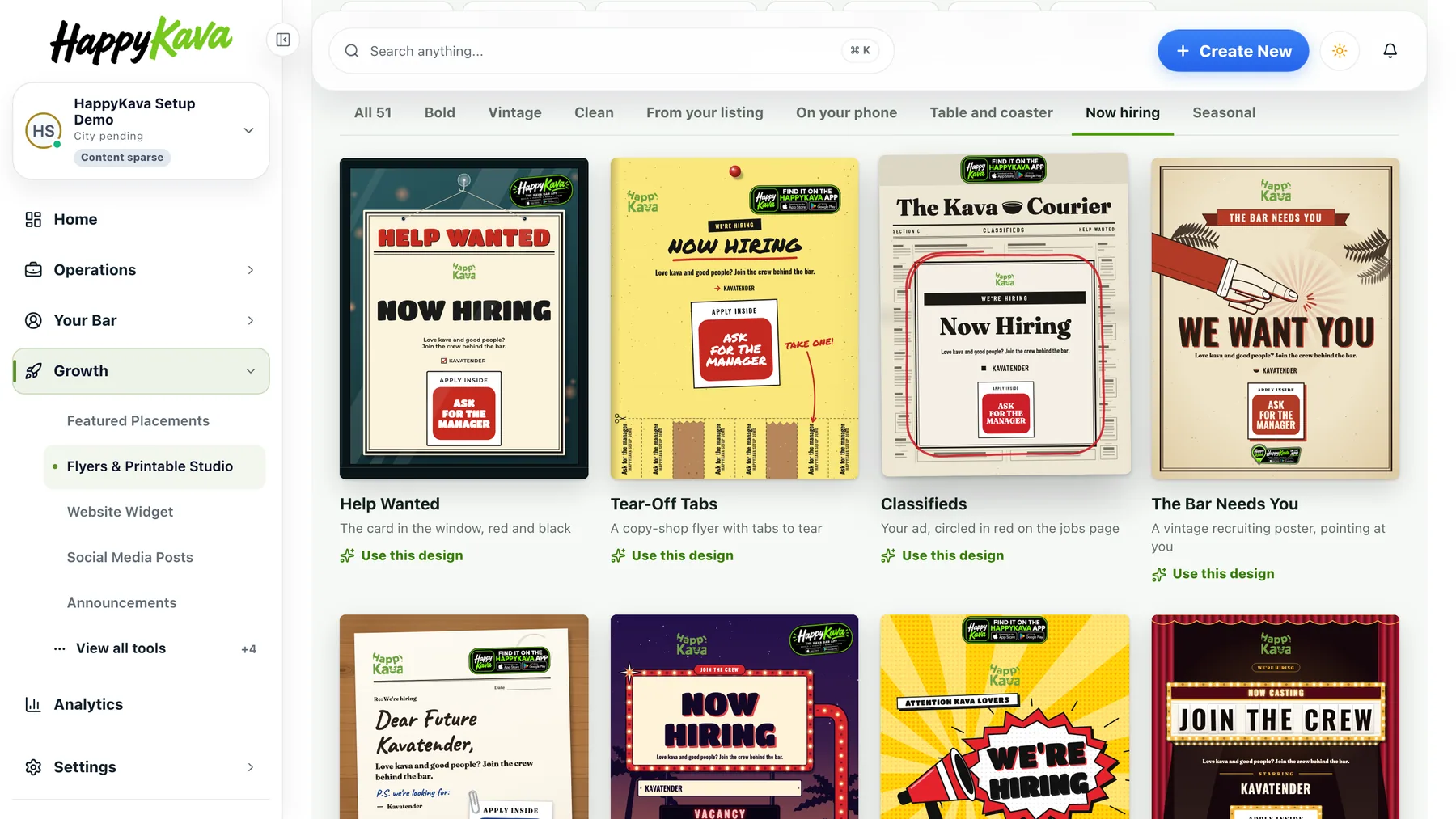
Twenty posters and flyers in a new Now hiring style, from Help Wanted and Tear-Off Tabs to Dear Kavatender and Hired Stamp, in every size, with your roles listed. A new one starts with an Apply inside button; point it at a job form if you have one.
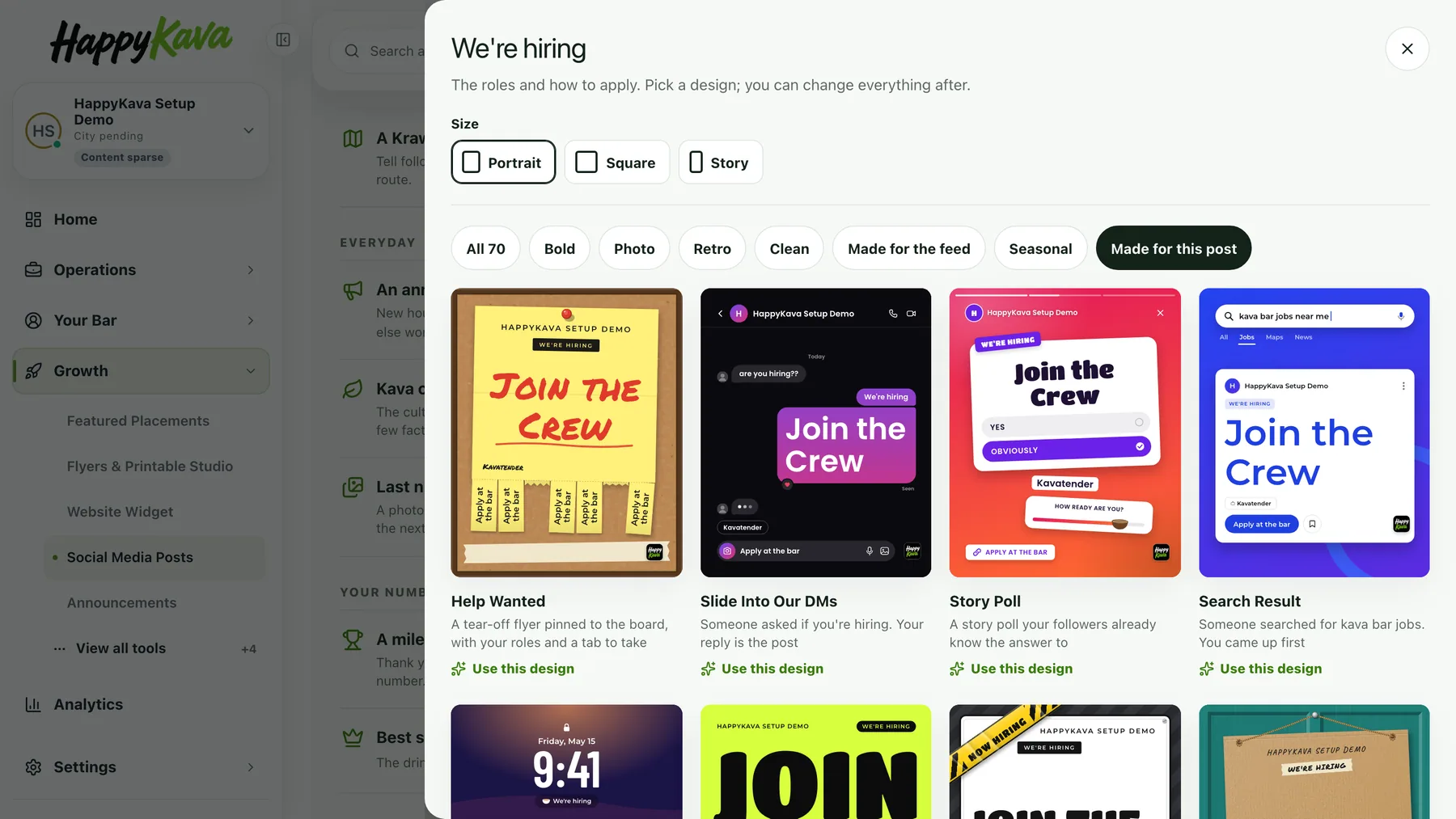
Social Studio's We're hiring post gets twenty designs of its own, like Slide Into Our DMs, Story Poll and Gilded Ticket. Pay, perks and hours only show if you type them.
Also improved
- Social Studio has thirty more kinds of post, among them a flash deal, bingo night, tonight's host and order ahead.
- Changing a flyer's QR action keeps a headline you wrote.