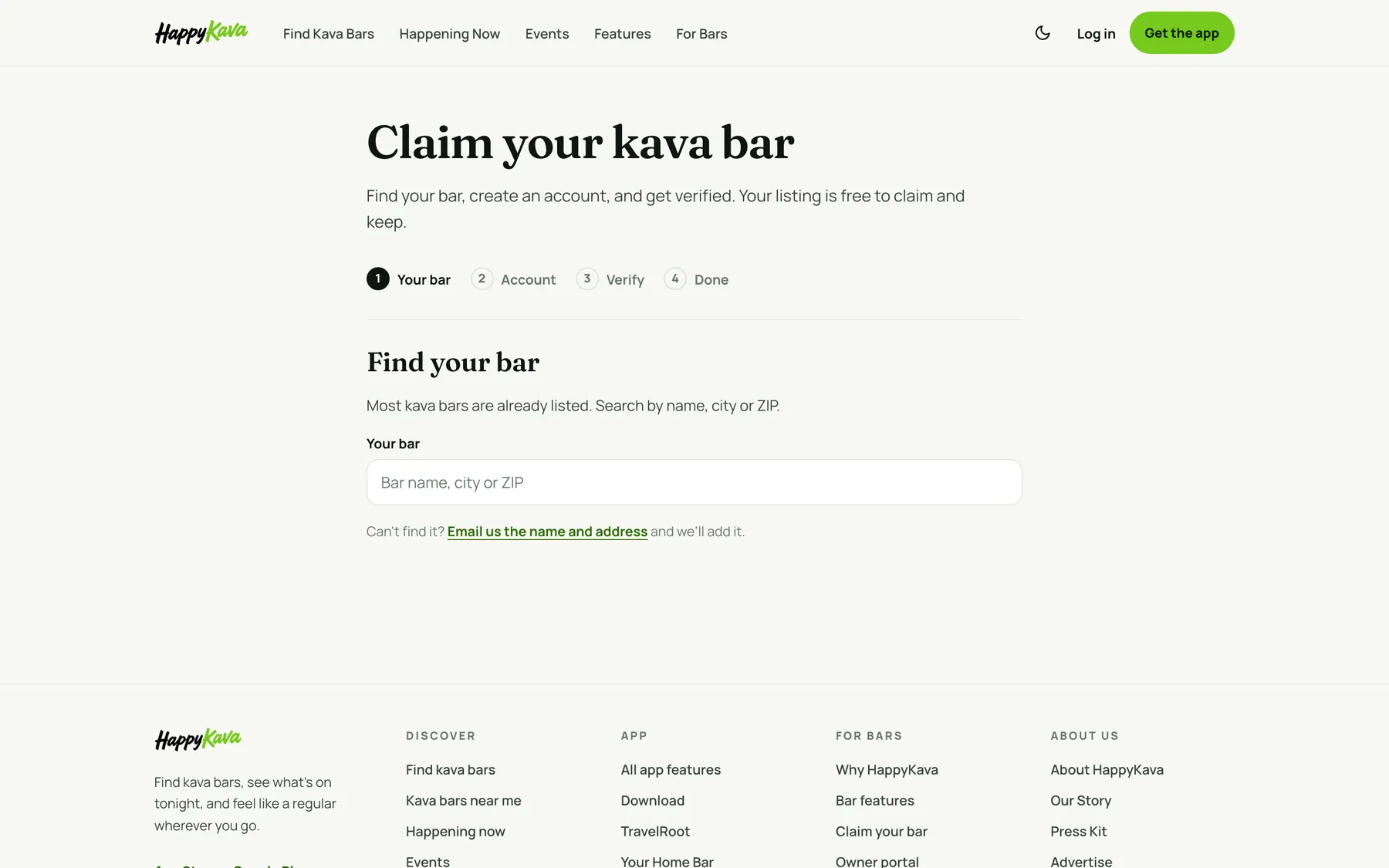
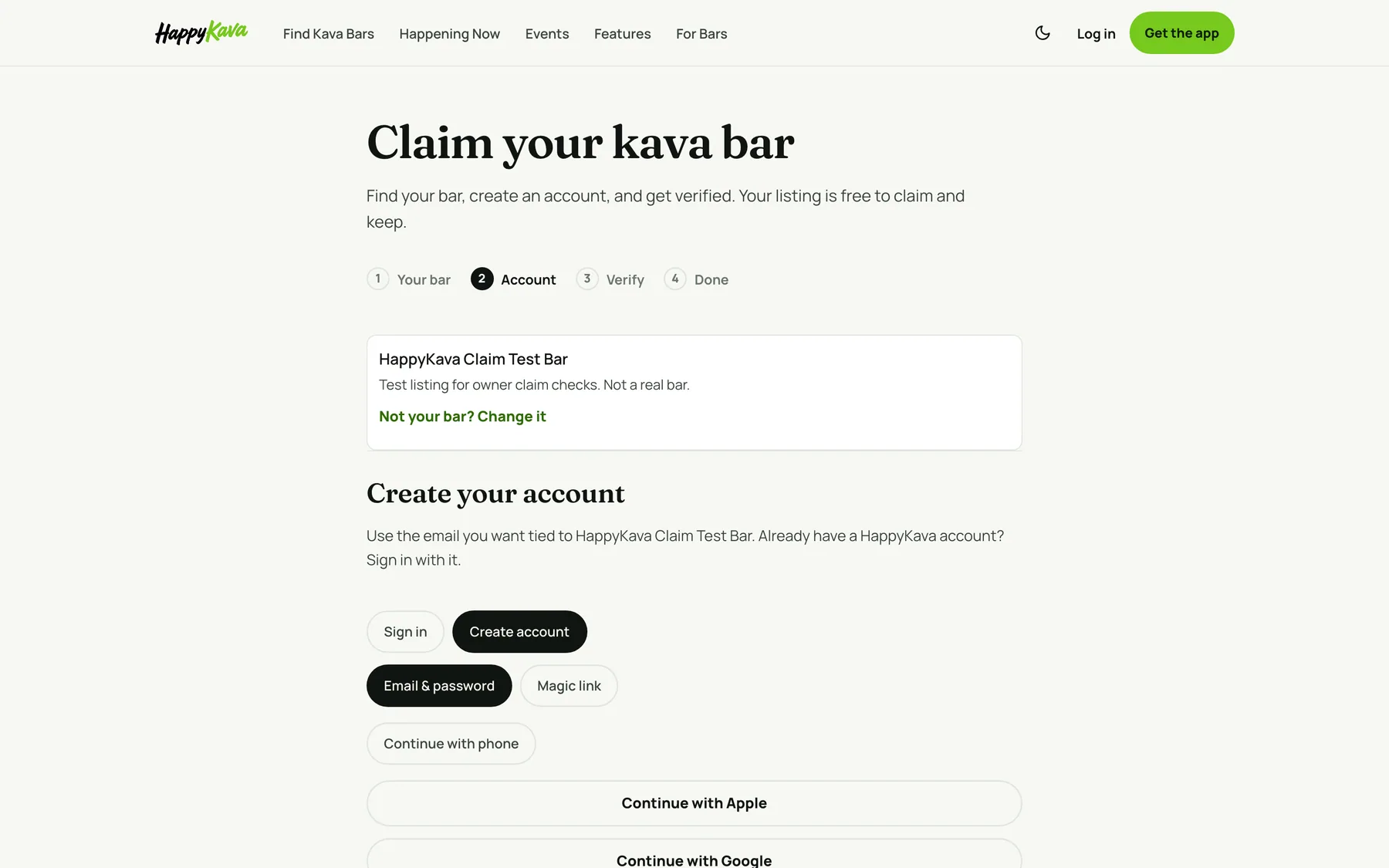
The claim page at happykava.app/signup/owner is three short steps: find your bar, create your account, show us it's yours. Every bar page on happykava.app now carries a Claim this listing link that takes you straight there.
Find your bar first
Search by name, city or ZIP. Each result shows its address, so two bars with the same name are easy to tell apart, and you can look before you make an account. Can't find it? One tap opens an email to us with the details we need to add it.
Verified now, or free within a business day
Two ways to verify. Pick a plan, Plus, Pro or MAX, and you are verified the moment the payment goes through, with your dashboard open and the plan already on your bar. Or claim free: send a photo or PDF that shows the bar's name, a business license, a utility bill or your POS screen, and a person reviews it within one business day. If a paid claim can't be verified, a person looks within one business day and you are refunded in full. A bar that already has a verified owner always goes to review.
You will hear from us
You get an email when your claim comes in and another when it is verified, with the first three things to do: check your hours, photos and menu, post your first deal, invite your managers and kavatenders. If we can't verify a claim, the email says why and what to send instead.
Also improved
- Plan buttons on the plans page keep the plan you picked all the way to checkout.
- Proof can be a PDF, not only a photo.
- Approving a claim fills in only the blanks on a listing; it no longer overwrites details already there.
- Listings whose address had been replaced by a typed name were repaired.
- If a claim is refused, the page says why.