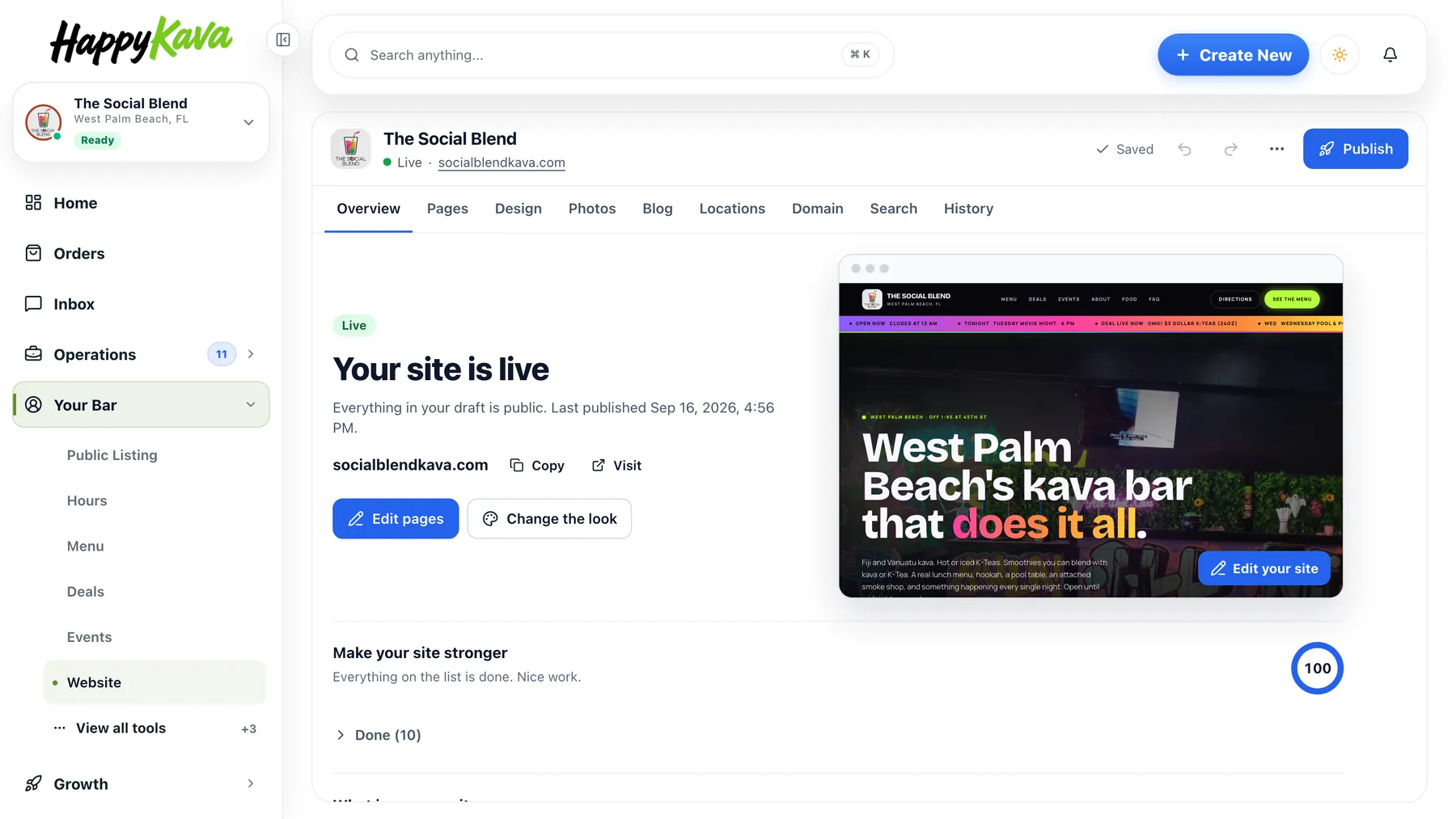
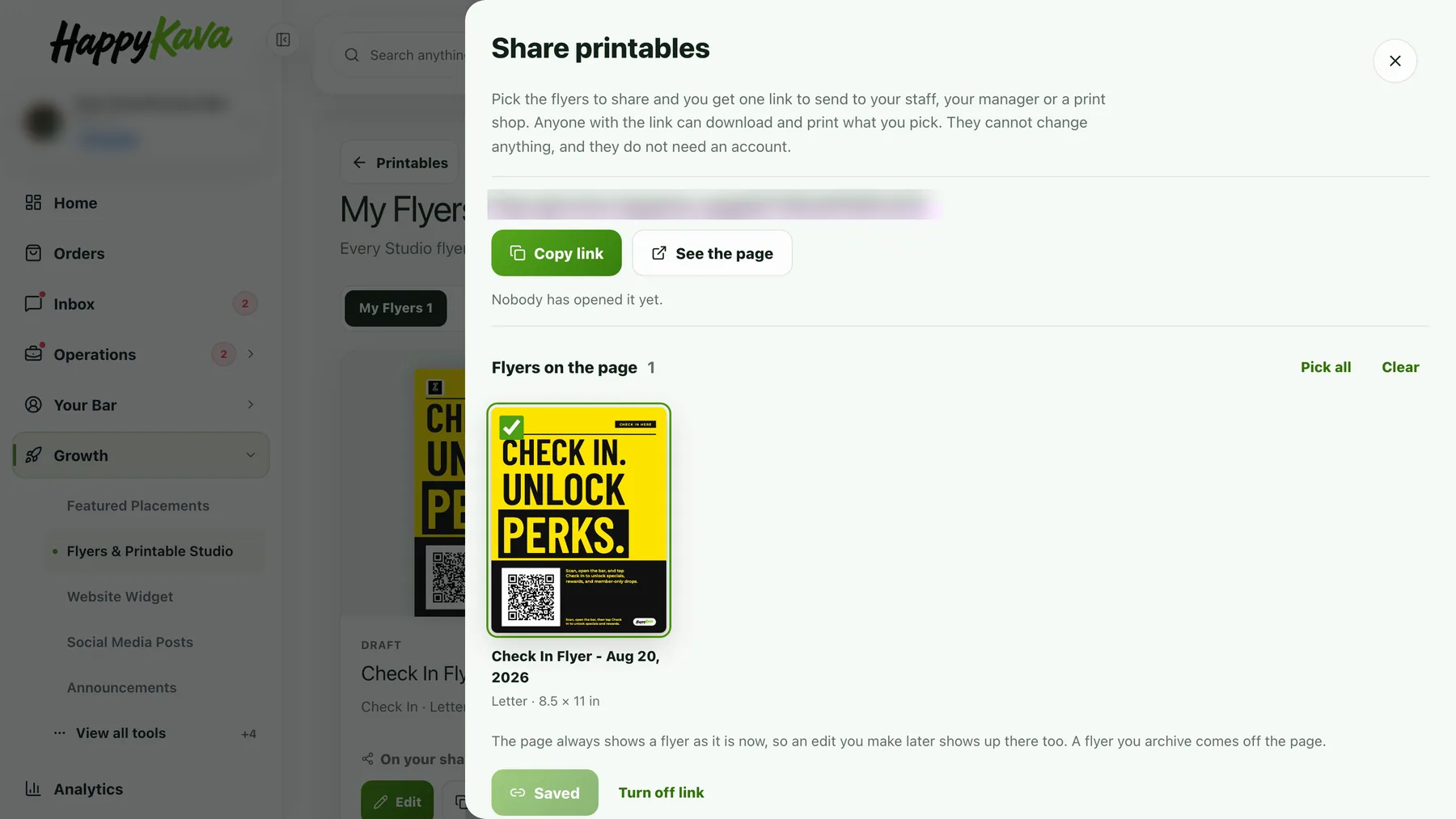
Changing your HappyKava plan used to mean a cramped dialog that cut off half of what it was trying to tell you. Now every change, up or down, goes through one review sheet, and a scheduled change can be undone with one click.
One sheet for every change
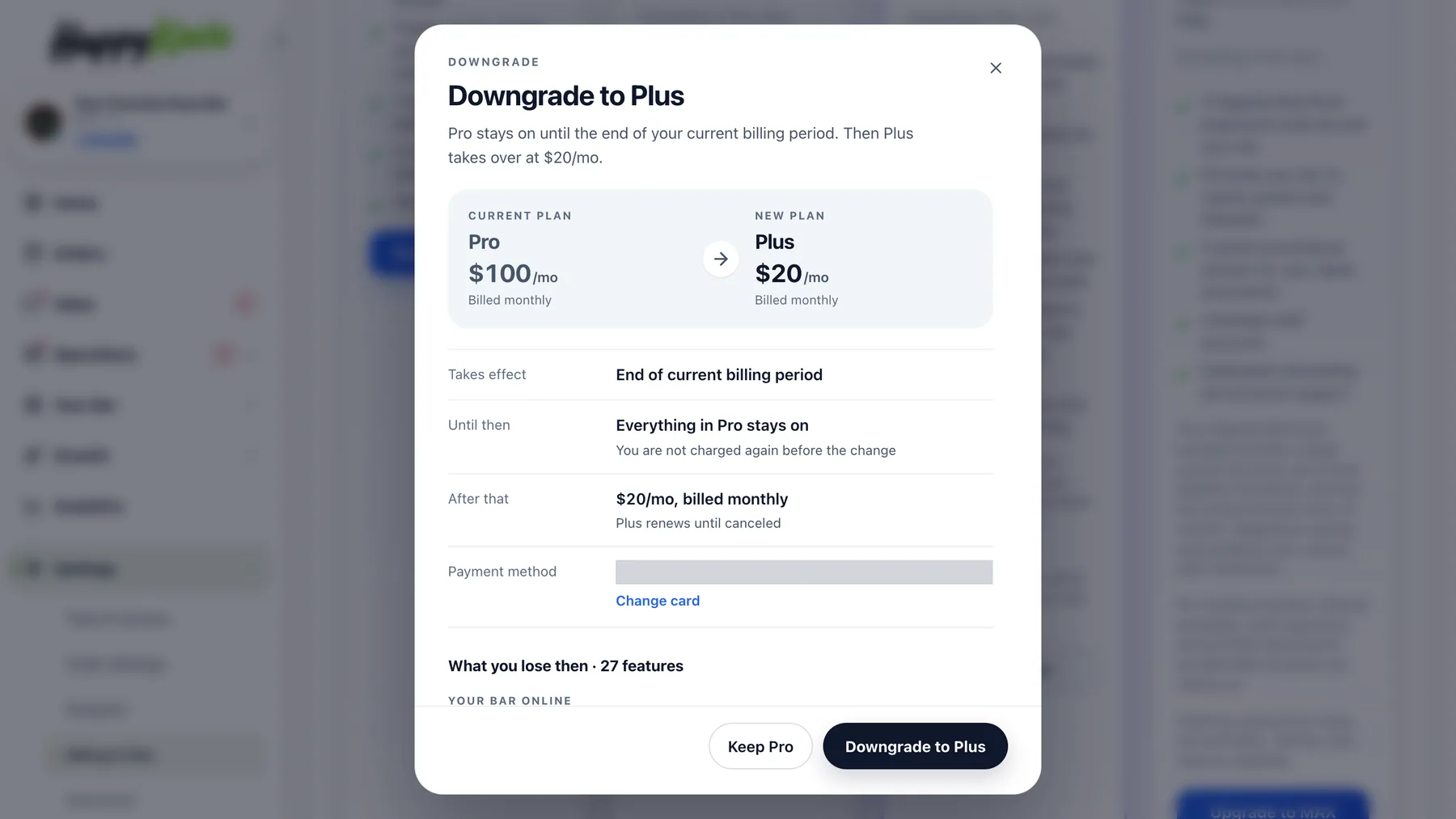
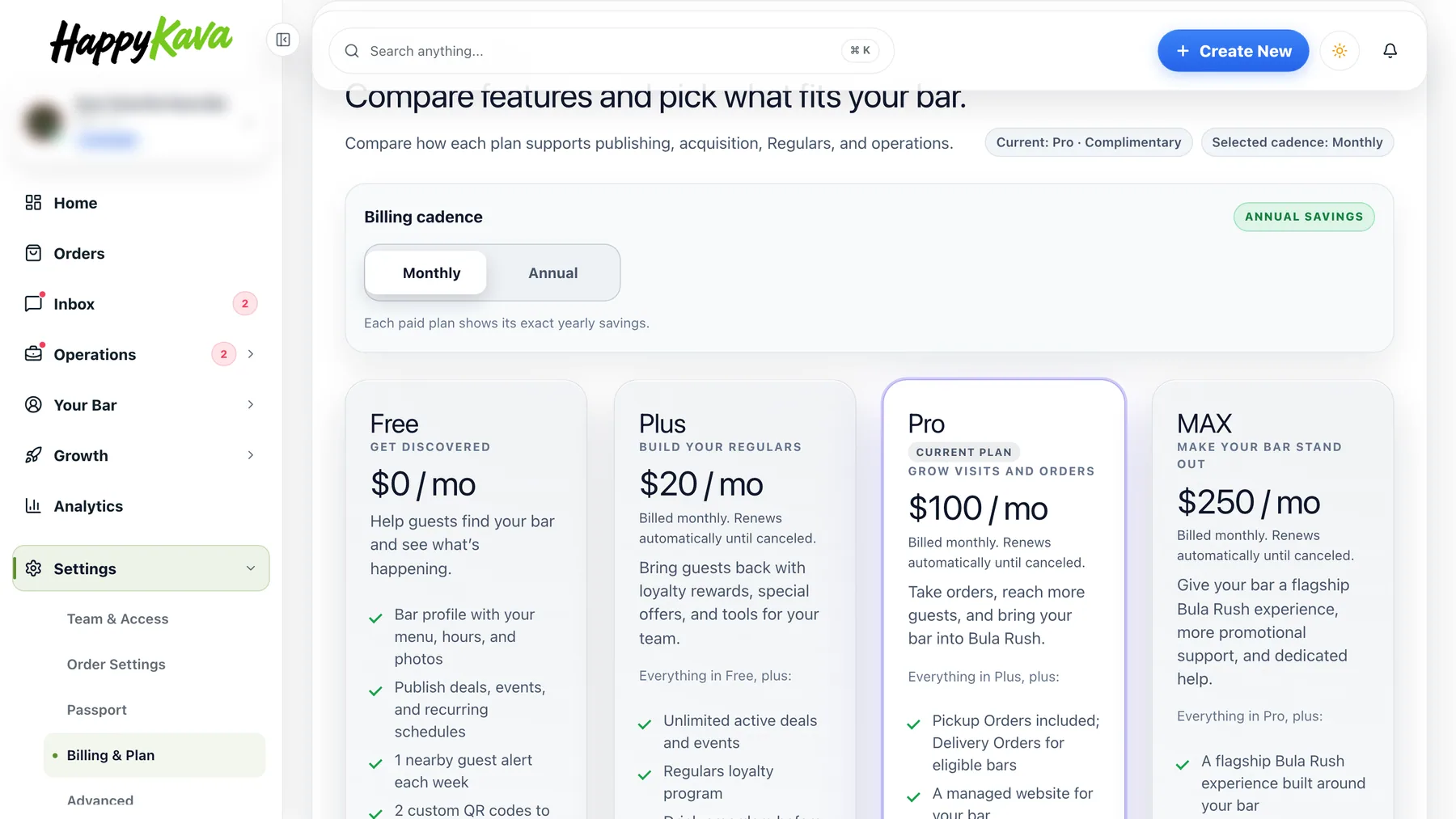
Open Settings › Billing & Plan and pick a plan. The sheet shows your current plan and the new one side by side, each with its price and whether it bills monthly or yearly. Under that, the facts: when the change takes effect, what stays on until then, what you are billed after, and the card on file with a Change card link. Then every feature that changes, grouped, with nothing cut off. The sheet works the same on a phone, as a bottom sheet.
Upgrades show what you pay today
Moving from Pro to MAX starts right away, so the sheet asks for the real amount first and puts it on the button: Upgrade to MAX, and the amount due today, with credit for the unused days of your old plan. If you are on a yearly plan you stay yearly; the sheet always shows the price that will really be billed, not the toggle.
Downgrades and cancelling wait for the period end
A downgrade or a cancellation is scheduled for the end of your current billing period. Everything you have stays on until then, and you are not charged again before the change. Changed your mind? A Keep Pro button (or Keep MAX, Keep Plus) sits in the status banner, on your subscription card and on the sheet itself. One click and your plan simply continues.
Also improved
- Muted labels and primary buttons are readable in both light and dark themes.
- Cover photo uploads work again on Public Listing, and errors say what went wrong.
- Save confirmations stay on screen when the page changes.
- The event composer preselects the right weekday for your bar's time zone.
- Bars on founders, manual or comped plans keep their plan's features in the app.