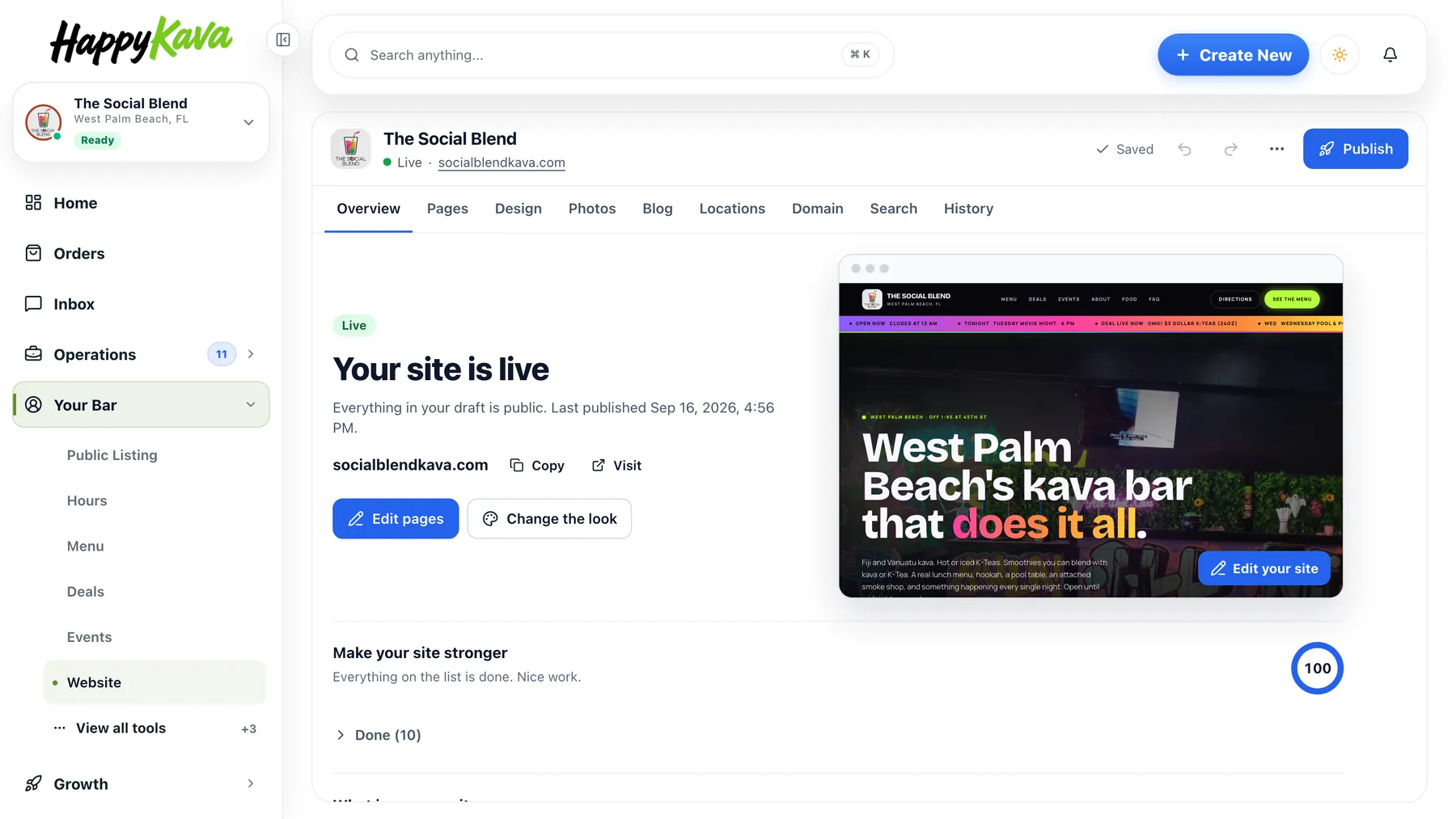
Your HappyKava listing can be a website now. Pick a design, and your hours, menu, deals, events and photos are already on it. Publish it at your HappyKava address, or connect a domain you own. Websites are included with Pro and MAX.
Filled from what you already keep
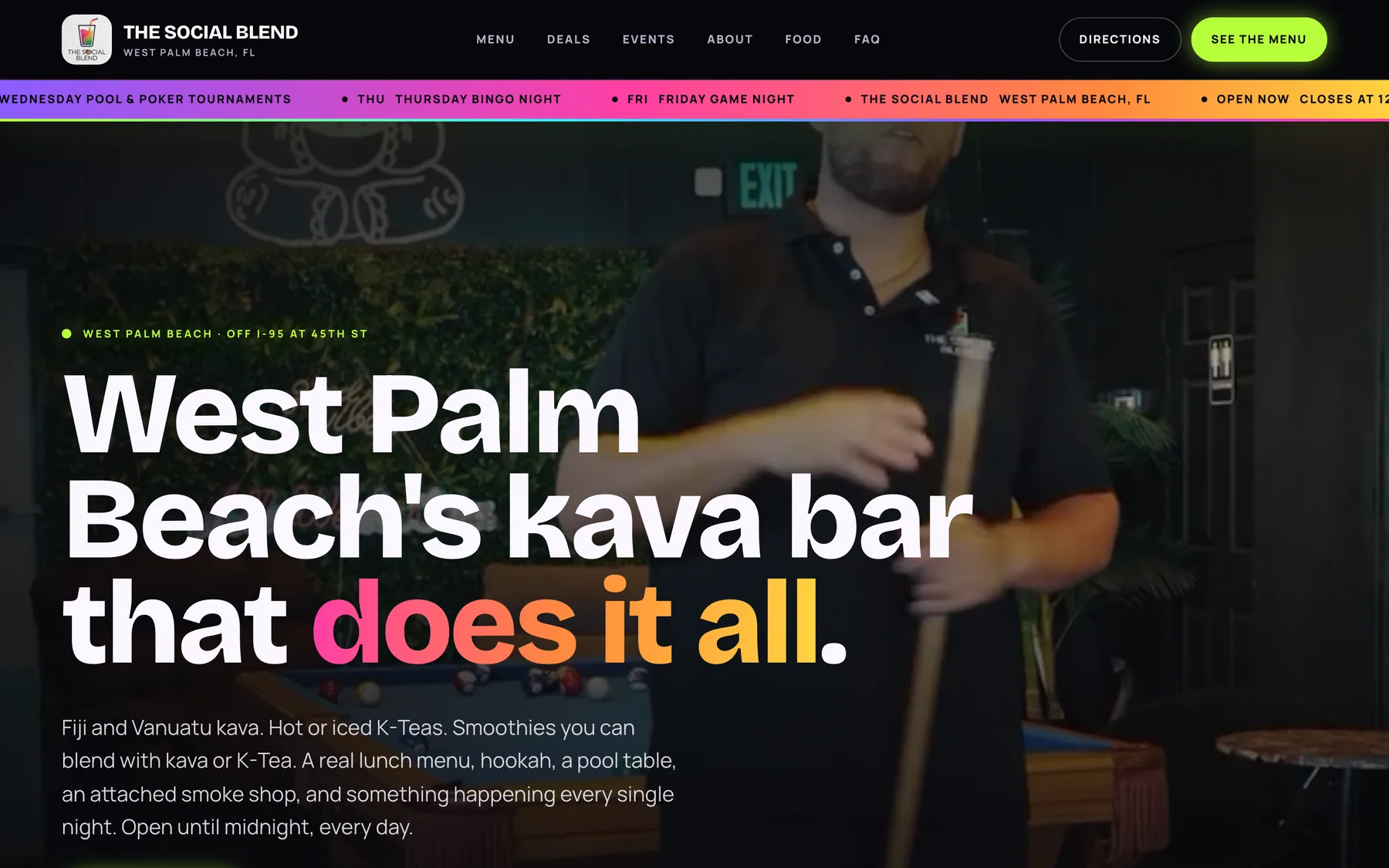
The site reads your menu from Menu Maker, your deals and events from the dashboard, and your hours and photos from Public Listing. Change a price or move an event and the site follows; nothing is kept in two places. Every design comes with a home page, menu, events, deals, about and contact pages, and looks right on a phone. The Social Blend in West Palm Beach runs on one of them.
Your own domain
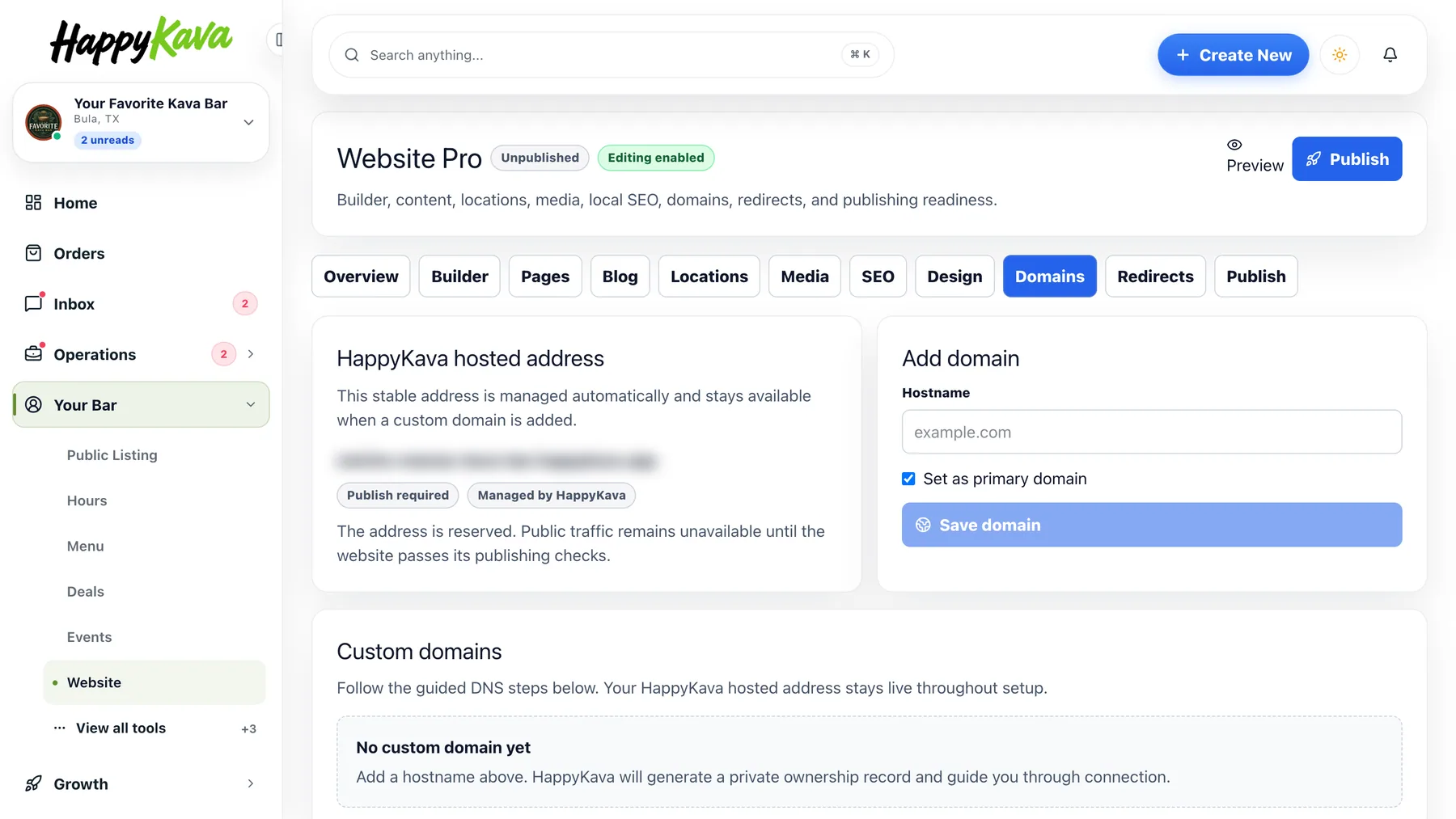
Already own a domain? Open Your Bar › Website › Domains, add it, and copy the records it shows you into your registrar. Check setup looks them up live and tells you when they are right; from there we connect it, and HTTPS is handled for you. Your HappyKava address keeps working and sends people to your domain once it is live.
A video at the top of your bar's page
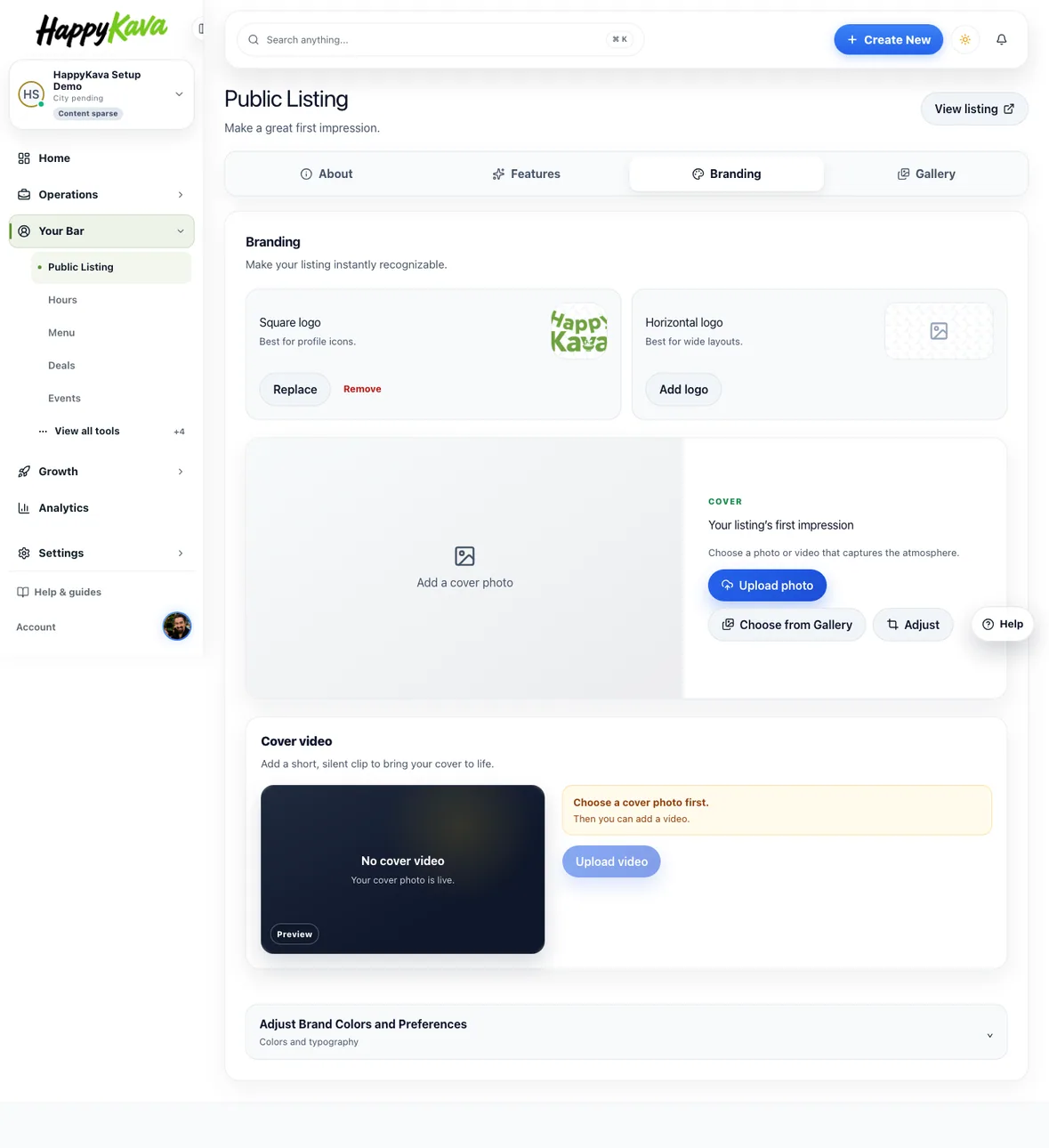
Under Your Bar › Public Listing › Branding you can add a cover video: a short, silent clip of 1 to 15 seconds that plays at the top of your bar's page in the HappyKava app. Your cover photo stays as the first frame. Public Listing itself is new: four tabs, About, Features, Branding and Gallery, instead of one long form, and the Website field offers to start your site when it is empty.
Also improved
- Hours that are the same every day show as one line on your site.
- Your square logo is the icon in the browser tab of your site.
- Website preview links open in the browser, even on a phone with the app installed.
- Cover previews in Public Listing match the shape guests see in the app.
- Website moved under Your Bar in the dashboard.