Quick Check-In
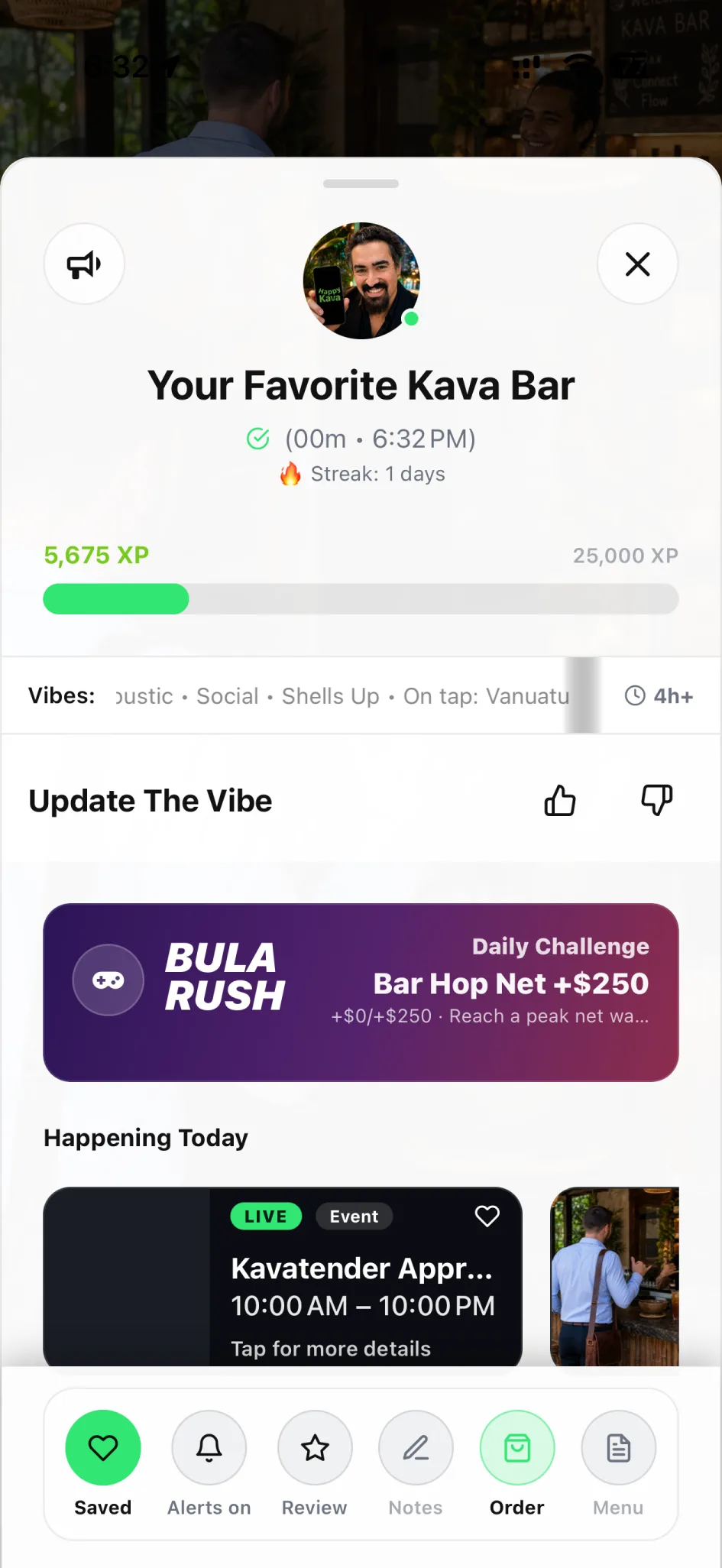
You made it. A quick check-in brings your visit into HappyKava, with the menu, the moment, and eligible perks close at hand.
- Free on iPhone and Android
Visit & unlock
What you get
Check in, put your phone down, and be part of the room. When you need the menu or a perk, your visit is already right there.
Be here, officially
Connect your app to the bar you’re actually visiting.
Find your next move
Head into the menu, fresh vibe updates, and available visit actions.
Keep redemption clear
Eligible offers still follow their own rules and staff confirmation.
How it works
- 01
Arrive at the bar
Open HappyKava when you’re at your chosen spot.
- 02
Check in
Use the arrival action and follow any location prompts.
- 03
Enjoy being there
Explore the visit actions and ask staff about eligible perks.
Availability
Available today. Access can depend on the participating bar, your role, subscription, and local configuration.
- Who can use it
- Available in HappyKava. The experience can vary by participating bar and local content.
- What it costs
- The HappyKava app is free on iPhone and Android.
Questions
Is Quick Check-In available now?
Live. Available in HappyKava. The experience can vary by participating bar and local content.
Does checking in automatically redeem a deal?
No. A check-in and a redemption are separate actions. Follow the offer’s instructions and let staff confirm it when required.
Do I have to be at the bar?
Quick Check-In is designed for real visits and can use proximity checks. Follow the location prompts in the app.
Keep exploring
LiveVisit & unlock
Live Vibe Updates
Feeling chatty? Looking for a mellow corner? Get a little context from the people in the room before you decide where to land.
LiveVisit & unlock
HappyKava Passport
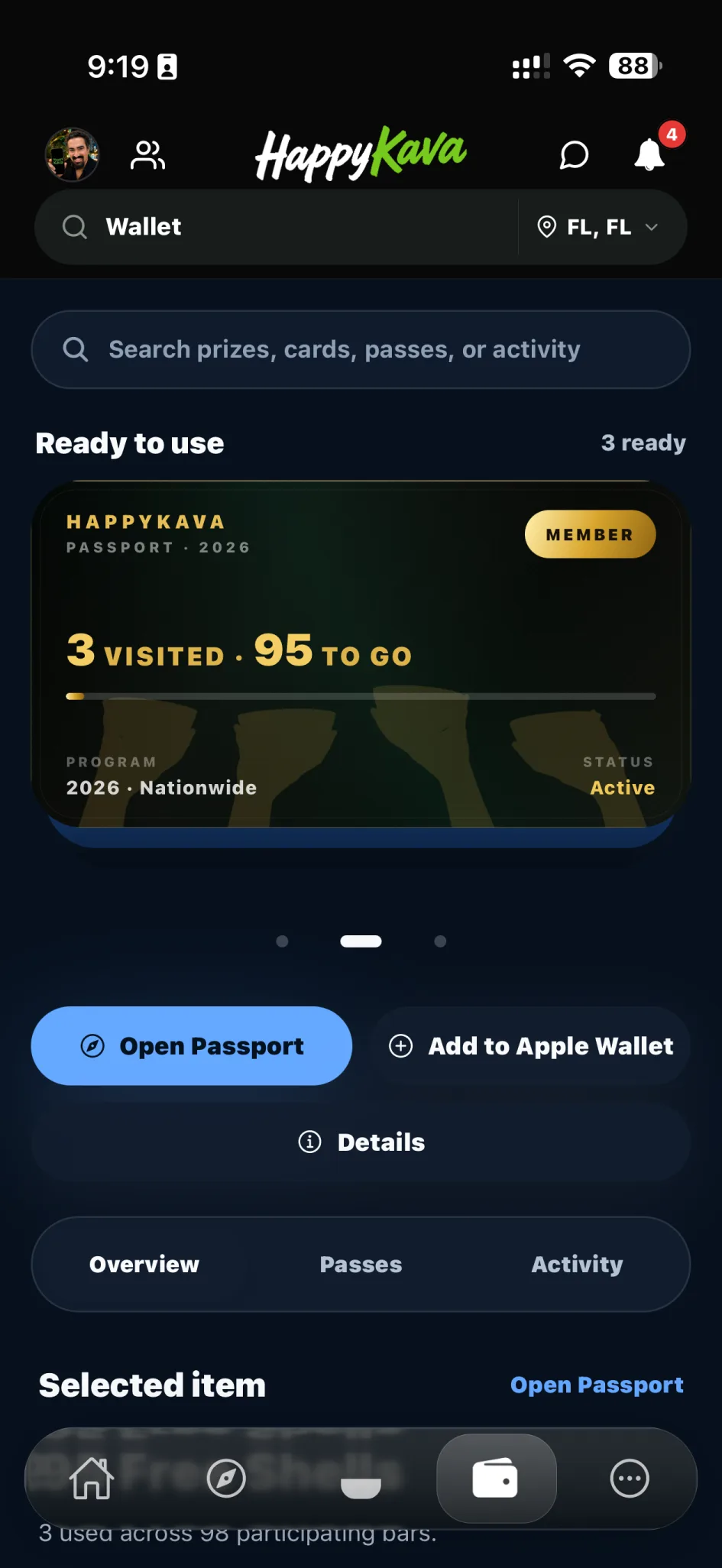
Your next favorite bar might be one stop away. Explore participating locations, keep your progress, and make a little adventure out of every visit.
LiveVisit & unlock
Always Happy Hour
Found a participating offer? Follow its personal redemption window and enjoy a clear path from “that looks good” to staff-confirmed redemption.