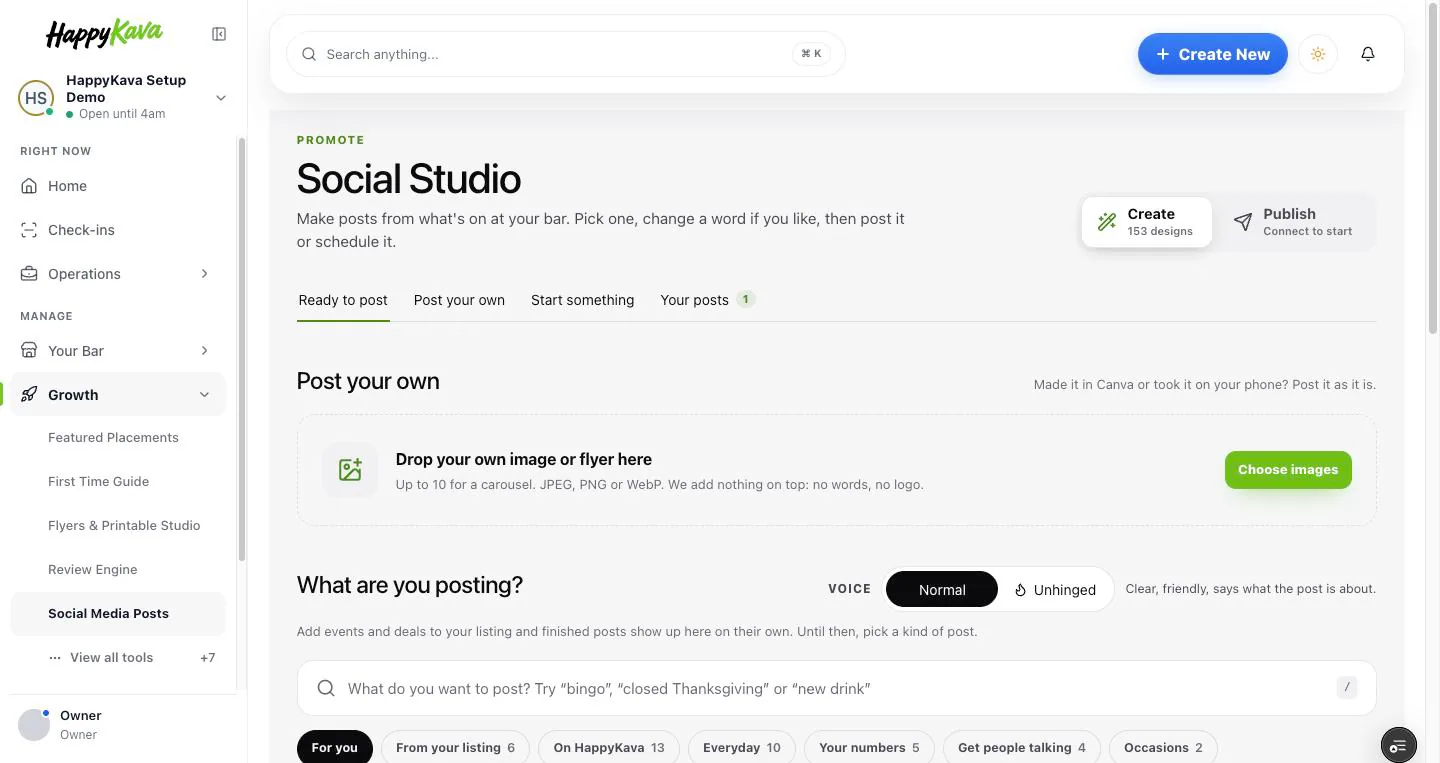
Social Studio now has two sides. Create is where you make posts, and it's a lot less crowded. Publish is where they go out: if your Google profile is connected, you can post to Google now or schedule it, and see your whole week next to what's on at your bar.
Why we built it
The Studio had grown to about 40 kinds of post shown all at once, with the size and voice switches in three or four places each. It was a lot to take in when all you wanted was this week's Bingo post. And once a post was made, it still had to be downloaded, posted somewhere else, and remembered. Nobody wants to post Bingo twice, or miss Friday because nobody looked.
Create: less to wade through
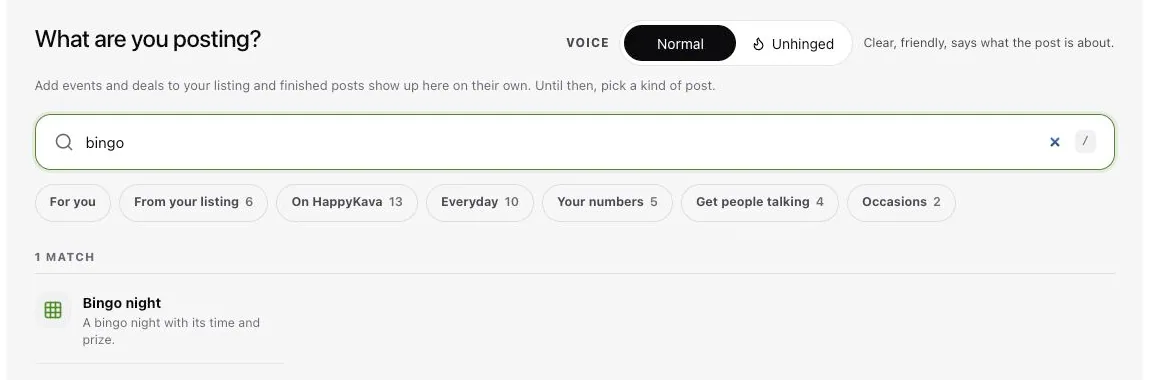
Ready to post sits in a grid, and each card tells you if it already went out: "Posted today", "Scheduled", or "Last posted" and a day. Start something is one search box ("Try 'bingo', 'closed Thanksgiving' or 'new drink'") plus the usual groups, with the kinds picked for your bar this week up front. Your posts has filters for drafts, scheduled, posted and archived. Made something in Canva, or took a great photo? Post your own takes one image, or up to ten for a carousel.
One editor, one Post it button
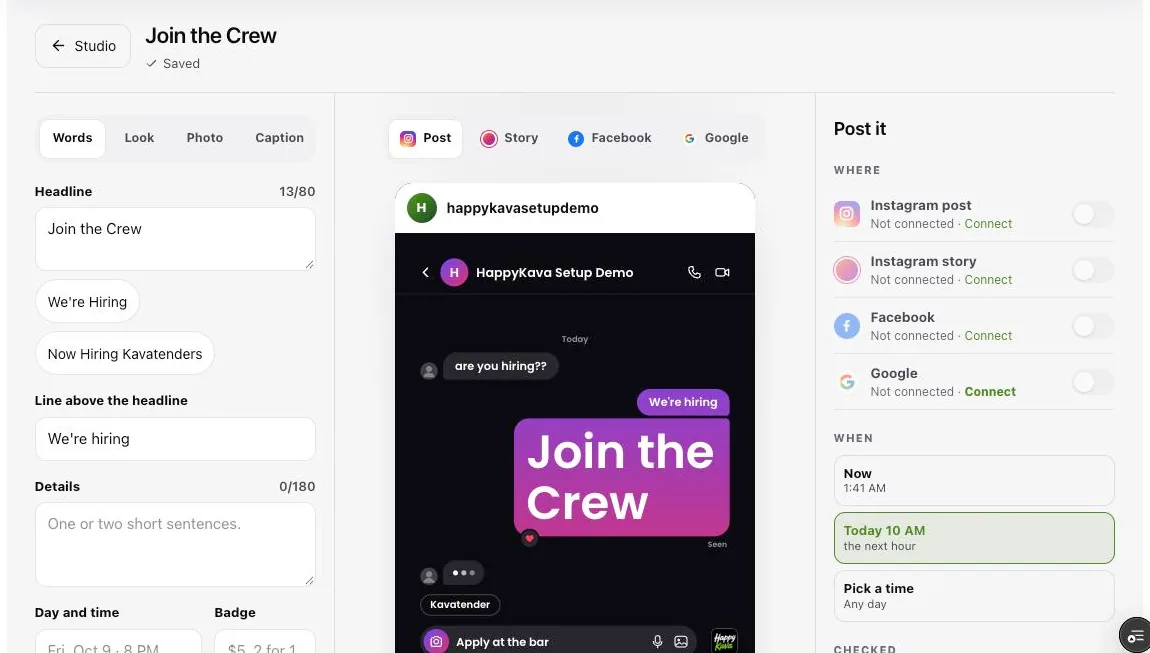
Each control now shows up once. The middle of the editor previews your post as an Instagram post, an Instagram story, a Facebook post and a Google post. On the right, Post it picks the place and the time: now, a suggested time, or one you choose. It checks the basics too, like an event that's no longer coming up.
Publish: your week, already written
With Google connected, Publish opens on This week: what's on at the bar each day, the posts lined up for it, and empty days marked with a post ready to add. Fill the empty days schedules them in one go. If an event changes after its post is scheduled, it's flagged so you can use the new one. Calendar shows the month, and Posted shows what went out.
Posting to Instagram and Facebook from here isn't open yet. Until it is, download your post and share it there as before.
Where to find it
In your dashboard, open Growth › Social Media Posts. Switch between Create and Publish at the top right. Posting to Google needs your Google profile connected under Your Bar › Google (part of Pro).
Also improved
- Kavatenders can make and save posts; owners and managers post and schedule them.
- If your events post to Google automatically, each one now goes up 7 days before the event.
- After you schedule a post, See it in This week takes you straight to it.