
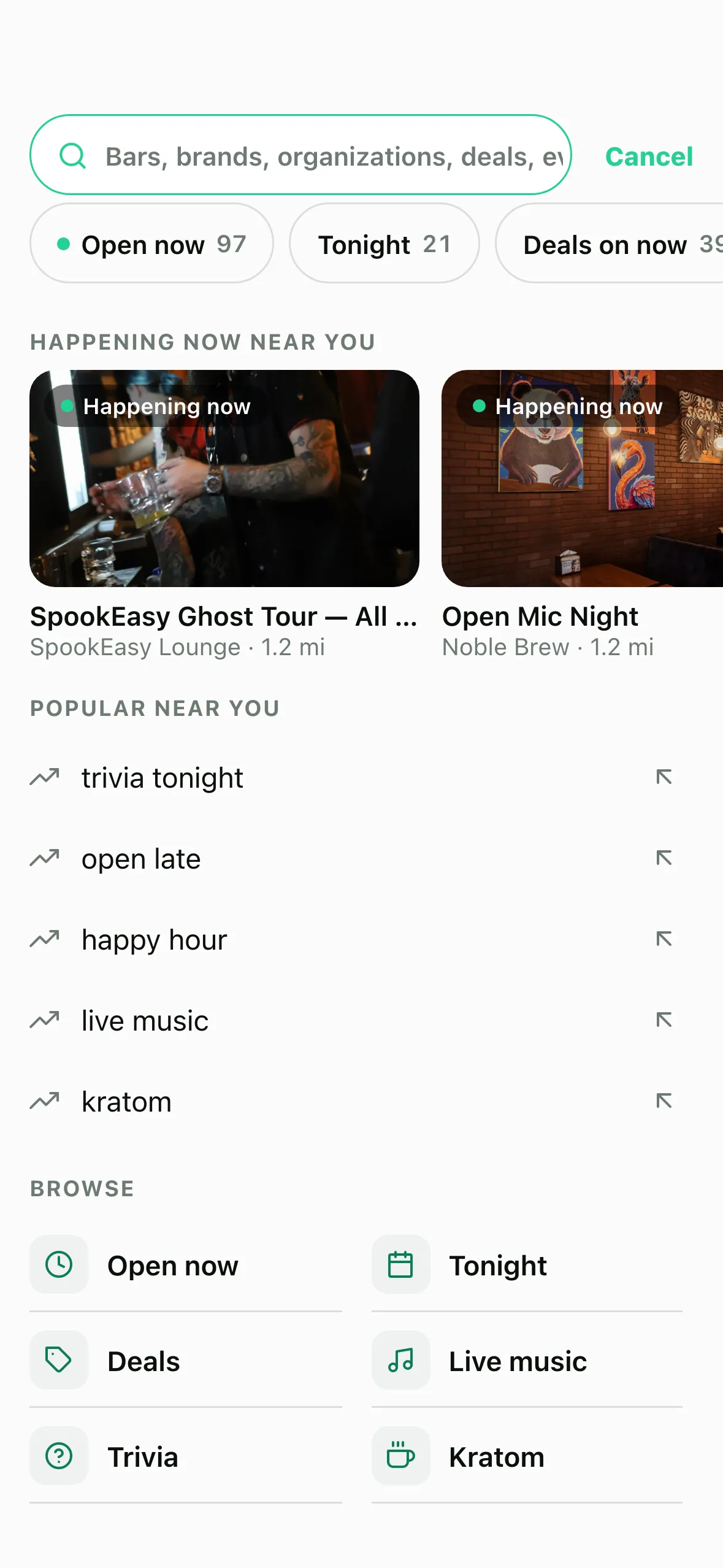
Tap search in HappyKava and, before you type a thing, it shows what's happening near you right now, with real counts for what's open, what's on tonight and which deals are running. Type "trivia tonight", a bar's name (typos are fine) or "open late", and you get one clear answer with the buttons you need.
Why we built it
Search used to start nationwide, so a search for trivia brought up nights in other states. Local results were a slice of a national list: one night, "trivia" near Tampa had 55 events within 40 km, and only 8 of them made it onto the screen. The counts topped out at 8 and looked like totals, and some of the suggested searches found nothing at all. Fair to say it wasn't helping.
Happening now, before you type
The open screen starts in your area. Chips along the top show live counts: Open now, Tonight and Deals on now, then quick ones like Open late, Trivia, Live music, Happy hour and Kratom. Under them, Happening now near you lists events going on (or starting within three hours) and deals on now at open bars, nearest first. Your recent searches and a few popular ones sit below.
It understands what you mean
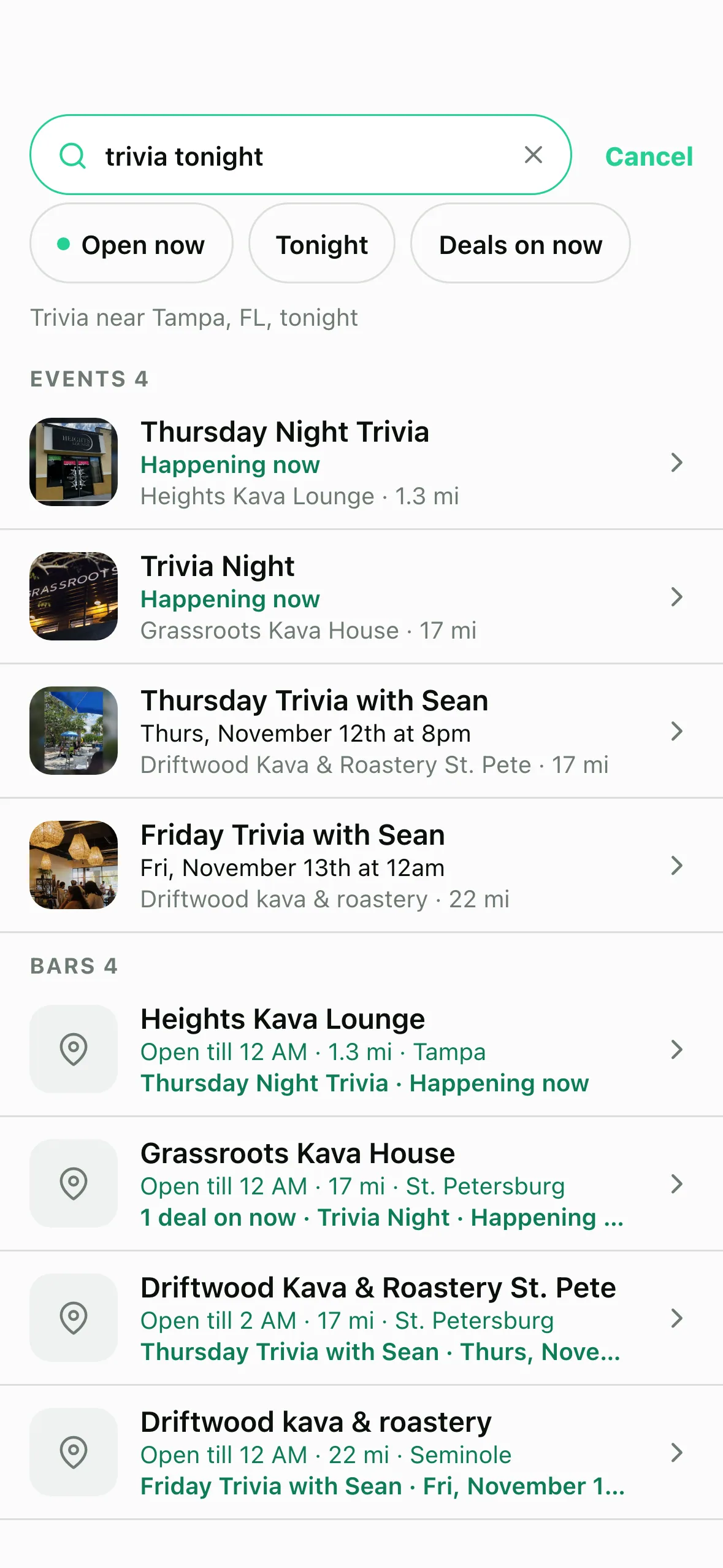
Search reads what you're asking. "Trivia tonight" means events tonight near you. "Open late" means bars open past midnight, nearest first. A bar's name goes straight to that bar, even with a typo ("nobel brew" still finds Noble Brew), and a city name shows that city's bars.
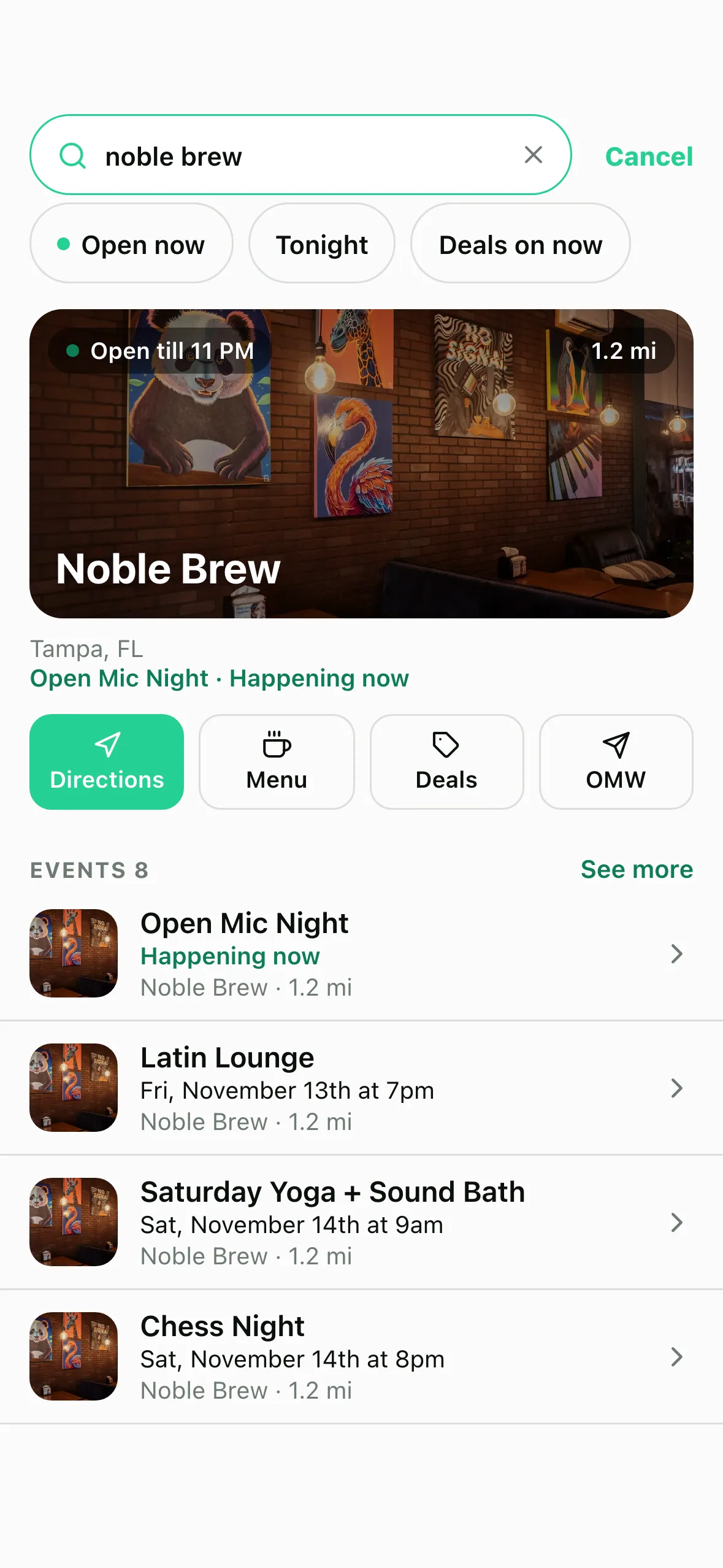
The top hit comes with buttons: Directions, Menu, Deals and OMW. Rows show if a bar is open and until when, how far it is, deals on now and the next event.
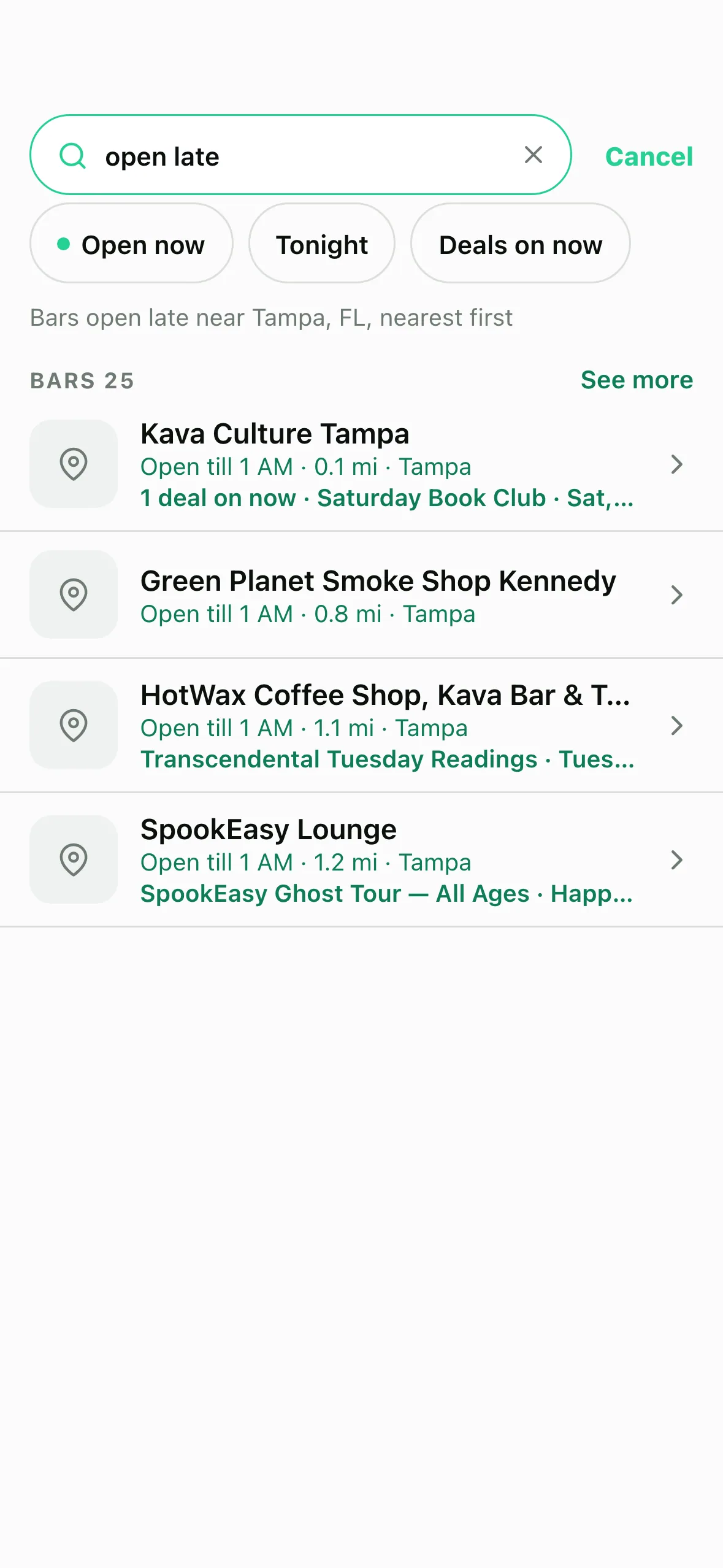
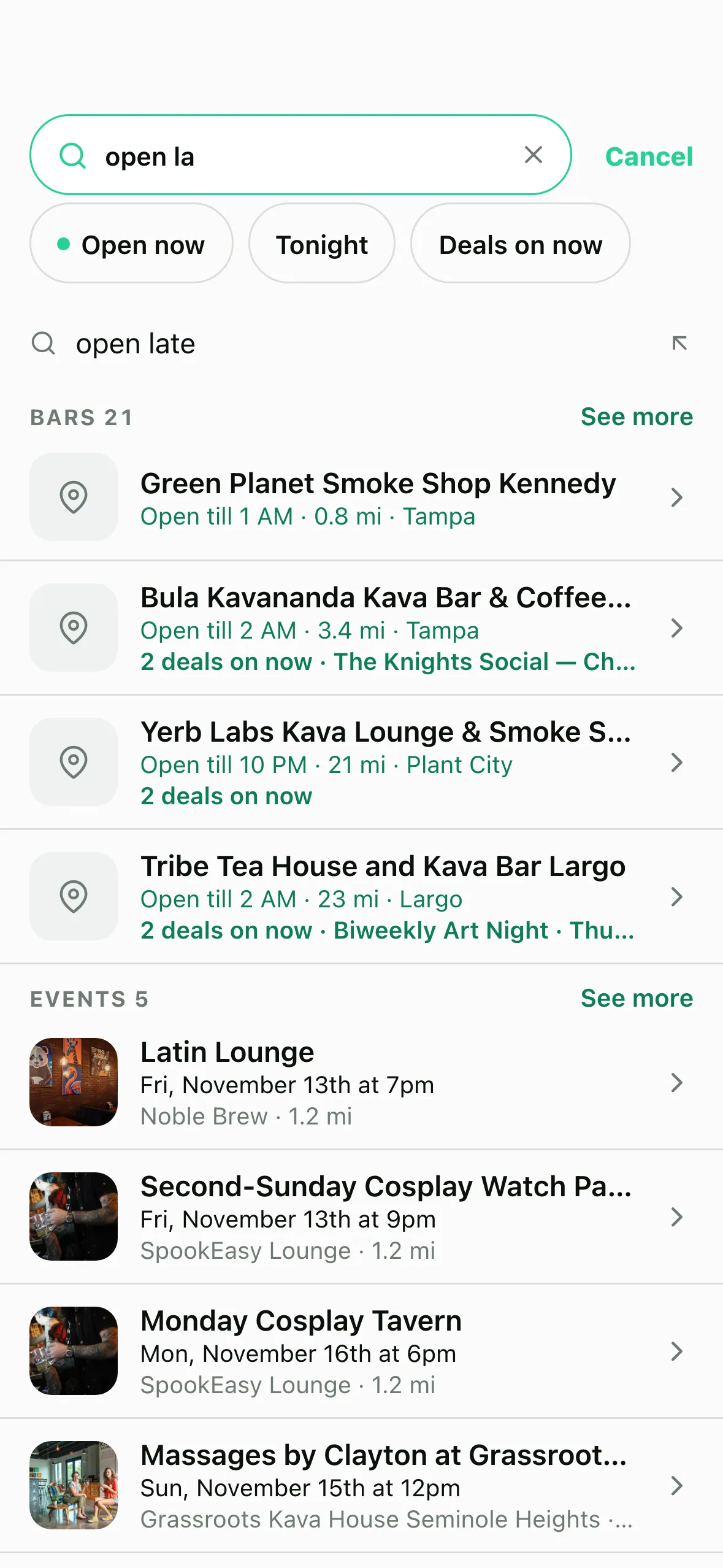
As you type, up to three suggestions appear above the answer. Every keystroke is answered on your phone, so it's quick.
For bars: see what people search
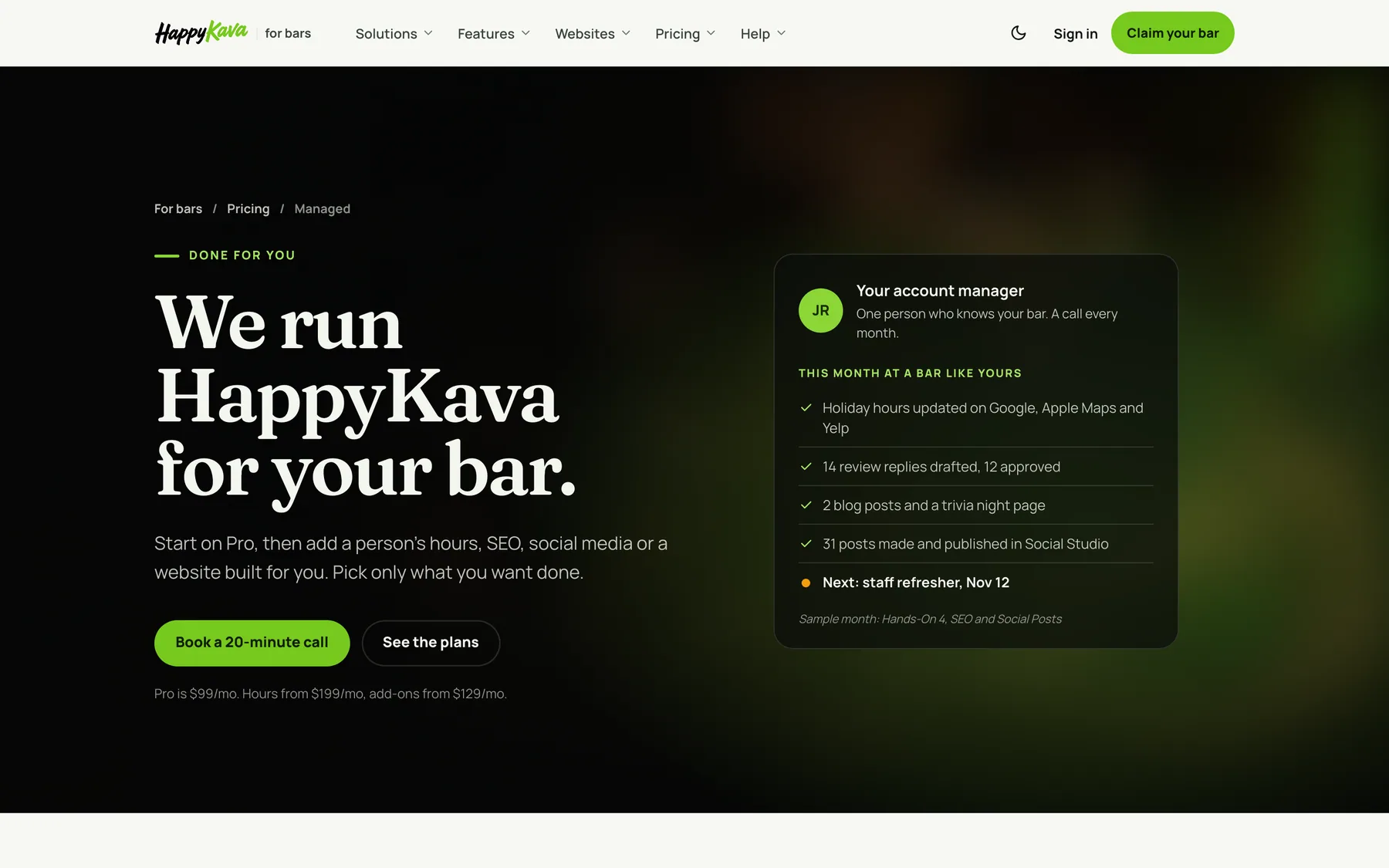
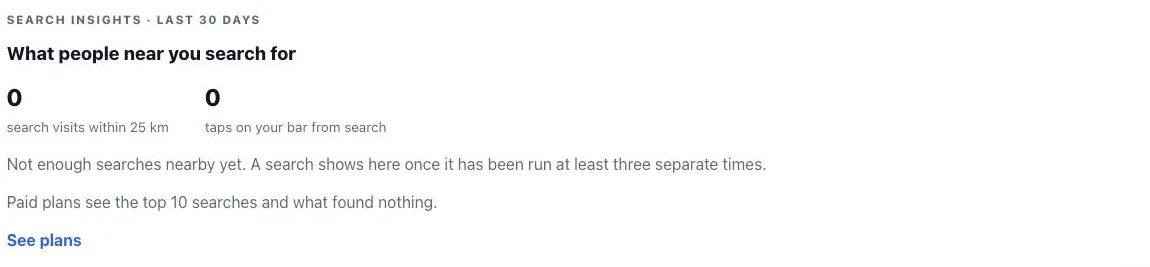
Owners and managers now get a Search Insights card on dashboard Home: how many searches happened within 25 km of your bar in the last 30 days, how many taps search sent you, the top searches near you, and the searches that found nothing (the full list on paid plans). Add a deal, event or menu item for those, and you show up next time. A search only shows up there once at least three different people have run it.
Where to find it
- In the app: tap the search bar at the top of Home or Explore.
- In the dashboard: Home › Search Insights.
Also improved
- "Tonight" and "this weekend" follow the bar's own clock, and tonight runs until 4 AM.
- Bars with words like "Late Night" or "Open Door" in their name are found as bars, not as a question.
- Search for Passport, gift cards or Deal Radar and you get a row that takes you straight there.
- When nothing matches, you can clear filters or search everywhere in one tap.