
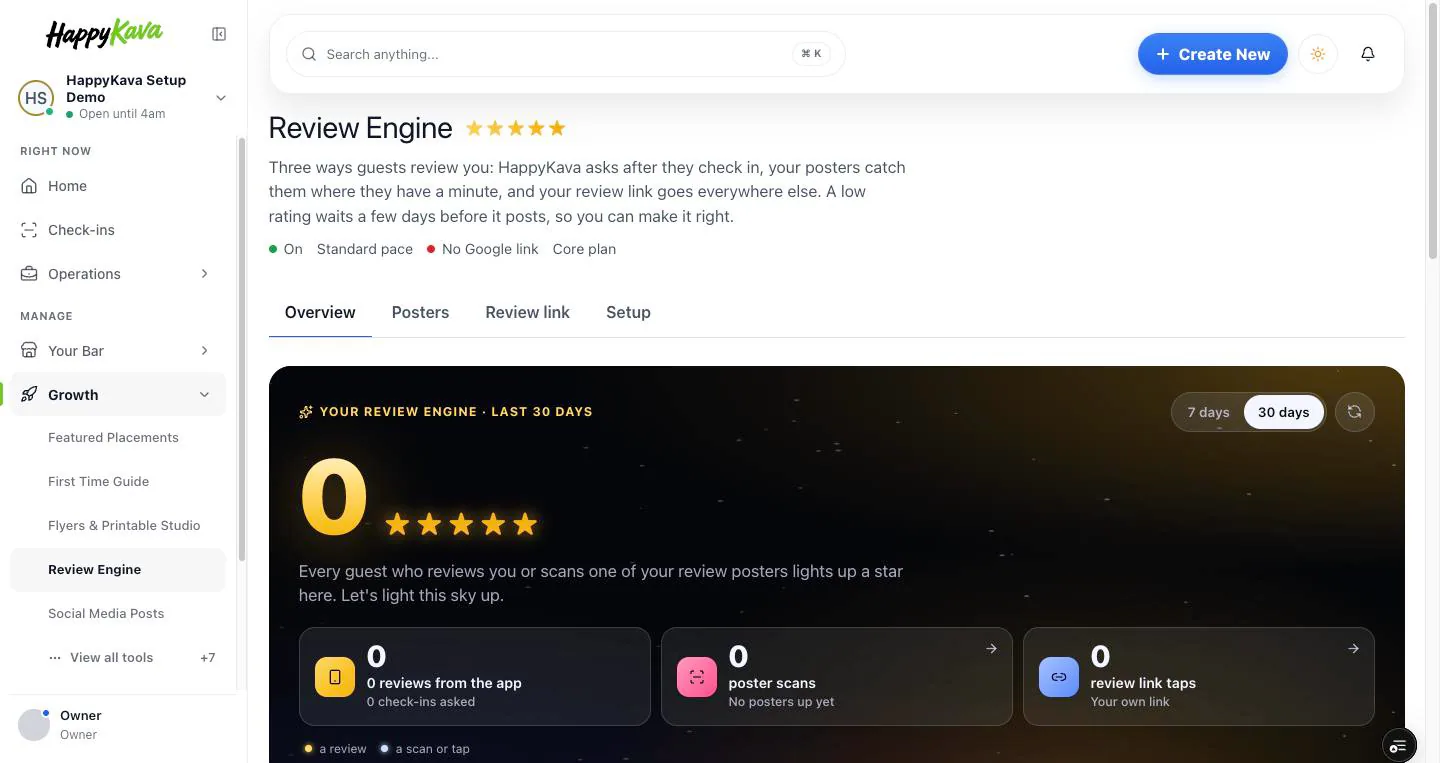
Review Engine used to be a Pro thing. Now every bar on HappyKava gets it: the Overview, the posters, the review link, and the rules for when we ask and what happens to a low rating.
Why we built it
Here's the funny part. If your bar was on Free, your guests were already getting the review ask after they checked in. You just couldn't see what came back, and you couldn't change a single rule unless you upgraded. That was backwards. Reviews matter to every kava bar, so the page that shows and steers them should be yours too.
See what came back
Open Your Bar, then Reviews. The Overview starts with what needs you, then shows how many check-ins turned into reviews, for the last 7 or 30 days. A review held back so you can make things right sits there too, with how long until it posts and a Reply link.
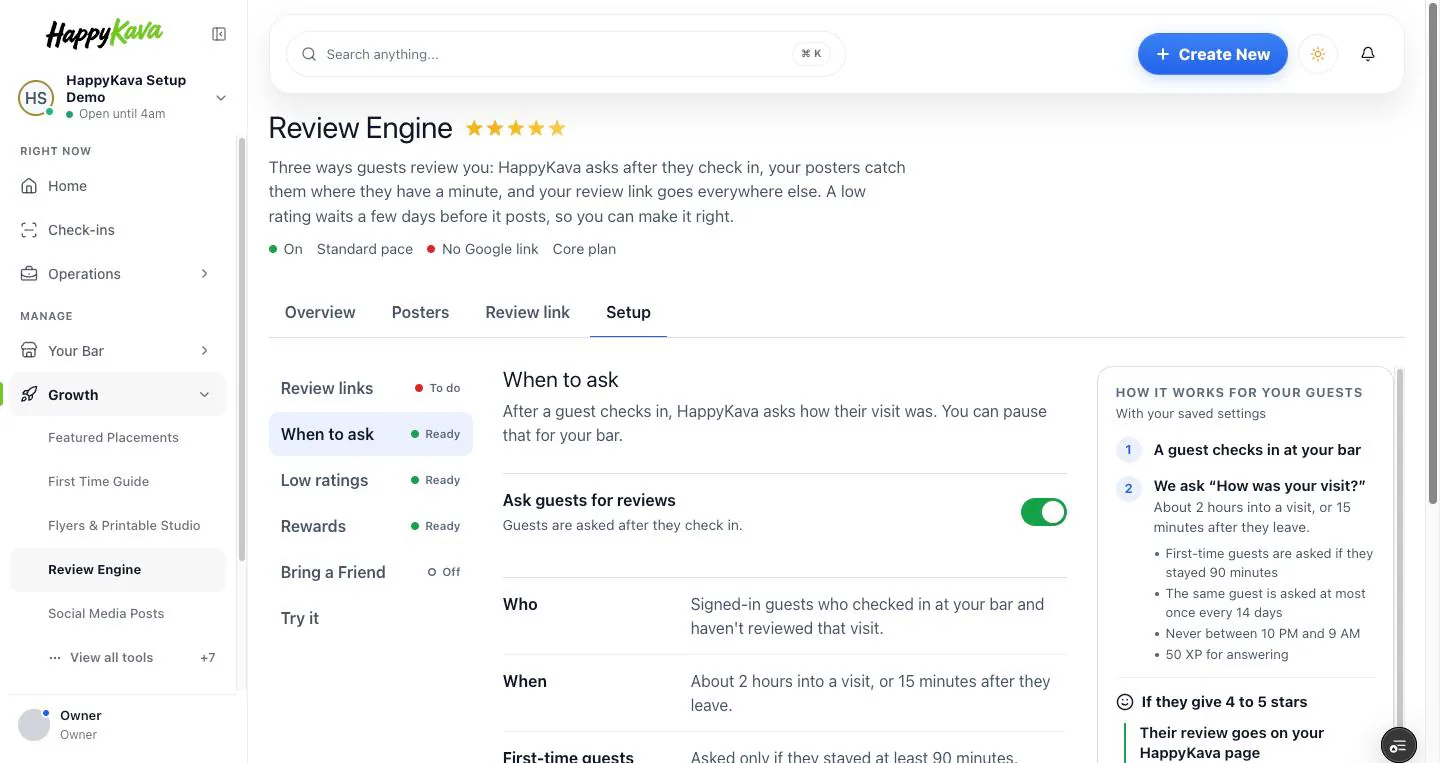
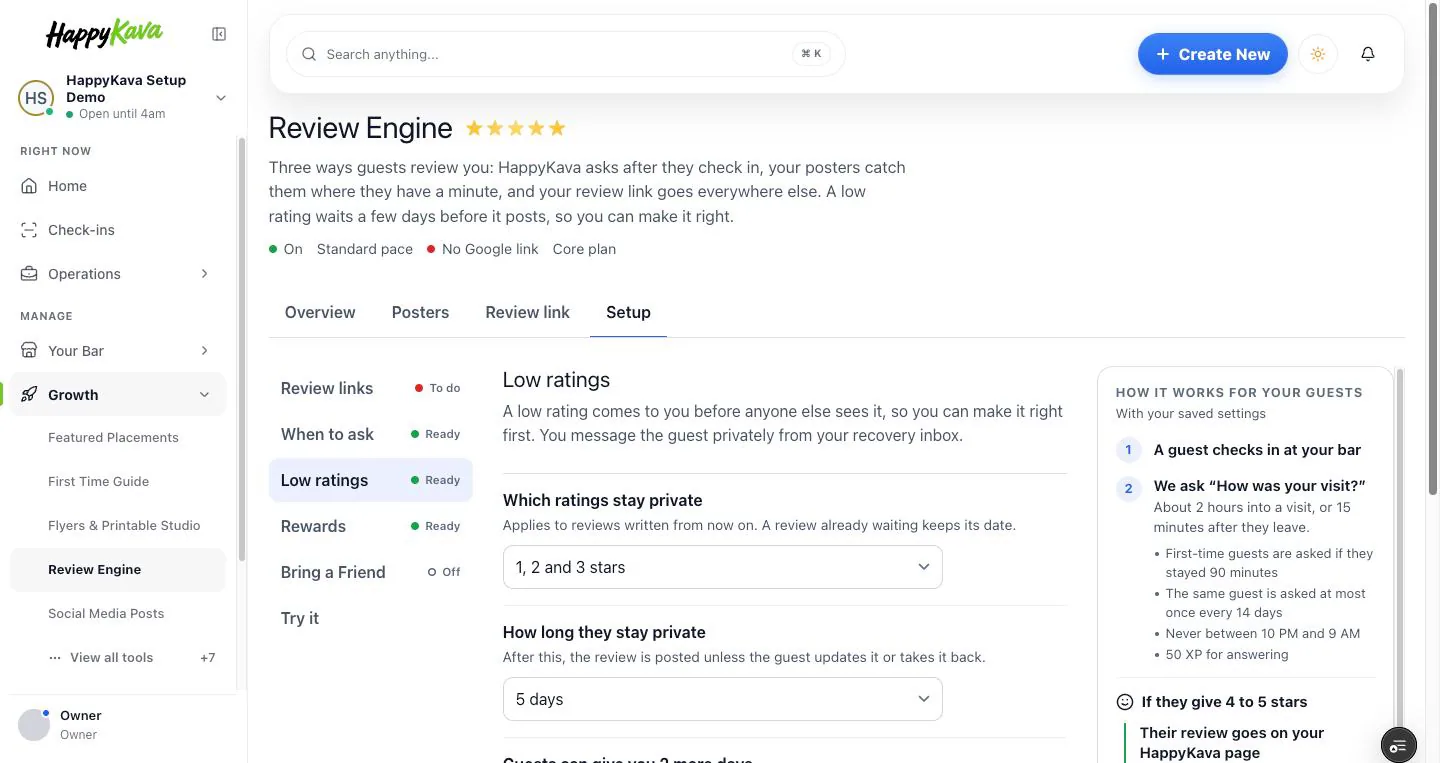
Set your own rules
Setup is where you decide when HappyKava asks and what happens to a low rating: which ratings wait before they post, and for how long. You can pause the asks for a while if you need a quiet week. Try it shows you exactly what a guest gets before anything changes.
Posters and a review link, on any plan
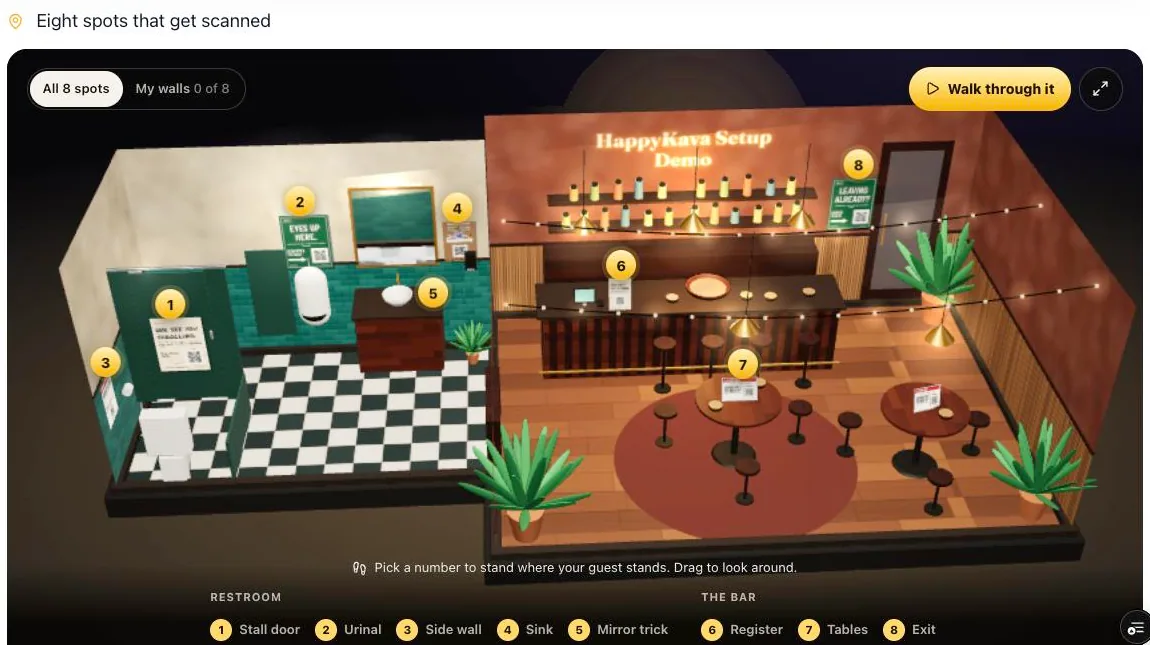
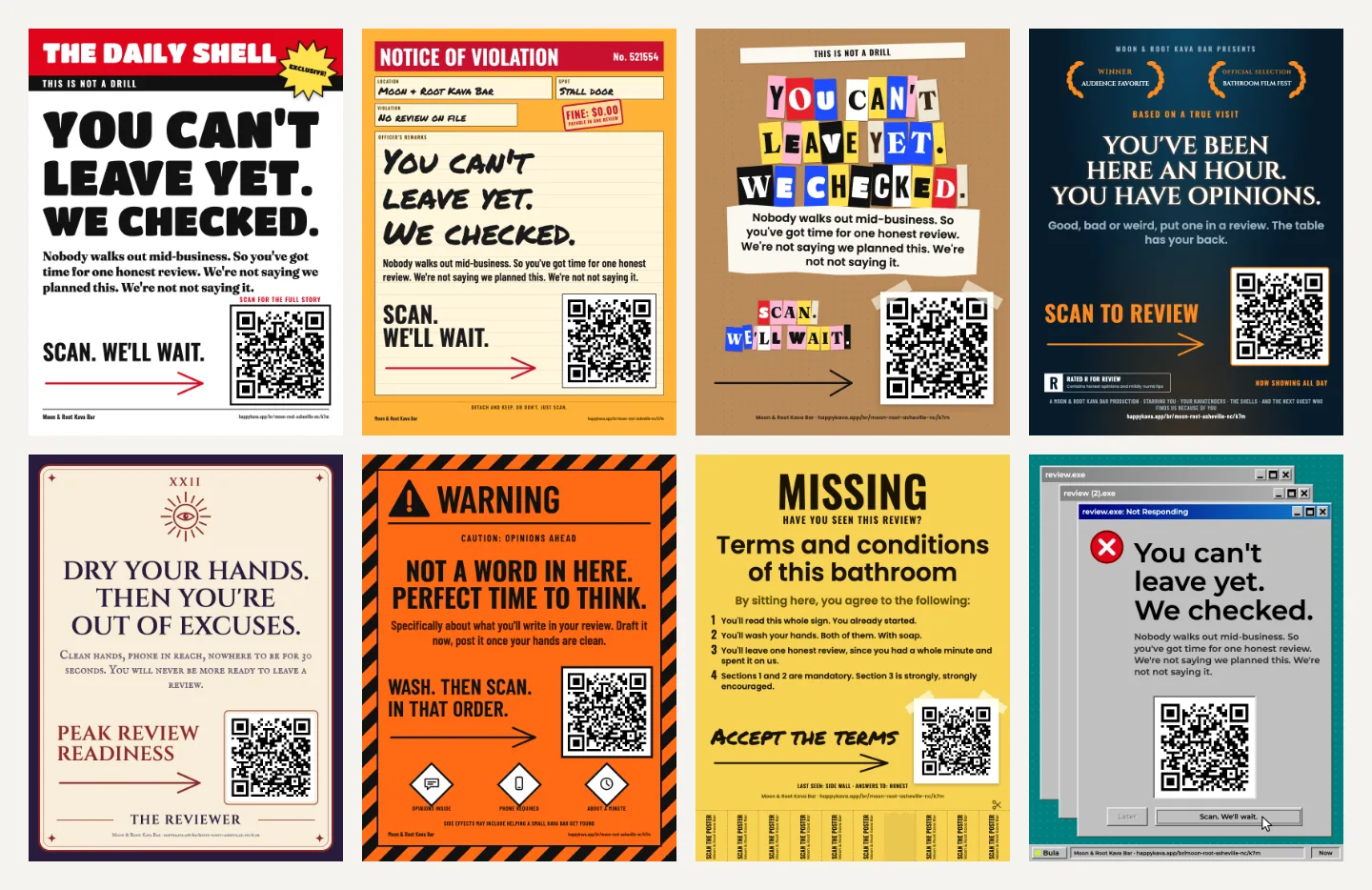
The Posters tab and the Review link are open on every plan now. Pick a spot, from the register to the stall door, print the poster made for it, and give your bar one review link you can point anywhere without reprinting.
What stays on Pro
The settings for inviting guests to post their review on Google, and the bonus for doing it, stay part of Pro. Everything else on the Review Engine page is yours.
Where to find it
In your dashboard, open Your Bar › Reviews. Overview, Posters, Review link and Setup are the tabs along the top.
Also improved
- Eight new poster looks, including "The Daily Shell" tabloid, a "Notice of violation" and a frozen error message, with 16 new lines like "You can't leave yet. We checked."
- Reviews is easier to find: it's near the top of both Your Bar and Growth in the sidebar.
- The setup checklist's "Ask for reviews automatically" step now opens on any plan.