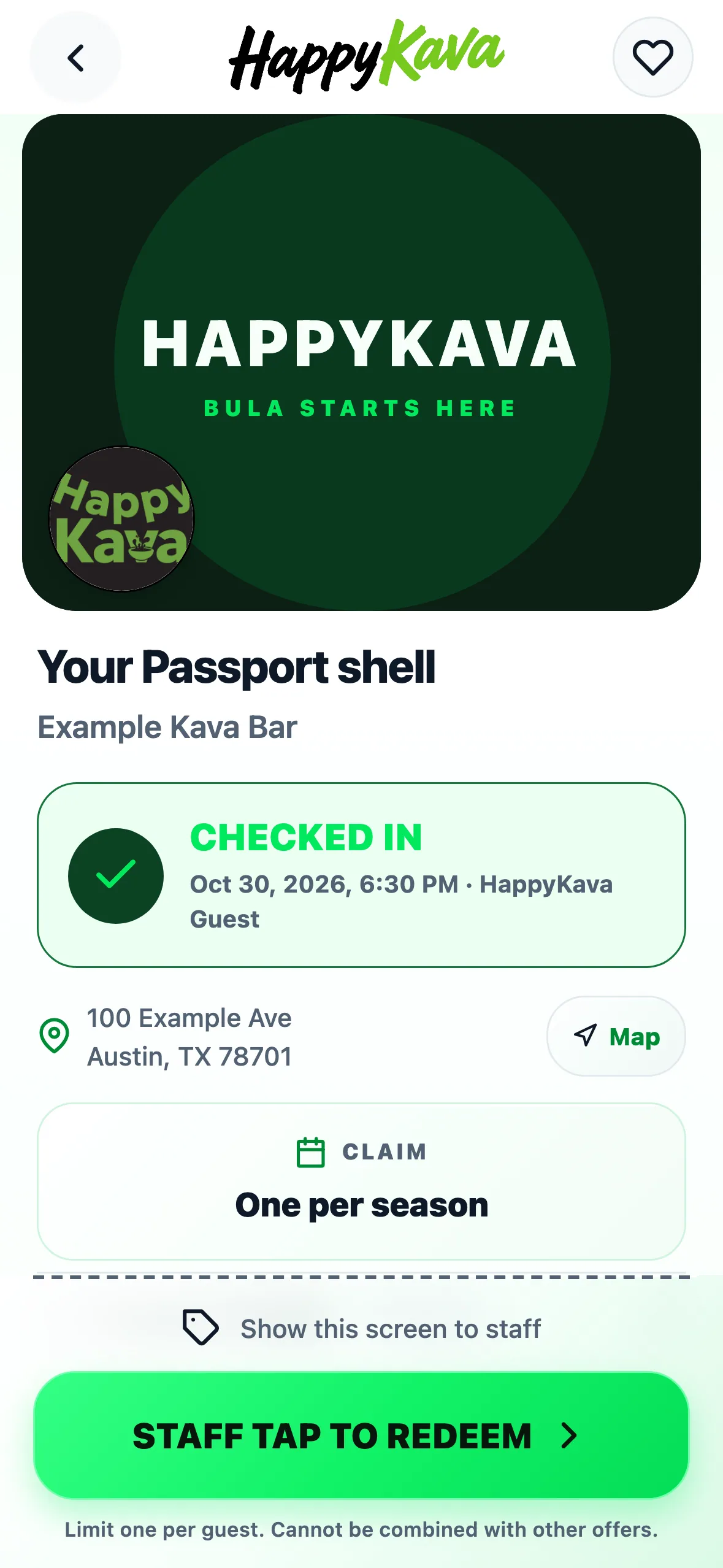
Passport now redeems the same way as other staff-confirmed offers. There's no slide for the guest to work out, and staff don't need a separate screen.
How it works
- Open your Passport at the bar: from the bar's page, the Check-In sheet or your Passport list.
- Hand your phone to the kavatender.
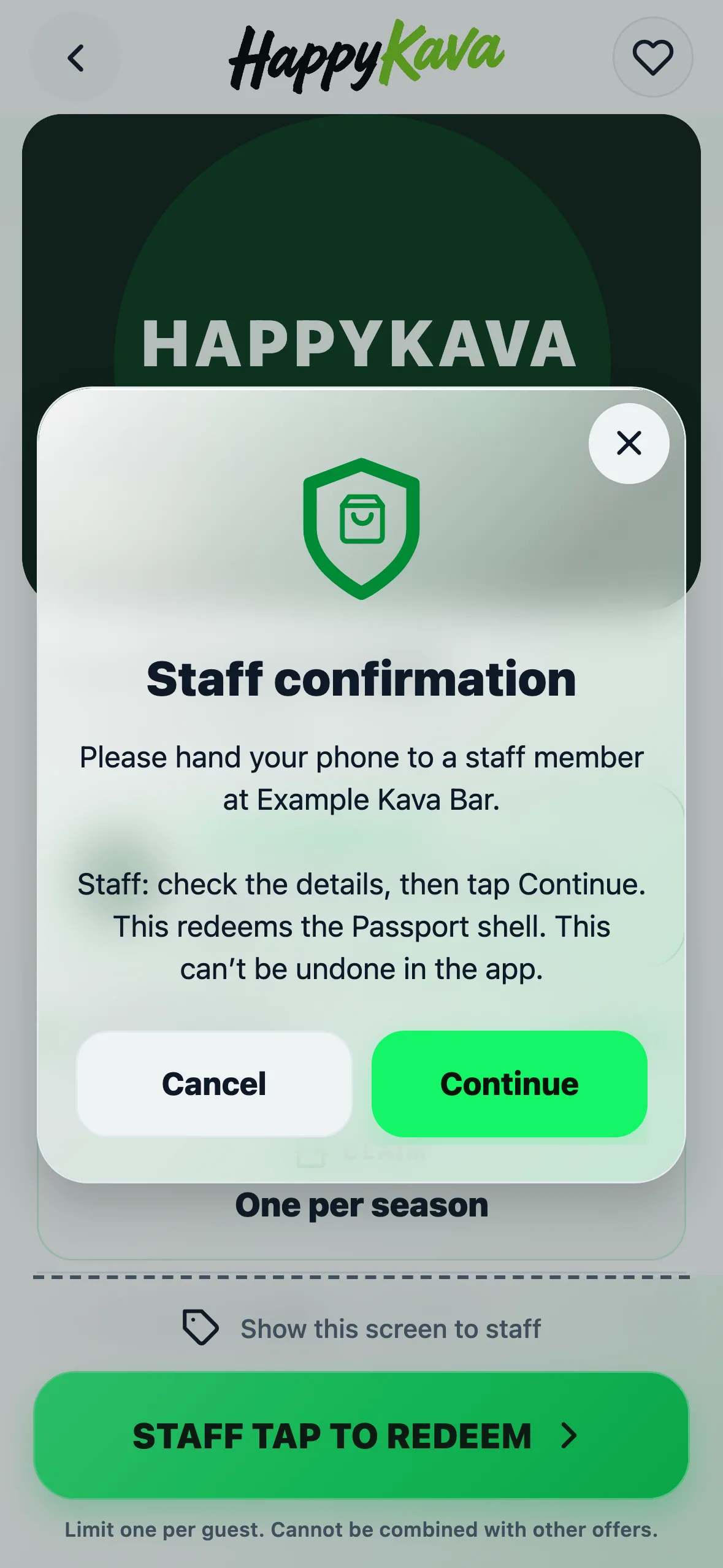
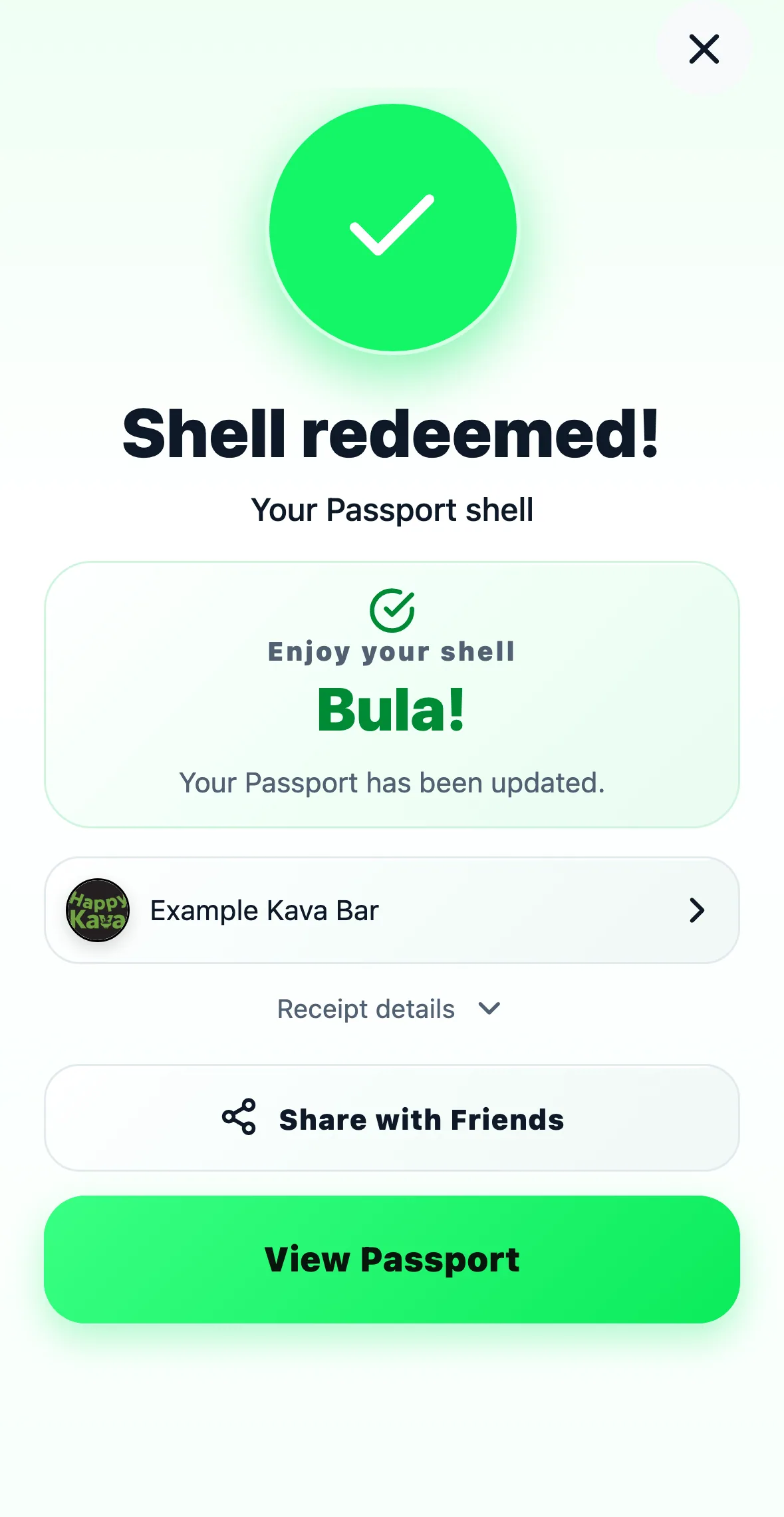
- Staff tap STAFF TAP TO REDEEM, then Continue. That redeems your shell and checks you in if you haven't already.
If location gets in the way
If you aren't already checked in, Continue still needs to confirm you're at the bar, so turn on location or check in first. If you've already redeemed at that bar this season, the offer now says so plainly instead of showing a generic error.
For bars
There's nothing to set up if your bar uses the default Staff Required redemption. Your team only needs one habit: if a guest hands you a phone showing STAFF TAP TO REDEEM, tap it, then Continue. Cancel uses nothing, so the shell is still there if someone changes their mind. Guests need the latest version of the app; older versions keep the old slide until they update.
Also improved
- "Already redeemed at this bar this season" replaces "Pass is not available right now".
- The same clearer message shows on staff screens.