If you're an owner, manager or kavatender at a kava bar on HappyKava, you now have an In The Biz pass in Wallet. Show it at other kava bars. Where a bar has set an industry discount in HappyKava, their staff confirm it on your phone in two taps.
Why we built it
Kava bar people go out to other kava bars too, and most bars already run their own industry deal. The catch is proving you're in the biz. A screenshot of a staff badge proves nothing, and nobody behind the bar wants to play detective.
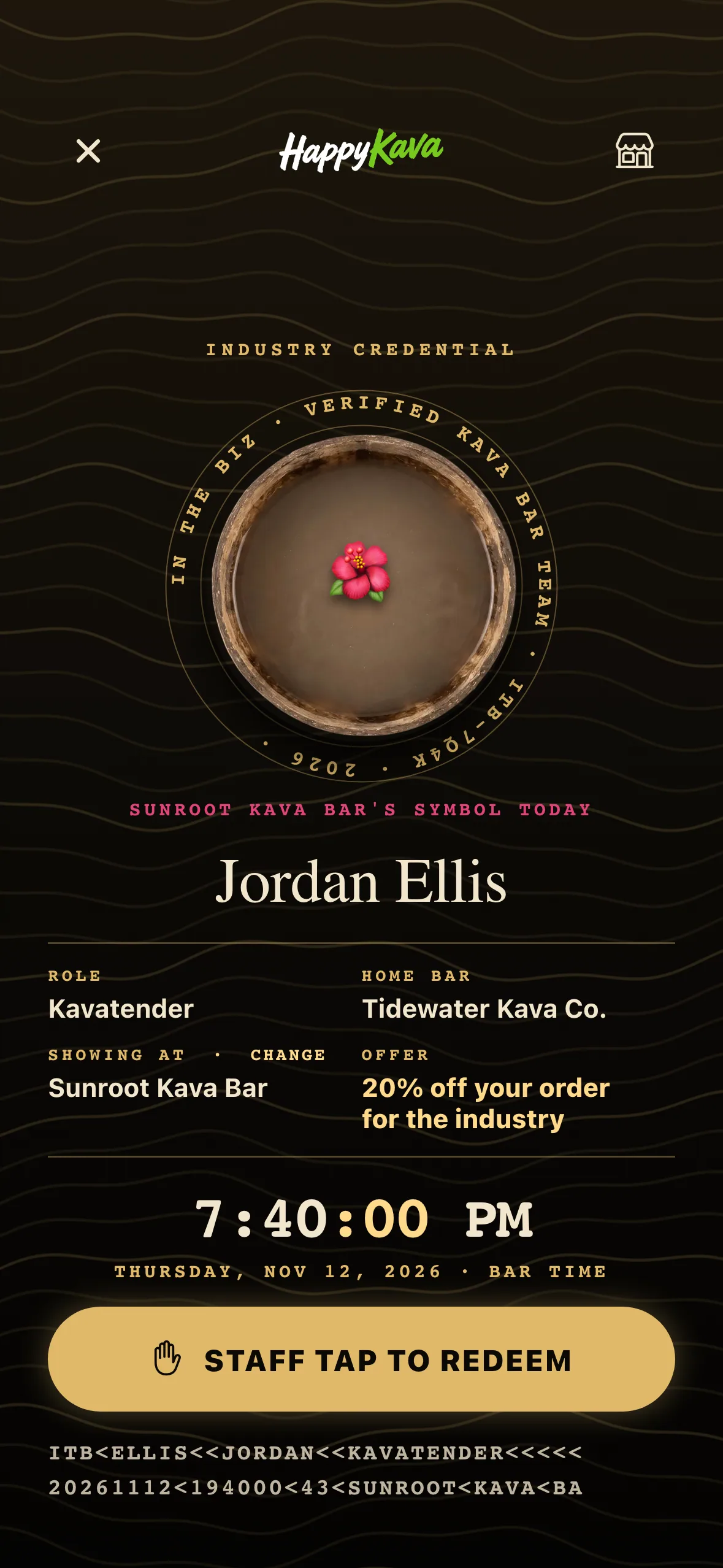
So the pass is made to be hard to fake: a live clock with seconds, gold lines that keep moving, and the host bar's symbol of the day, the same symbol that bar's staff already see on their own screens. A screenshot or a recording looks wrong within a couple of seconds.
What's on the pass
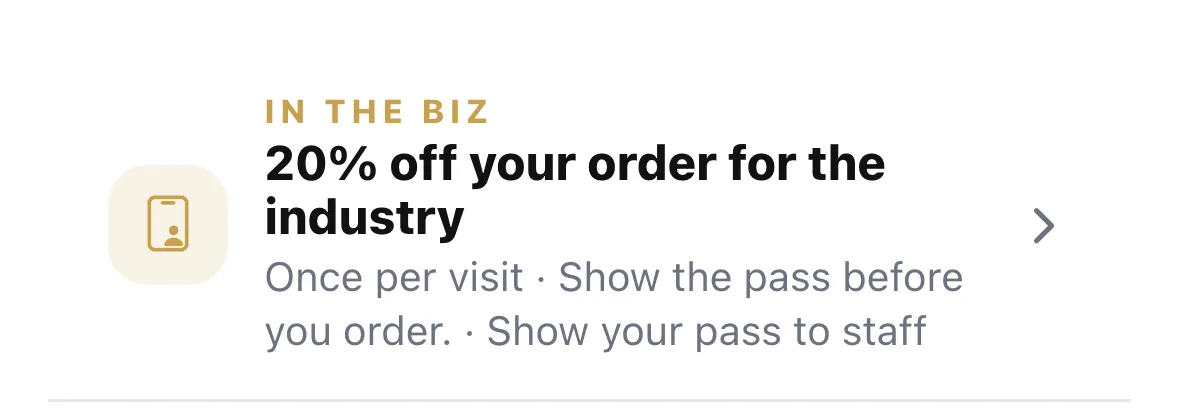
Your name, your role, your home bar and the bar you're showing it at. Checked in somewhere? It picks that bar. If not, tap Change next to "Showing at" and pick a bar nearby. When that bar has an In The Biz discount, it's right on the pass.
Two taps at the counter
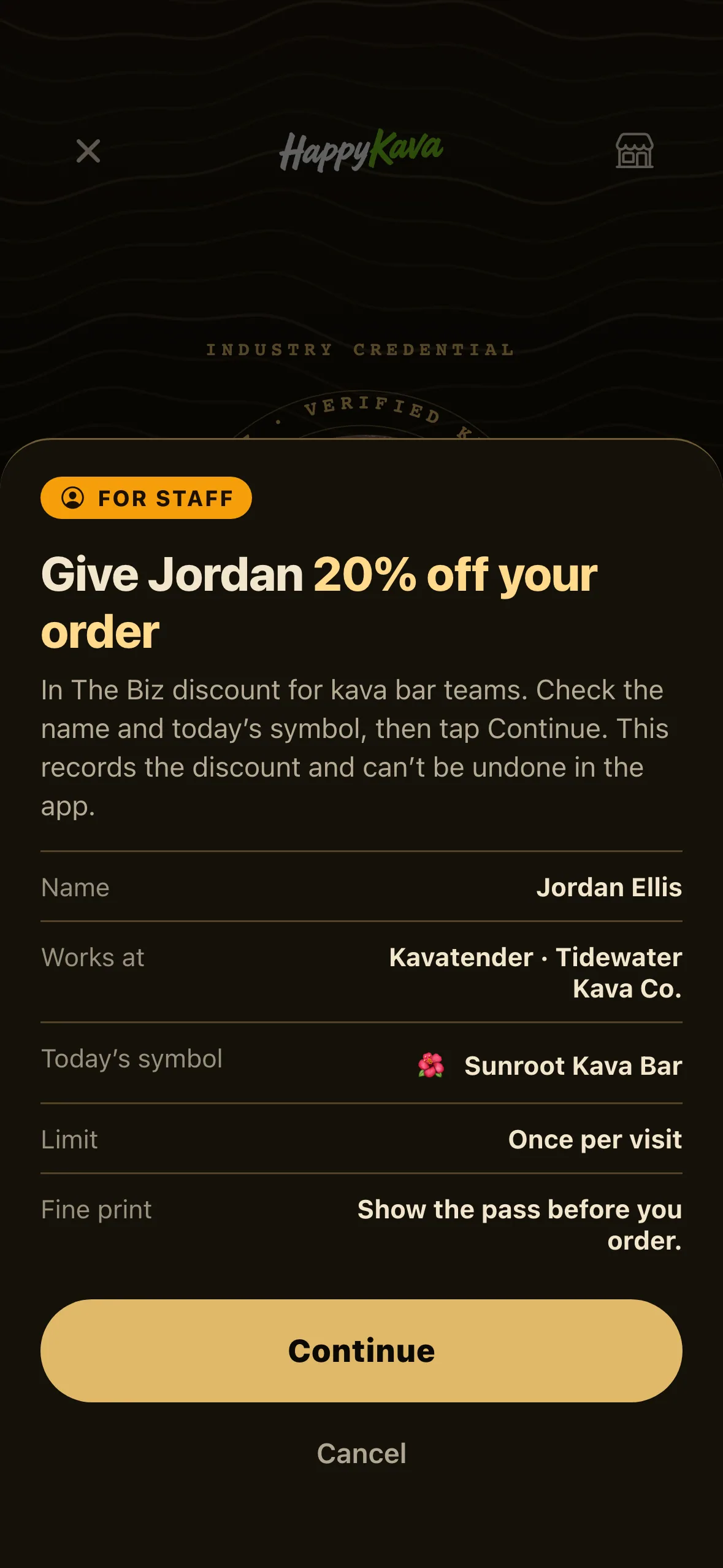
Hand your phone over. Staff tap STAFF TAP TO REDEEM, check your name and today's symbol, then tap Continue. That records the discount, so it can't be used twice in one visit (or one day, if that's the bar's rule).
At bars without a discount in HappyKava, the pass works on its own as proof you're in the biz.
Find the bars that do it
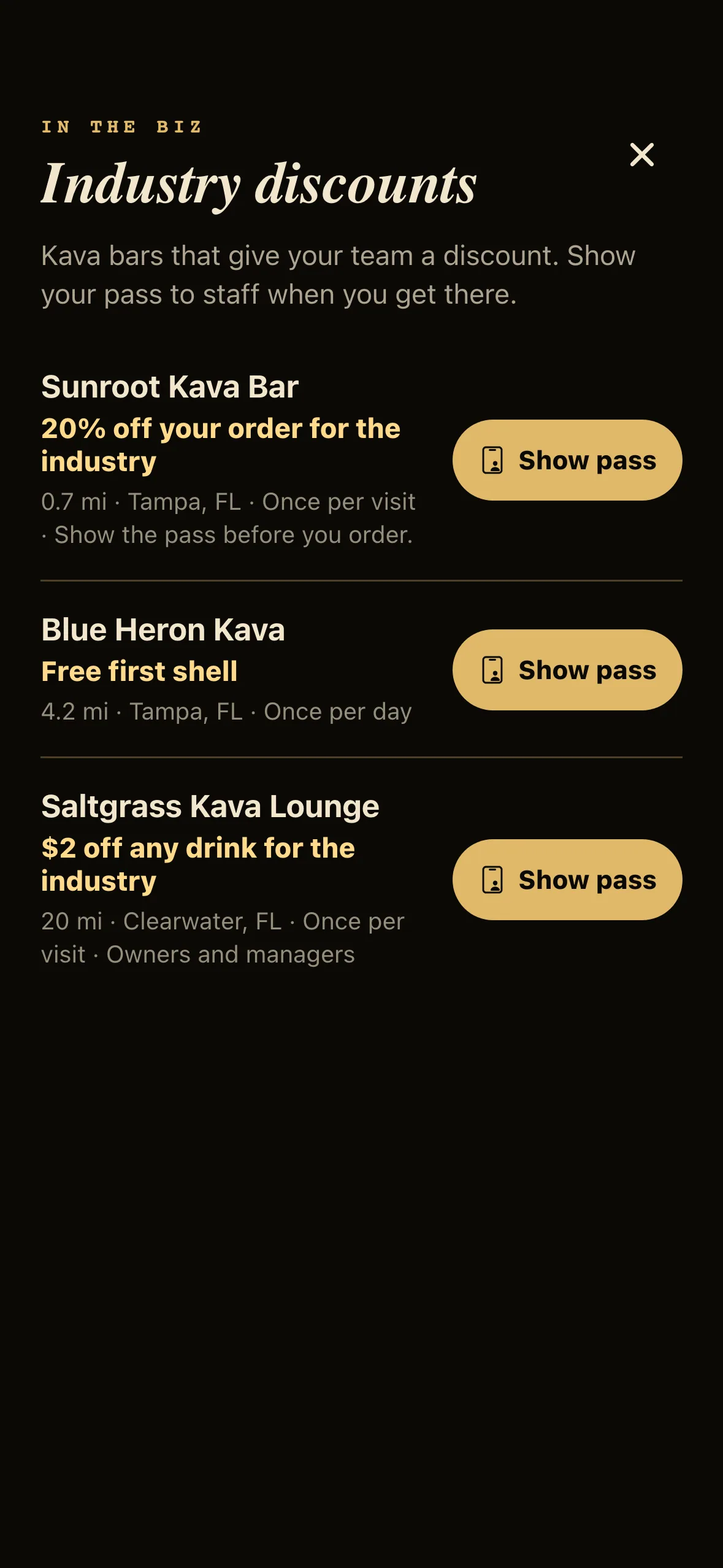
Tap the little storefront at the top of the pass for Industry discounts: the bars near you with an In The Biz discount, what you get and how often. Bar pages show it too, but only to pass holders.
For bars
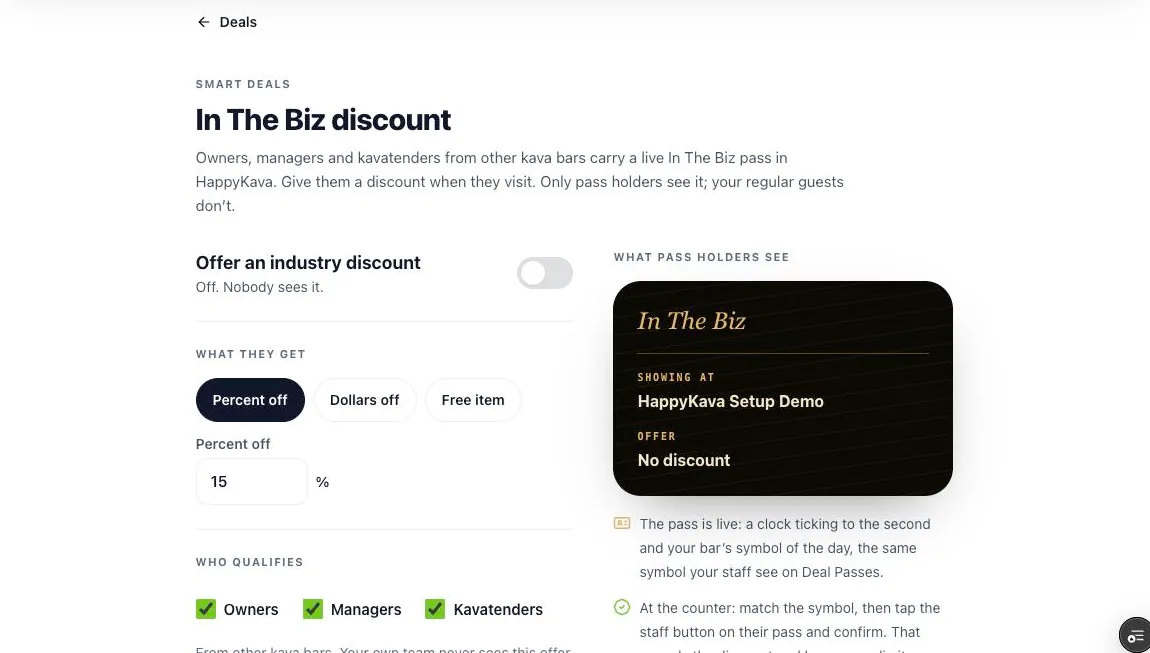
Set your own industry discount in Deals › Smart Deals › In The Biz discount, in the dashboard or the owner app: percent off, dollars off or a free item, which roles qualify, once per visit or once per day, and a line of fine print. You'll see how many times it's been used. Your own team never sees your discount, only other bars' teams do.
Where to find it
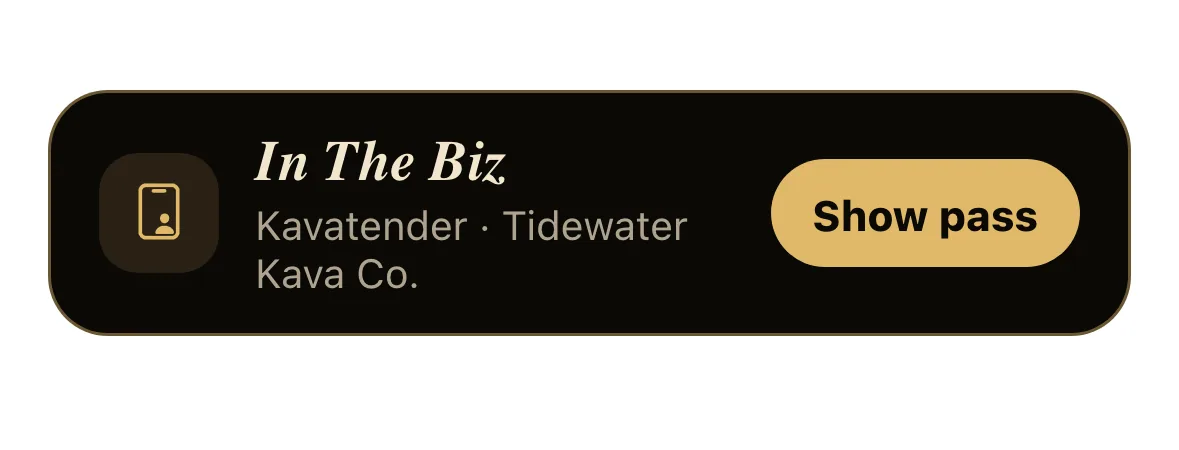
- In the app: Wallet › In The Biz (it sits at the top for owners, managers and kavatenders).
- In the dashboard: Deals › Smart Deals › In The Biz discount.
Also improved
- The pass keeps your screen awake while it's open.
- The symbol of the day refreshes when the bar's day turns over.
- If a discount was already used, staff get a plain "already used" message, not an error.
- "Once per day" follows the bar's day, so a visit that runs past midnight still counts as one.