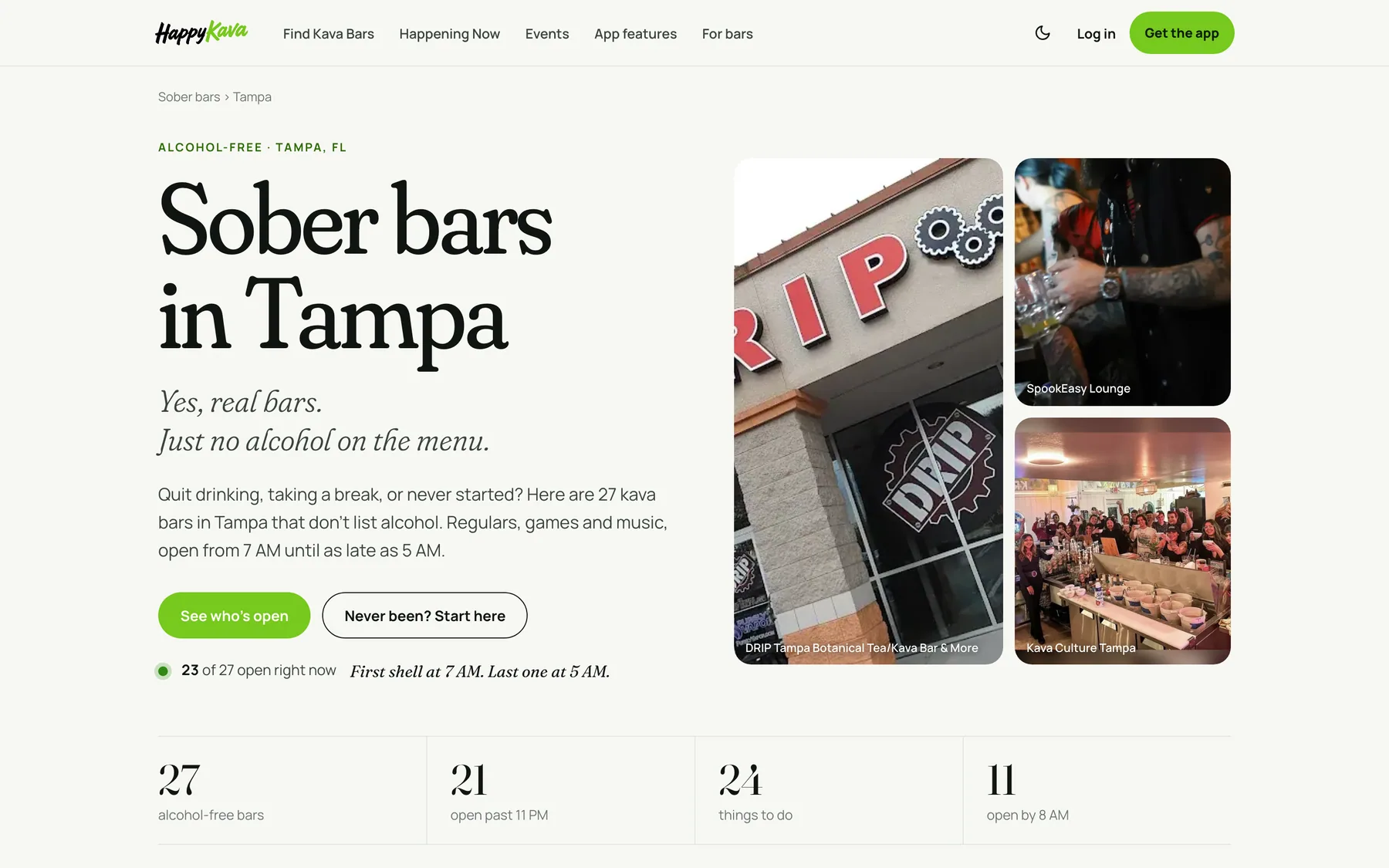

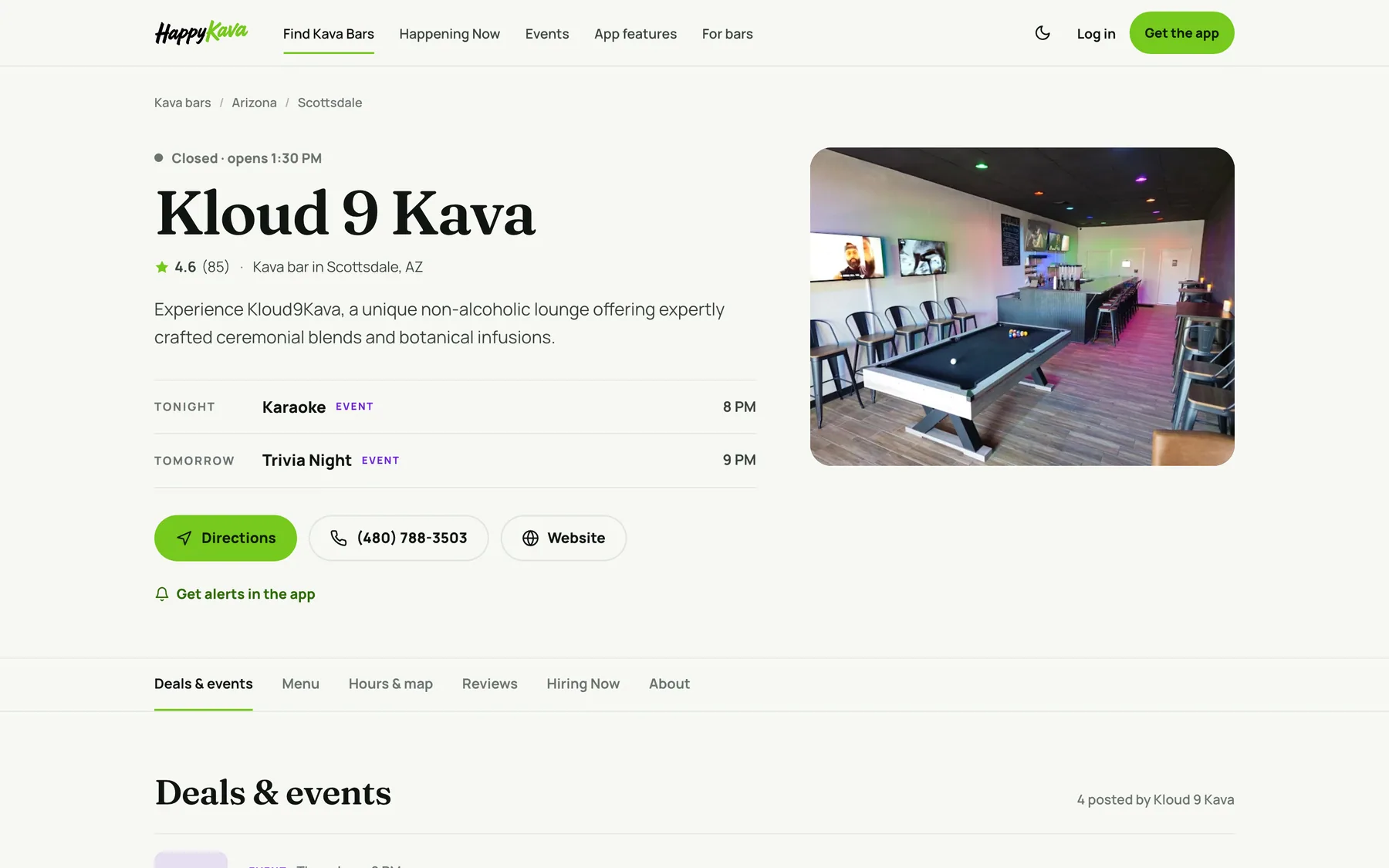
When your bar has an open job, your bar page on happykava.app now gets a Hiring Now tab that leads straight to it. And you can put your hiring flyer on the job itself, so people see the same poster that's taped to your front window.
Why we built it
The people who already love your bar are often the ones who'd love to work there, and they already know your bar page. But a job post lived only on the jobs board, so someone checking your hours had no idea you were looking for a kavatender. And Printables has had Now hiring flyers since October, but there was nowhere to put one on the job post.
So we joined them up. The people who already like your place can see you're hiring, and the job page can look like your bar instead of a plain form.
Hiring Now on your bar page
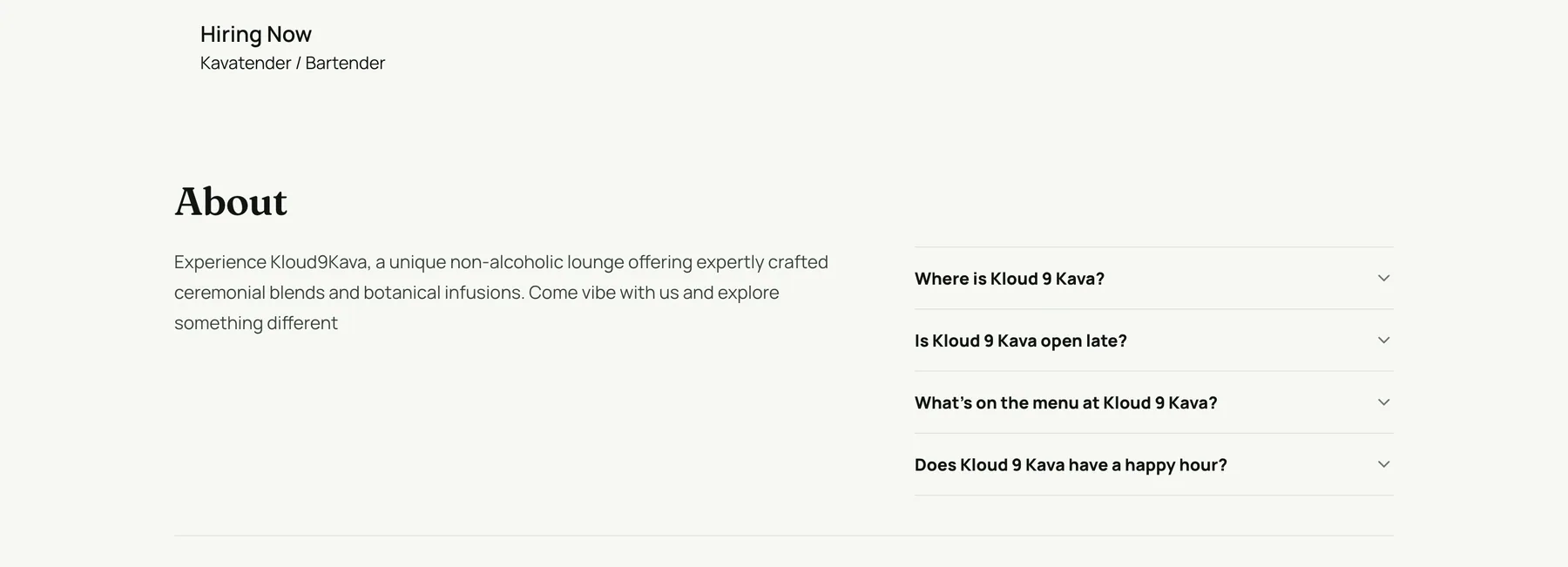
As soon as a job is live, Hiring Now shows up in your bar page's tabs, and its section lists every open role with a link to each one. When the last opening closes or runs out, the tab goes away by itself. There's nothing extra to set up.
Your flyer on the job page
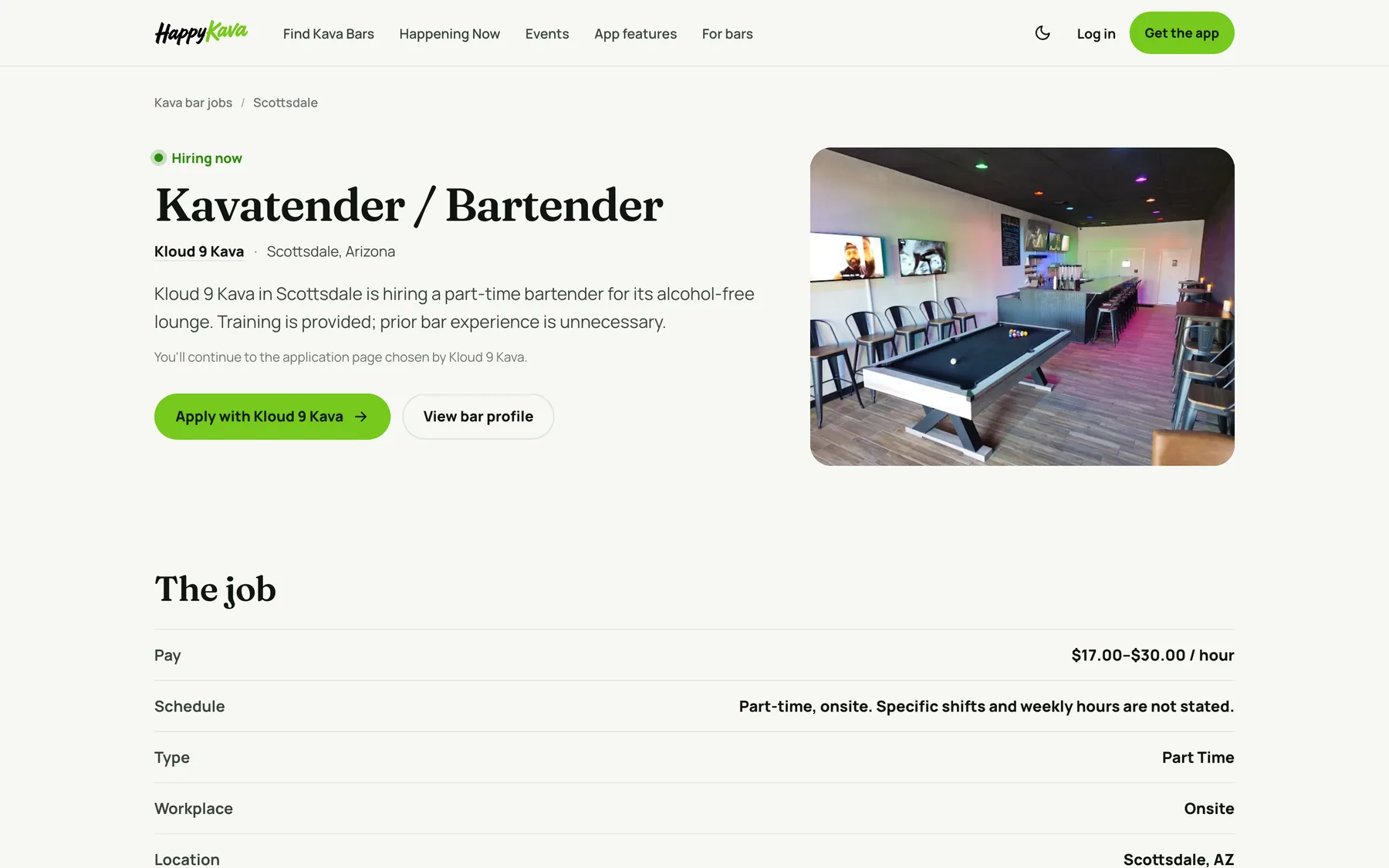
Open a saved job and you'll find Hiring flyer at the top. Add a JPG, PNG or WebP up to 5 MB and it saves right away. It shows in full on the job page, right under the description, while the job is open, so every detail on it stays readable. You can replace it or remove it any time.
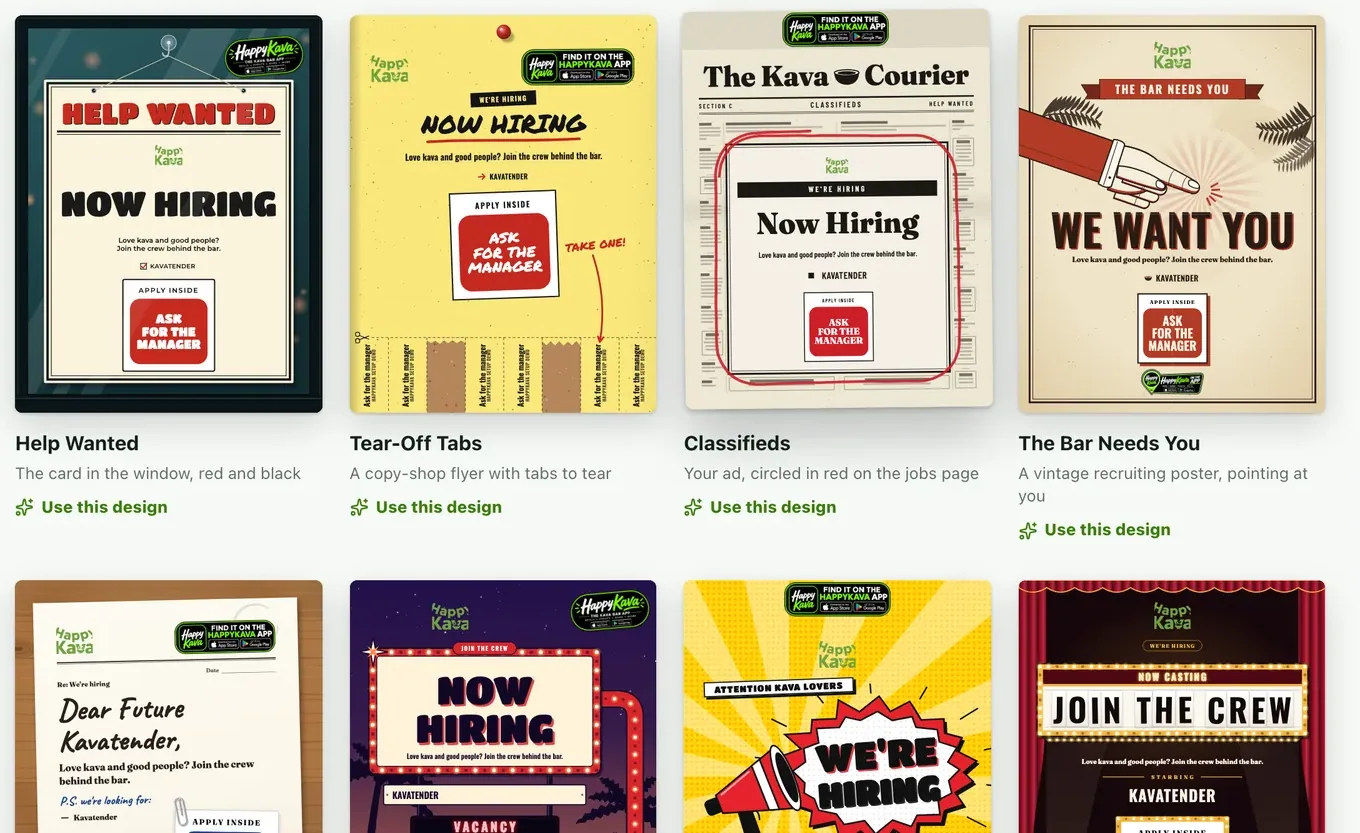
Don't have a flyer? Printables has a whole Now hiring style, from Help Wanted to Tear-Off Tabs. Make one, save it as an image, and add it to your job.
And the jobs board
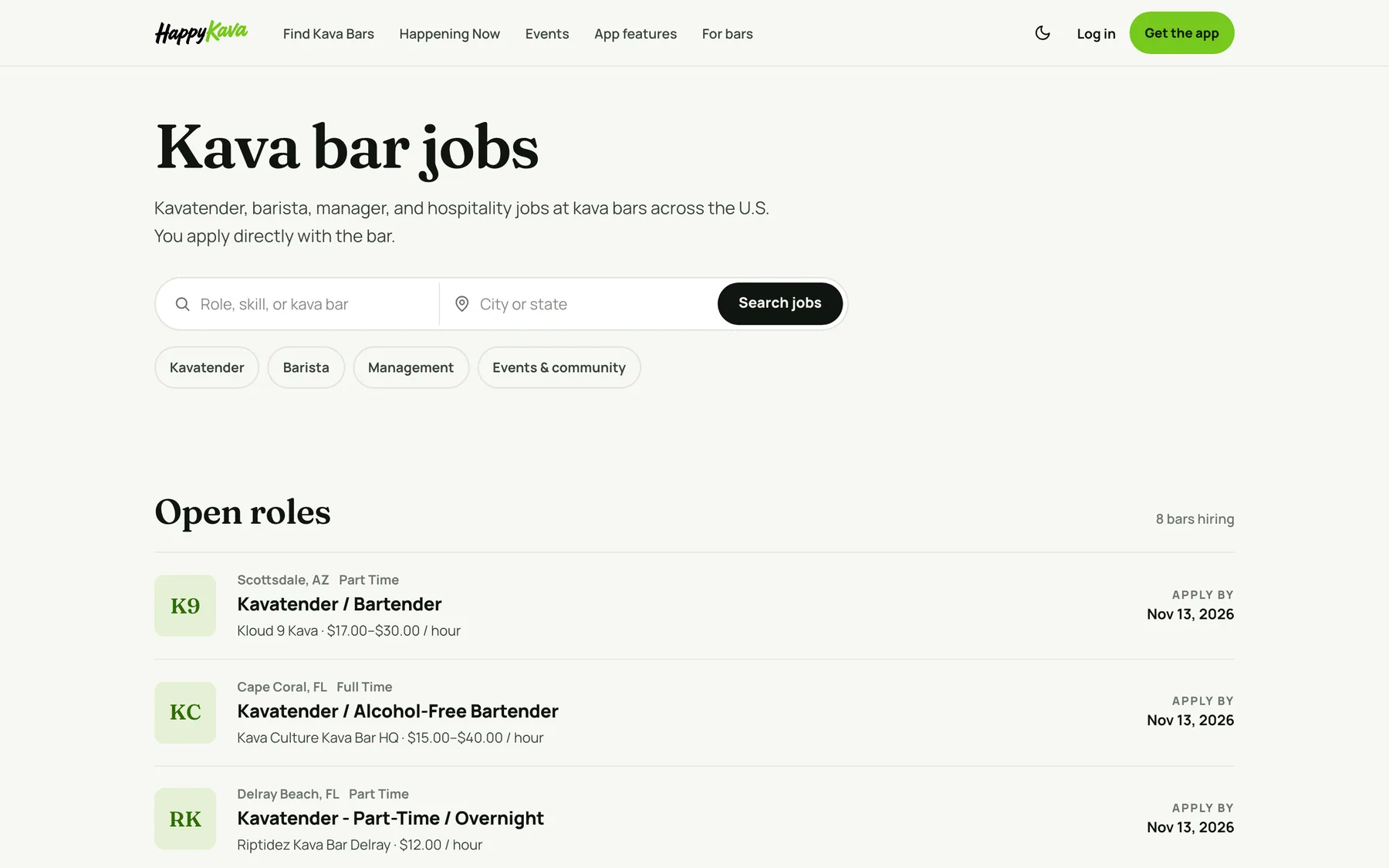
Every open role also sits on the kava bar jobs board at happykava.app/kava-bar-jobs, where people can search by role or city. Applicants apply directly with your bar.
Where to find it
- Post a job: in the dashboard, Growth › Jobs › Create a job posting, then Save and publish.
- Add the flyer: open the saved job and use Hiring flyer at the top.
- See it live: your bar page on happykava.app, under Hiring Now.
Also improved
- Published jobs have a View link in the dashboard, so you can check the live page in one tap.
- If a flyer image ever fails to load, the job page simply shows without it.
- A job's flyer only shows while the job is open.