
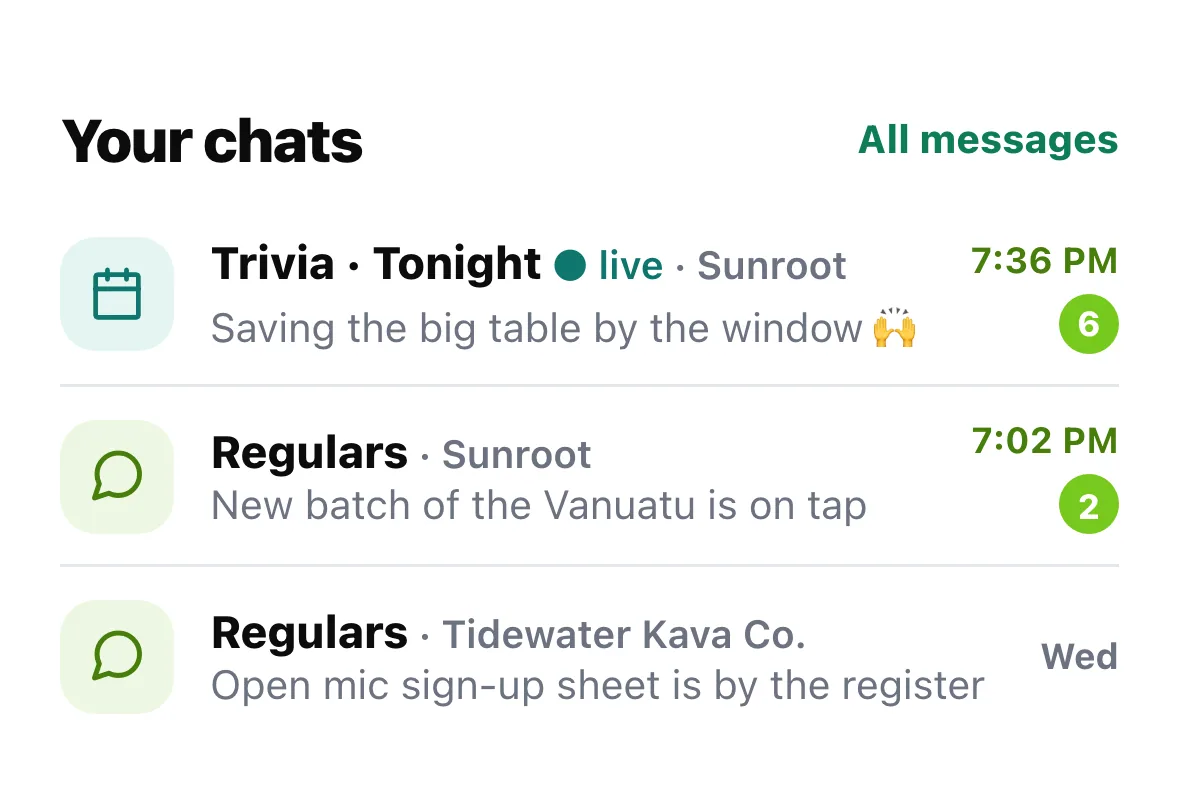
Kava bars can now run more than one group chat: the everyday Regulars chat, a chat for one night of an event, and a Team chat for staff. The chats you're in show up on Home, under your Home Bar, so you don't have to dig for them.
Why we built it
The bar that asked us for this was running three Telegram groups: one for the team, one for members and one for regulars. They wanted all three on HappyKava, next to everything else. And on trivia night, the crowd asking "who's saving a table?" isn't always the same crowd as the everyday regulars.
So a bar's chats now live together, and each one has the right people in it.
Your chats, right on Home
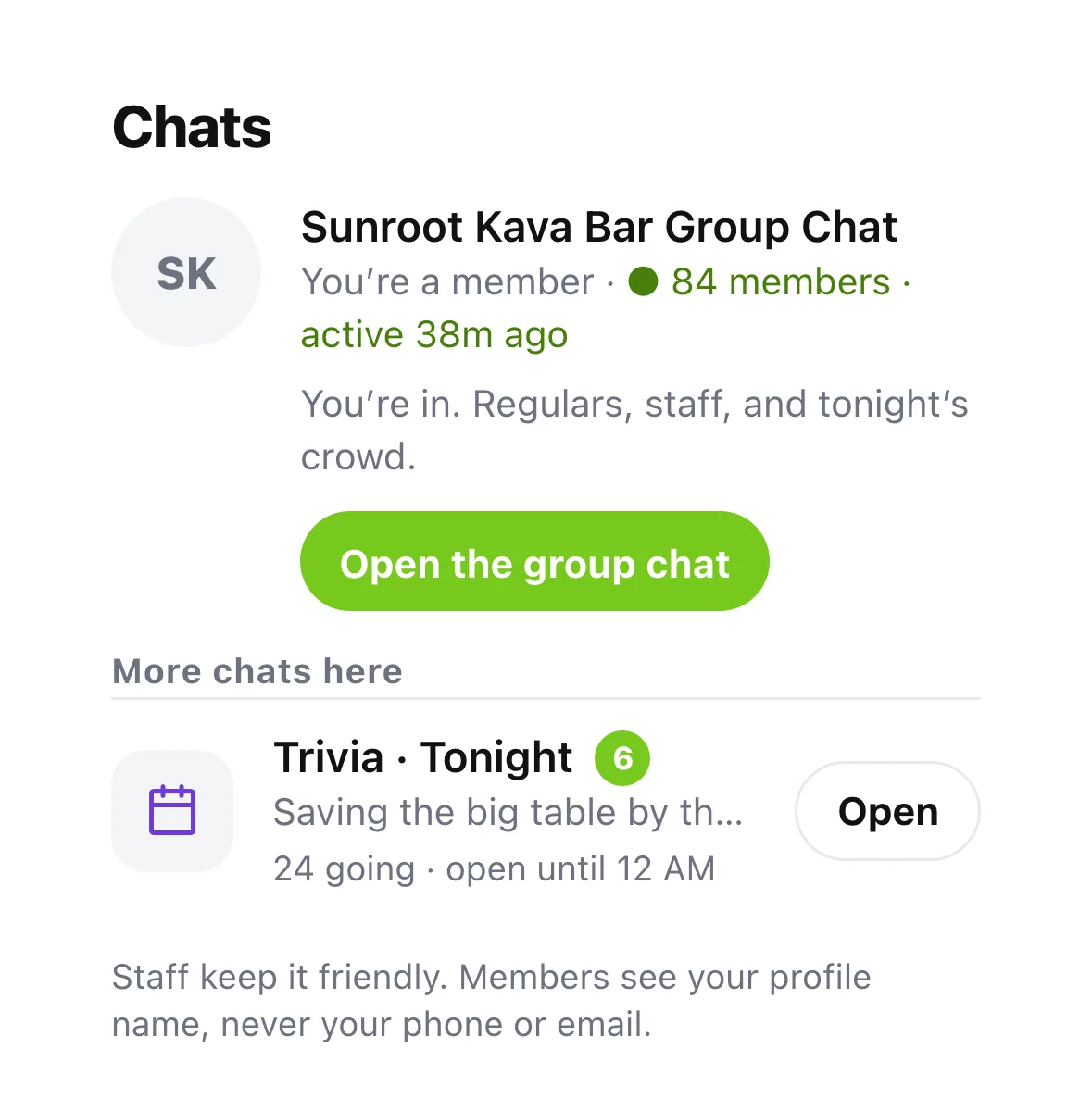
Under your Home Bar card there's a Your chats section with up to three of your group chats, from any bar. Tonight's open event chat goes first, then anything unread, then the latest. Tap a row to jump in, or All messages for the rest.
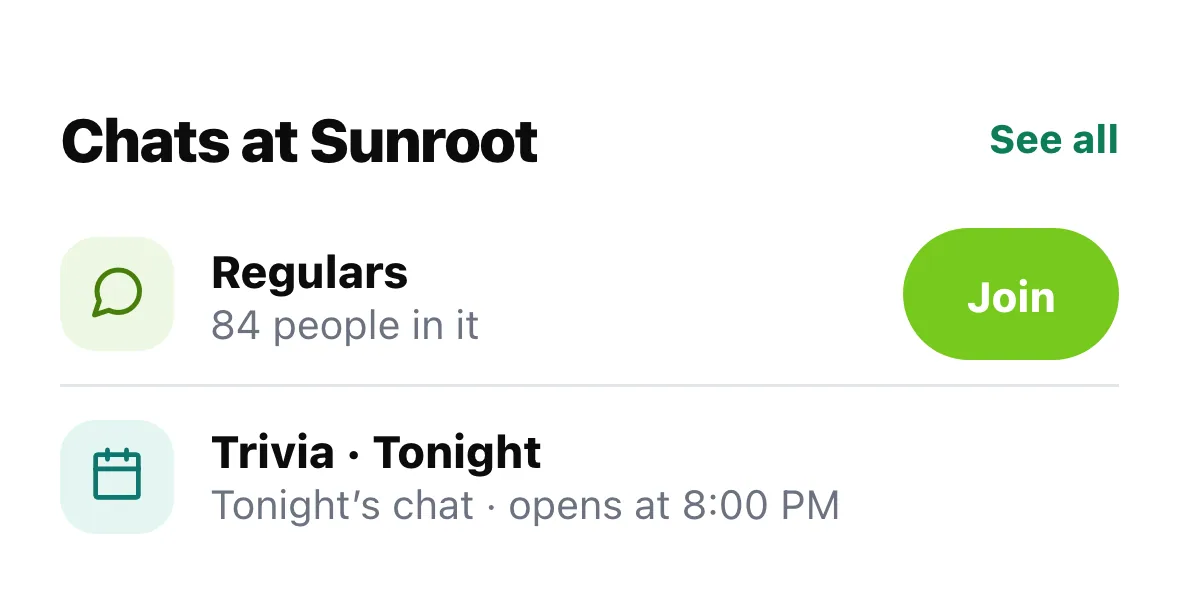
Not in any chat yet? Home shows the chats at your Home Bar instead, with a Join button for Regulars and tonight's chat with when it opens.
A chat for tonight
When a bar opens a chat for an event ("Trivia · Tonight"), it opens a little before the event starts and goes quiet after it ends. It's for people with a ticket or RSVP, and usually anyone who checks in while it's open. That's where you find a team, save seats and hear "we start in ten minutes". When a bar turns it on for a weekly event, each week gets a fresh chat.
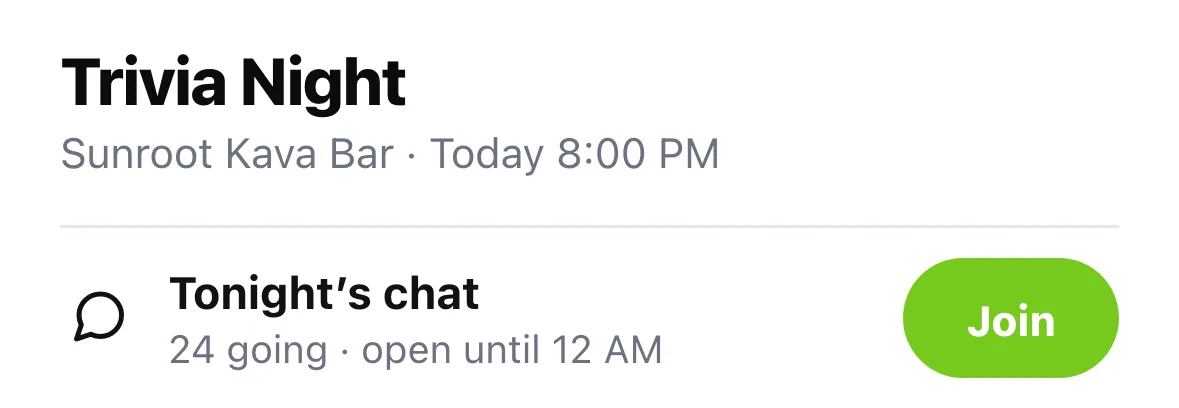
You'll find it on the bar's page under Chats, and on the event itself as Tonight's chat.
For bars
Group Chat in the dashboard now opens on a Chats hub, with a column per chat and a Needs you list. With Pro you can add a Team chat (your whole staff goes in, guests never can), a chat for any event (one date, or every time it repeats), and a VIP chat if you run a membership. Send to chats posts one message to up to three chats at once, and a move guide helps you bring a Telegram group over with its own join link. Your Regulars chat works on Verified and up, same as before.
Where to find it
- In the app: Home › Your chats, or a bar's page › Chats. Event chats also sit on the event.
- In the dashboard: Group Chat › Add a chat.
Also improved
- Each chat has its own notification setting: Everything, Staff posts and @me, or Off.
- A bar with two or more of your chats shows as one row in Messages, with its chats tucked under it.
- Inside a chat, tabs at the top let you hop between that bar's chats.
- If a bar has house rules, you see them before you join.