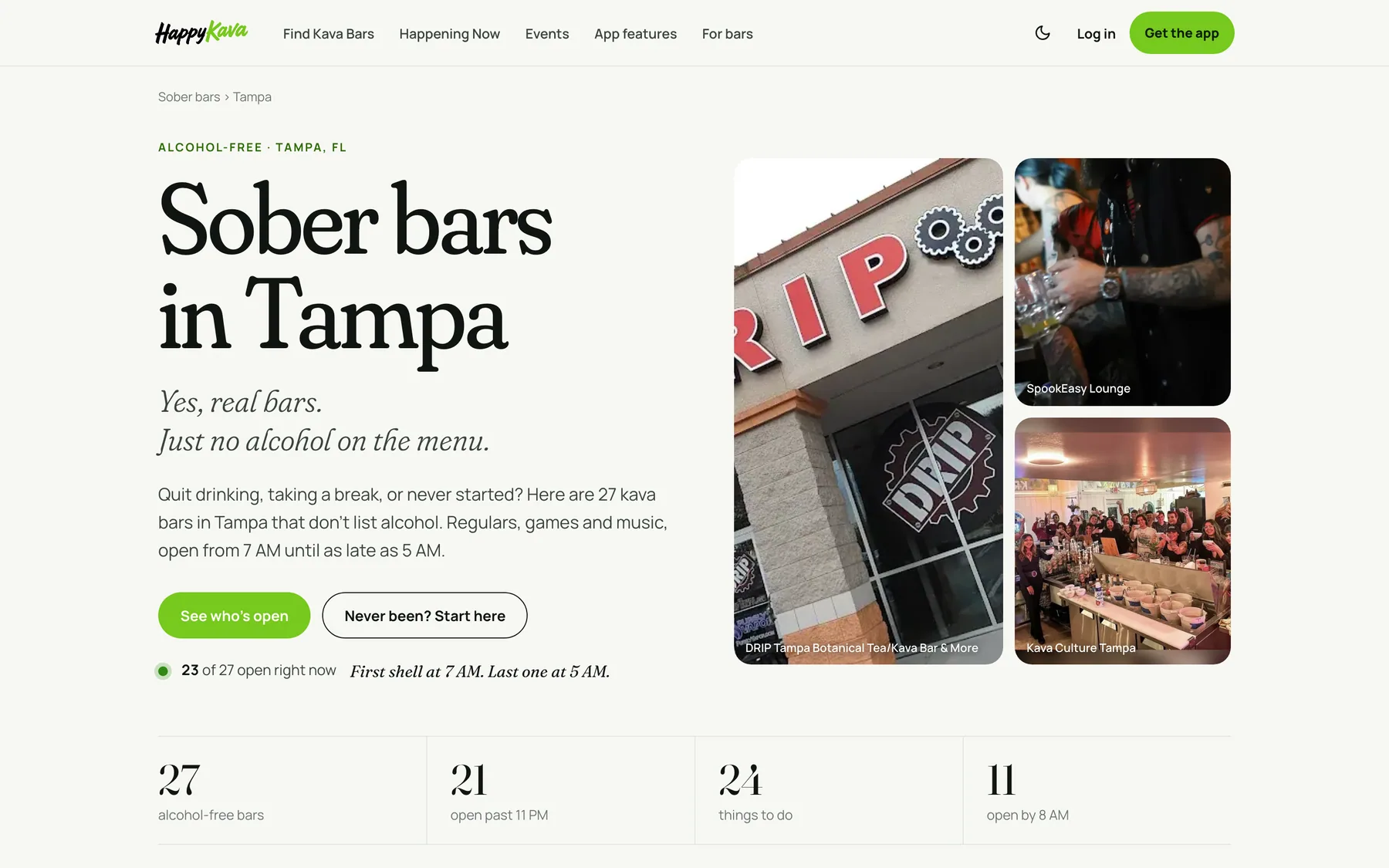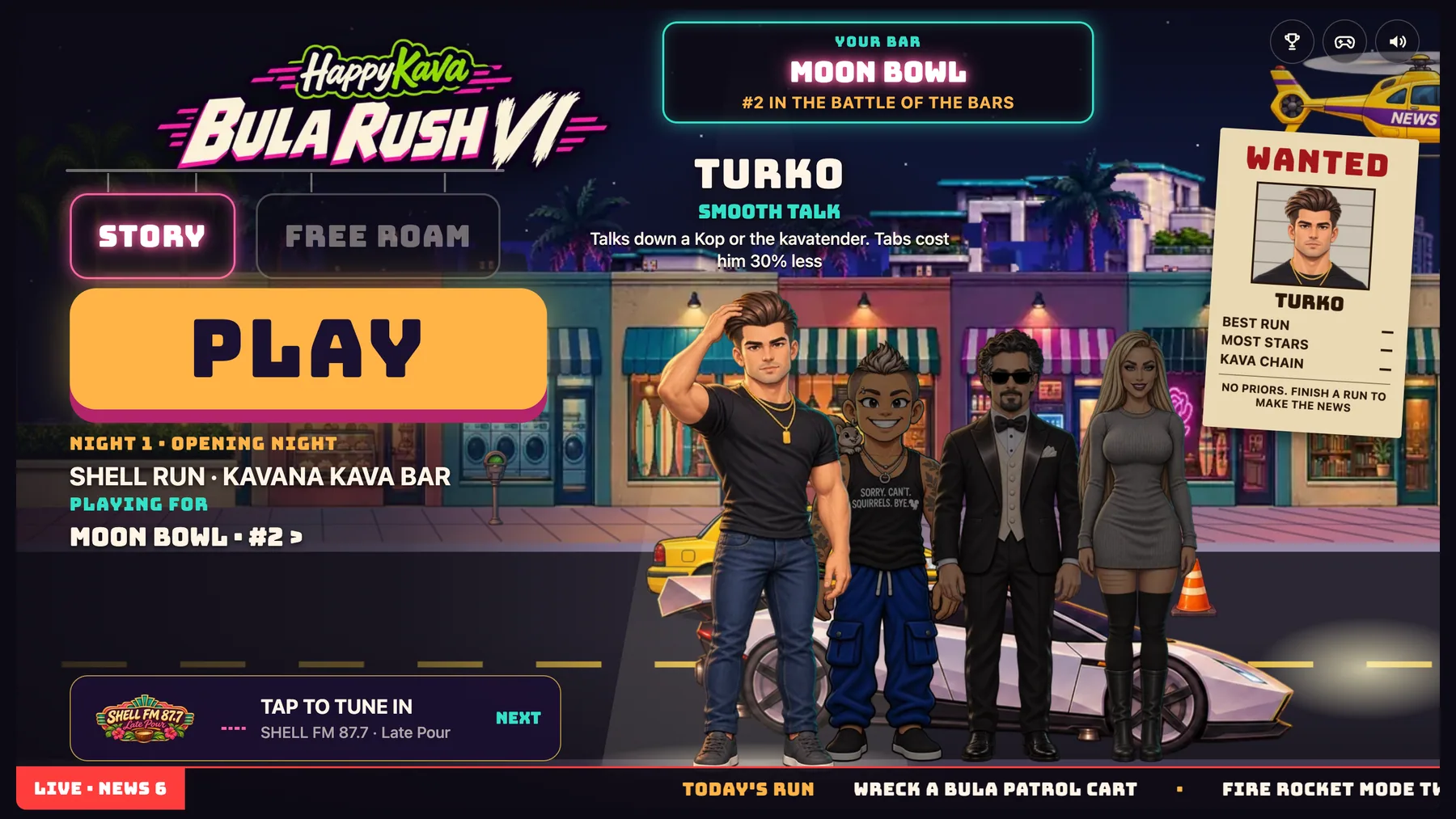

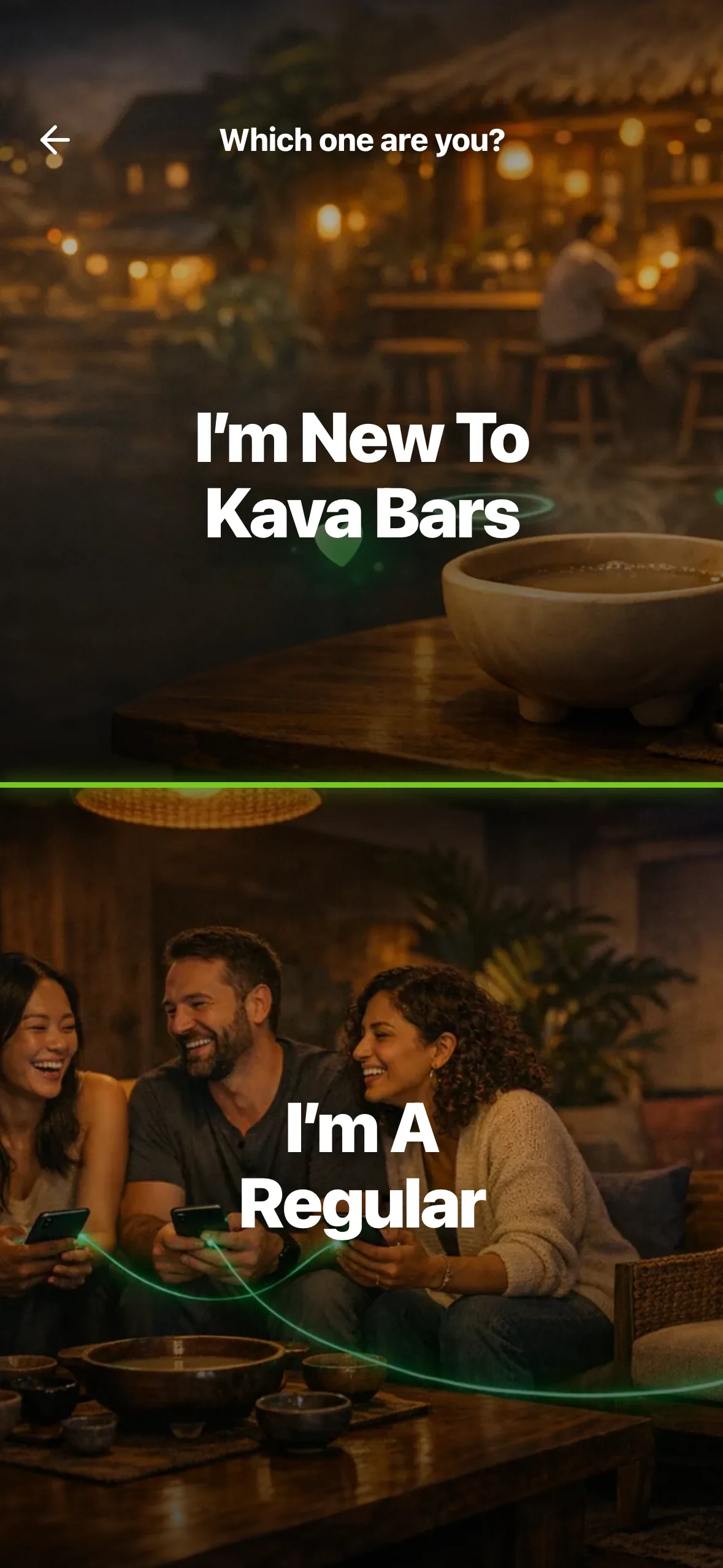
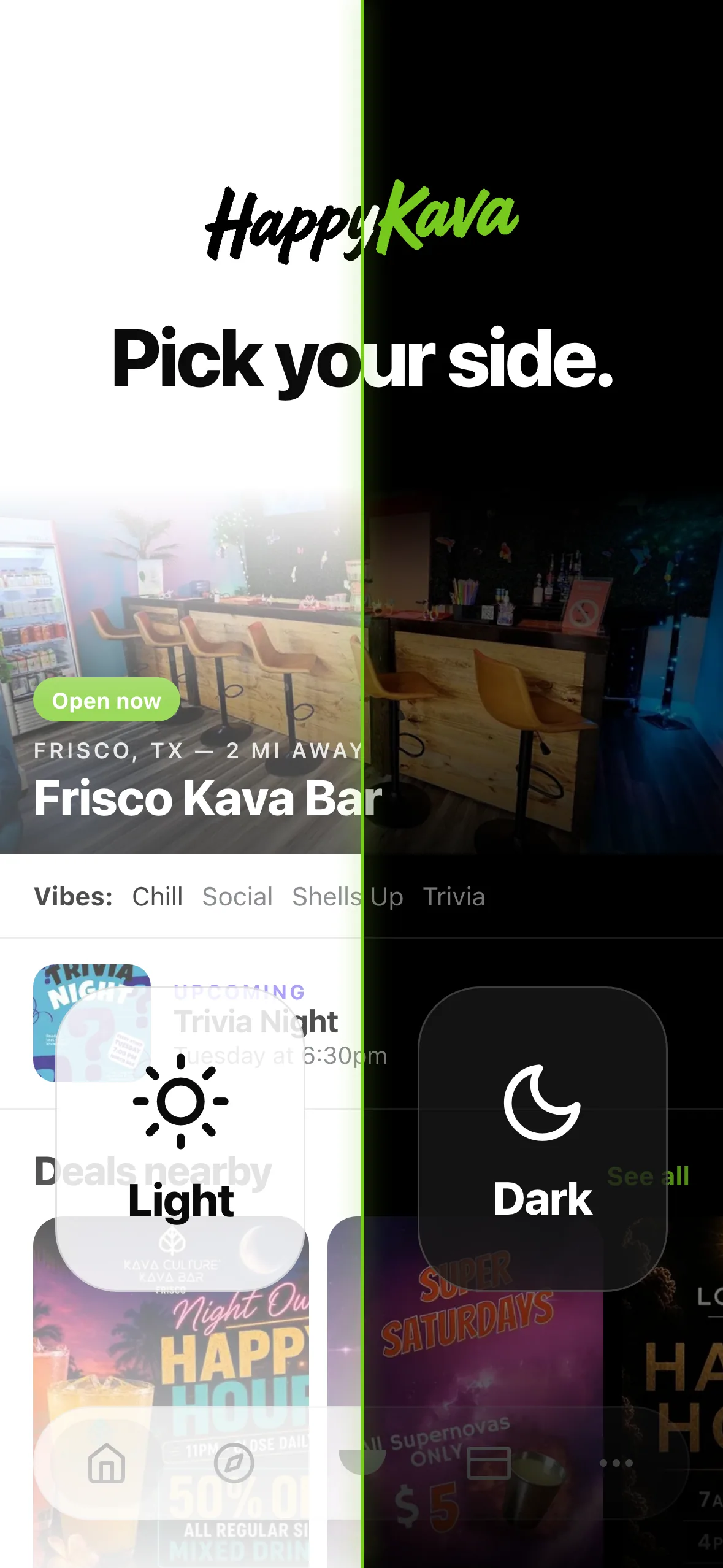
Open HappyKava for the first time now and it walks you in, one question at a time: light or dark, where you are, and whether you're new to kava bars or a regular. Then a small card on Home offers a quick tour of the app, whenever you feel like it.
Why we built it
We watched new people open the app at kava bars. It was too much at once: they skipped right past "What brings you by?" and tapped whatever was in reach, just to get through. That's on us, not them. A first open should feel like someone saying hi at the door, not like a form.
So we started again, with fewer words, bigger choices and one thing per screen.
Pick your side
The very first screen is a little copy of Home, split down the middle. Tap the side you like and the whole app follows. You'll see where the sun and moon button lives, so you can switch later.
Next, a globe spins up and asks where you are. Tap Find Kava Bars Near Me, pick a city, or browse all of them. The location question only shows up after you tap, and saying no never locks you out.
Two doors
Then comes the fun part. I'm New To Kava Bars gets you a "Good. Pull up a stool." and a short crash course on Home: what kava is, how to order, and the bar you're at (or the closest ones open). I'm A Regular shows what the app can do, with tiny previews, so you can pick what you're into. Not sure? All of the Above works, and so does picking nothing.
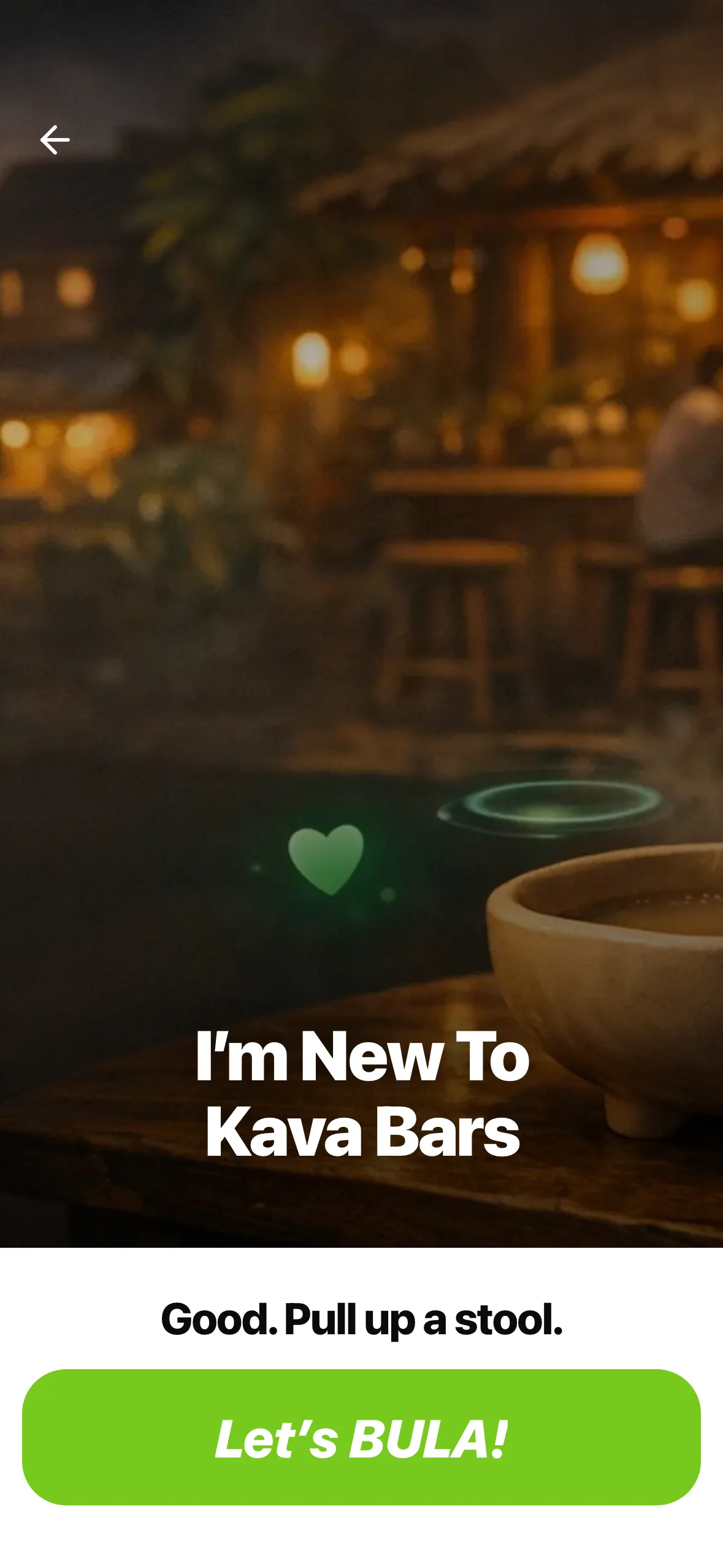
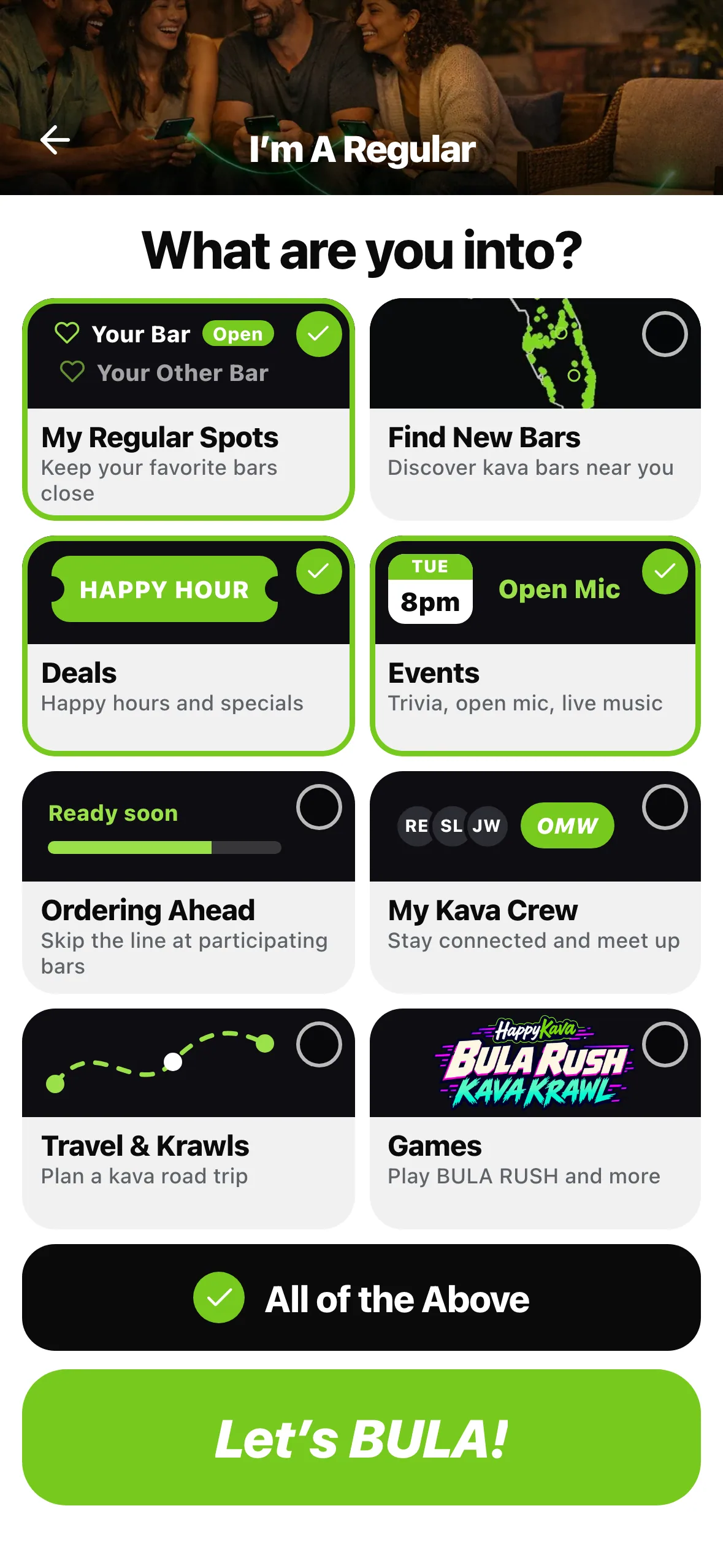
Both doors end on the same button: Let's BULA! Shells fly, it says "Shells up!" then "BULA!", and you're on Home.
A tour when you want it
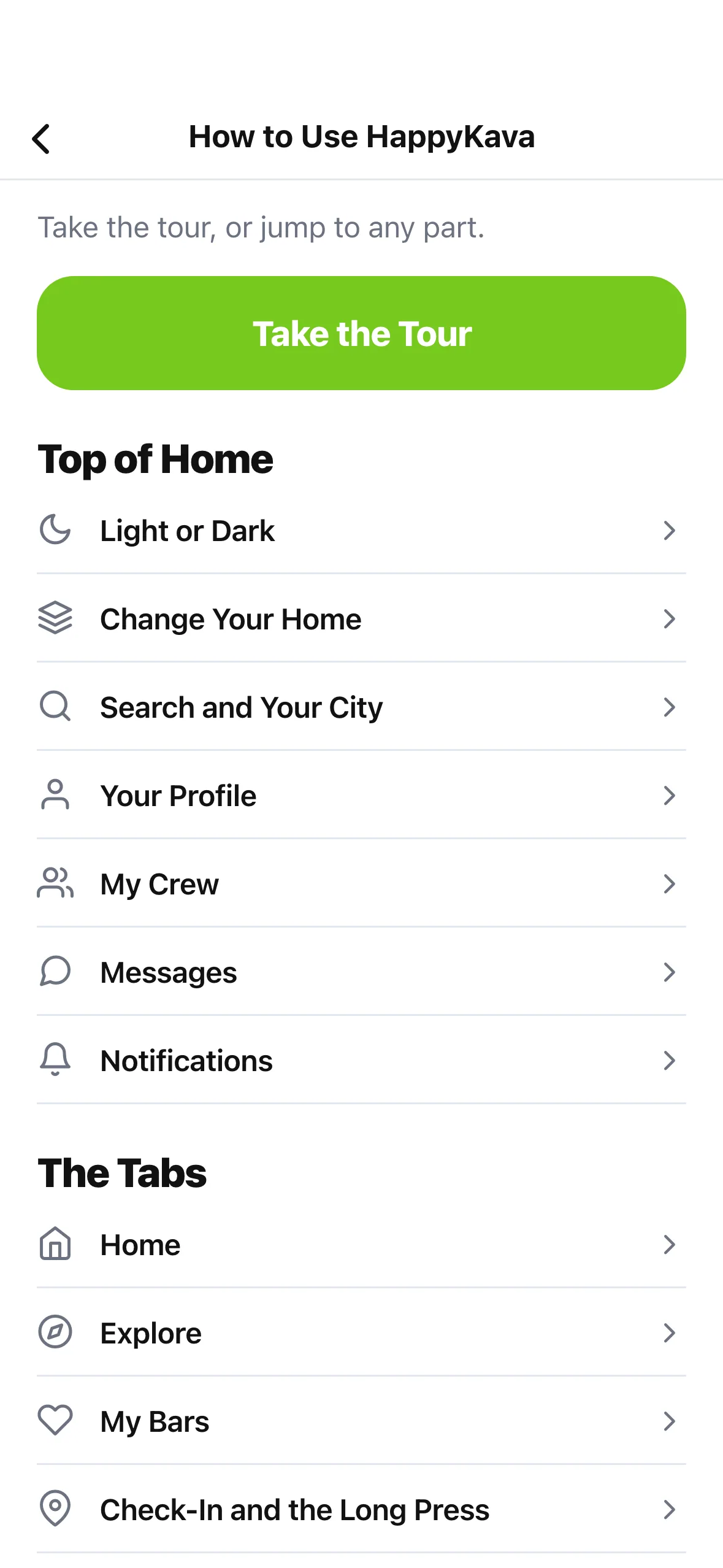
Everyone gets a small Learn the app card on Home, new installs and long-time users alike. Tap it and the tour lights up the real buttons one at a time: light or dark, Home modes (you actually try the press and hold), search, the top row, your tabs, Check-In and More. Tap Later and the card becomes Keep going, right where you left off.
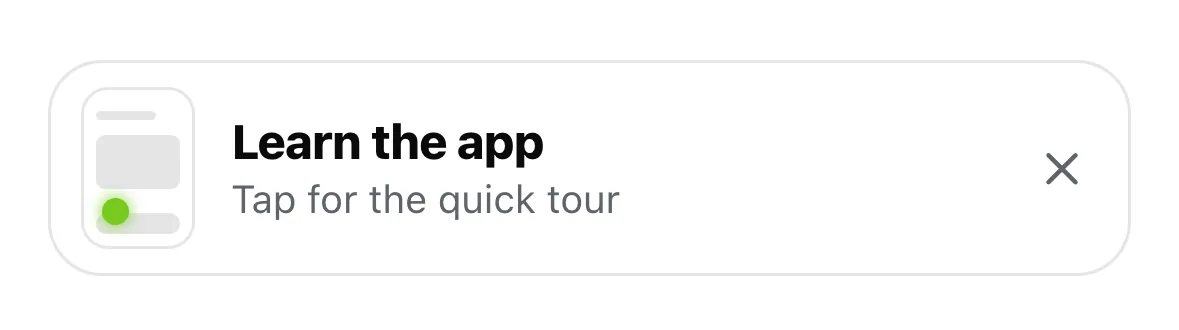
Done with the card? Tap the X. The whole tour, and each part on its own, lives in More as How to Use HappyKava.
Where to find it
- New install: it starts on its own.
- The tour: the Learn the app card at the top of Home, or More › How to Use HappyKava any time.
Also improved
- Sign-in and sign-up now match the app: true black in dark mode, white in light.
- If you already picked light or dark on the first screen, the tour skips that stop.
- With Reduce Motion on, the globe holds still and the tour shows each stop without the animation.
- New to kava bars? Home holds the ads back while your crash course is on screen.